Discover how AI is revolutionizing cycling and running. Learn to use Gemini to build personalized training plans, track recovery, and optimize performance.
Beyond the Finish Line: How AI is Revolutionizing Cycling and Running Training
We’ve all been there. You staring at your training log, wondering if you should push harder or take a rest day. Usually, we rely on gut feeling or a generic PDF plan. But what if you had a digital coach that understood your body better than you do? That’s exactly what’s happening right now with AI for cycling performance and running.
The Intersection of AI and Endurance Sports
Artificial intelligence isn’t just for coding or writing emails anymore. For endurance athletes, it’s becoming the ultimate sidekick. By processing massive amounts of data from your heart rate, sleep patterns, and power output, AI can spot trends that a human eye might miss.
Whether you are training for your first 5K or a grueling mountain century ride, artificial intelligence for athletes acts as a bridge between “working hard” and “working smart.” It’s about moving away from “one-size-fits-all” plans and toward a system that adapts to how you actually feel each morning.
Benefits of Using AI for Training Optimization
Using AI feels like having a sports scientist in your pocket. Here are four ways it changes the game:
1. Data-Driven Recovery Tracking
Overtraining is the enemy of progress. AI tools analyze your Heart Rate Variability (HRV) and sleep quality to tell you exactly how recovered you are. If your recovery score is low, the AI suggests an easy spin instead of intervals.
2. Personalized Workout Scaling
Traditional plans are rigid. If you miss a Tuesday workout, most plans break. An AI fitness coaching system recalculates your entire week instantly, ensuring you still hit your goals without burning out.
3. Predictive Performance Modeling
Ever wonder what your marathon time might be based on your current fitness? AI uses machine learning in sports to predict your race times and power peaks, helping you set realistic, yet challenging, goals.
4. Real-time Adjustment to Environmental Factors
Heat, humidity, and elevation change how your body performs. AI can adjust your target paces or power zones based on the weather forecast, so you don’t blow up halfway through a summer ride.
How to Use Gemini AI to Plan Your Training
You don’t need a PhD to use Gemini AI for runners and cyclists. It’s as simple as having a conversation. Here is how to get started:
Setting Your Performance Goals
Start by telling the AI exactly what you want. Instead of saying “I want to get fast,” say “I want to finish a 100km cycling sportive in under 4 hours.” Specificity is the secret sauce for personalized workout prompts.
Inputting Historical Workout Data
The AI is only as good as the info you give it. Copy and paste your last two weeks of stats from Strava or Garmin. Mention your average heart rate, your FTP (Functional Threshold Power), and how many hours you can realistically train.
Generating Weekly Cycling or Running Schedules
Ask Gemini to create a table. You can say: “Generate a 4-week running training plan AI-powered schedule for an intermediate runner aiming for a sub-2 hour half-marathon.” It will lay out your intervals, long runs, and rest days clearly.
Refining the Plan Based on Feedback
The best part? You can talk back to it. If a workout felt “too easy,” tell Gemini. It will ramp up the intensity for next week. This feedback loop creates a virtual cycling coach experience that evolves with you.
Essential AI Tools for Cyclists and Runners
Beyond general AI like Gemini, specialized cycling tech trends are leaning heavily into automation:
- Generative AI (Gemini/ChatGPT): Best for custom planning and mental strategy. Use fitness technical prompts to build your season calendar.
- Smart Wearable Integrations: Devices like WHOOP, Oura, or Garmin now use AI to provide “Body Battery” scores and readiness insights.
- AI-Powered Route Optimization: Apps like Strava (Route Builder) and Komoot use machine learning to suggest the best paths based on what other athletes actually ride.
- Recovery Software: Tools like Wild.AI or HRV4Training help female and male athletes tune their training to their unique biological rhythms.

The Role of AI Visuals in Athlete Branding
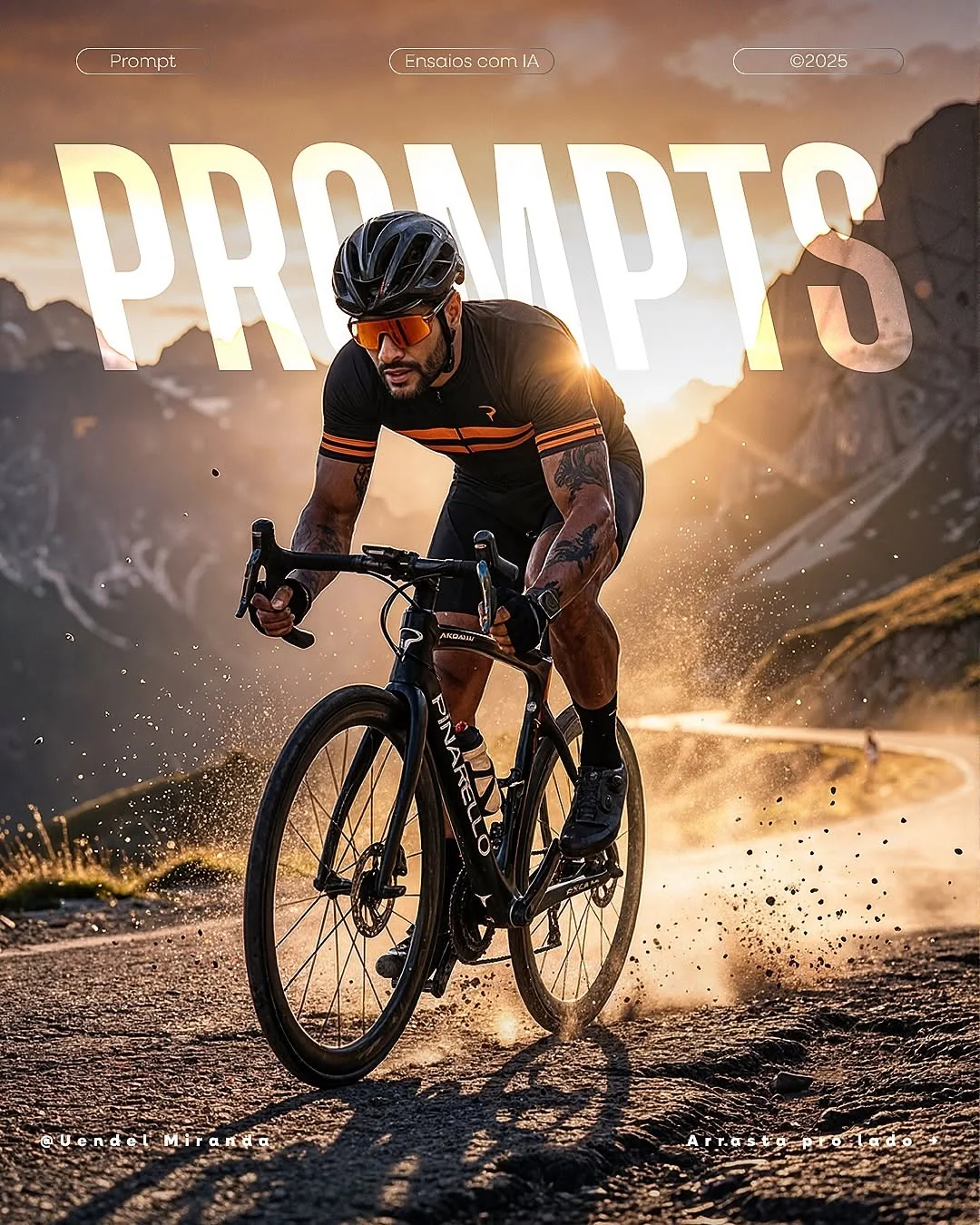
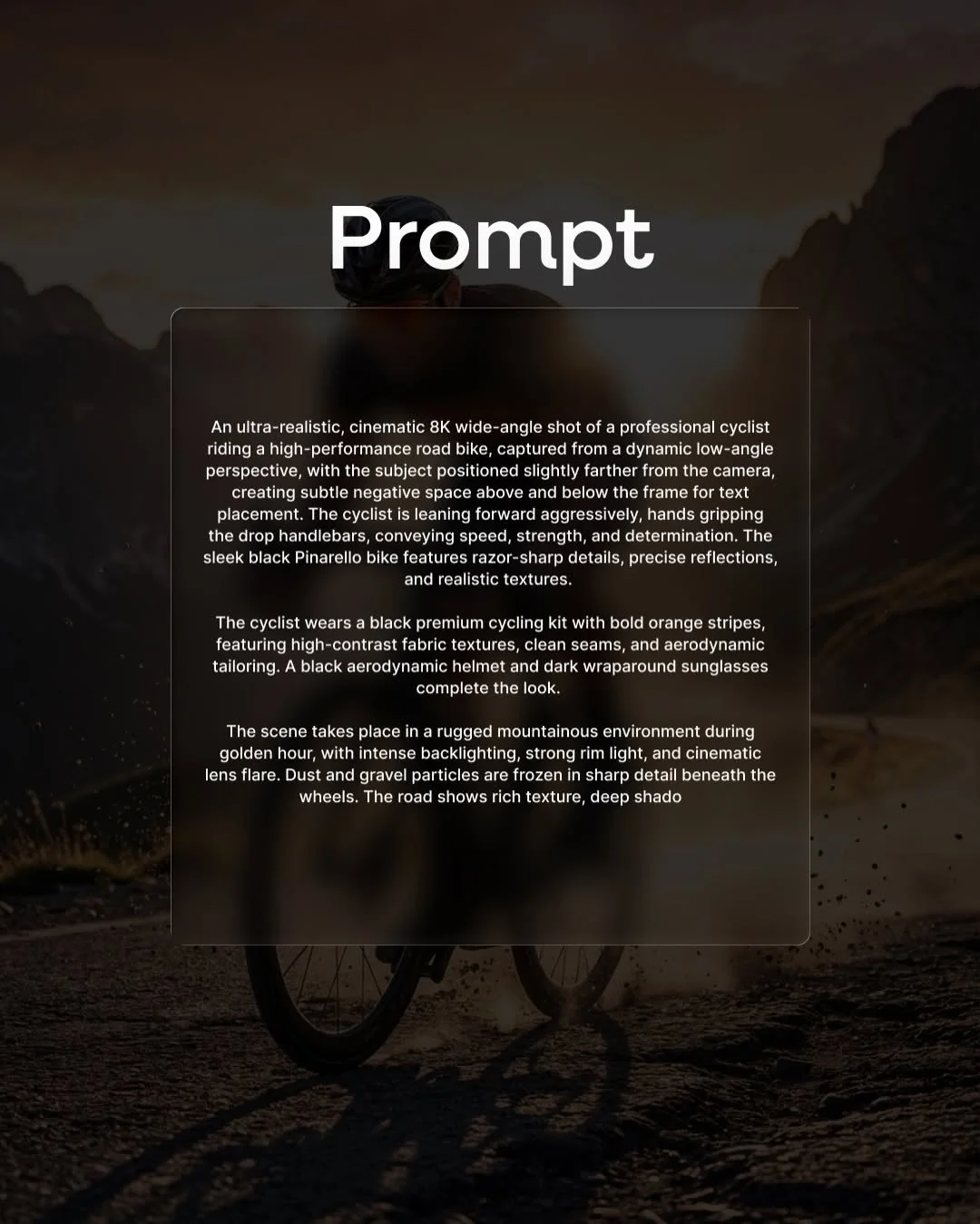
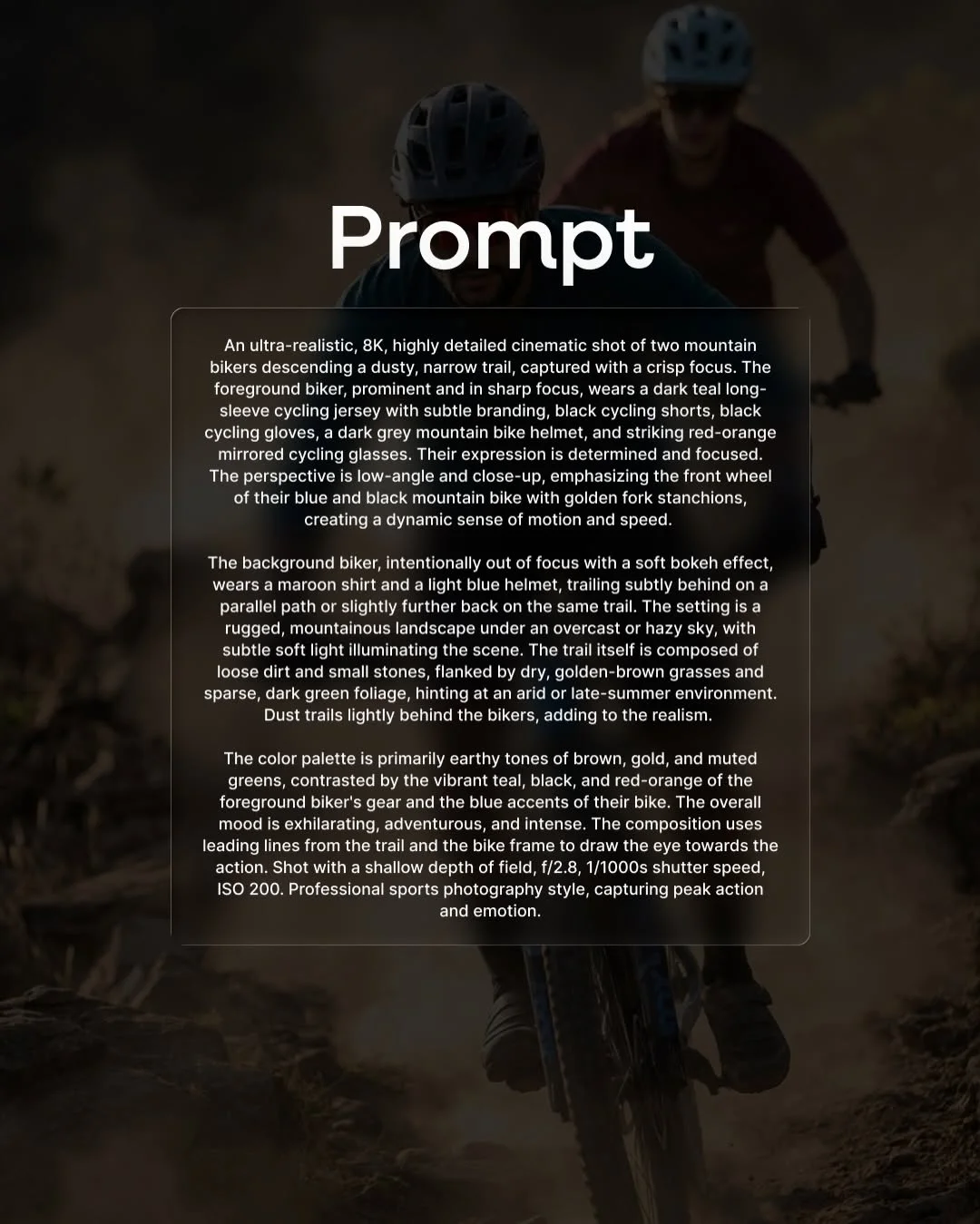
If you’re a competitive athlete or a fitness influencer, your digital presence matters. Modern AI can do more than just write plans; it can create AI-generated training programs and visuals that look like professional photography.
Using AI visual tools, you can create realistic training visualizations to keep you motivated. Imagine seeing an AI-rendered version of yourself crossing a finish line or conquering a mountain pass. It’s a powerful psychological tool for visualization. Additionally, enhancing race photos with AI—fixing lighting or removing distracting backgrounds—helps in building your personal brand on social media.
How to Write Effective AI Prompts for Athletes
To get the best results, you need to think of yourself as the “Director” of the AI. Good cycling workout prompts follow a specific formula:
- Define Your Persona: “Act as a pro-level triathlon coach with 20 years of experience.”
- Provide Metrics: Include your age, weight, max heart rate, and current mileage.
- List Constraints: “I only have 45 minutes on Tuesdays and Thursdays, but I can do 3 hours on Sunday.”
- Ask for Structure: Always ask for the output in a table format. It makes the smart cycling training plan much easier to read on your phone.
Overcoming Common Challenges
While AI sports performance tools are powerful, they aren’t perfect.
- Avoid “Hallucinations”: Sometimes AI might suggest a workout that is physically impossible or dangerous (like a 20-mile run for a beginner). Always double-check intensities.
- Data vs. Intuition: If the AI says “Go hard” but your knee feels sharp pain—listen to your knee! AI understands your data, but you understand your pain.
- Privacy: Be careful about sharing sensitive health data. Stick to performance metrics like pace and power rather than clinical medical records.
Conclusion
The era of data-driven running and cycling is here. By using tools like Gemini AI, you can take the guesswork out of your fitness journey. AI isn’t here to replace the joy of the ride; it’s here to make sure every mile you put in is actually making you a better, stronger athlete. Whether you’re optimizing running with AI or looking for cycling performance hacks, the power to level up is now in your hands.
Frequently Asked Questions
1. Can Gemini AI replace a professional human coach? While AI is great for structure and data, it lacks the emotional intelligence of a human. A real coach can tell when you’re stressed at work and need a break, whereas AI only sees your heart rate. It’s a great supplement, but for elite athletes, a human coach is still king.
2. What are the best free AI tools for runners? ChatGPT and Gemini have excellent free versions that can write training plans. Strava’s basic heatmaps and route suggestions also use AI-like algorithms to help you find popular running spots.
3. How often should I update my AI with new training data? Ideally, once a week. Every Sunday evening, feed the AI your totals for the week so it can adjust the following week’s intensity.
4. Is AI-generated training safe for beginners? Yes, as long as you provide honest information about your fitness level. Always tell the AI to “prioritize injury prevention” in your prompt.
5. How do I use AI to improve my cycling aerodynamics? You can upload photos of your riding position to certain AI-powered analysis tools that can estimate your “CdA” (Aerodynamic Drag) and suggest adjustments to your posture or gear.
6. Can AI help me plan my nutrition and hydration? Absolutely. You can use a prompt like: “Based on a 3-hour ride in 30°C heat for a 75kg cyclist, calculate my sweat rate and suggest a carbohydrate-per-hour intake.”
7. What is the best way to sync my Garmin or Strava data with AI? Currently, most people export their CSV data from these platforms and paste the text into an AI like Gemini. However, new plugins are constantly being developed to make this a one-click process.
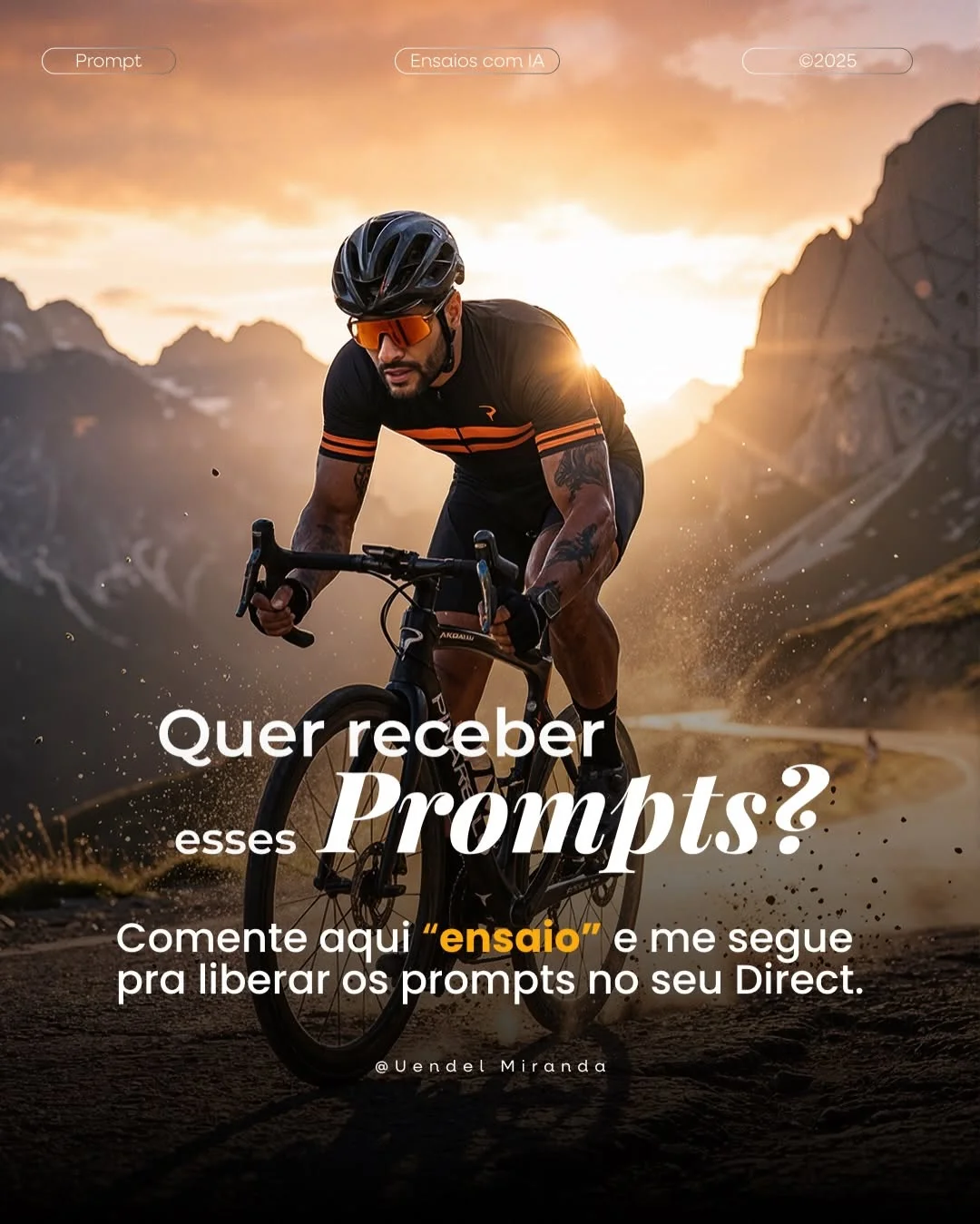
8. How do I use the “ensaios” (rehearsals/visuals) feature mentioned on social media? As seen on profiles like @uendelmiranda.ia, “ensaios” refer to AI-generated “photoshoots.” By using specific prompts, you can create hyper-realistic images of yourself (or a persona) training in epic locations. Just comment “ensaio” on the creator’s post to get the specific prompts used to create those stunning cycling visuals