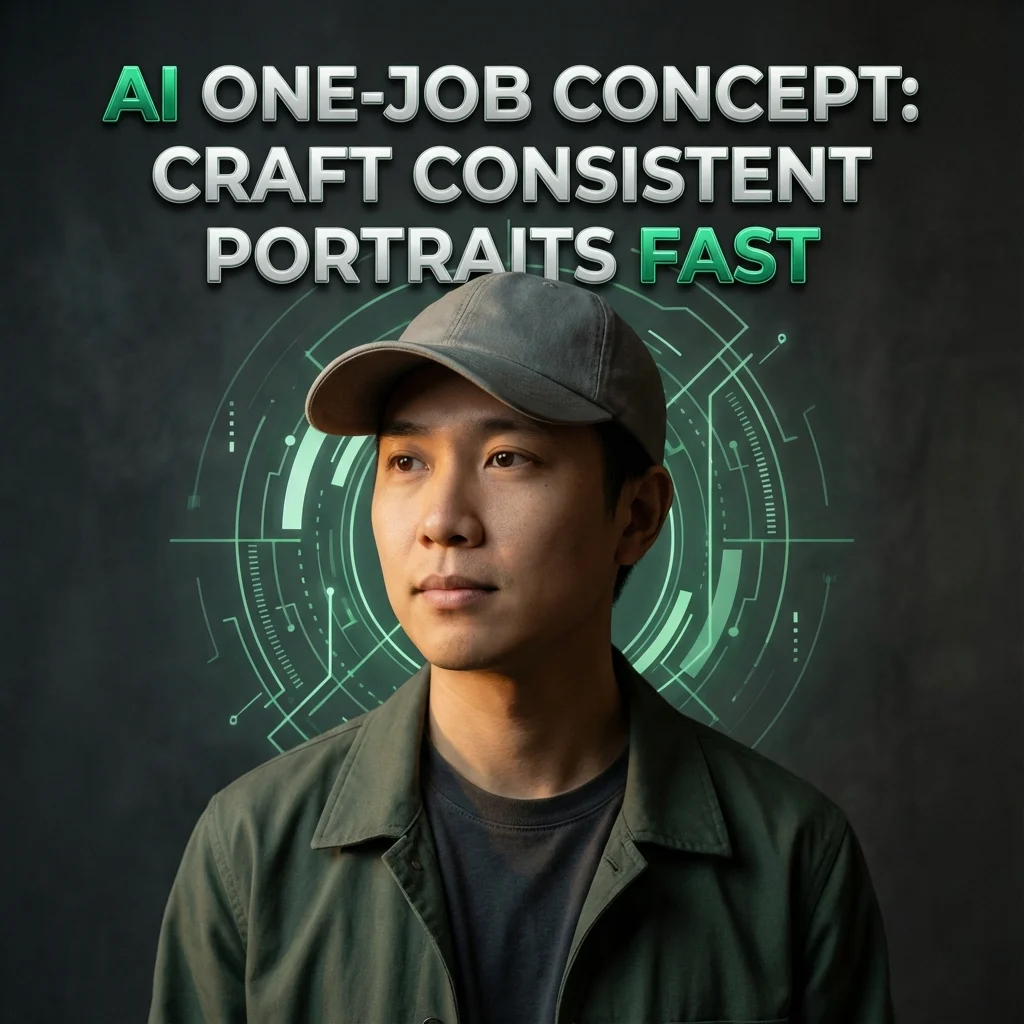
Master the AI one-job concept to deliver consistent, magazine-ready portraits. Learn precise prompts and a repeatable workflow for image generation.
Introduction
POV: You gave AI one job and it ATE. ✨ I’ve watched AI-generated portraits go from meh to magazine-worthy in minutes. The trick isn’t magic—it’s practice, prompts, and a smart workflow. This guide is your friendly playbook for turning AI into a reliable creative partner, not a sparkly meme. Let’s dive into how AI can elevate your content, with real tips you can use today.
What is the AI one-job concept?
The AI one-job concept is simple: set one clear objective for the AI to accomplish, and optimize every step around that goal. Think of it like cooking with a precise recipe. You choose one dish—say a cinematic AI portrait—and you build prompts, tests, and edits around delivering that exact image or a consistent family of images. When AI is focused on one task, you get repeatable results and fewer surprises. This approach makes it easier to scale your content creation, test new looks, and stay aligned with your brand. It also helps you track AI success stories and learn from AI failures. In short, “one job” keeps AI from wandering off and turning your project into AI chaos.
To keep it actionable, start with a target outcome: a portrait in a specific style, mood, or lighting. Then design prompts, prompts, and prompts until the AI consistently hits that mark. You’ll see AI-generated content that fits your feed, your aesthetic, and your storytelling arc.
Why AI eats the job?
AI often “eats the job” when we don’t guide it carefully. It can over-deliver, under-deliver, or pivot away from your intent. Here’s why that happens and how to fix it.
3.1 Misinterpretation of prompts
Prompt words can be interpreted in many ways. A tiny shift in wording can alter pose, lighting, or mood. If you don’t specify the exact vibe, the AI makes its own guess, which may derail your vision. Clear, concrete prompts reduce guesswork and keep results aligned with your concept.
3.2 Output drift and quality fluctuations
Even with a solid prompt, outputs drift across iterations. One generation might look cinematic, the next a bit flat. Drift happens as models balance many factors—seed, random sampling, or stylistic tendencies. Consistency comes from controlled prompts, repeatable seeds, and a disciplined post-process plan.
3.3 Tool limitations and data biases
No tool is perfect. Each AI model has blind spots: faces, hands, or textures it can’t render cleanly; or cultural cues that skew. Datasets bias how features appear. Recognize these limits, and design prompts that minimize risk—plus plan for post-processing to fix stubborn quirks.
3.4 Pipeline gaps and over-automation
Automation saves time, but it can obscure problems. If you rely too heavily on a single pass, you miss issues that arise in lighting, wardrobe, or composition. A thoughtful pipeline—where prompts, previews, and human review intersect—stops errors before they slip into your feed.
How to craft prompts for AI portraits
Crafting prompts is a mix of art and rules. The better your prompts, the closer the AI gets to your intended result.
4.1 Prompt structure basics
A strong prompt has three parts: subject, setting, and style. Start with who or what (subject), then where (setting), then how it should look (style, lighting, mood). Add constraints for proportions, color, and depth. A repeatable structure helps you reuse and tweak prompts quickly while keeping outcomes predictable.
4.2 Style, lighting, and mood prompts
Style and mood shape the entire image. Mention lighting type (soft, dramatic, rim), time of day (golden hour, blue hour), and color palette (muted pastels, high-contrast). If you want a fashion-forward or editorial vibe, specify wardrobe, textures, and camera effects (grain, vignetting). Clear styling cues keep outputs aligned with your brand and your audience.
4.3 Iteration and refinement
Expect to iterate. Start with a baseline prompt, generate a few options, pick the closest match, adjust small details (pose, lighting, background), and run another round. Each loop should move you closer to your target look. Track changes so you learn which tweaks matter most.
4.4 Negative prompts and constraints
Use negative prompts to block things you don’t want (unwanted artifacts, awkward hands, noisy backgrounds). Negative prompts act like guardrails, keeping the AI from drifting into undesired territory. Combine them with your regular prompts for cleaner results.

Prompt templates for creators
Templates help you move faster. Use these as starting points and tailor them for each shoot.
5.1 Realism and portrait templates
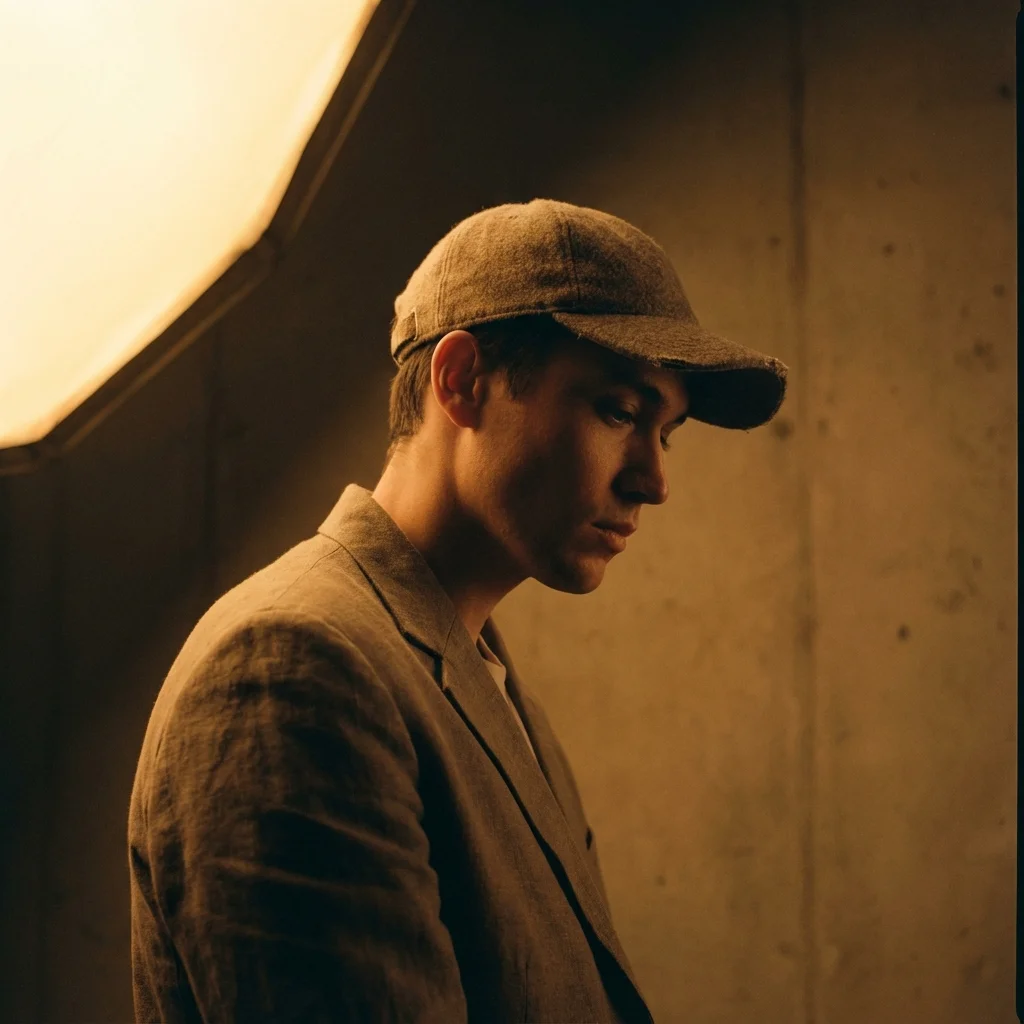
Prompt: Create a hyper-realistic portrait with natural skin tones, soft shadows, and a neutral backdrop. The subject wears minimal jewelry and a casual outfit. Lighting is diffuse and flattering, with subtle bokeh.
5.2 Cinematic lighting prompts
Prompt: Generate a portrait with three-quarter lighting, a warm rim light, and a cool fill. Keep the background simple and add a faint vignette for movie-like depth.
5.3 Fashion/editorial prompts
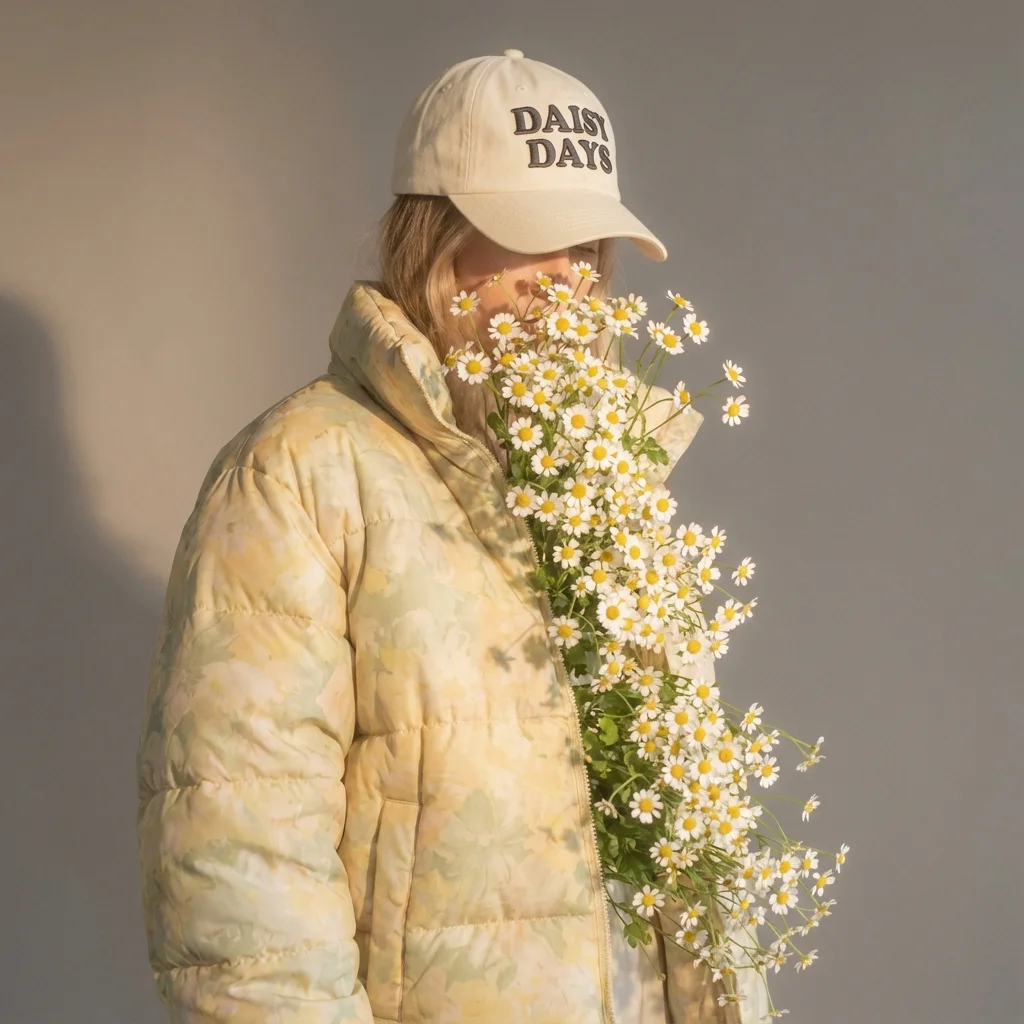
Prompt: Produce a high-fashion portrait with editorial styling, bold textures, dramatic contrast, and a fashion-mag pose. Include strong directional light and a clean, controlled backdrop.
5.4 Color grading and mood prompts
Prompt: Apply a cinematic color grade with teal accents, softened highlights, and contrast boosted just enough to pop textures. End result feels timeless and magazine-ready.
The AI workflow: from prompt to post-ready assets
A smooth workflow turns prompt energy into post-ready assets you can share fast.
6.1 Preflight planning and asset scoping
Define the goal, audience, and platform (IG feed, carousel, or Reels). Decide aspect ratios (4:5 for feed, 9:16 for Reels) and set a batch size. List wardrobe, props, and mood. Preflight keeps scope tight and saves battles later.
6.2 Generation and curation
Run multiple prompt variants to collect options. Compare results side by side, picking the strongest frames. Curate by consistency with your brand and story arc, not just the flash of a single image.
6.3 Post-processing and touchups
Tidy up edges, correct color casts, and refine textures. Adjust brightness, contrast, and saturation for a cohesive look across your carousel. Add subtle enhancements that don’t overpower the subject.
6.4 Format and export for IG
Export in the right sizes, name files clearly, and keep a version history. Use web-optimized settings to preserve detail without bloating your post. Prepare captions and alt text for accessibility and reach.
Tools and platforms for Gen Z creatives
A toolbox to turn AI prompts into punchy Instagram content.
7.1 AI image generators (Midjourney, DALL·E, Stable Diffusion)
Midjourney, DALL·E, and Stable Diffusion are popular for AI portrait creation. Each has strengths in style, control, and community prompts, so mix and test to find your sweet spot.
7.2 Editing and upscaling tools
Use dedicated editors to refine details, fix artifacts, and sharpen textures. Upscalers help preserve quality for larger formats without losing subtlety.
7.3 Prompt management and versioning
Keep prompts organized with versioning sheets. Track which prompts produce the best results, note tweaks, and reuse winning combos for future shoots.
7.4 Social-ready presets and export settings
Create presets for color grading and export at platform-optimized resolutions. Save time by applying a consistent cinematic look across all posts.
Content strategy: turning AI portraits into Instagram wins
Turn generated portraits into meaningful content, not just pretty pictures.
8.1 Narrative arcs and storyboarding
Frame your carousel as a mini-story: concept, process, and final reveal. Build anticipation with a hook in the first slide and reveal the transformation in later frames.
8.2 Carousel and reels optimization
Carousels work best with 3–6 slides that tell a sequence. Reels benefit from fast cuts and a clear hook in the first 2 seconds. Keep pacing tight and visuals bold.
8.3 Caption prompts and hooks
Craft captions that acknowledge AI use, share a tip, and invite remixing. Use question prompts to boost engagement and encourage comments.
8.4 Engagement loops and CTAs
End with a call to action: save for later, remix, or tag a friend. Encourage viewers to share their own prompts and outcomes, fueling a community-driven feed.
Ethics, originality, and ownership
Treat prompts and outputs with care. Ethics protect both you and your audience as you explore AI-powered creativity.
9.1 Likeness rights and releases
Respect rights around likeness. If you’re using real people, secure releases and consent, especially for commercial use or broad distribution.
9.2 Disclosure and transparency
Be open about AI involvement. Clear disclosure builds trust with your audience and avoids confusion about what’s real.
9.3 Copyright, derivative works, and prompts
Understand how prompts and outputs relate to copyright. Treat AI-generated visuals as derivative works and credit sources where needed.
9.4 Safety and consent
Obtain consent for sharing personal imagery and be mindful of sensitive content. Prioritize safety for creators and subjects.
Case studies and inspiration
Real-world examples spark ideas you can remix.
10.1 Creator spotlight: influencer workflow
An influencer uses a one-job prompt approach to craft a consistent, cinematic portrait series they remix weekly.
10.2 Photographer workflow breakdown
A photographer combines AI prompts with practical lighting to create editorial portraits that blend AI art with tangible photography.
10.3 Remix ideas from communities
Artists remix prompts from their communities, creating new looks, trends, and meme-worthy content that still feels fresh.
10.4 Before/after prompts and results
Showcase a before image and the AI-enhanced result to demonstrate the power of prompts and post-processing.
Quick-start prompts kit and 30-day plan
A practical kickoff to start experimenting with confidence.
11.1 Week-by-week prompts for 30 days
Week 1: mastering prompts, Week 2: experimenting with styles, Week 3: refining lighting, Week 4: posting and feedback loops.
11.2 Prompt tracking and versioning sheet
Maintain a simple sheet with prompt name, settings, results, and changes. Use dates and outcomes to guide future tests.
11.3 Review and iteration plan
Set a weekly review to assess results, capture lessons, and plan the next batch of iterations.
Key takeaways
- One-job prompts keep AI focused and results consistent.
- Clear prompts and iterative refinements reduce output drift and artifacts.
- A balanced workflow blends automation with human review for best results.
- Ethical use and transparency build trust with your audience.
- Templates, case studies, and a 30-day plan accelerate your learning curve.
If you’re ready, start with a single, strong portrait concept, then scale your prompts, templates, and post-processing. You’ll turn AI successes into real-world impact—faster drafts, better aesthetics, and more engaging content for your Instagram feed.