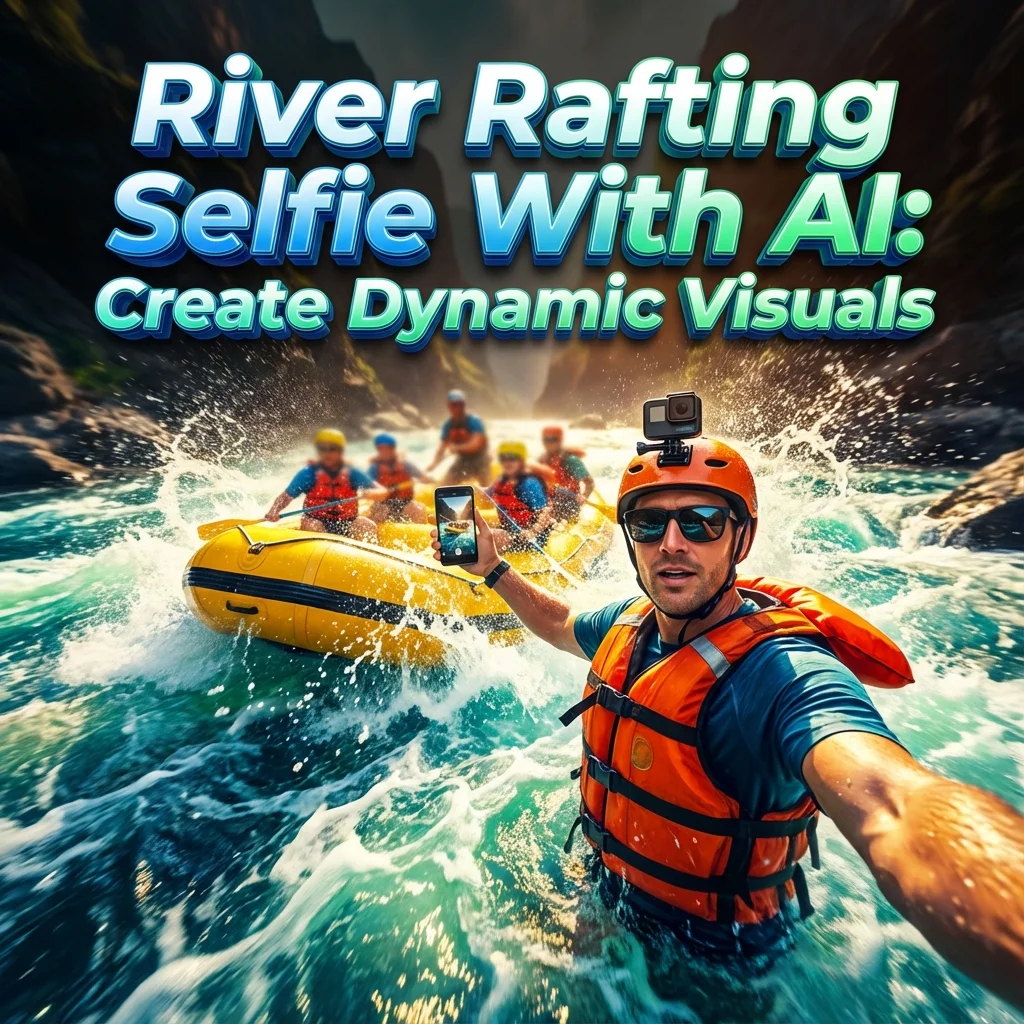
Turn your river rafting selfie into a cinematic, AI-powered visual with smart prompts and editing—create shareable, high-impact images that stop the scroll.
Introduction
I love turning bold dreams into shareable visuals. The river rafting selfie trend is a playful mix of DIY photography, AI magic, and a splash of chaos. No green screen, no boat needed—just imagination, a clever prompt, and a vibe that says I’m up for anything.
What is the concept behind turning a wildest-dream into a river rafting selfie?
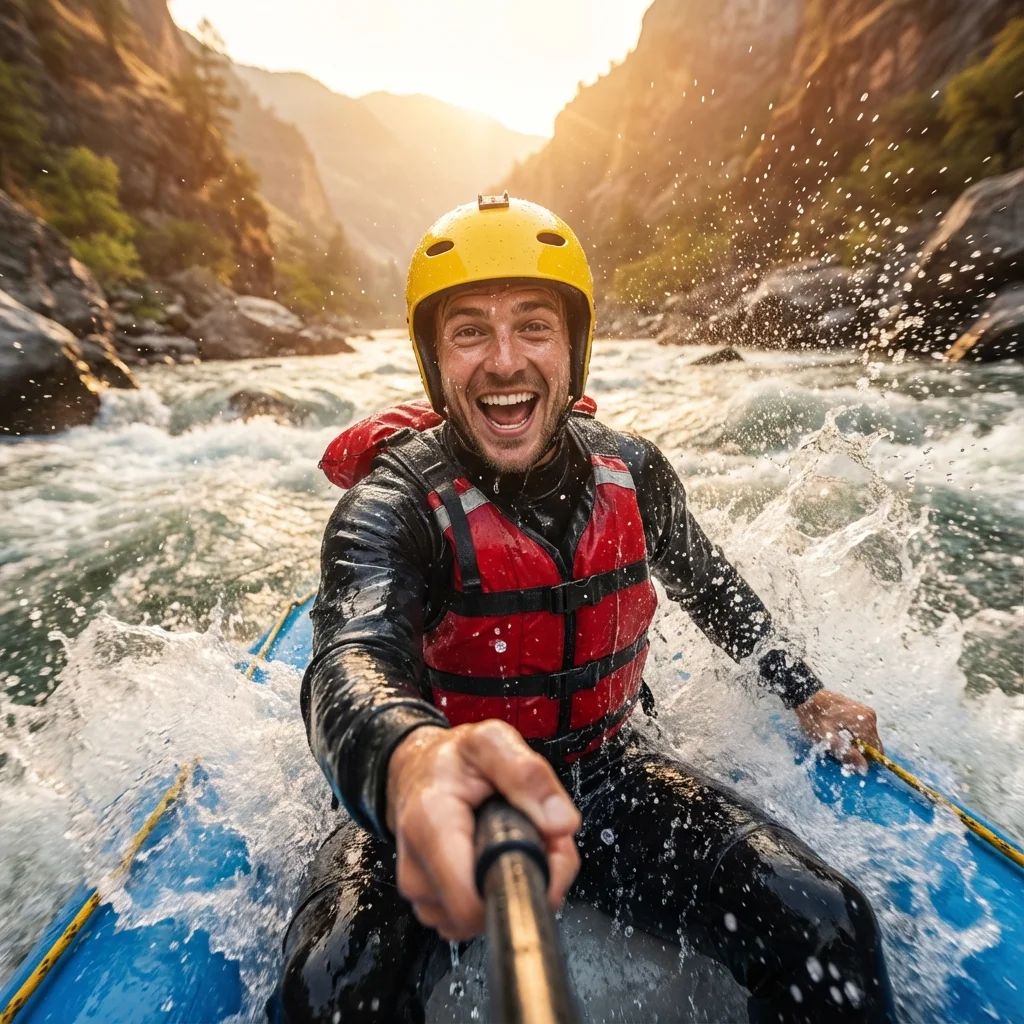
This idea starts with a dream so wild it begs to be captured in a still frame. You picture yourself as the hero of a raging river, surrounded by dramatic splashes and improbable friends. The trick is not to conjure chaos out of nowhere but to choreograph it with intention. A river rafting selfie becomes a creative illusion—the kind you recognize as “photography meets storytelling meets AI experiment.” It’s a DIY river rafting photo made possible by prompts, clever editing, and a careful choice of angles, lighting, and timing.
Think of it as building a tiny world inside a single frame. The river is real around you, but your figure and the action are created or enhanced with AI. This is the river rafting illusion: you’re there, yet elements like motion, water spray, and even goofy companions can be blended in after the fact. The payoff is a vivid, cinematic moment that feels authentic enough to share, but playful enough to remind viewers that it’s a crafted image.
To pull this off, you need a clear vibe, smart planning, and tools that respect your limits. The no-boat, no-green-screen approach lowers barriers and opens room for experimentation. You can simulate dramatic water on your own terms, then refine the image until motion feels natural. It’s like painting with light and pose, then letting AI do the finishing strokes to sell the movement and energy.
This concept also fits with the language of social content today: short-form stories, quick inspiration, and high-contrast visuals that stop the scroll. The river rafting selfie is more than a pose; it’s a compact narrative you tell with a single frame. It invites viewers to imagine the scene, to think, “What happens next?” and to try their own version with prompts and a splash of tech.
When you frame it this way, it’s less about faking a moment and more about engineering a believable moment. You choreograph where the water hits, how the characters react, and where light falls. Then you supplement reality with AI-generated details—motion lines, a convincing spray, or a photorealistic background that feels alive. The result is a creative selfie idea that travels well online: memorable, scalable, and ripe for experimentation.
For beginners, the concept can be boiled down to three pillars: plan the vibe, script the motion with prompts, and polish with editing. You don’t need a real river or a real raft to get the look; you need a strong idea, a few good reference images, and the right tools to bridge imagination and realism.
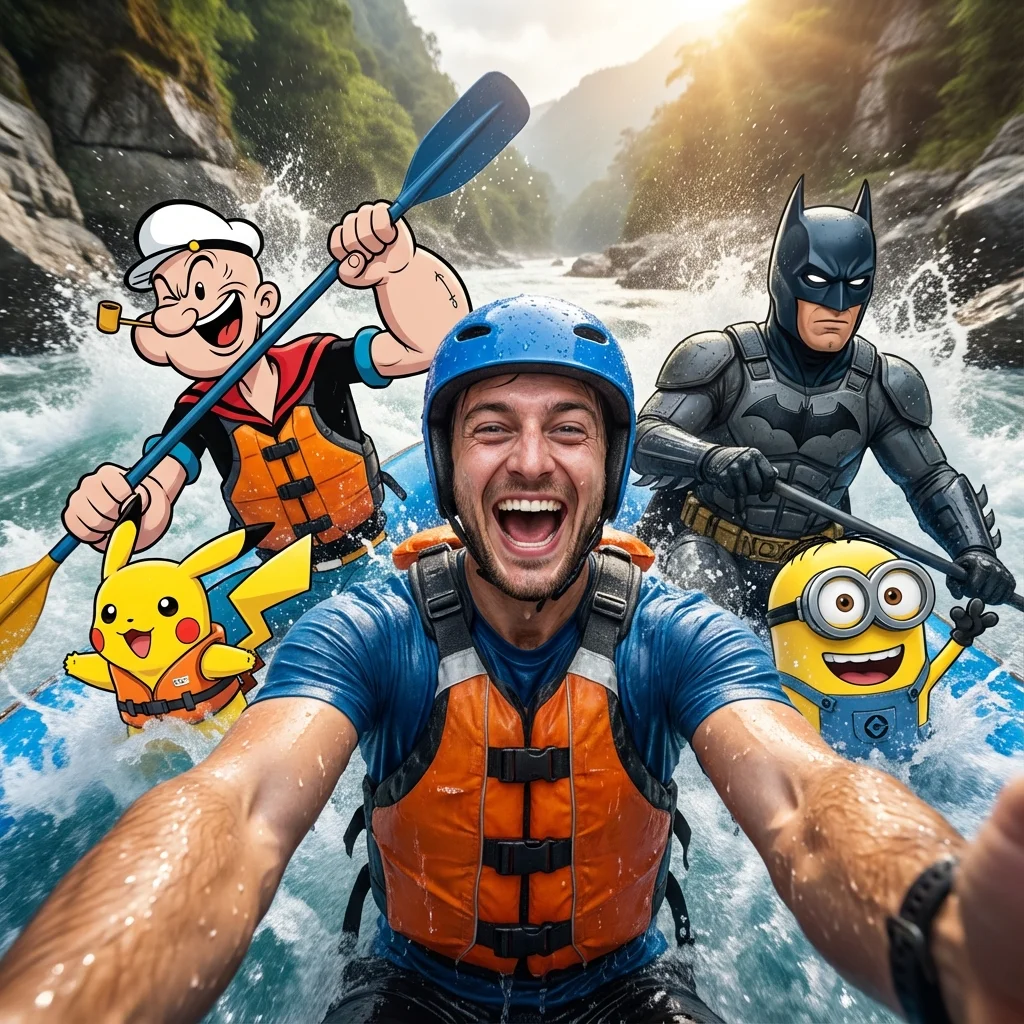
The real power here is accessibility. Your “wildest dream” can start as a simple mood board, then grow into a photorealistic scene that blends your selfie with AI-generated motion. It’s a modern toolkit for making at-home adventure photography feel cinematic. Whether you want a goofy group shot with show-stopping splashes or a dramatic solo moment with dramatic water textures, the concept remains the same: a well-planned dream, a smart prompt, and a careful edit that makes it believable.
This approach also invites safe experimentation. You can test ideas in small steps: mock up pose references, draft your prompts, try different AI image generators, and compare results. The goal is to learn what works for your audience—what lighting feels right, which water textures look most convincing, and how to time your edits for maximum impact. In the end, your river rafting selfie becomes a signature style—recognizable, repeatable, and genuinely you.
Why this approach resonates with social creators and AI-curious hobbyists?
This approach hits a sweet spot for creators who love smart tools and fast results. It scratches the itch for experimental visuals without requiring a full studio or expensive gear. Here’s why it sticks:
-
Accessibility and experimentation: DIY river rafting photo projects let beginners try AI prompts without oversized budgets. You can start with a smartphone, a sturdy tripod, and a few prompts, then layer in AI-generated elements as you grow more confident.
-
Story-first visuals: People connect with stories, not slideshows of pretty scenes. A well-crafted prompt turns a simple selfie into a mini-narrative—a moment that begs a caption, a hook, and a story arc. That storytelling angle is a natural fit for platforms that reward narrative depth in short formats.
-
Viral-ready formats: The no green screen selfie and virtual river rafting concepts translate well to carousels, reels, and short videos. High-energy expressions, splashy water, and playful teamwork are irresistible cues for engagement.
-
Creative experimentation with prompts: The process teaches prompt engineering as a craft. You learn how to guide AI to produce motion cues, water textures, and lighting that feel real. It’s a hands-on way to explore the boundaries of AI-assisted visuals.
-
Community learning: Sharing drafts invites feedback and collaboration. You can remix prompts from others, test new ideas, and build a library of templates—creative selfie ideas that keep your content fresh.
-
Ethical and responsible creation: The approach invites thoughtful disclosure and safety checks. You can practice transparent storytelling about AI involvement while delivering high-quality visuals.
A big part of the appeal is the momentum. When you post a “DIY river rafting photo” that looks convincingly real, you spark curiosity, questions, and conversations about how it was made. That curiosity is memory-able: viewers remember the image, remember the maker, and come back for more experiments.
To make this work, you don’t need to be a tech wizard. You need curiosity, a clear plan, and a willingness to iterate. Start with a vibe, collect references, and build your prompts step by step. The result isn’t just a single image; it’s a toolkit you can reuse across scenes, characters, and environments.
How to plan your no-boat, no-green-screen river rafting selfie
Plan is power. Here’s a compact, practical plan you can start today.
4.1 Define vibe and narrative (250-350 words)
- Pick a mood: goofy, heroic, awe-struck, or cinematic. Your vibe guides color, lighting, and action.
- Sketch a one-liner: “I conquered a wild river with friends who aren’t really there.” This helps shape prompts and composition.
- Outline the action: who is in the frame, what are they doing, where is the water splashing, and what expressions show the moment.
- Decide on a focal point: Is it your smile, the splash, or a character’s pose? Build the scene around that.
4.2 Gather inspiration and references (150-200 words)
- Compile 5–10 images that capture motion, water, and lighting you want.
- Look for references that show believable water splashes, life jackets, and foreground-background depth.
- Note camera angles you like (close-up smiles, wide action shots, over-the-shoulder frames).
4.3 Choose tools and prompts (150-200 words)
- Pick an AI image generator that handles water texture well and supports high resolution.
- Create a simple baseline prompt for your first draft, then refine with specifics about motion, lighting, and composition.
4.4 Build storyboard and shot list (150-200 words)
- Draft a mini-storyboard with 3 to 5 frames: setup, action, reaction.
- List shot ideas: your selfie angle, the friends’ positions, water spray, and background blur.
4.5 Generate draft and iterate (150-200 words)
- Run a draft prompt, review for motion and realism, adjust lighting or water texture, and re-render.
- Keep a versioned log of prompts so you can reuse and tweak them for future posts.
Prompt engineering for motion and realism
Motion and realism are the heart of this technique. Your prompts should guide AI to simulate the river’s energy without losing the personal touch of your selfie.
5.1 Motion cues (150-200 words)
- Include verbs that imply action: rushing, splashing, tumbling, weaving, spinning.
- Specify the interaction with water: droplets on skin, spray arcs, mist over the lens.
- Mention physical balance: a slight lean, a staggered stance, a paddle in hand.
5.2 Water and splash prompts (150-200 words)
- Describe water texture: choppy rapids, foamy whitewater, ripple patterns around faces.
- Request realistic splash physics: droplets at various sizes, spray direction, water on the lens for realism.
5.3 Lighting and color prompts (150-200 words)
- Specify time of day: golden hour for warm tones or overcast for soft shadows.
- Note reflections: sky and trees mirrored on water, light catching wet skin.
- Use color cues: saturated blues and greens to convey a fresh, outdoorsy mood.
5.4 Composition and angle prompts (150-200 words)
- Choose an angle that communicates immediacy: a slight upward tilt for a hero shot, or a wide frame to show the momentum.
- Clarify foreground and background separation: your face close, river and friends in the background.
- Include the subject’s expression as a focal point, with water and figures as supporting elements.
5.5 Iteration strategies (100-150 words)
- Start with a simple scene and add details gradually.
- Test variations: different water textures, different lighting, different character placements.
- Save prompts in a library for quick reuse.
Tools and workflows
A practical toolkit helps you turn prompts into polished visuals quickly.
6.1 AI image generators (150-200 words)
- Pick a generator known for strong water realism and reliable prompts interpretation.
- Use resolution presets that keep detail on faces and water spray.
- Experiment with style settings to balance realism and creativity.
6.2 ChatGPT prompts for storytelling and captions (150-200 words)
- Use a short prompt for the image, then generate a caption, hashtags, and a short alt text.
- Create multiple caption options that emphasize the “no green screen” magic and the DIY vibe.
- Ask for quick tips on posting timing and engagement hooks.
6.3 Editing and compositing tools (150-200 words)
- Use a photo editor to blend AI elements with your selfie: color matching, edge smoothing, and local contrast tweaks.
- Apply motion blur selectively to reinforce movement in the water and background.
- Use layers to separate AI-generated elements for easier adjustment.
6.4 Prompt templates and libraries (100-150 words)
- Build a small prompt library with categories like motion-heavy, lighting-focused, and emotion-forward prompts.
- Keep templates that you can adapt for different scenes and characters.
Ethics, authenticity, and safety
Transparency and safety matter when blending AI with real imagery.
7.1 Disclosure guidelines (150-200 words)
- Always tell your audience when AI contributed to an image.
- Use captions like “AI-assisted composition” or “AI-generated elements.”
- Be clear about what’s real and what’s simulated to maintain trust.
7.2 Safety considerations (150-200 words)
- Avoid dangerous stunts or dangerous-looking water in your visuals.
- Respect privacy and consent when featuring others, even in AI-assisted scenes.
- Be mindful of water safety messaging if your post blends real-life adventure with AI.
7.3 Intellectual property and originality (120-160 words)
- Create your own prompts and avoid copying exact prompts from others.
- If you reference fictional characters, ensure you’re within fair-use boundaries and platform guidelines.
- Build a unique style by mixing your own photography with AI-generated elements.
Case studies and examples
8.1 Case study: No-boat river selfie with AI (200-250 words)
A creator wanted the “river rafting dream” without the actual raft. They started with a real selfie on a calm river and drafted prompts to add AI-generated teammates and a dynamic splash. The result was a lively, humorous image that staged a wild ride while staying safe and ethical. The captions leaned into the playful fantasy, emphasizing the DIY nature of the effect and inviting followers to try prompts of their own.
8.2 Case study: Studio-light water texture (200-250 words)
Another creator used a studio-like light setup to simulate the river’s glow. They crafted prompts that specified directional lighting, a soft blue-green color grade, and sharp water droplets. The final image looked cinematic; viewers praised the crisp water texture and the sense of motion, even though the setup was entirely digital beyond the self-portrait.
Distribution, SEO, and growth for viral posts
9.1 Platform-specific formats (150-200 words)
- Tailor formats for Instagram reels, carousels, or Shorts.
- Use vertical frames for mobile-first viewers; center your hero moment for quick impact.
9.2 Captions, hashtags, and SEO (150-200 words)
- Write captions that tell a mini-story and invite interaction.
- Use a mix of broad and niche hashtags, including #riverraftingselfie, #DIYriverraftingphoto, and #creativeprompting.
- Include SEO-friendly keywords naturally in captions for discoverability.
9.3 Alt text, accessibility, and captions (150-200 words)
- Add descriptive alt text describing motion, colors, and scene context.
- Provide accessible captions and a brief summary for screen readers.
- Ensure text overlays are legible against busy backgrounds.
9.4 Analytics, testing, and optimization (150-200 words)
- Track engagement, saves, and shares to see what resonates.
- A/B test prompts and captions to optimize for your audience.
- Use learnings to refine future DIY adventure props and image prompts.
Key takeaways
- A no-boat, no-green-screen river rafting selfie blends imagination with real-world visuals through careful prompts and editing.
- Start with a clear vibe, gather references, and build a simple storyboard to guide AI-generated motion and water textures.
- Be transparent about AI involvement and respect safety, copyright, and privacy as you publish.
- Use a repeatable workflow: prompts, lightweight drafts, editing tweaks, and platform-optimized captions.
Call-to-action
If you’re curious about AI-driven selfies, try a small test: pick a vibe, draft a one-liner story, and generate a draft image with a motion prompt. Share your result with a caption that invites feedback, and watch how the creative process sparks conversations. Want more tips? Follow along as we explore more DIY river rafting photo ideas and prompt tricks.