ChatGPT Prompt Ideas Part 19 guides design and marketing teams with rapid visual prompts, mood boards, and branding-ready captions to accelerate ideation.
Introduction
Welcome to ChatGPT Prompt Ideas – Part 19. If you design visuals or craft social content, this guide helps you spark fresh ideas fast. We’ll share prompts, formats, and practical tips you can reuse with your favorite AI tools to craft striking visuals and captions that fit your brand.
What is ChatGPT Prompt Ideas – Part 19?
ChatGPT Prompt Ideas – Part 19 is the latest installment in a ongoing series that collects practical prompt ideas for design and marketing teams. It focuses on prompts that generate visual concepts, catchy captions, mood boards, and branding directions you can adapt to campaigns. You’ll find clear formats, templates for briefs, and tips to tailor prompts to your brand voice. Think of it as a toolbox you can reach into when you need a spark—without starting from scratch. It’s built for beginners and pros alike, so you can mix and match prompts, iterate quickly, and learn what works for your audience.
Benefits for designers
- Faster ideation: AI prompt ideas accelerate concept generation, freeing time for refinement.
- Consistent brand voice: Prompts can be tuned to align with typography, color, and tone.
- Safer experimentation: Try bold visuals and copy in a low-risk way before client reviews.
- Collaborative creativity: Use prompts as a starting point for team brainstorms, not a final solution.
With Part 19, you gain repeatable prompts that you can adapt for posts, reels, and design briefs. It’s like having a design assistant who knows your style and your audience, ready to draft options you can polish.
How to use Part 19 prompts
4.1 Define goals and constraints
Before you write a prompt, set clear objectives and limits. Example: “Create three Instagram concept visuals for a eco-friendly brand, with a cool-blue color palette, minimal typography, and captions under 10 words.” Constraints keep results aligned with your campaign and save revision time.
4.2 Craft clear prompts
Be specific about the outcome you want. Include audience, tone, and deliverables. For instance: “Generate a mood board and a caption for a 15-second reel about sustainable fashion, using bold sans-serif typography and a monochrome palette with a single accent color.” Clarity reduces back-and-forth.
4.3 Iterate with feedback
Treat prompts as living briefs. Start with a draft, review, then refine. If a visual feels off, say “make it warmer,” “increase contrast,” or “shift to a retro vibe.” Small tweaks often unlock big improvements and faster approvals.
Categories of prompts
5.1 Visual concept prompts — 40 words
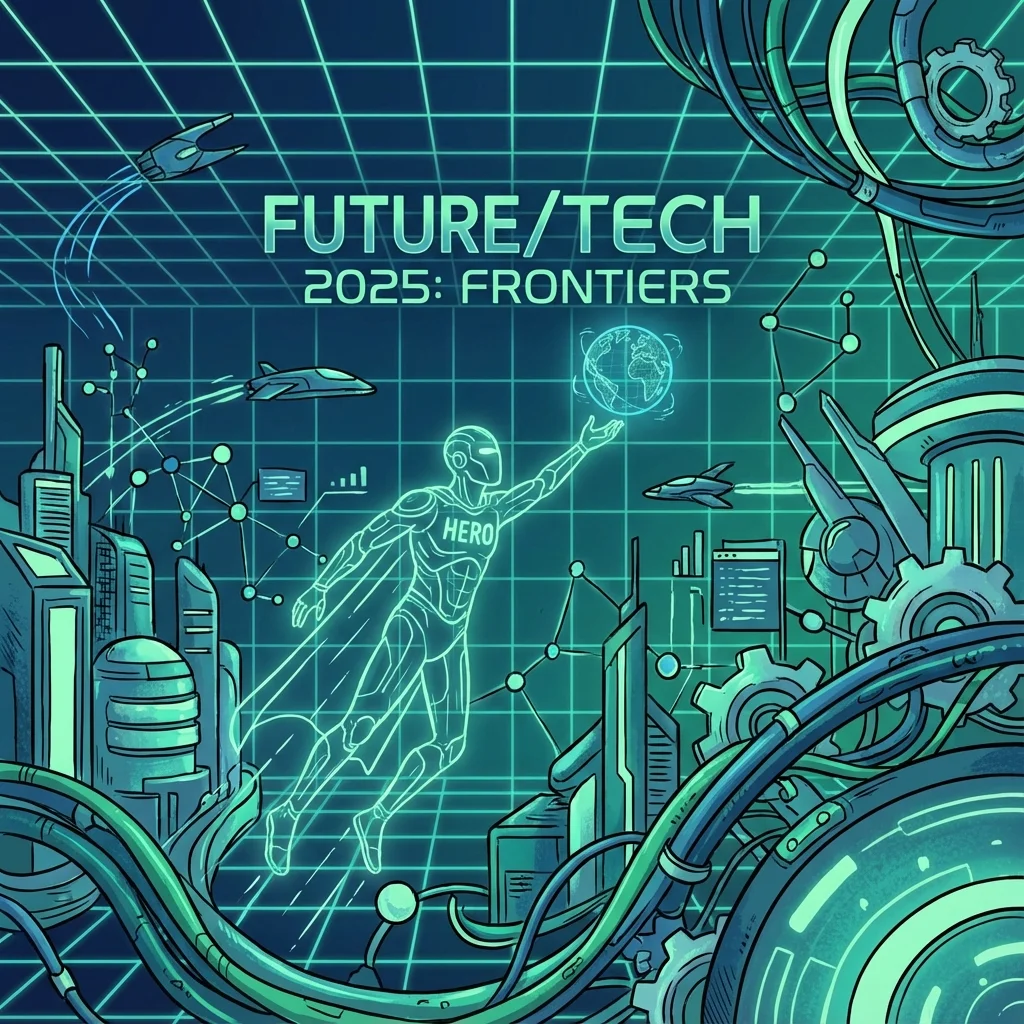
Prompts that propose a core idea, mood, and composition for visuals. Example: “Create a hero image concept for a tech conference that feels futuristic, with clean lines, cool tones, and a subtle grid pattern.”
5.2 Caption and copy prompts — 40 words
Prompts that generate short, punchy captions and supporting lines. Example: “Write five Instagram captions under 10 words each, emphasizing sustainability and innovation, with a friendly tone.”
5.3 Mood and color prompts — 40 words
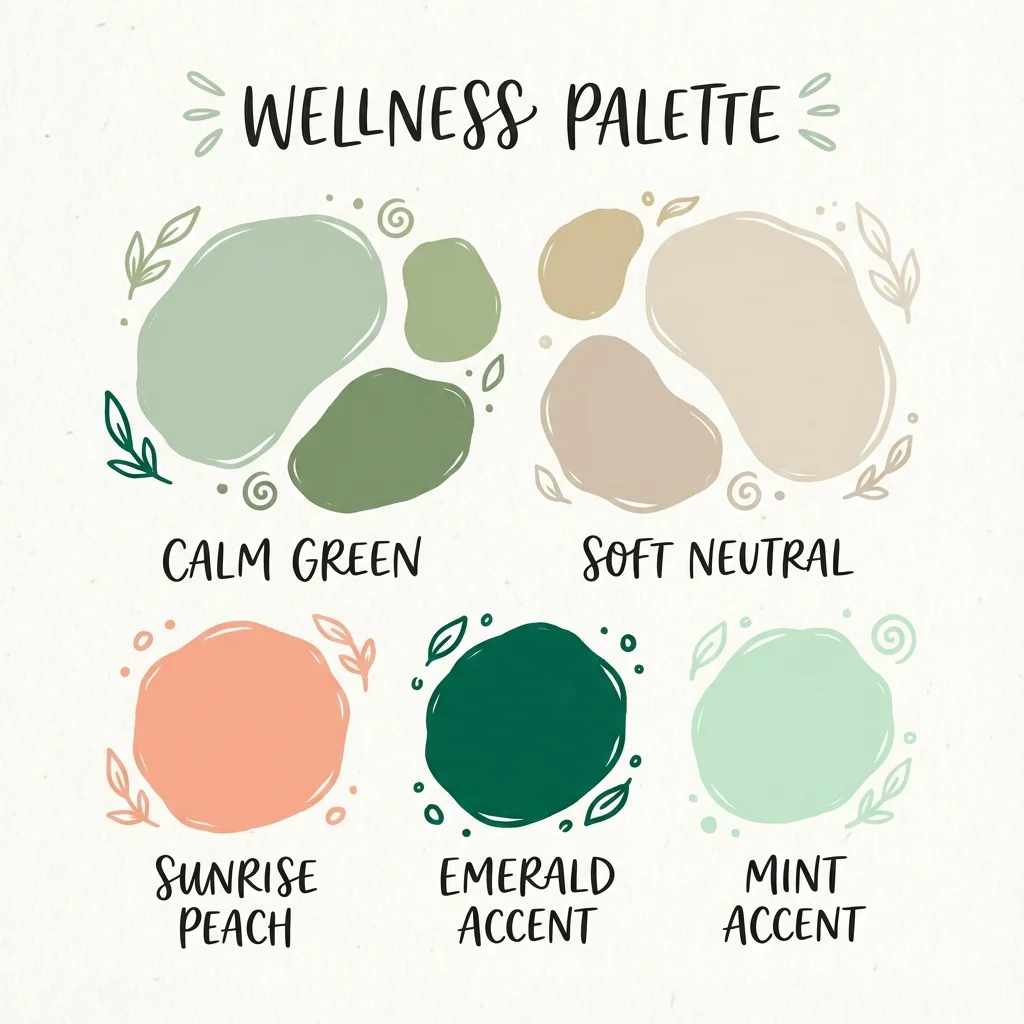
Prompts to set color stories and emotional tone. Example: “Suggest a color palette for a wellness brand: calm greens, soft neutrals, and a touch of sunrise peach.”
5.4 Layout and typography prompts — 40 words
Prompts focused on grids, type pairing, and visual hierarchy. Example: “Propose a page layout with bold display type for headlines and ample white space, suitable for a 1080x1080 Instagram post.”
5.5 Brand and identity prompts — 40 words
Prompts that align visuals with brand rules. Example: “Generate logo-friendly shapes and a logo lockup for a modern tech startup, with geometric forms and a single accent color.”
5.6 Trend prompts — 40 words
Prompts that tap into current design and marketing trends. Example: “Suggest a set of quick, shareable visuals inspired by AI-generated art and lo-fi textures for a youth-focused campaign.”
Prompt formats and templates
6.1 Short prompts — 60 words
Short prompts are quick to run and great for rapid sprints. Example: “Create a 3-panel Instagram carousel about time management, using a soft blue palette and clean sans-serif typography. Include one bold headline per panel.” You can run many such prompts in a single session to compare options fast.
6.2 Multi-step prompts — 60 words
Multi-step prompts guide the AI through stages: mood, layout, draft copy, and final edits. Example: “Step 1: propose 3 mood boards for a coffee brand. Step 2: pick one mood and draft three post captions. Step 3: generate a 4-week content calendar.” This structure keeps projects organized.
6.3 Prompt templates for briefs — 60 words
Templates give you a repeatable starting point. Example: “Brief: Design a social series for a summer launch. Deliverables: 3 visuals, 5 captions, and a one-page brand brief. Constraints: 1080x1080 squares, warm palette, and accessible font sizes.” Save as a repeatable template for clients.
Practical prompts for social media campaigns
7.1 Instagram ideas prompts — 60 words
Use prompts to brainstorm visual ideas and captions that fit Instagram aesthetics. Example: “Generate 5 concept visuals for an eco-brand’s Instagram feed, each with a consistent color system, plus 5 caption options under 12 words that encourage action and sharing.”
7.2 YouTube Shorts and Reels prompts — 60 words
Short-form prompts should be punchy and visual. Example: “Draft 3 ideas for a 15-second Reel about design tips, with on-screen text, quick cuts, and a CTA to download a free asset pack.”
7.3 Pinterest and design boards prompts — 60 words
Pinterest prompts help build mood boards and pin-worthy visuals. Example: “Create 4 pin concepts focusing on minimal typography and organic shapes, with a pastel background and a single product shot per pin.”
Workflow tips and collaboration
- Use shared prompts and briefs: Create a living document that acts as your design brief library.
- Name files clearly: Tag prompts and outputs with project name, date, and version.
- Keep iterations tidy: Save each version with notes on what changed and why.
- Align with clients early: Share prompts as part of the kickoff to ensure branding consistency.
- Track metrics: Save prompts that led to better engagement and reuse them in future campaigns.
- Integrate with other tools: Pair ChatGPT prompts with design software and asset managers to streamline production.
Case studies and inspiration
- Case A: A small studio used Part 19 prompts to brainstorm a summer product launch. They started with visual concept prompts, created a 3-post Instagram series, and used multi-step prompts to draft captions. The result was a cohesive look and a 25% engagement increase over prior launches.
- Case B: A freelance designer used mood and color prompts to revitalize a client’s brand identity. By sharing a color mood board and typography plan before designing, the client provided faster approvals and a stronger on-brand social narrative.
These quick examples show how Part 19 prompts can fuel both visuals and copy, making campaigns feel deliberate and polished.
Key takeaways
- Part 19 offers a structured way to generate visuals, captions, and branding ideas quickly.
- Clear goals, constraints, and iterative feedback lead to better results with fewer revisions.
- Mix short prompts, multi-step prompts, and briefs templates to cover ideation, drafting, and final design.
- Use category prompts to build consistent visuals across Instagram, YouTube, and Pinterest.
- Combine workflow tips with collaboration to keep projects organized and on-brand.