Dive deep into advanced AI prompt engineering using Google Gemini to create hyperrealistic 8K portraits blending personal photos with the iconic Doraemon world.
If you’re a photographer or AI artist obsessed with creating truly next-level visual content, you know the challenge: how do you fuse beloved cartoon nostalgia with cinematic, hyperrealistic detail?
I’ve been experimenting heavily with Google’s Gemini AI, focusing on prompt engineering to blend real-life portraits with the iconic world of Doraemon. The results are vibrant, joyful, and surprisingly detailed.
Forget simple text-to-image basics. Achieving this level of quality requires precision, specific aspect ratios (4:5 for Instagram portraits), and a clear understanding of lighting and theme. I’m sharing the two prompt blueprints I used to unlock these dream scenarios.
Prompt Blueprint 1: The Doraemon City Adventure
The first concept was to capture a cheerful moment in the colorful Doraemon cityscape. The goal was cinematic quality—vibrant colors under a bright blue sky, blending the playful architecture (like Nobita’s house) with a hyperrealistic portrait of the subject.
This blueprint emphasizes setting, mood, friendship, and extreme detail (8K resolution is key!).
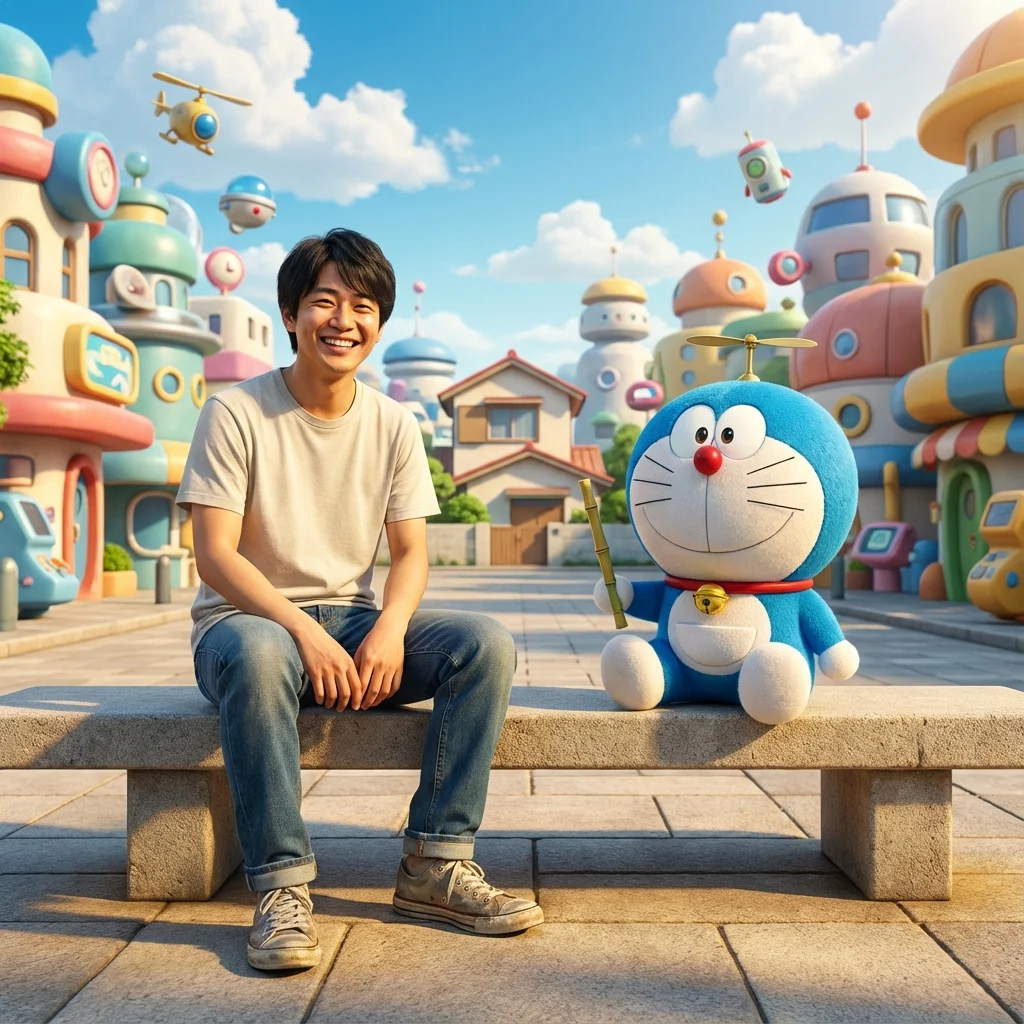
This detailed structure forces the AI to focus on character interaction (Doraemon holding the bamboo copter), specific lighting, and maintaining the integrity of the referenced face while fully immersing the scene in the cartoon environment.
Prompt Blueprint 2: Cozy Moments in Nobita’s Room
While the city scene is grand and cinematic, sometimes you want something cozier. The second prompt focuses on interior shots, which are fantastic for testing the AI’s ability to handle complex domestic details—lighting from windows, wooden textures, and scattered cartoon gadgets.
To shift the theme from outdoor spectacle to indoor warmth, we specifically targeted details recognizable from the anime: Nobita’s distinct room features and specific, interacting gadgets like the Anywhere Door.
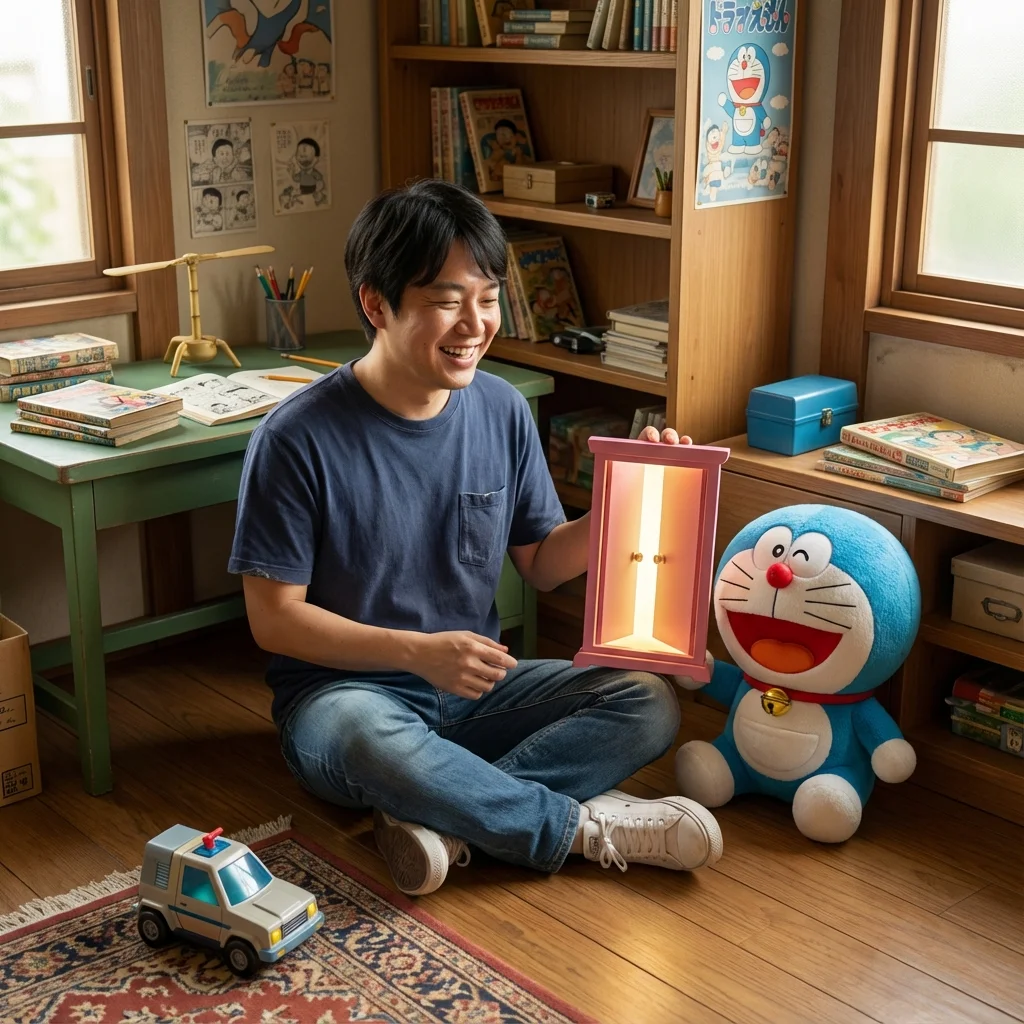
The output of this prompt is incredible. The AI successfully manages the intimate lighting, and the relaxed posture of the subject feels entirely natural.
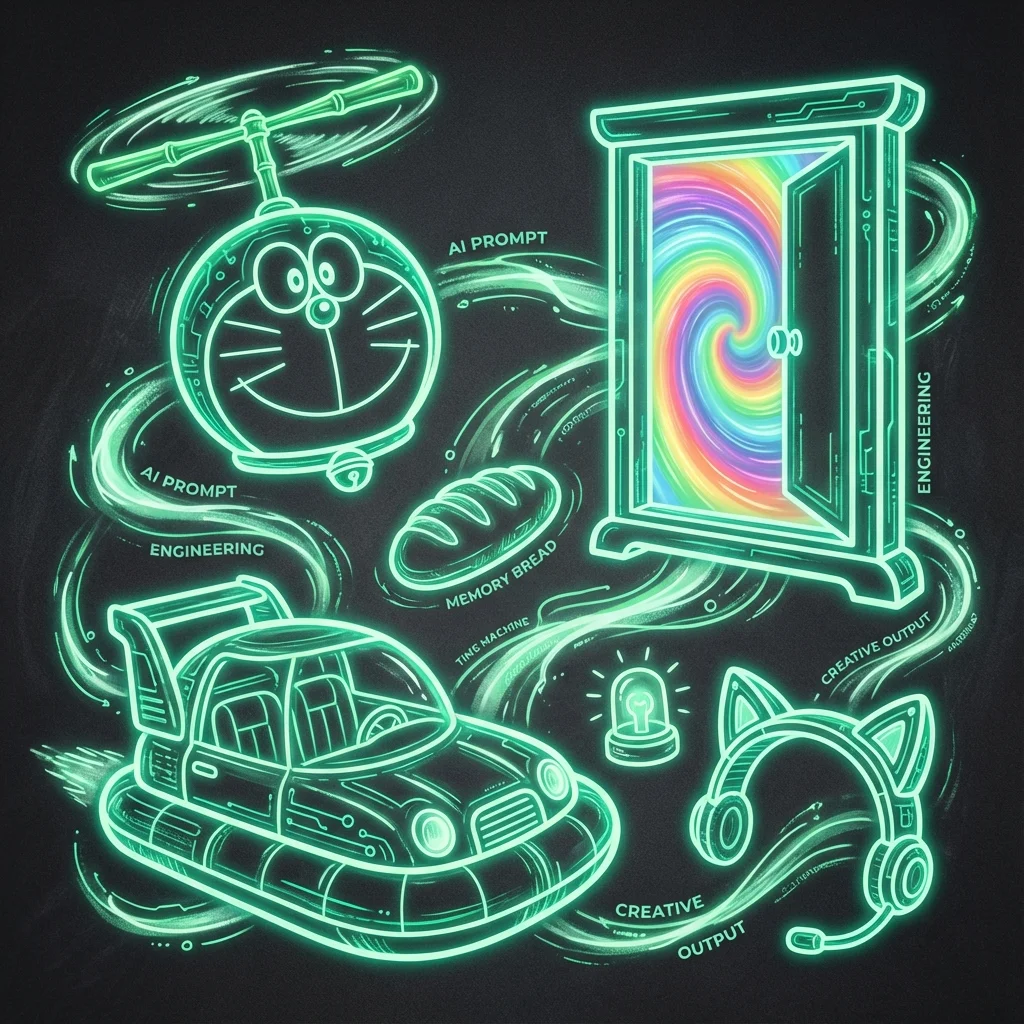
Notice how the lighting coming through the window adds depth and realism, while the partially open Anywhere Door (the rainbow swirl detail) adds that essential touch of cartoon magic right into the hyperrealistic setting.
Key Takeaways for Your AI Artwork
If you’re looking to push your AI generated artwork to the next level using platforms like Gemini, remember these essential tips:
- Be Specific about Realism: Always include terms like
Ultra realistic,8K,cinematic lighting, andhyperrealistic. - Define the Ratio: The
(4:5 ratio)is crucial for portrait-style posts that perform well on platforms like Instagram. - Mandate Interaction: Don’t just place characters side-by-side. Use action verbs (e.g.,
holding a bamboo copter,laughing and playing) to ensure a lively, engaging composition. - Detail the Props and Environment: Mention specific, recognizable elements (
Nobita’s house,Anywhere Door,green table) to ground the fantasy in authenticity.
Give these #AIprompt structures a shot with #googlegemini. Whether you are a professional #photographer expanding your toolkit or an #aiartwork enthusiast, blending cartoon nostalgia with photographic realism is truly one of the most exciting frontiers in modern #image-generation!