Master the Urban 3D style using the Guillot Diseña method. Learn to create professional AI characters with expert prompts for Midjourney and DALL-E 3.
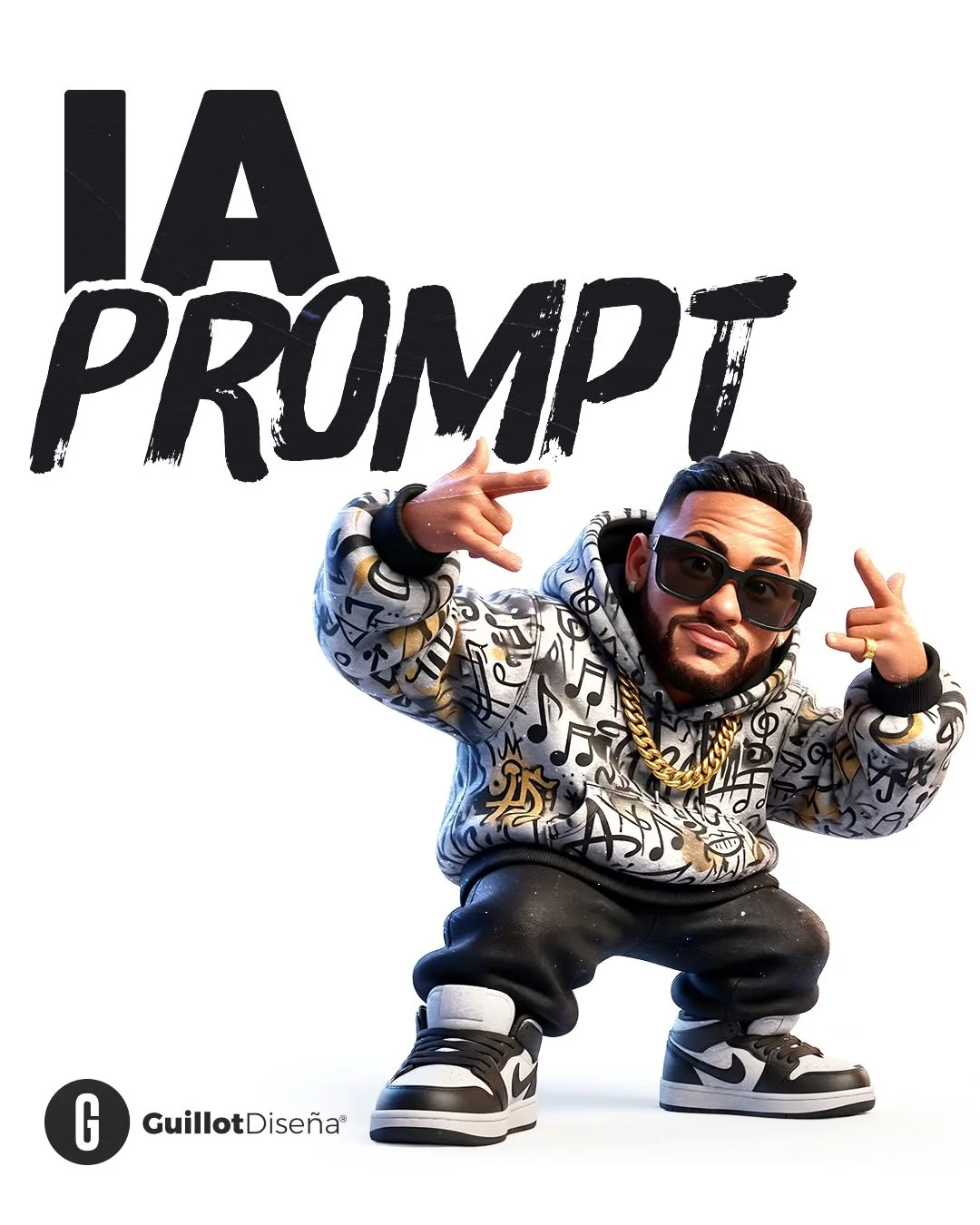
Comprehensive Guide to Creating Urban 3D Animation Style Images with AI
If you have spent any time on social media lately, you have probably seen those eye-catching, high-quality 3D characters that look like they stepped right out of a modern animation studio. This “Urban 3D” aesthetic is taking the digital world by storm. In this guide, we will explore how to master this style using the #GuillotDiseña method.
1. Introduction
Creating professional-grade 3D art used to require years of technical training and expensive hardware. Today, thanks to diseño 3D con inteligencia artificial, anyone can bring their imagination to life. Whether you want to create a digital avatar or a mascot for your brand, learning how to use the right prompts para imágenes IA is the key to success.
2. What is Urban 3D Animation Style?
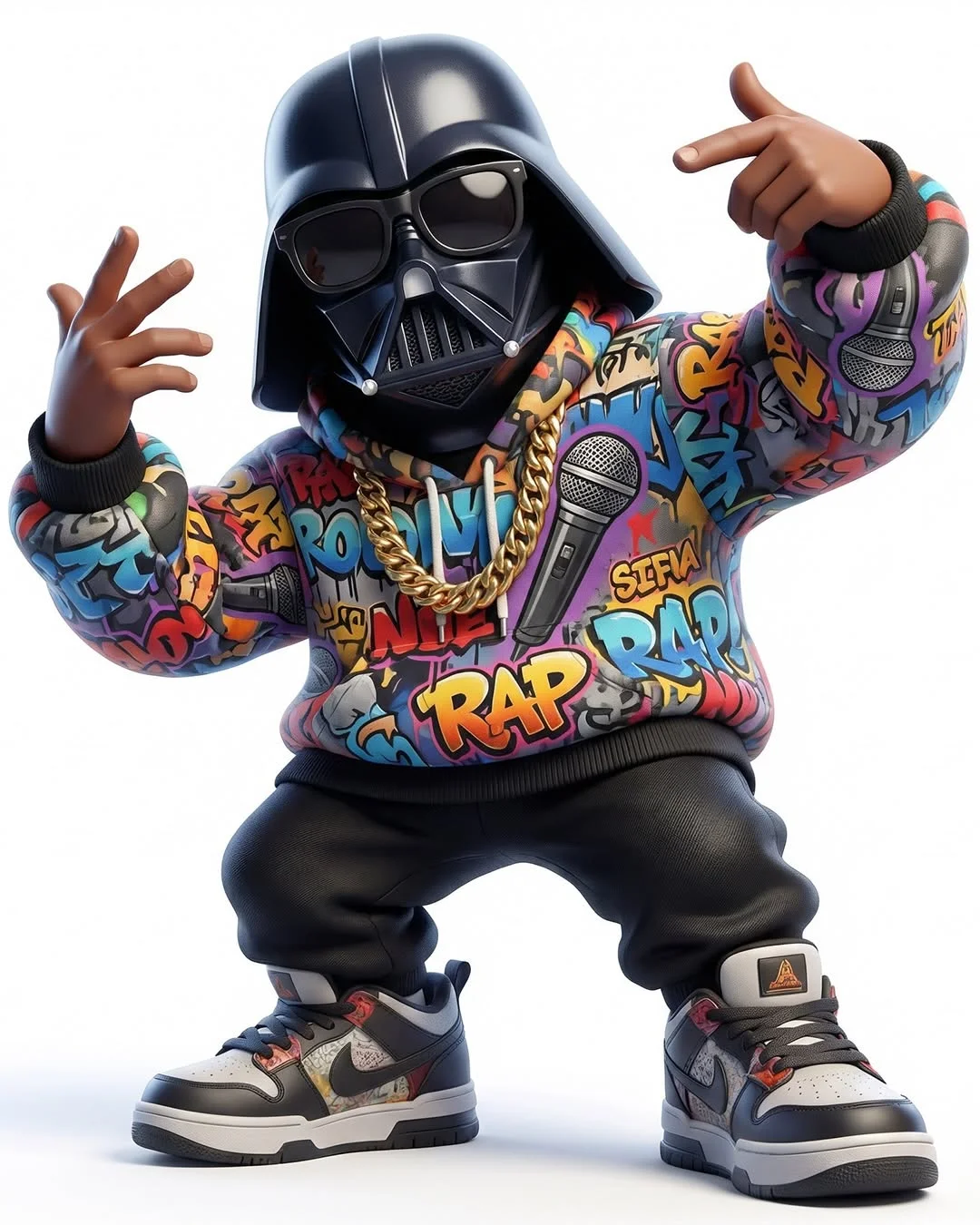
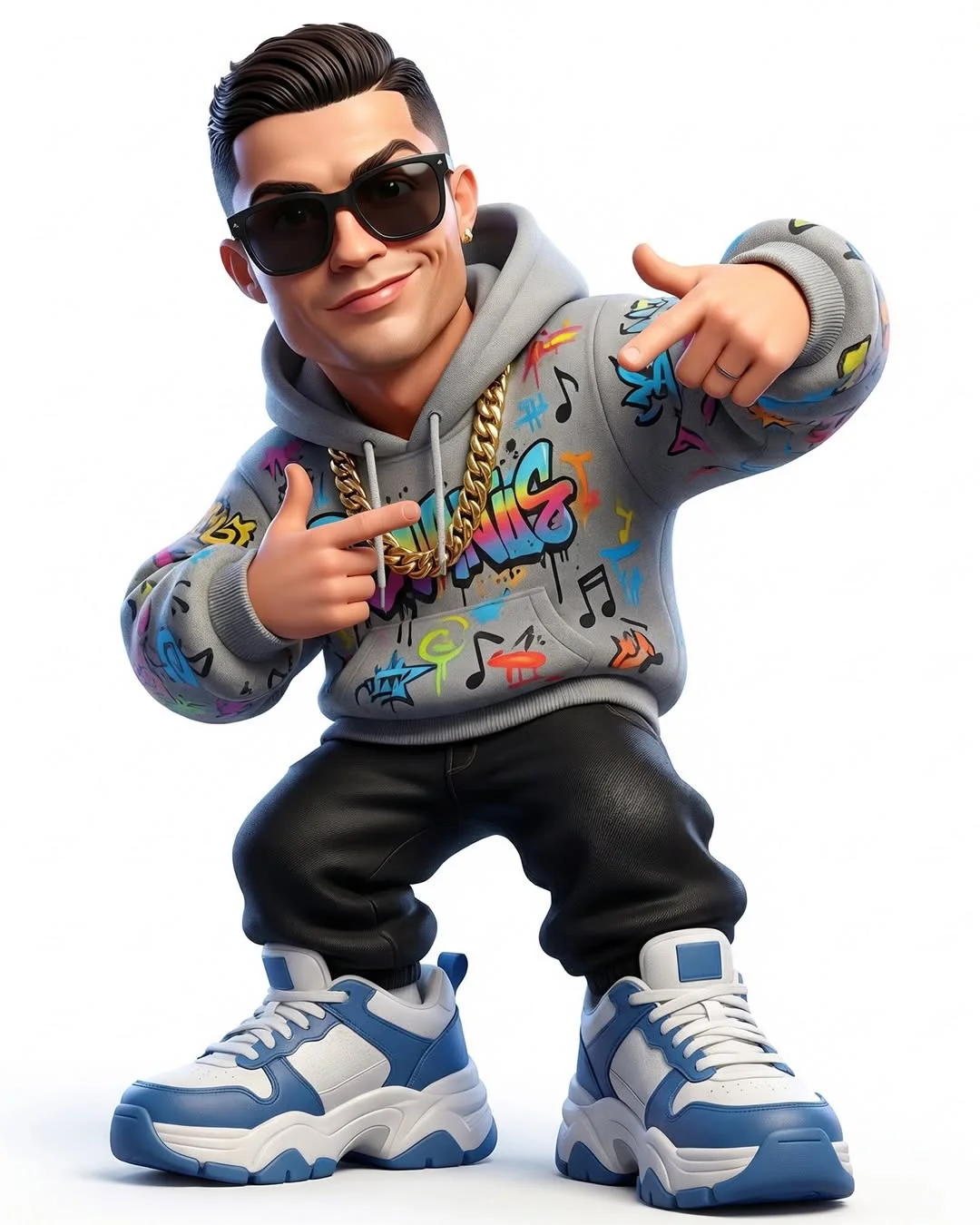
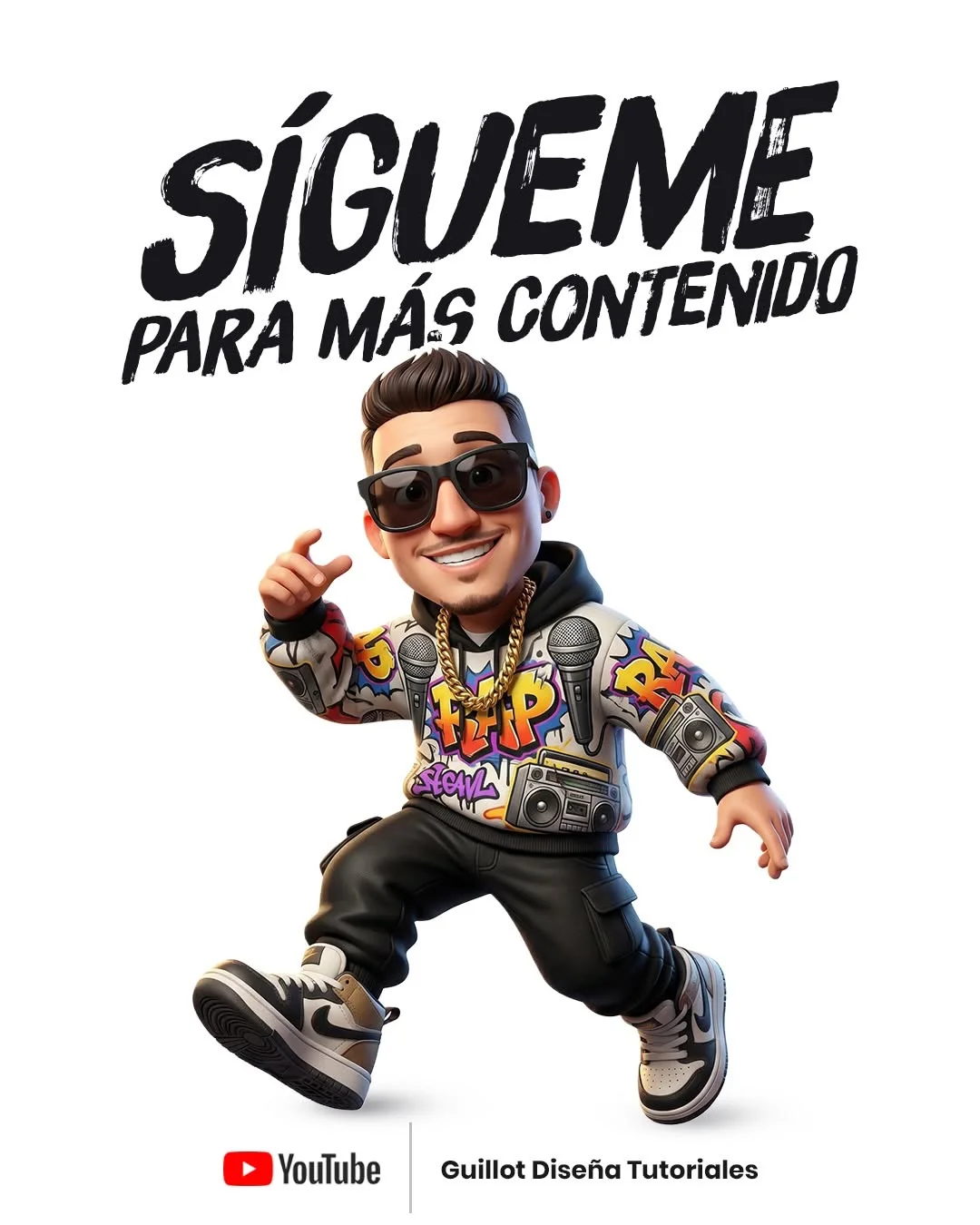
The Urban 3D animation style is a blend of “Vinyl Toy” proportions (think Funko Pop or Nendoroid) and modern streetwear culture. It features characters with slightly oversized heads, expressive faces, and highly detailed clothing like hoodies, sneakers, and chains.
This style relies on vibrant textures and a “clean” look, often categorized as renderizado 3d estilo pixar. It’s about energy, fashion, and that crisp, cinematic feeling that makes a character pop off the screen.
3. Benefits of Using AI for 3D Graphic Design
Using inteligencia artificial para diseñadores feels like having a superpower. First, it saves an incredible amount of time. Instead of spending weeks modeling a character in Blender, you can generate a concept in seconds.
Second, it allows for endless experimentation. You can change a character’s outfit, lighting, or pose just by tweaking a few words in your prompts de diseño gráfico. This speed makes it much easier to stay consistent with social media trends and produce high-quality creación de contenido digital without a massive budget.
4. How to Structure the Guillot Diseña Urban Prompt
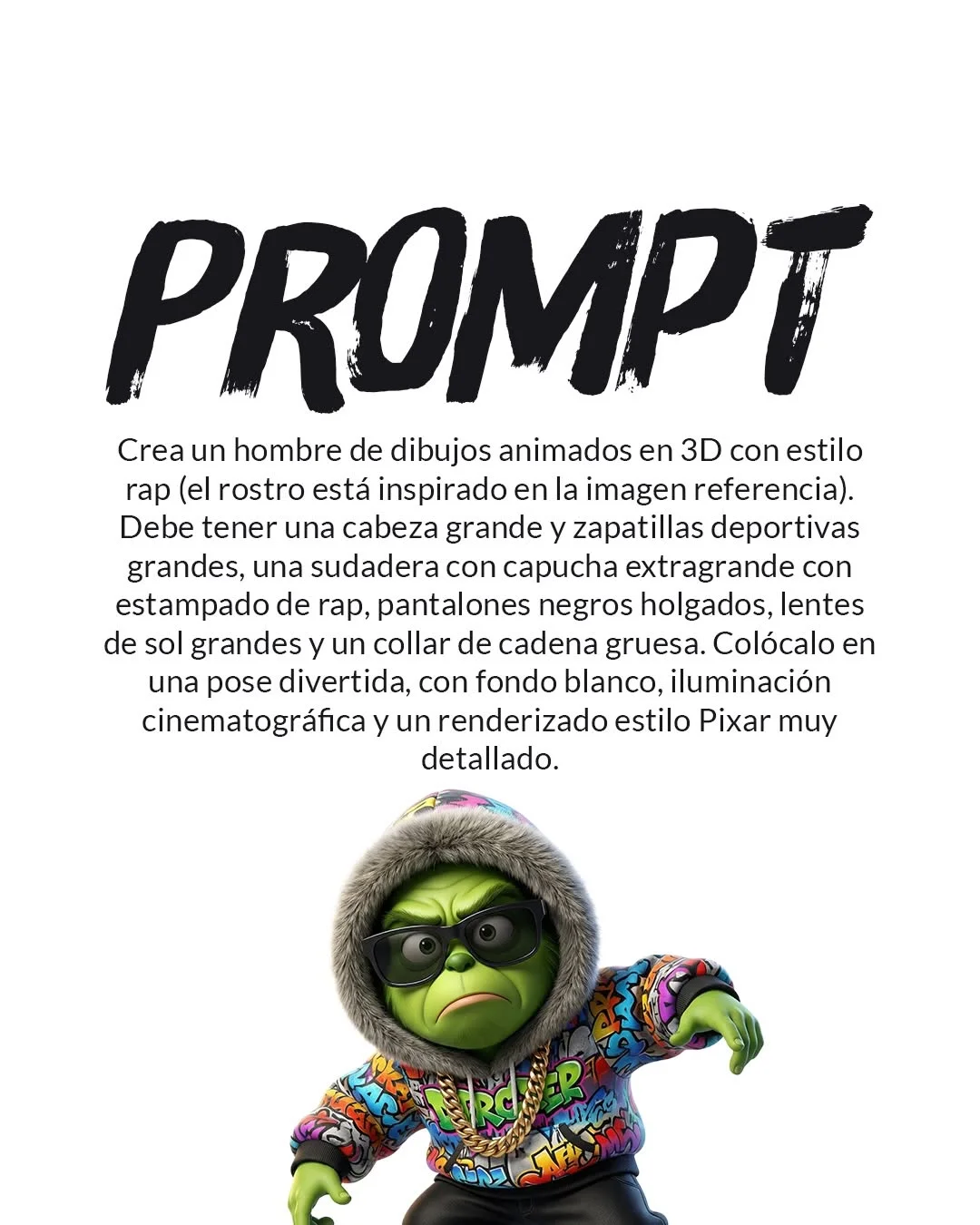
To get that signature #GuillotDiseña look, your prompt needs structure. You can’t just say “3D man.” You need to be specific.
1. Defining the Character and Urban Attire
Start with the subject. Mention specific clothing items like “oversized hoodie,” “distressed jeans,” or “chunky sneakers.” Use keywords like “urban style” or “streetwear” to set the tone.
2. Setting the Scene and Lighting
For that professional look, a “white background” is often best for isolated characters. For lighting, use terms like “cinematic lighting” or “soft studio lights” to ensure the visualización 3D creativa looks high-end.
3. Specifying the 3D Render Engine Style
Even though the AI isn’t actually using a 3D software, using keywords like “Octane Render,” “Unreal Engine 5,” or “Ray Tracing” tells the AI to mimic the textures and reflections found in those tools.
4. Adding Musical or Urban Elements
To give it that “Urban/Rap” soul, add elements like microphones, gold chains, or headphones.
5. Top AI Tools for Generating 3D Assets
Not all AI tools are created equal. Depending on your goal, you might choose different herramientas de diseño IA.
- Midjourney: This is the gold standard for high-end textures. Use prompts midjourney 3d if you want the most realistic lighting and complex clothing textures.
- DALL-E 3 (via Bing Image Creator): This is amazing for prompts bing image creator. It follows instructions very precisely, making it great for beginners who want exactly what they typed.
- Leonardo.ai: This tool is excellent for fine-tuning. It allows you to select specific 3D models to ensure your character looks consistent.
6. Essential Elements of an Urban Aesthetic
To truly nail the animación 3d urbana, you must focus on three things:
- Streetwear Fashion: Look for textures like cotton, leather, and plastic. Mentioning “graffiti patterns” or “branded logos” adds layers of realism.
- Neon and City Lighting: Even on a white background, adding a “rim light” (a light that outlines the character) makes it look like it belongs in a city at night.
- Proportions: The “Big Head” or “Chibi” look is very popular. It makes the character look approachable and “cool.”
7. Tips for Refining Your 3D Prompts
Creating the perfect image usually takes a few tries. This is called prompt engineering español.
- Negative Prompts: Use these to tell the AI what not to include (e.g., “blur, low resolution, extra fingers, messy hair”).
- Aspect Ratios: If you are posting to Instagram Stories or TikTok, add
--ar 9:16to your prompt. - Iterate on Textures: If a hoodie looks too flat, add the word “knitted” or “high-relief embroidery” to your prompts de arte digital.
8. Advanced Customization Techniques
Once you have your AI image, the work doesn’t have to stop.
- Post-processing: Bring the image into Photoshop to enhance the colors or sharpen the edges.
- Adding Logos: You can use the “Generative Fill” feature in Photoshop to add your own brand logo onto the 3D character’s hoodie.
- Color Grading: Adjust the warmth or coolness of the image to give it a professional, “finished” look similar to a movie poster.
9. Where to Find More Design Resources
The world of AI design moves fast. To stay ahead, you need a community and a teacher.
- Guillot Diseña: This tutorial series is a goldmine for recursos para creadores digitales. Following the #GuillotDiseña tag will give you fresh inspiration daily.
- YouTube: Subscribe to the Guillot Diseña channel for step-by-step videos on cómo crear personajes 3d IA.
- Communities: Join Discord or Facebook groups dedicated to Midjourney and Leonardo.ai to see what other creators are building.
10. Frequently Asked Questions
What is the best AI tool for 3D animation styles?
Currently, Midjourney (v6) is considered the best for artistic quality and texture, while Bing Image Creator is the most user-friendly for beginners using prompts para animaciones.
Do I need a powerful computer to generate these images?
No! That is the beauty of AI. The processing happens on “the cloud,” so you can generate these professional images from a standard laptop or even your smartphone.
Can I use these AI-generated 3D images for commercial projects?
This depends on the tool’s terms of service. Generally, paid versions of Midjourney and Leonardo.ai allow for commercial use, but always check the latest licensing rules.
How do I make the 3D character look like a specific person?
In tools like Midjourney, you can use a “Character Reference” (—cref). You can also provide a detailed description of the person’s unique features in your diseño de personajes 3d prompt.
What keywords help achieve that “Disney” or “Pixar” 3D look?
Use terms like “subsurface scattering,” “soft shadows,” “high-gloss eyes,” and “stylized 3D render.” Mentioning “Disney animation style” also helps the AI understand the vibe.
How can I fix artifacts or errors in the AI output?
Common errors like “six fingers” can often be fixed using the “Vary Region” or “Inpainting” tools found in Midjourney and Leonardo.ai.
Is the “Urban 3D” style trending for 2024 social media?
Yes! It is highly effective for profile pictures, advertising for streetwear brands, and making content stand out in a crowded feed.
Where can I find the exact prompt used in the Guillot Diseña tutorial?
You can find these prompts de diseño gráfico in the descriptions of the Guillot Diseña YouTube videos and by following the #GuillotDiseña hashtag on Instagram and TikTok.
By mastering these prompts para imágenes IA, you are not just making a picture—you are building an entire digital world. Happy creating