Master AI-powered design! Learn to use ChatGPT prompts for graphic design to beat creative block, automate workflows, and generate aesthetic concepts.
Elevating Your Graphic Design Workflow with ChatGPT
In the fast-paced world of digital design, staying inspired can feel like a full-time job. Whether you are a professional or just starting your journey, the pressure to be constantly creative is real. That is where AI comes in, acting as your digital brainstorming partner to push your boundaries further.
Why Graphic Designers are Using ChatGPT
You might think of ChatGPT as just a chatbot, but for designers, it is a powerhouse for creative workflow automation. It doesn’t replace your artistic eye; it fuels it. Designers are using ChatGPT prompts for graphic designers to beat the “blank canvas syndrome.”
By using AI-powered design strategies, you can generate hundreds of ideas in seconds. From naming a brand to describing a complex visual mood, ChatGPT helps you articulate thoughts that might be stuck in your head. It acts as a bridge between a vague idea and a solid visual direction. Using digital design tools like this allows you to spend less time overthinking and more time actually creating. It’s like having a senior art director available 24/7 to bounce ideas off of.
The Anatomy of a Perfect Design Prompt
Getting the best results from AI requires a bit of strategy. Think of a prompt as a recipe; if you miss an ingredient, the dish won’t taste right. Here is how to build a winning prompt:
- Define the Project Type: Start with what you are making. Is it a minimalist logo, a vintage poster, or a UI layout?
- Specify the Audience and Mood: Who is this for? A “luxury” brand feels different than a “playful” one. Use words like elegant, gritty, futuristic, or organic.
- Technical Constraints: Mention your color palettes (e.g., “terracotta and sage green”) and aspect ratios.
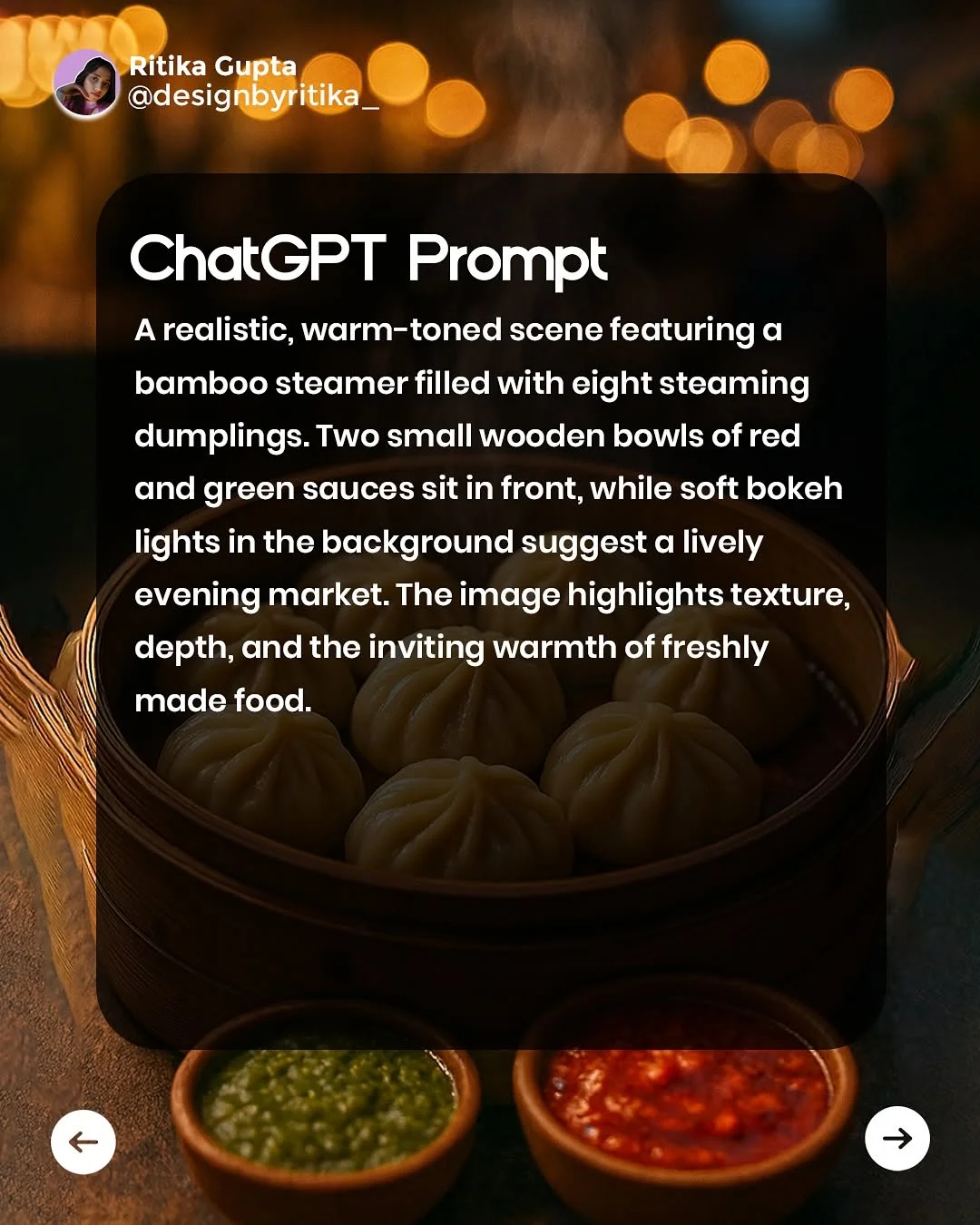
- Use Descriptive “Vibe” Words: Instead of saying “nice lighting,” try “cinematic lighting with soft bokeh.”
By being specific, your AI design prompts will yield much higher-quality graphic design inspiration.
How to Generate Aesthetic Brand Identity Concepts
Branding is more than just a logo; it is an entire world. You can use branding design prompts to build this world from scratch.
Start by asking ChatGPT for logo design prompts that focus on symbolism. For example, “Give me 5 symbolic icons for a sustainable coffee brand that focus on circularity and nature.” Once you have the logo idea, move to color. Ask for aesthetic design ideas like, “Suggest a 4-color palette for a tech startup that wants to feel trustworthy but approachable.”
You can even use ChatGPT to describe the brand voice or suggest typography prompts. Ask, “What are two font pairings—one serif and one sans-serif—that convey a sense of 1920s nostalgia?” This creates a cohesive “brand bible” before you even open your design software.
Using AI for Social Media Design Inspiration
Social media moves fast. Using graphic design prompts for Instagram can help you keep up with the demand for fresh content.
For Instagram carousels, ask ChatGPT to outline a 5-slide educational post about design principles. It can provide the catchy headlines and the visual descriptions for each slide. You can also generate visual storytelling prompts for Stories. For instance, “Describe a 15-second stop-motion animation concept for a new product launch.” By focusing on design process optimization, you can plan an entire month’s grid in a single afternoon.
Benefits of AI-Assisted Creative Briefing
The creative brief generation phase is often the most tedious. However, using ChatGPT for designers makes it a breeze. By inputting client notes into the AI, you can generate a professional creative brief that outlines goals, target demographics, and visual direction. This ensures you and your client are on the same page, reducing the number of revisions later. It turns a messy conversation into a structured plan of action.
How to Overcome Creative Block with Rapid Iteration
When you feel stuck, use “What If” scenarios. Ask the AI: “What if this Nike ad was designed in the style of 19th-century botanical sketches?” These weird combinations lead to vector art prompts and AI art prompts you never would have thought of on your own.
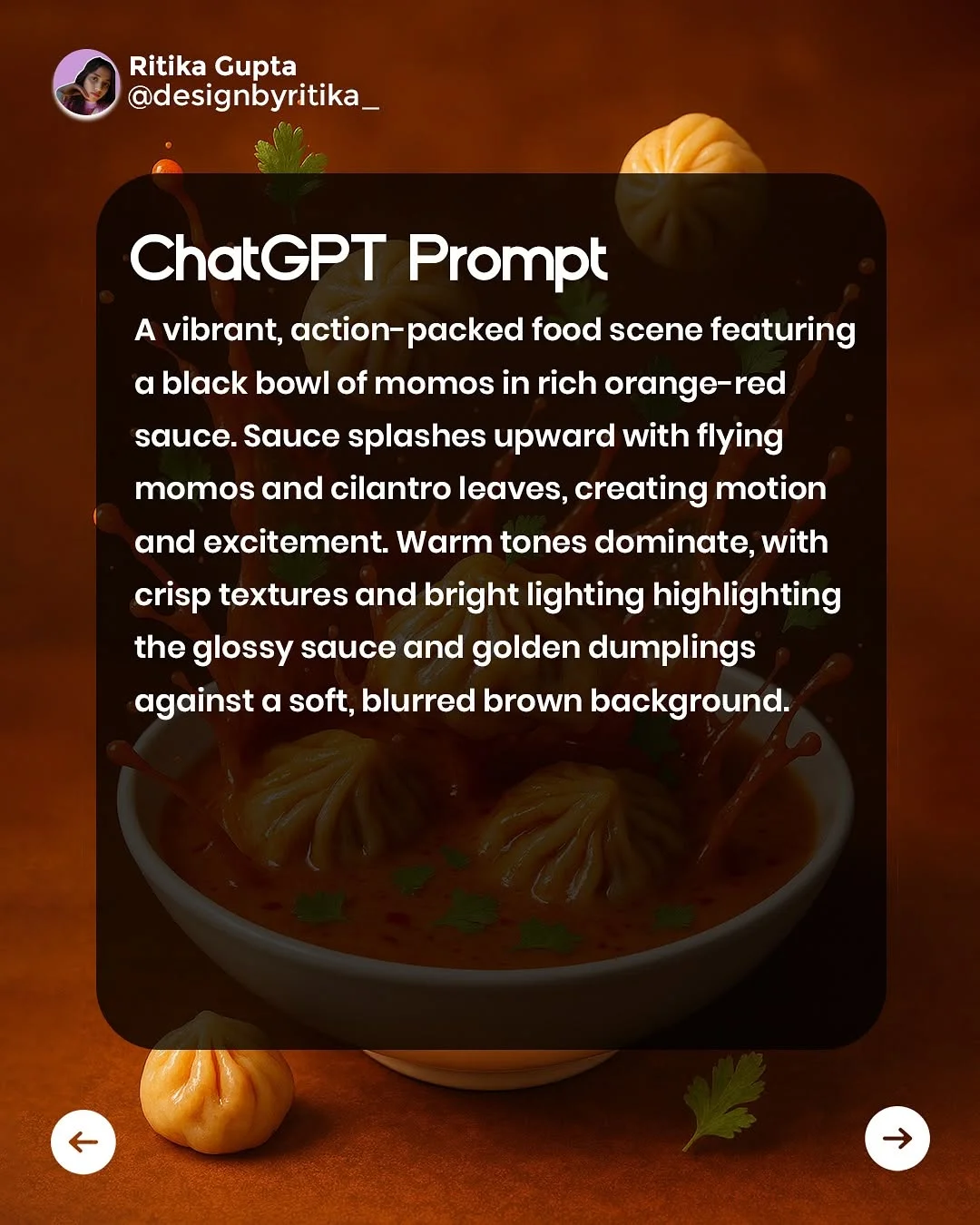
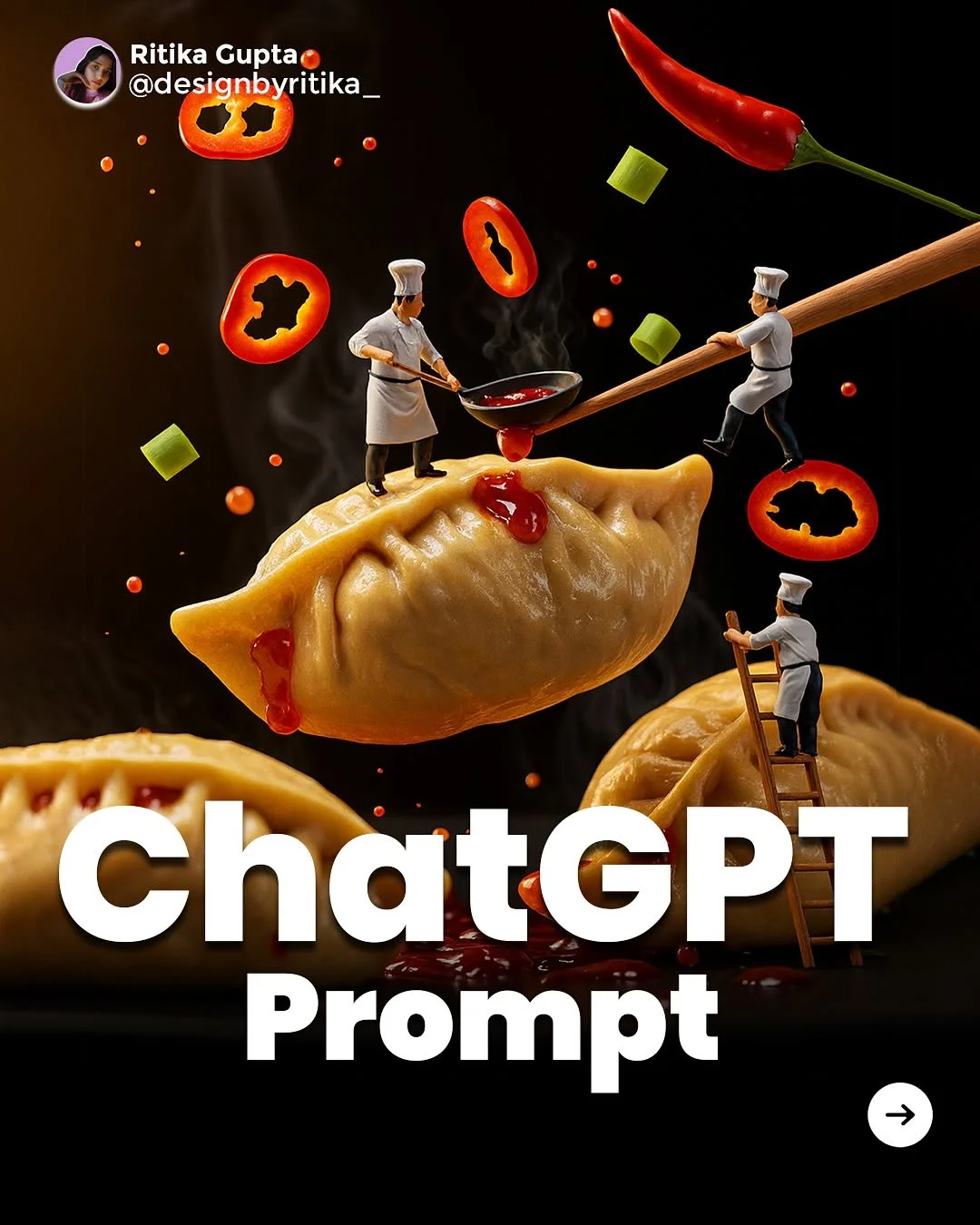
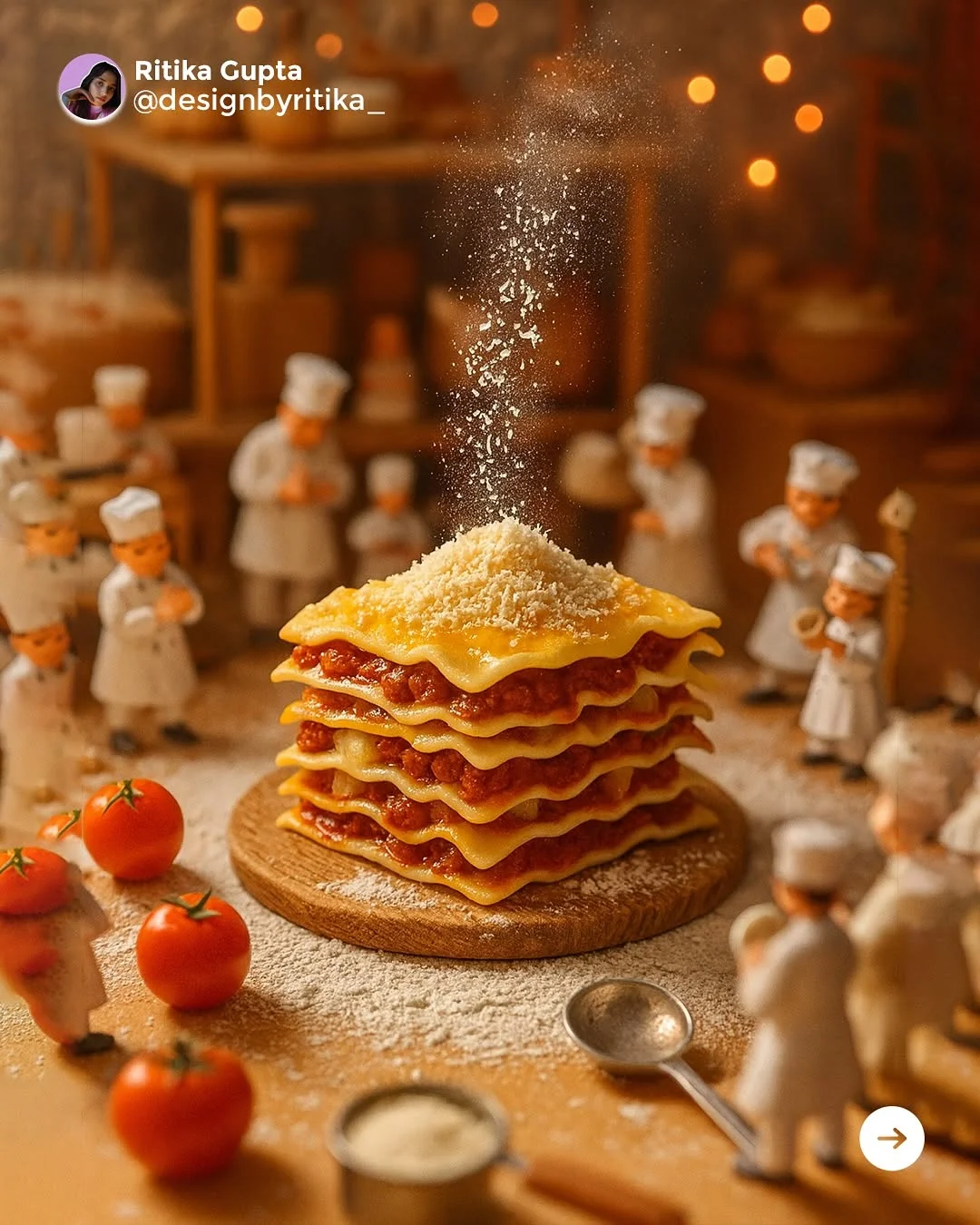
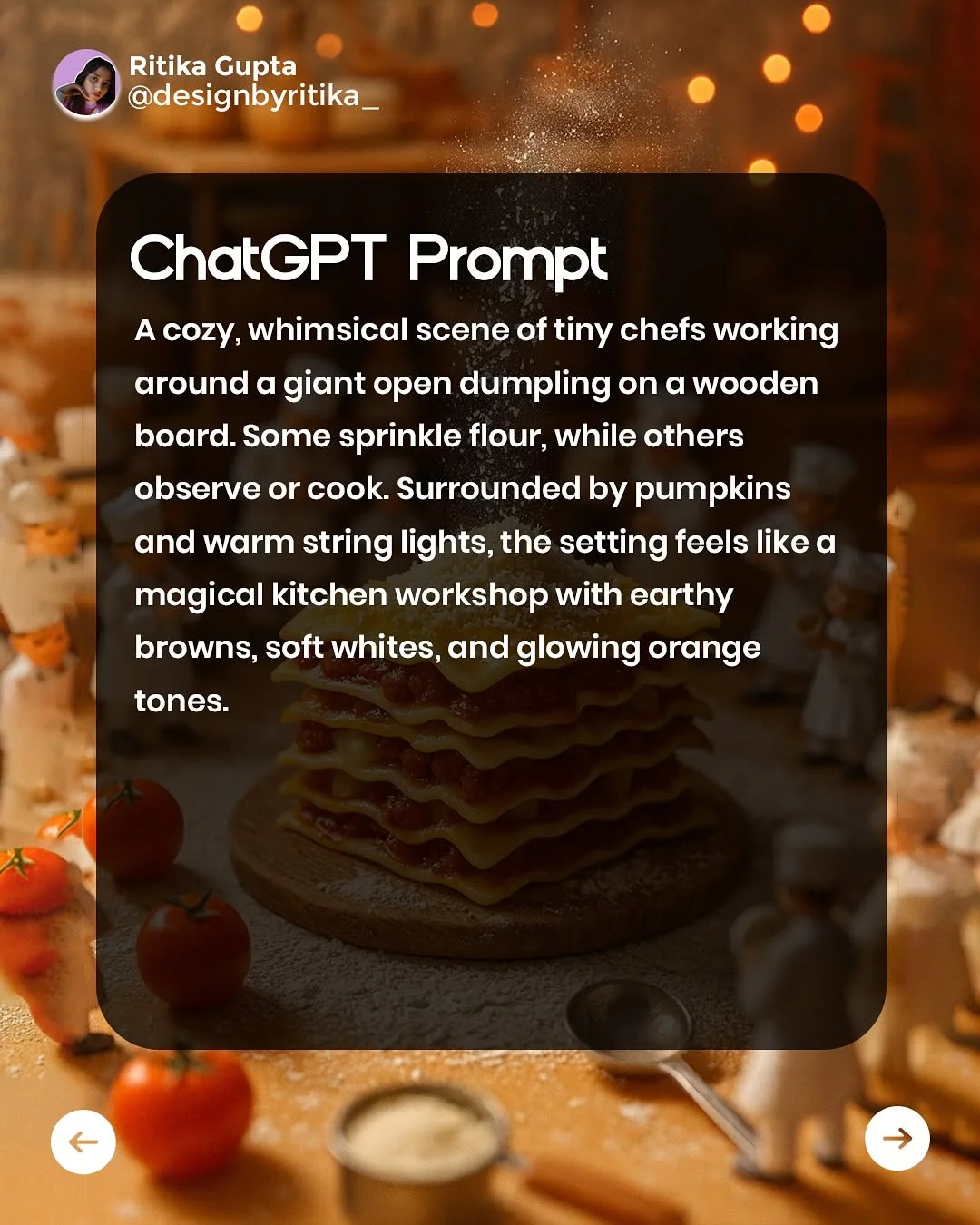
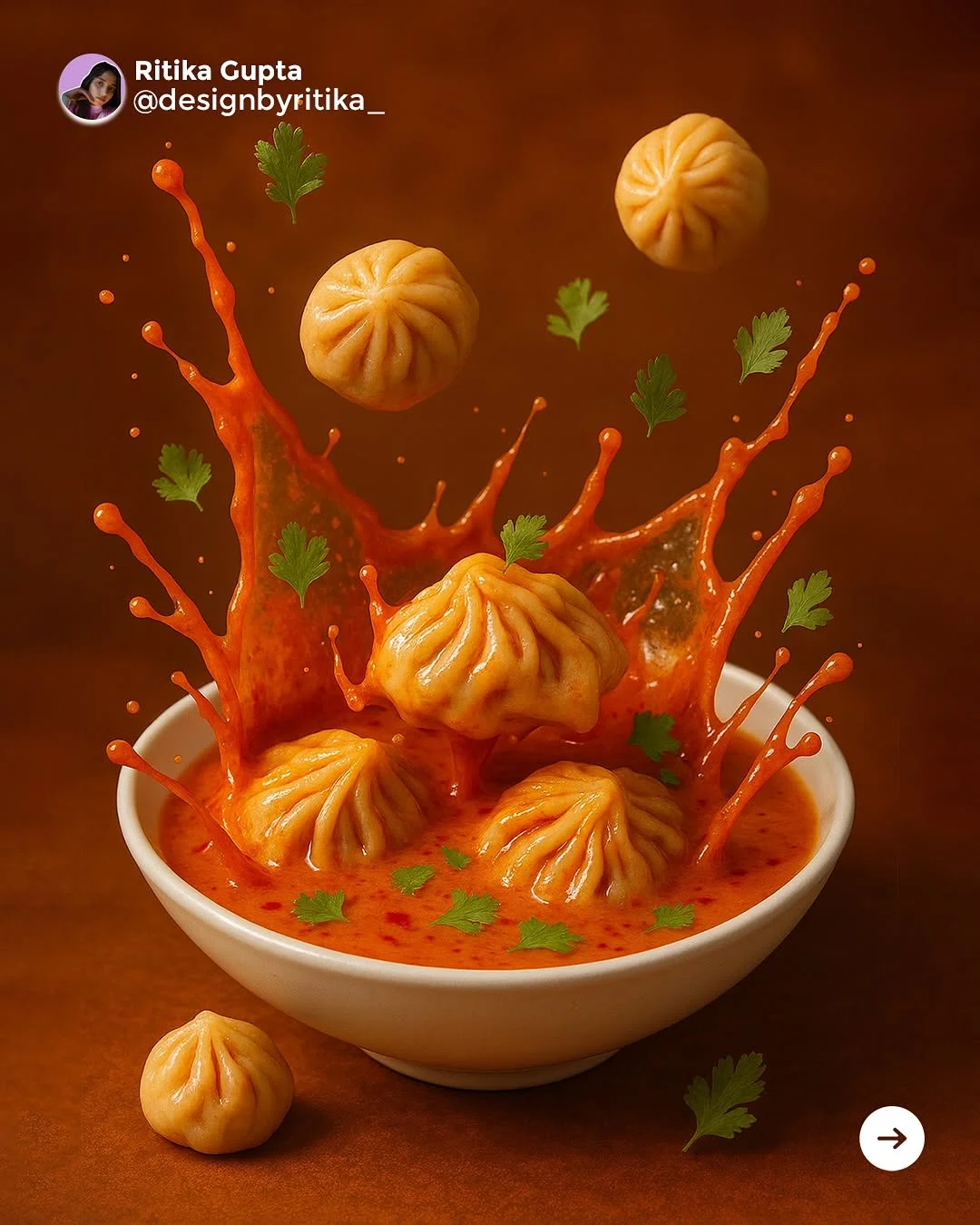
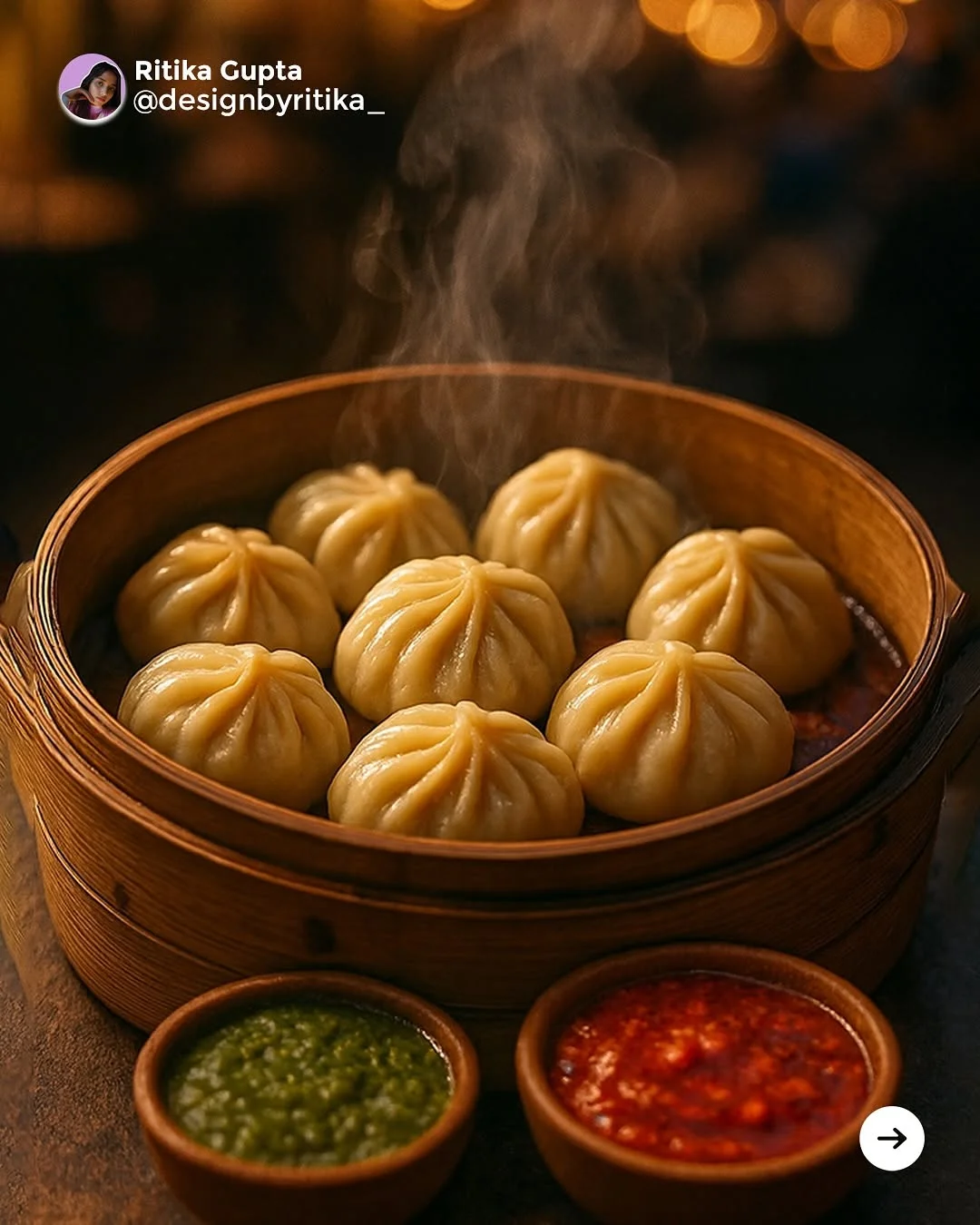
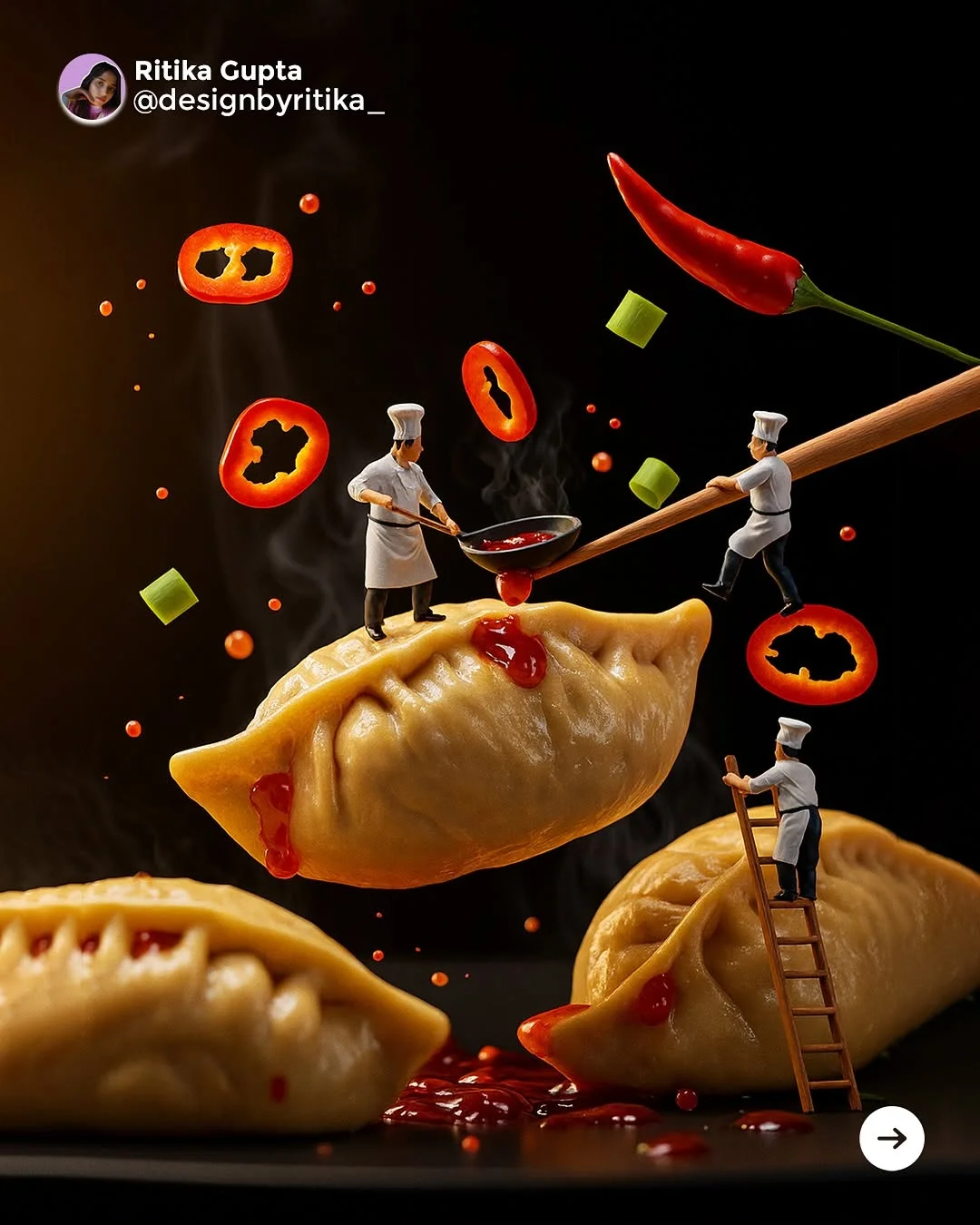
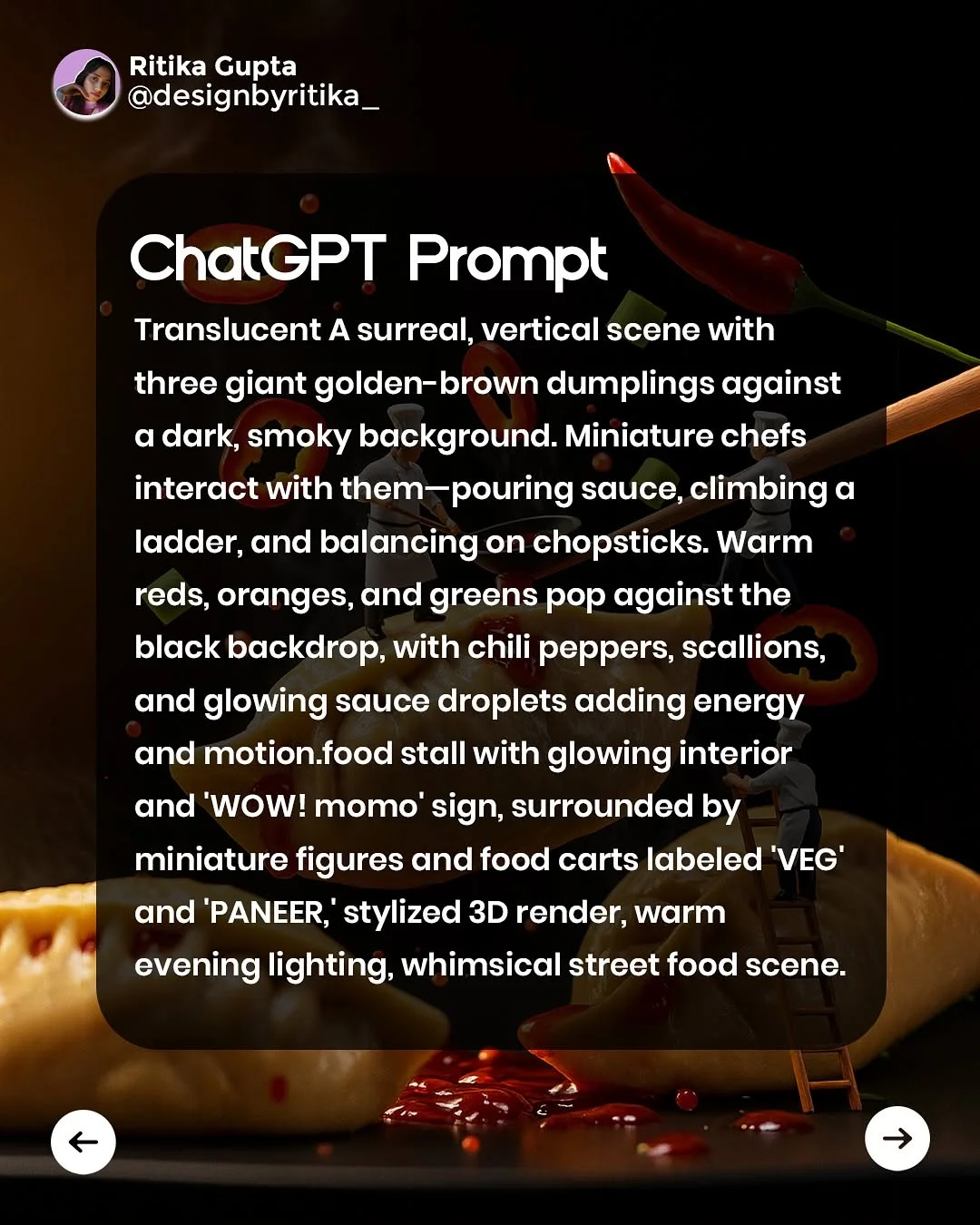
Expand one simple idea into multiple styles. Take a “dumpling” concept and ask the AI to describe it as a 3D claymation scene, then as a sleek 2D flat illustration. This rapid iteration is a game-changer for design process optimization. Combining unrelated art movements—like “Cyberpunk meets Art Nouveau”—often results in the most unique and eye-catching projects.
Best Practices for Refining AI Suggestions
Don’t take the first answer ChatGPT gives you. Treat it like a conversation. If a suggestion is too “corporate,” tell the AI to “make it more indie and rough around the edges.” Effective AI image generation prompts are often the result of 3 or 4 rounds of refinement. Ask the AI to explain why it chose a certain color or layout to see if the logic holds up for your specific project.
Ethical Considerations and Using AI Responsibly
While AI is a great tool for graphic design inspiration, it is important to use it ethically. Never use AI to copy a specific living artist’s style directly. Use it for “mood” and “concept” rather than “replication.” Always ensure that the final work is significantly transformed by your own creative skills. AI should be the spark, but you—the human designer—are the one who builds the fire.
Conclusion: The Future of the Human-AI Design Partnership
The future of design isn’t “Man vs. Machine,” it’s “Man + Machine.” As tools evolve, the role of the designer shifts from “maker” to “curator and director.” By mastering ChatGPT prompts for graphic designers, you are future-proofing your career. You’ll be able to work faster, dream bigger, and execute more complex ideas than ever before.
Frequently Asked Questions
1. Can ChatGPT generate actual image files for me? ChatGPT itself generates text, but if you have a Plus subscription, it can use DALL-E 3 to create images. Most designers use it to write highly detailed AI image generation prompts for Midjourney or Firefly.
2. How do I give feedback to ChatGPT to improve a design prompt? Just talk to it! Say, “That’s good, but make the colors more vibrant” or “Focus more on the industrial texture.”
3. What are the best prompt keywords for minimalist design? Use words like negative space, clean lines, monochromatic, intentional, geometric, and uncluttered.
4. Is it okay to use ChatGPT ideas for client projects? Yes! Using it for brainstorming, creative brief generation, and mood boards is perfectly fine and very common in modern agencies.
5. How can I use ChatGPT to help with my UI/UX wireframing? Ask it for a “user flow” or a “list of necessary components for a food delivery app home screen.” It can provide the logical structure before you start the UI/UX design prompts.
6. Can I use ChatGPT to write my design portfolio descriptions? Absolutely. Paste your project details and ask it to write a compelling 200-word case study that highlights your problem-solving skills.
7. What is the difference between a design prompt and an image prompt? A design prompt is a broader request for ideas, strategy, or hierarchy. An image prompt is a specific set of instructions meant for an AI image generator to create a visual.
8. Will AI eventually replace graphic designers? Unlikely. AI lacks “intent” and human emotion. It can generate a pretty picture, but it doesn’t understand why a design works for a specific human culture or emotion. Designers who use AI will replace designers who don’t.