Discover how to use photorealistic AI to elevate your content. Master Midjourney, Google Gemini, and prompt engineering to create pro-level visuals.
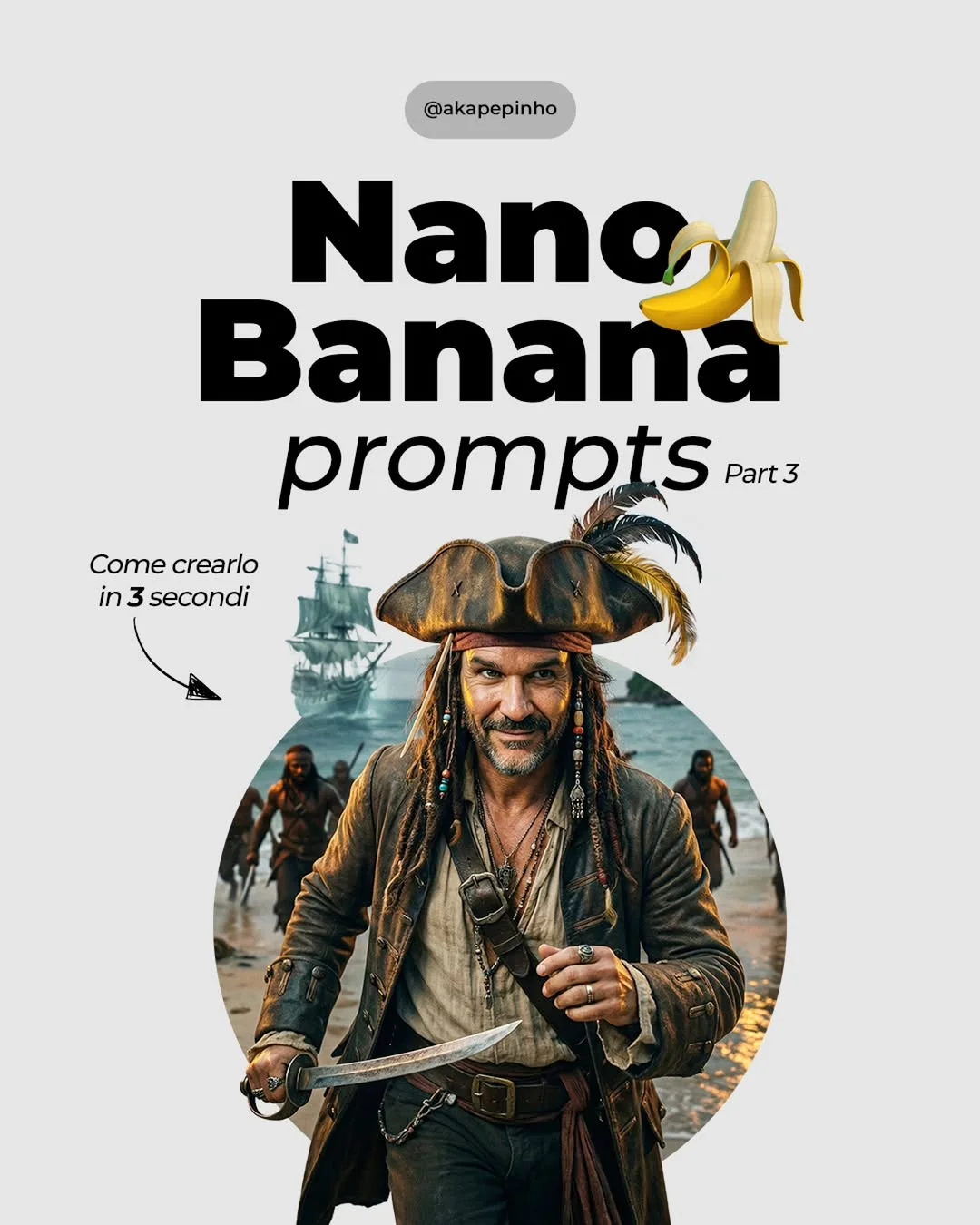
Elevating Content Creation with Photorealistic AI: The Ultimate Guide
We are currently living through the most significant technological shift in history. The question is no longer whether Artificial Intelligence will change how we work, but rather: are you going to lead the change or be left behind?
The Shift to Photorealistic AI in Content Creation
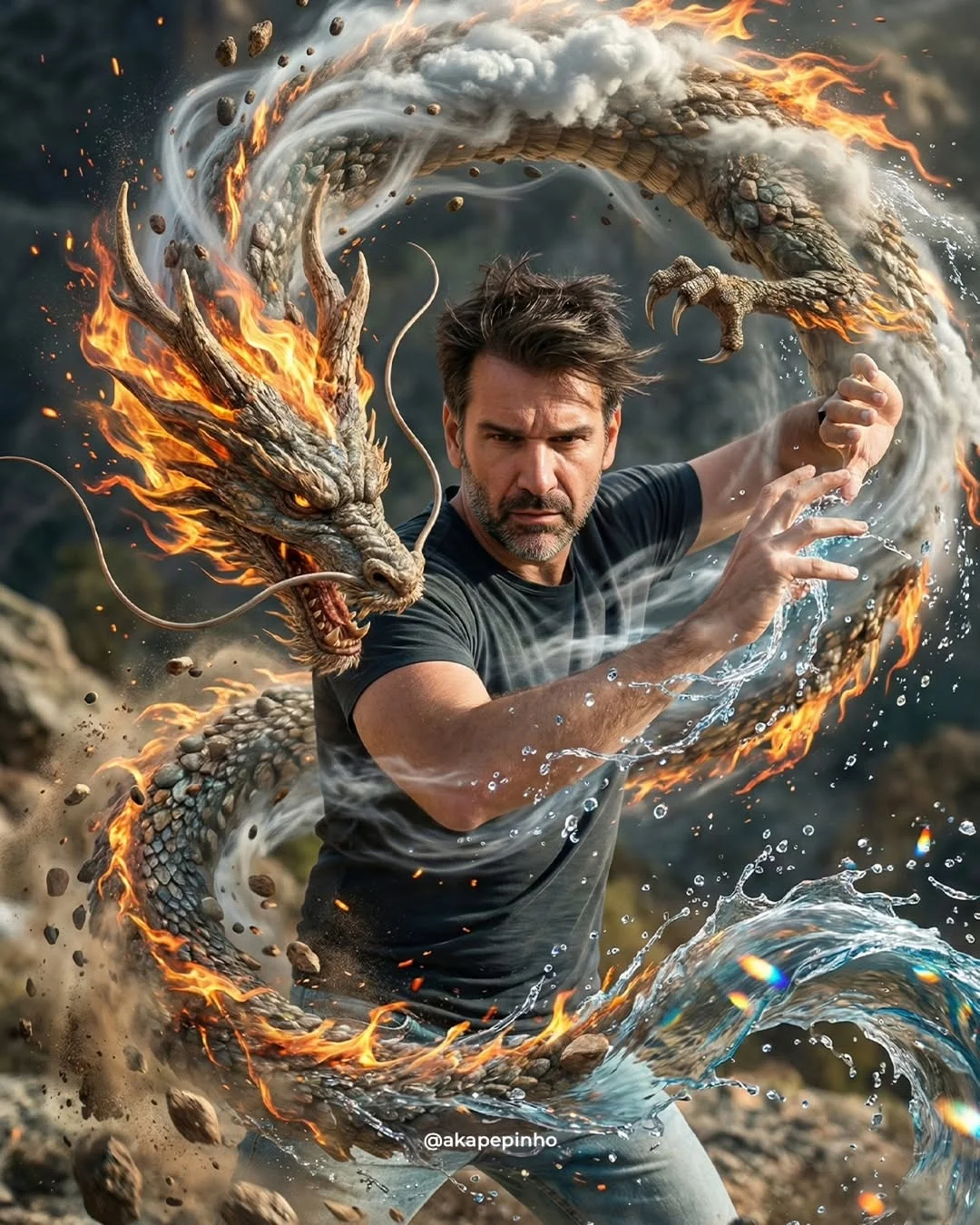
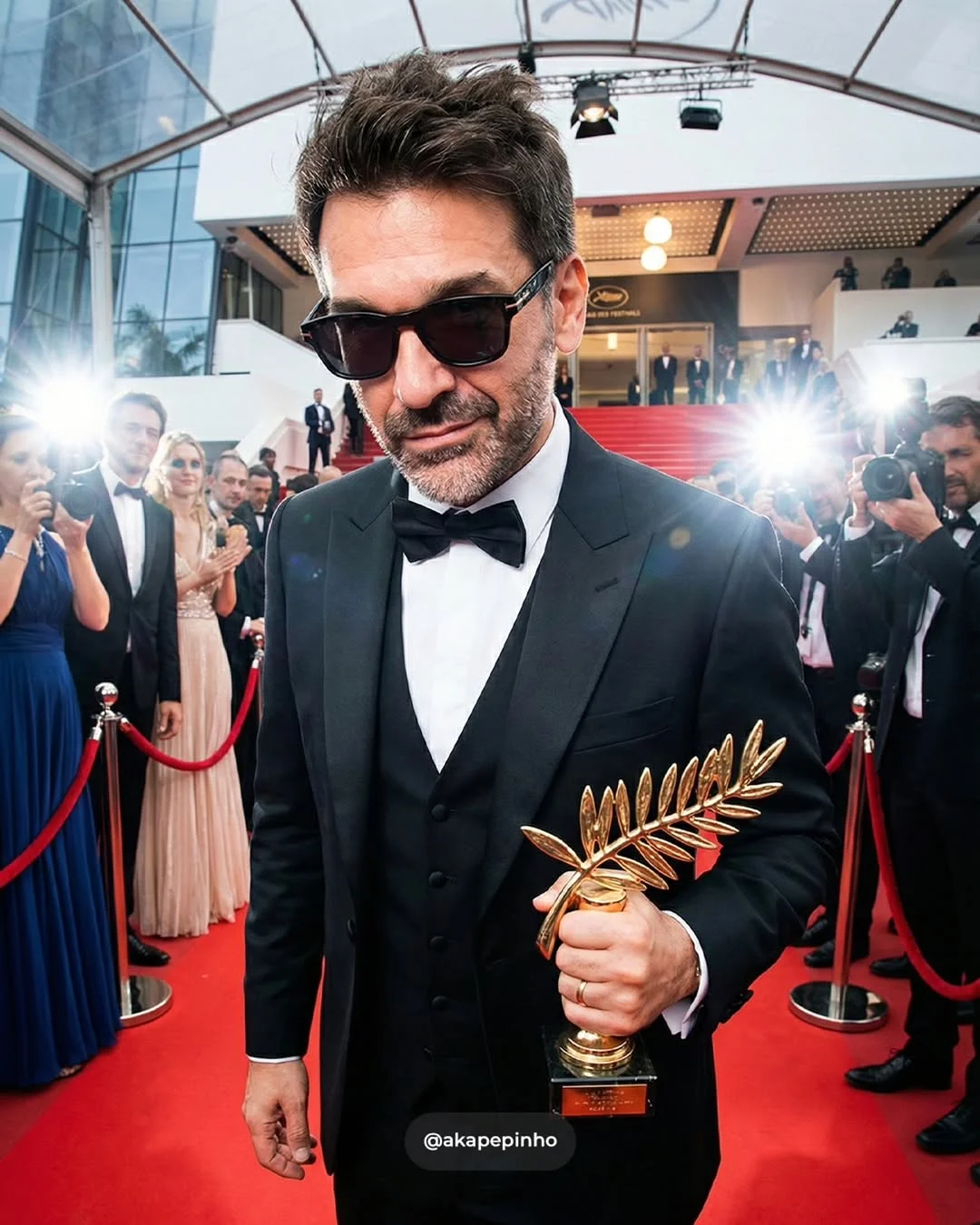
Not long ago, AI-generated images looked like something out of a fever dream—distorted faces, six fingers on a hand, and “plastic” textures. But things have changed fast. Today, fotorealismo artificiale facile (easy artificial photorealism) is a reality. New models have reached a level of detail where it is nearly impossible to distinguish between a real photograph and a generated one.
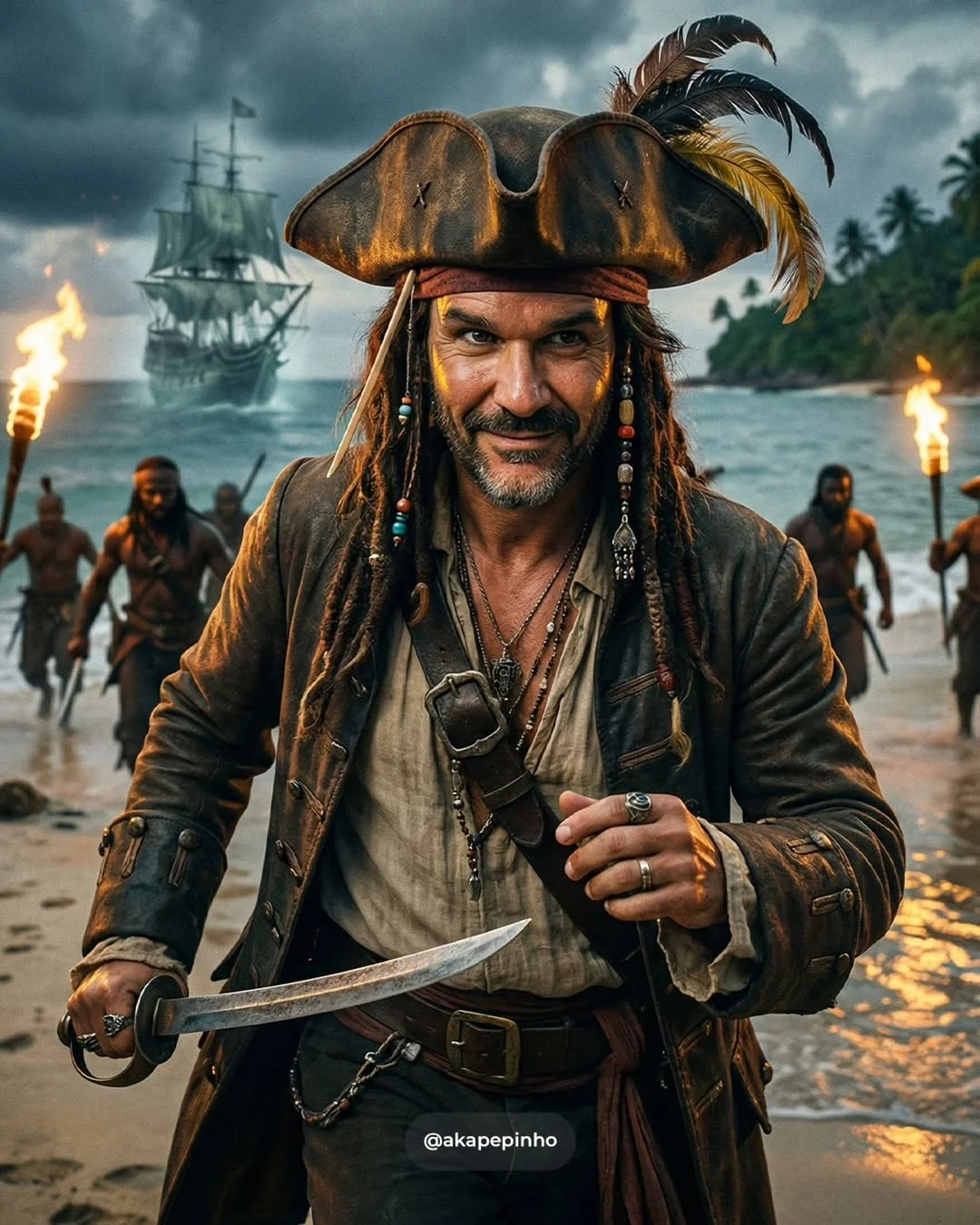
For content creators and photographers, this isn’t a threat; it’s a superpower. We are moving from a world where you needed a $10,000 camera and a flight to the Caribbean to capture a pirate scene, to a world where your creativity is the only limit. This shift allows us to focus on the story rather than just the logistics.
Benefits of Using AI for Visual Production
Why should you integrate a generatore immagini AI professionale into your workflow? Here are four game-changing reasons:
1. Reducing Production Costs and Time
Think about the cost of a professional photoshoot: studio rental, lighting equipment, models, and hours of post-production. With AI, you can generate immagini cinematiche AI in seconds. High-quality production is now accessible to everyone, regardless of budget.
2. Scaling Content Variety
In the world of social media, you need a lot of content to stay relevant. AI allows you to take one concept and spin it into twenty different variations effortlessly.
3. High-Quality Aesthetics Without Expensive Gear
You don’t need the latest Sony Alpha or a set of prime lenses to get a shallow depth of field. AI can simulate specific lenses and lighting setups perfectly, giving you produzione contenuti digitali veloci (fast digital content production) that looks premium.
4. Overcoming Creative Blocks
Sometimes you have a vision but can’t quite describe it. AI acts as a mood board that comes to life. You can visualize complex ideas instantly, helping you refine your creative direction.
What is Photorealistic Generative AI?
At its core, photorealistic AI uses “diffusion models.” Imagine a block of marble. A sculptor (the AI) chips away at “noise” until a clear, realistic image emerges. These models have been trained on billions of real-world photographs, learning exactly how light bounces off skin, how fabric folds, and how water reflects. It’s like having a world-class digital artist who has memorized every photograph ever taken.
Top Tools for Pro-Level AI Imagery
If you want to stay ahead in 2024, you need to know the migliori tool intelligenza artificiale immagini:
- Midjourney: Still the king of “vibe” and cinematic quality. It’s perfect for creators who want an artistic, high-end look.
- Google Gemini & Veo: Google is catching up fast. Come usare Google Gemini per immagini is becoming a standard question because of its ease of use and integration with other Google tools. Veo is their latest leap into high-quality video.
- Adobe Firefly: The best choice for professional photographers. Since it’s built into Photoshop, you can use generative fill to expand backgrounds or change clothes on real subjects seamlessly.
- Flux: The newest heavyweight. Flux is currently the best at rendering realistic human hands and incorporating specific text within images—two things AI used to struggle with.
How to Write Effective Prompts for Realistic Results
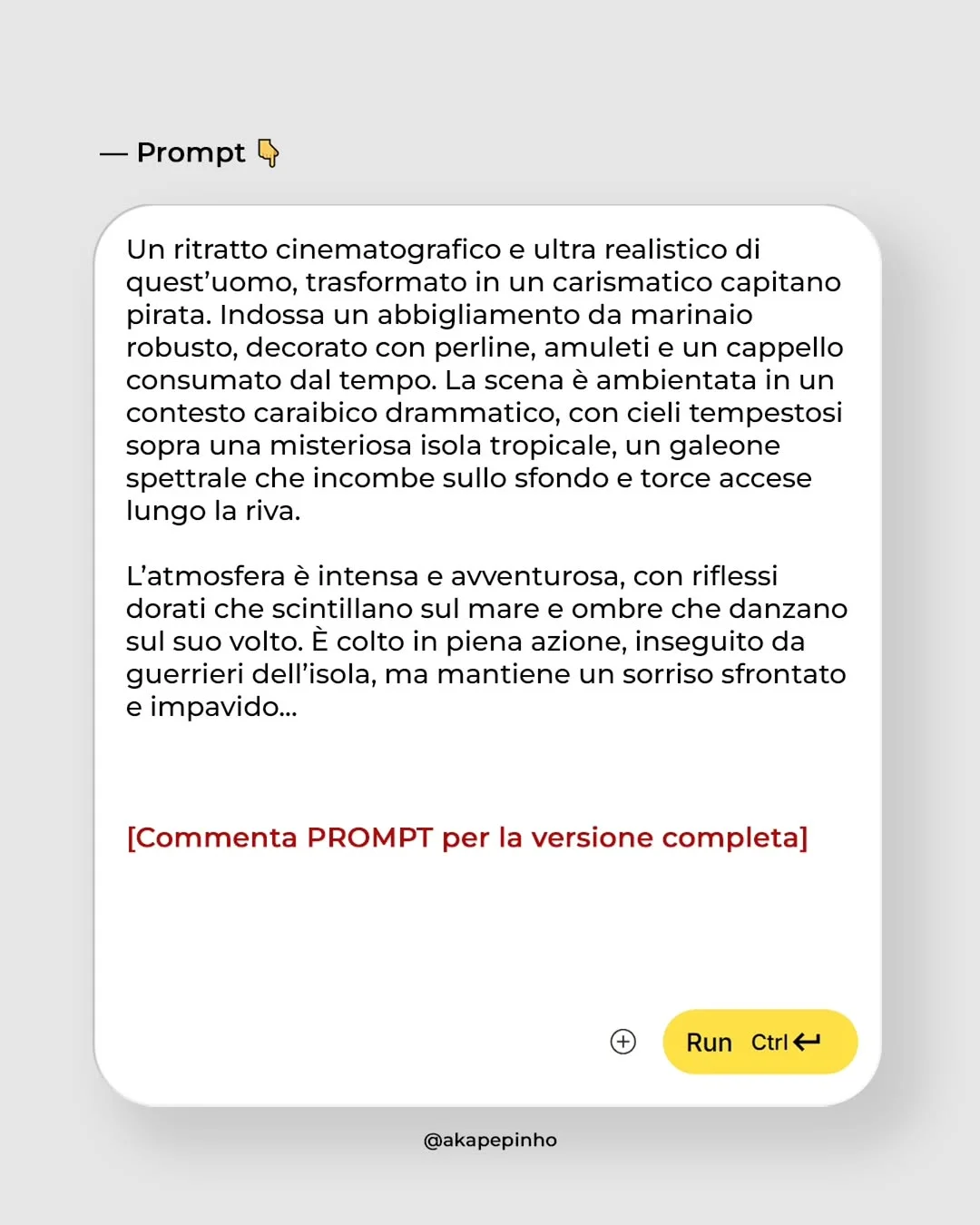
Learning tecniche prompt engineering is like learning to talk to a camera. To get a photo—not a drawing—you need to be specific.
1. Define the Subject and Environment
Don’t just say “a man.” Say “a man in his 40s with salt-and-pepper hair, wearing a linen shirt, sitting in a sun-drenched Italian cafe.”
2. Specify Camera Settings
This is where intelligenza artificiale per fotografi gets interesting. Use terms like:
- “Shot on 35mm lens”
- “f/1.8 aperture” (for that blurry background)
- “ISO 100” (for a clean, crisp image)
3. Control the Lighting
Lighting makes or breaks a photo. Try keywords like “Golden hour,” “Softbox lighting,” “Rembrandt lighting,” or “Backlit.”
4. Use Negative Prompts
If you want to avoid “AI artifacts,” tell the AI what you don’t want: “No cartoonish textures, no extra limbs, no airbrushed skin.”
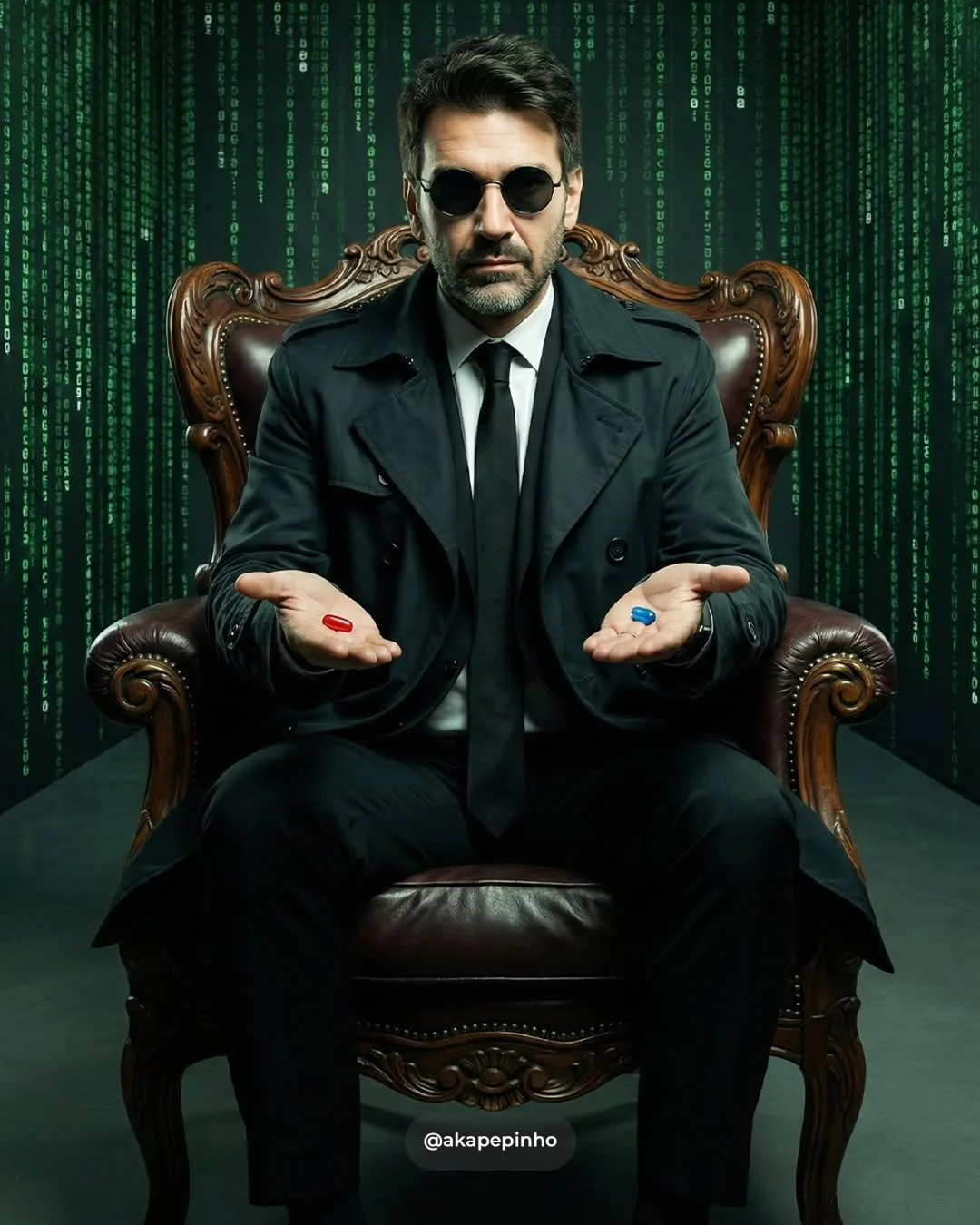
The Evolution of “AI Twins” and Digital Personas
One of the hottest trend intelligenza artificiale 2024 is the “AI Twin.” This means training an AI to recognize a specific face (your own or a brand ambassador’s) and placing that person in any scenario.
This is a massive strumento per UGC creator (User Generated Content). You can create a high-end ad featuring yourself in a snowy mountain range or a futuristic city without ever leaving your home office. This maintains brand consistency because the “character” stays the same while the environment changes.
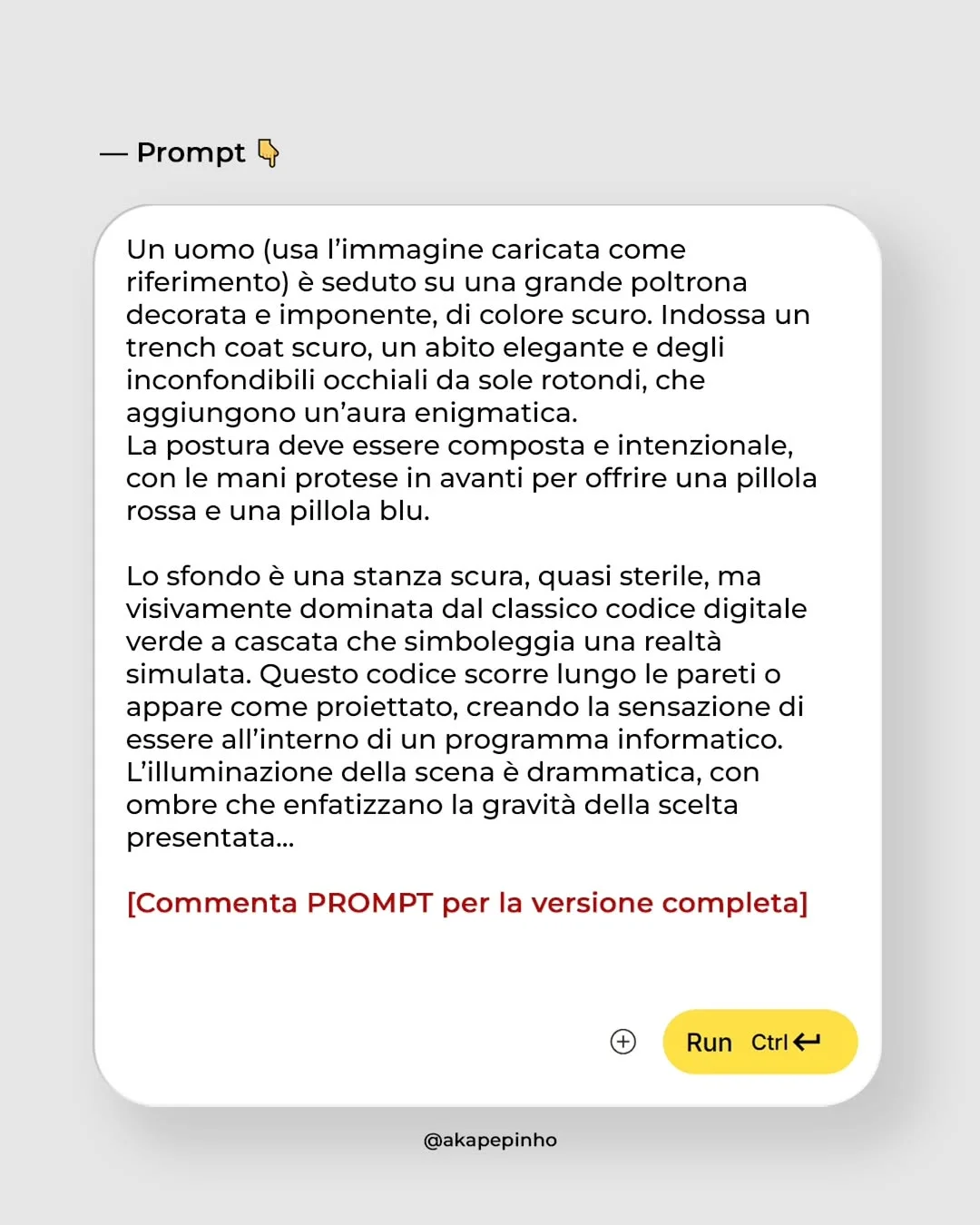
Practical Tips for Seamless AI Integration
To truly succeed as an AI content creator, you need to blend AI with reality.
- Mix AI Backgrounds with Real Products: If you are a marketer, take a clean photo of your product and use AI to generate a stunning, realistic background.
- Upscaling: Use tools like Magnific AI or Topaz Photo AI to turn your generations into high-resolution files suitable for print.
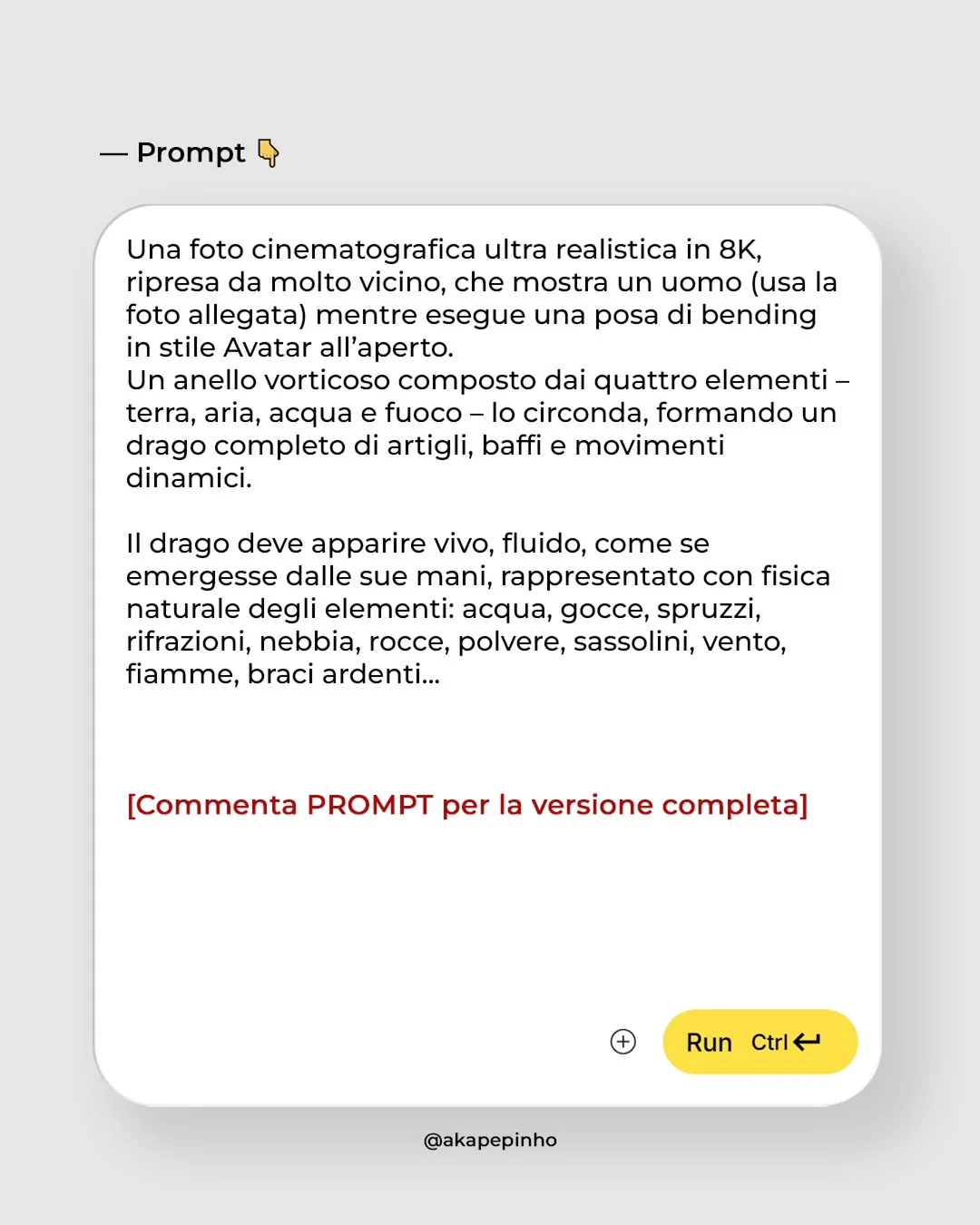
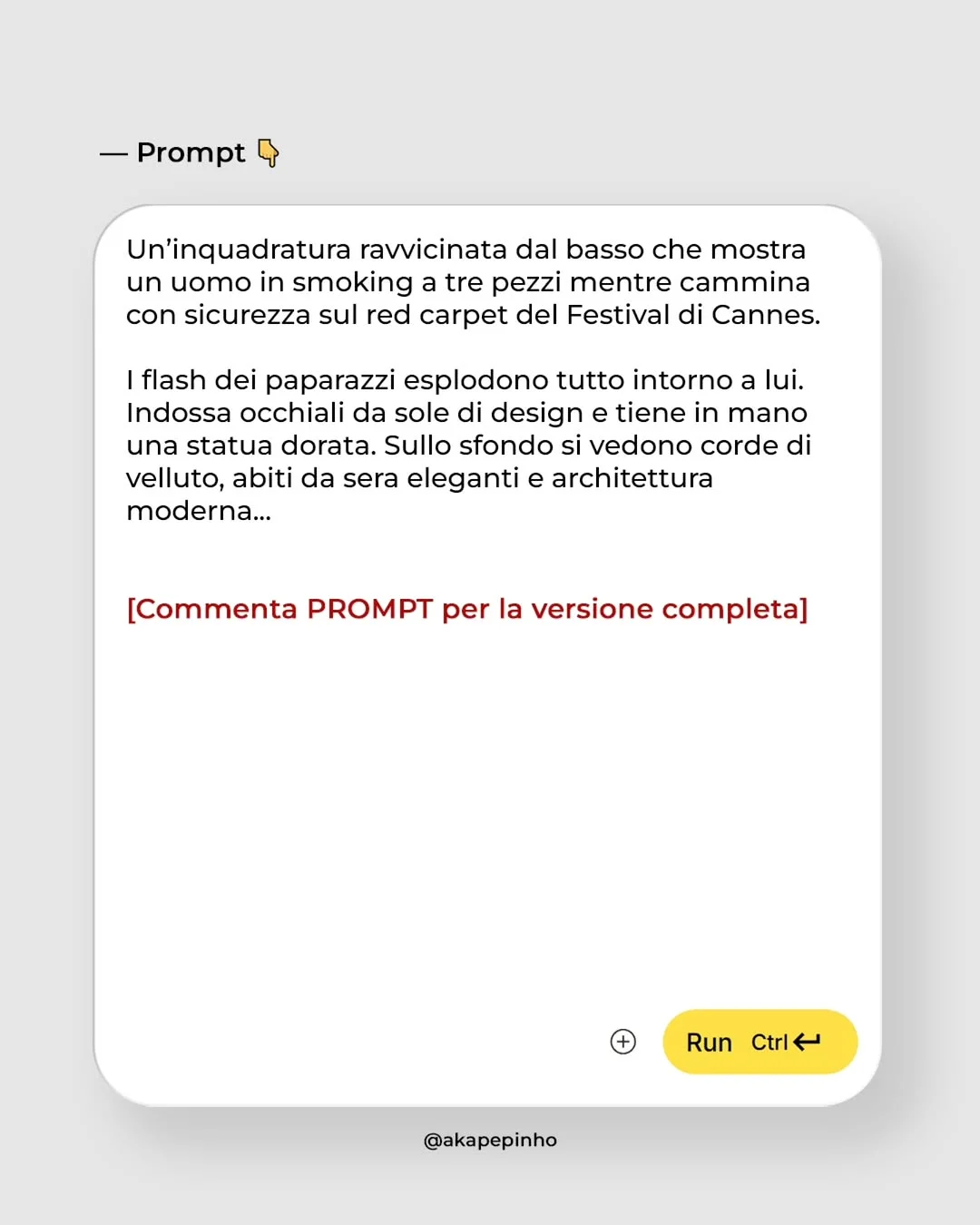
- Standardize Your Style: Create a library of prompt pronti fotorealismo (ready-made photorealistic prompts) that use the same lighting and color grading to keep your Instagram grid looking cohesive.
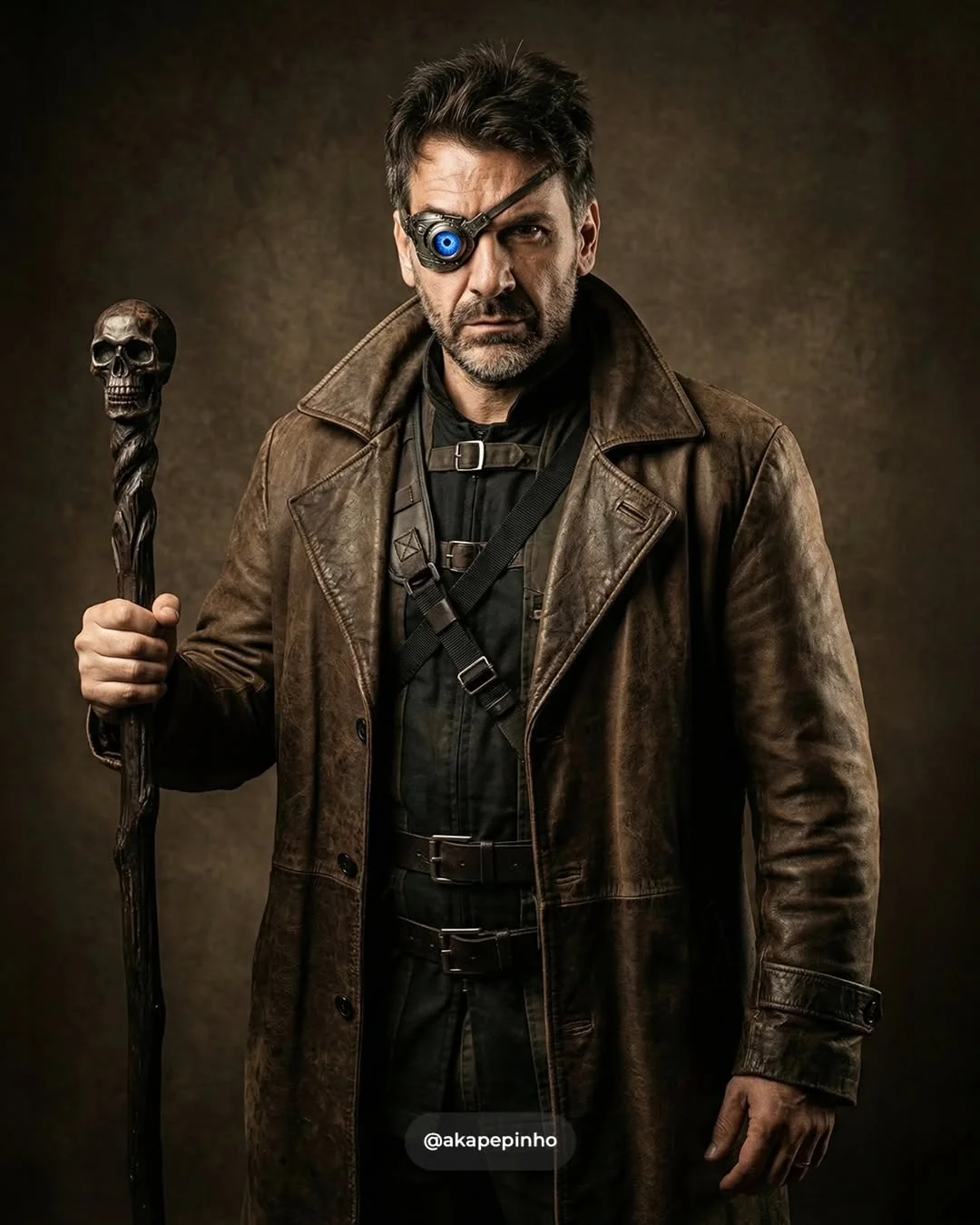
The Ethics of AI in Photography and Marketing
As we learn come generare volti reali con AI, we must also talk about responsibility. Transparency is key. Many creators use #AI or #MadeWithAI to stay honest with their audience. The goal is to enhance creativity, not to deceive. Using AI to speed up your workflow is smart; using it to create fake news is harmful.
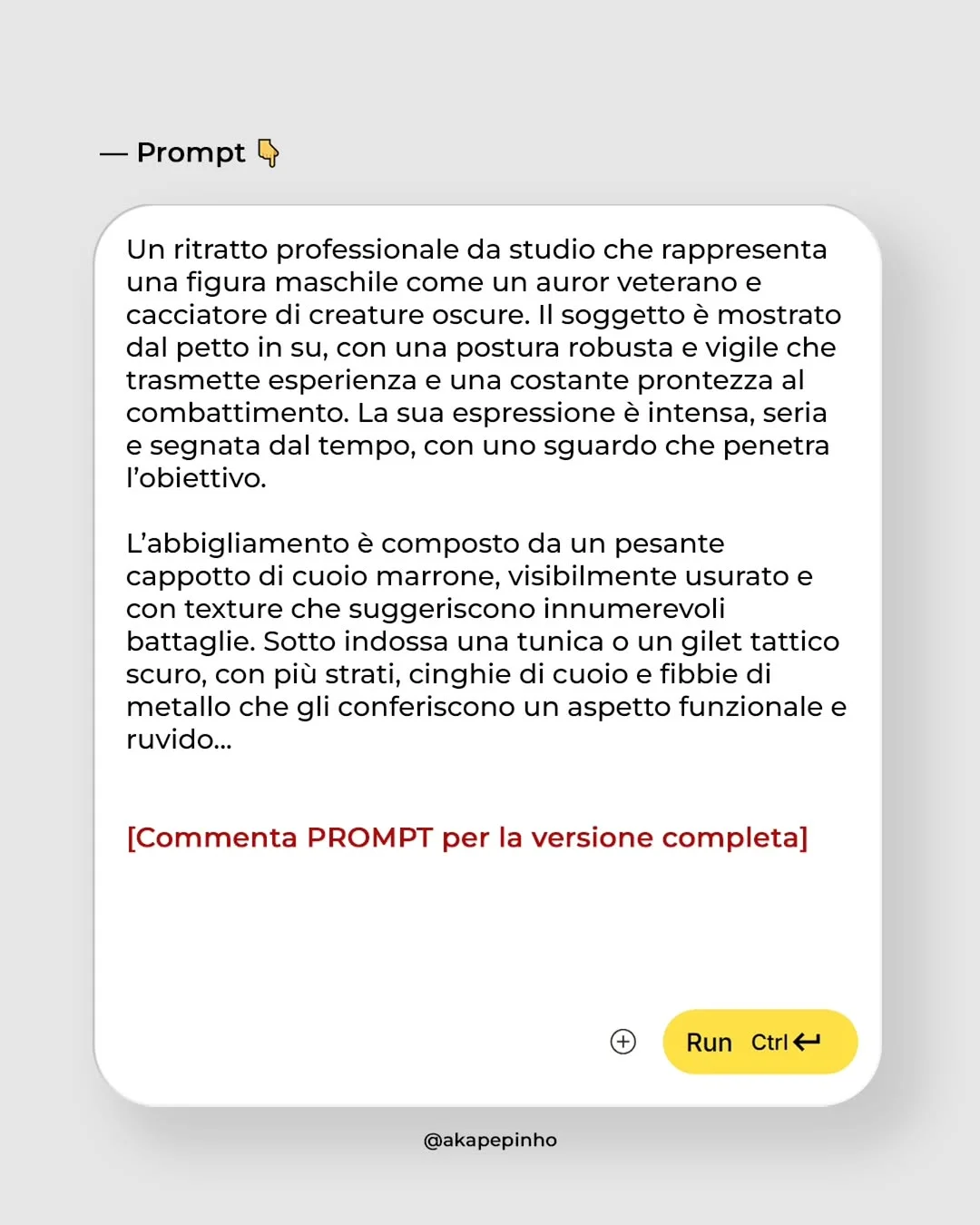
Frequently Asked Questions
Do I need a powerful computer to generate AI images? No! Most tools like Midjourney and Gemini run on the cloud. All you need is a browser or a Discord account.
Which AI tool is best for beginners? Adobe Firefly or Google Gemini are very user-friendly. If you want the best results without a steep learning curve, start there.
Can I use AI-generated images for commercial projects? Generally, yes, especially if you have a paid subscription to tools like Midjourney or ChatGPT (DALL-E 3). Always check the specific terms of service.
How do I make AI skin textures look real and not “plastic”? In your prompt, include keywords like “fine pores,” “skin texture,” “natural lighting,” and “unfiltered.” Avoid terms like “flawless” or “highly polished.”
Will AI replace professional photographers? AI is a tool, not a replacement. A photographer’s eye for composition, emotion, and storytelling is still vital. AI just gives photographers a new way to execute their vision.
What are the best prompt keywords for cinematic lighting? Try “moody volumetric lighting,” “rim lighting,” “cinematic teal and orange,” or “natural morning light through a window.”
Are there free tools to start practicing AI generation? Yes, Microsoft Designer (formerly Bing Image Creator) and the free tier of Leonardo.ai are great places to start.
How do I fix distorted hands or eyes in AI images? The “In-painting” or “Generative Fill” features in Photoshop or Midjourney allow you to select just the hand and regenerate it until it looks perfect.
Conclusione
La guida pratica intelligenza artificiale finisce qui, ma il tuo viaggio è appena iniziato. The evolution is happening fast. By mastering these strumenti AI per social media marketing, you aren’t just making pictures; you are learning the language of the future.
Ready to start? Comment “PROMPT” below to receive our exclusive list of ready-to-use prompts!