Master the future of content creation. Learn how to use AI tools like Midjourney to generate high-quality, photorealistic visual assets for your business.
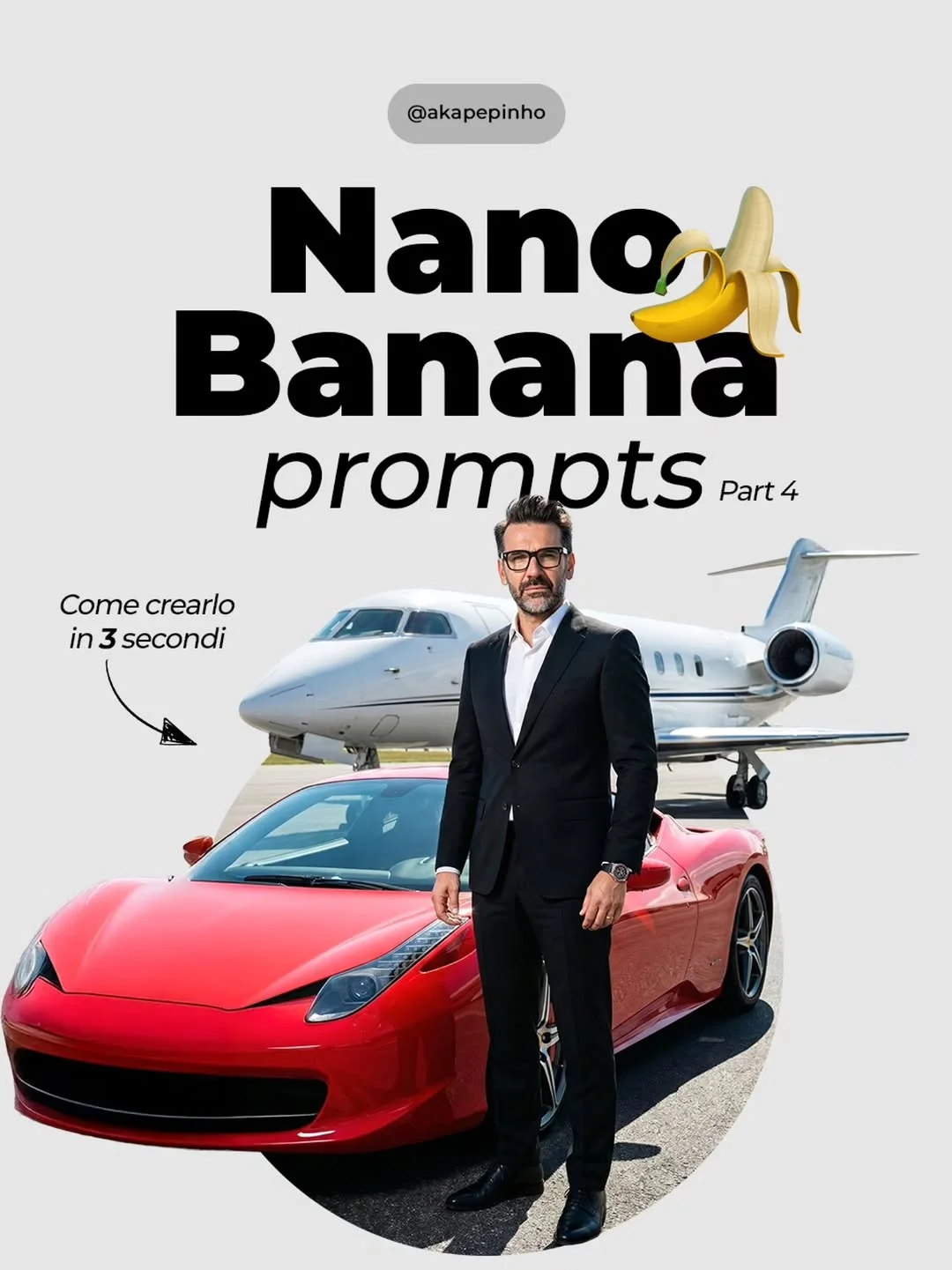
The Future of Content Creation: How to Master AI for Photorealistic Visuals
We are living through the most significant technological shift in history. The world of digital media is changing at an incredible pace, and artificial intelligence is at the very heart of it. The question for creators today isn’t whether AI will change things—it’s already happening. The real question is: are you going to ride the wave or watch it pass you by?
The Shift Toward AI-Driven Content Creation
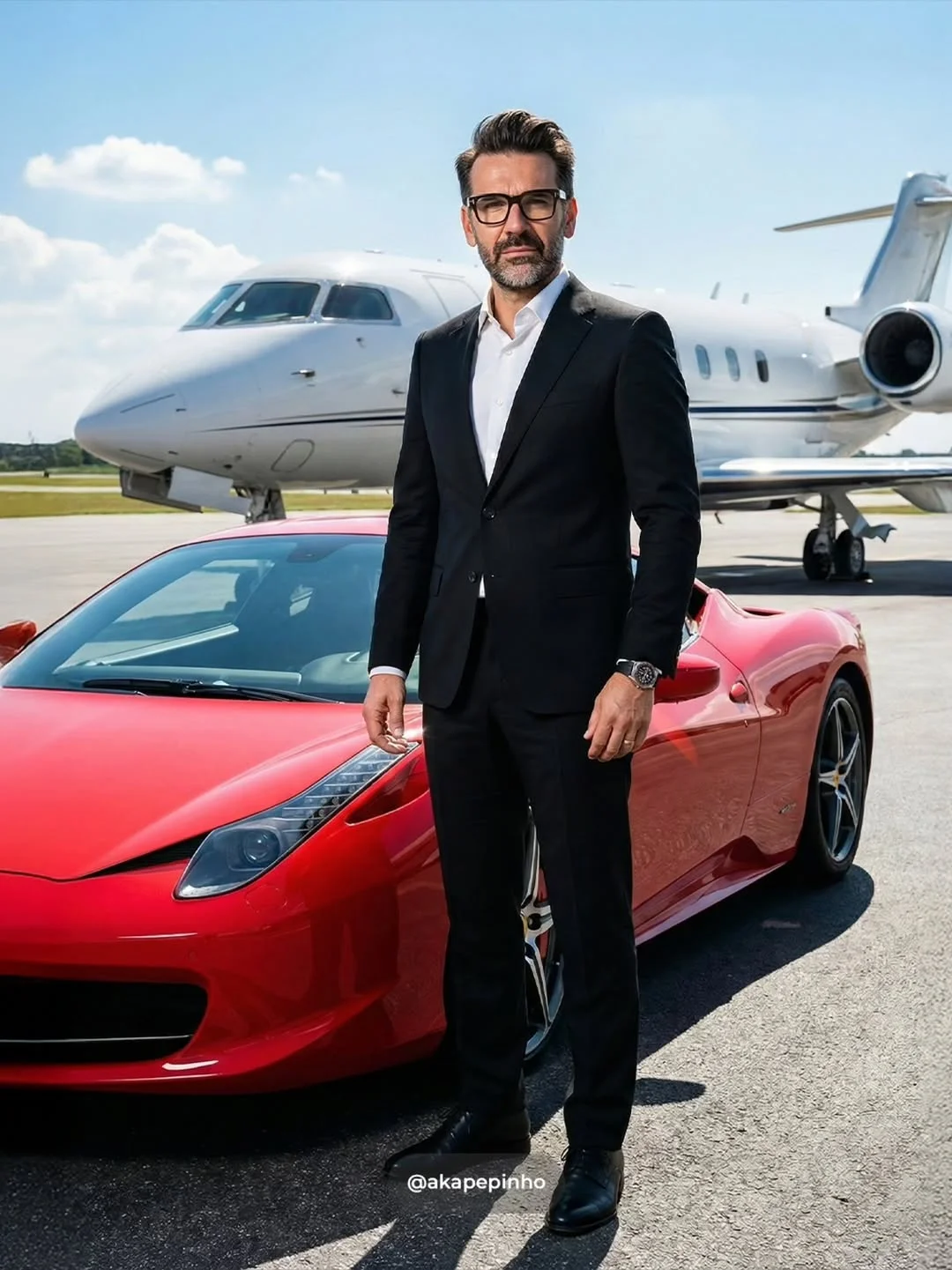
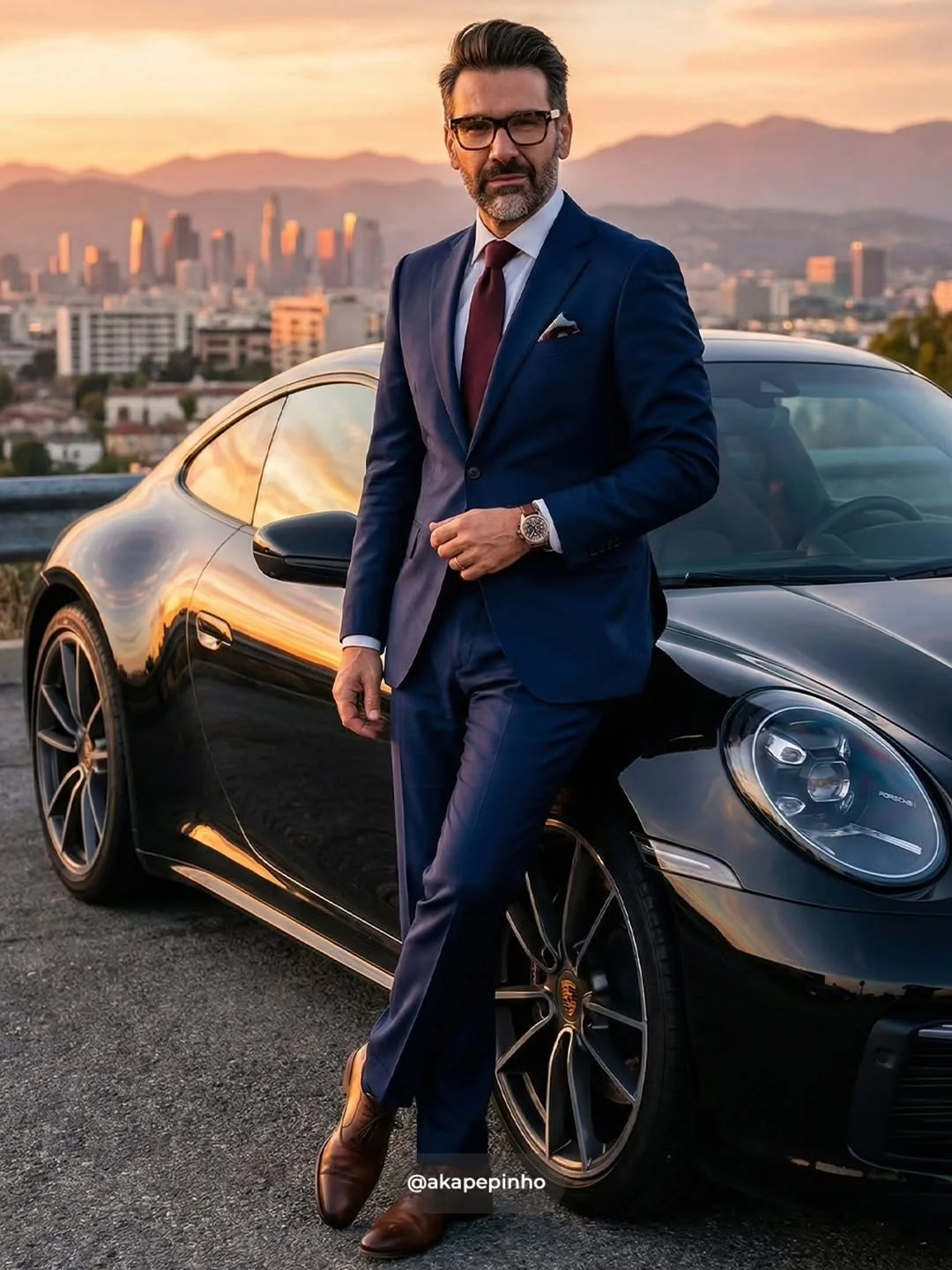
Not long ago, if you wanted a high-quality, professional photo of a businessman next to a private jet or a luxury car, you needed a massive budget. You’d have to hire a photographer, rent a hangar, book a jet, and pray for the right lighting. Today, you can achieve that same result in seconds using photorealistic AI models.
The barrier to entry for creating world-class visual content has crumbled. We’ve moved from “clunky, AI-looking” images to results that are indistinguishable from reality. This shift allows anyone—from a solo freelancer to a small marketing agency—to compete with the visual quality of global brands. Using generative AI for business isn’t just a trend; it’s a fundamental change in how we communicate stories visually.
Benefits of Using AI for Visual Assets
Why are so many people switching to an AI content creation strategy? The advantages go far beyond just “looking cool.”
- Drastic reduction in production time: Instead of a week-long photoshoot, you have a finished asset in minutes. This speed allows for real-time content creation that reacts to daily trends.
- Significant cost savings on equipment and sets: No more renting expensive lenses or scouting locations. Your “studio” is your laptop.
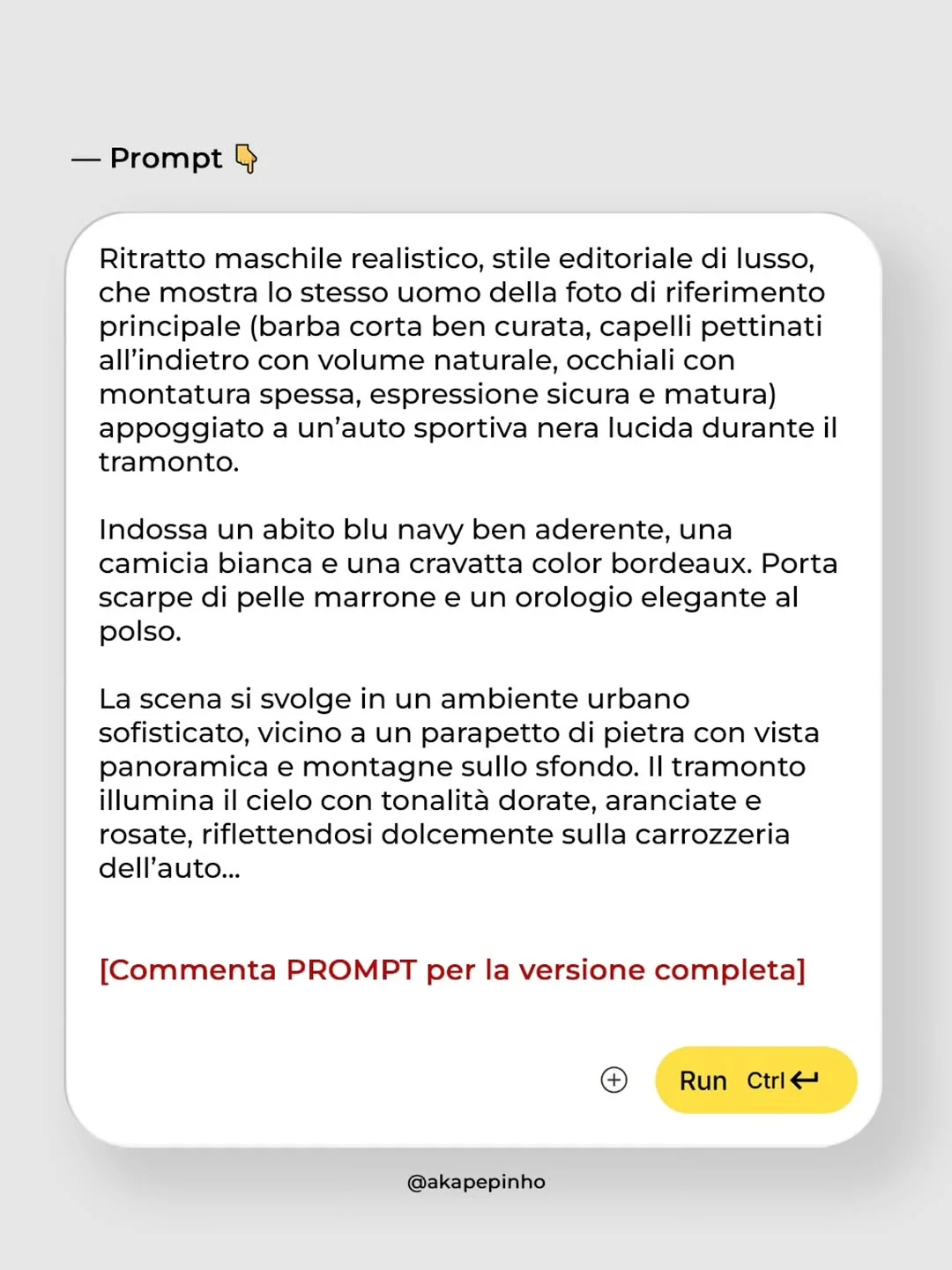
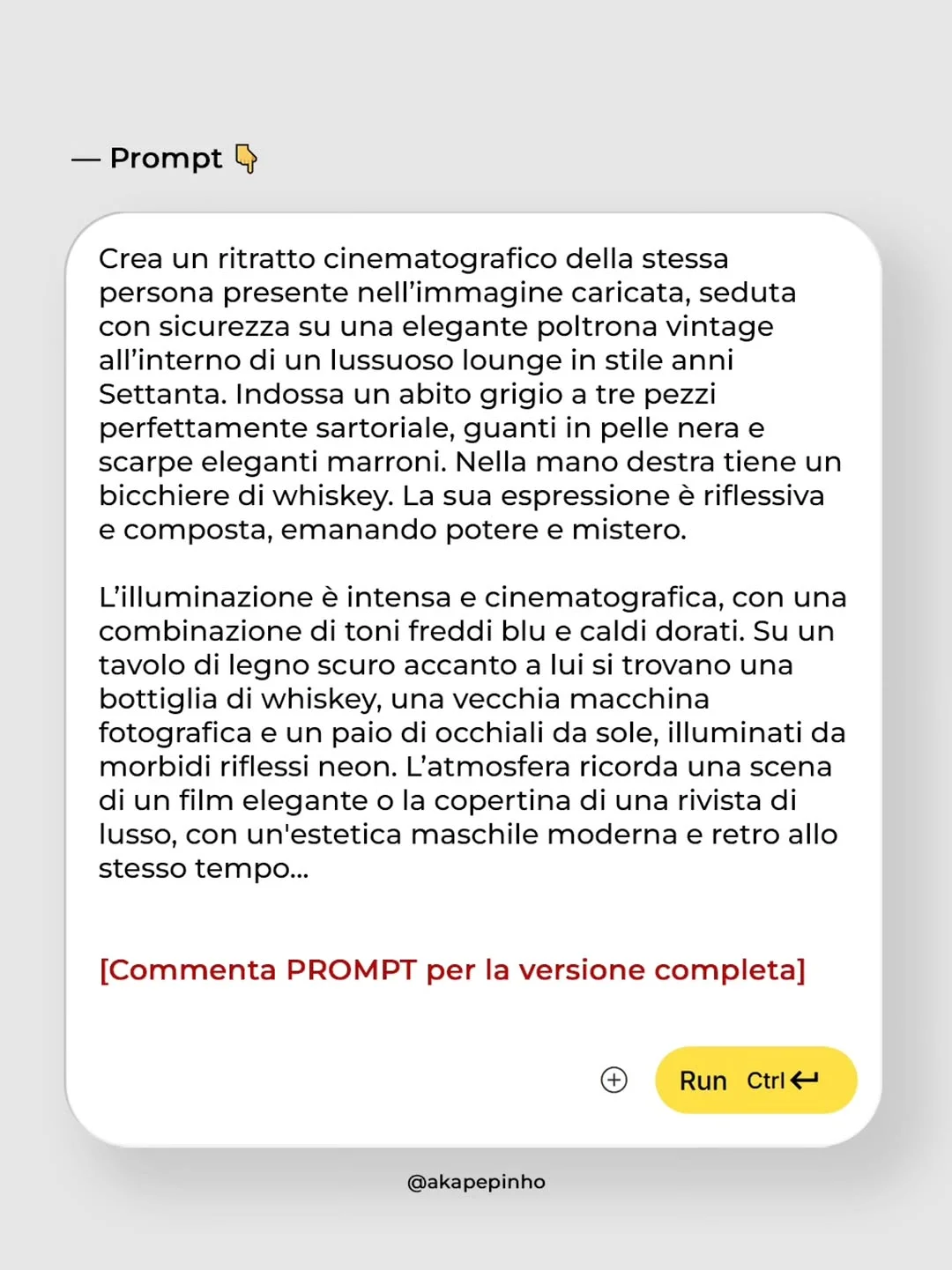
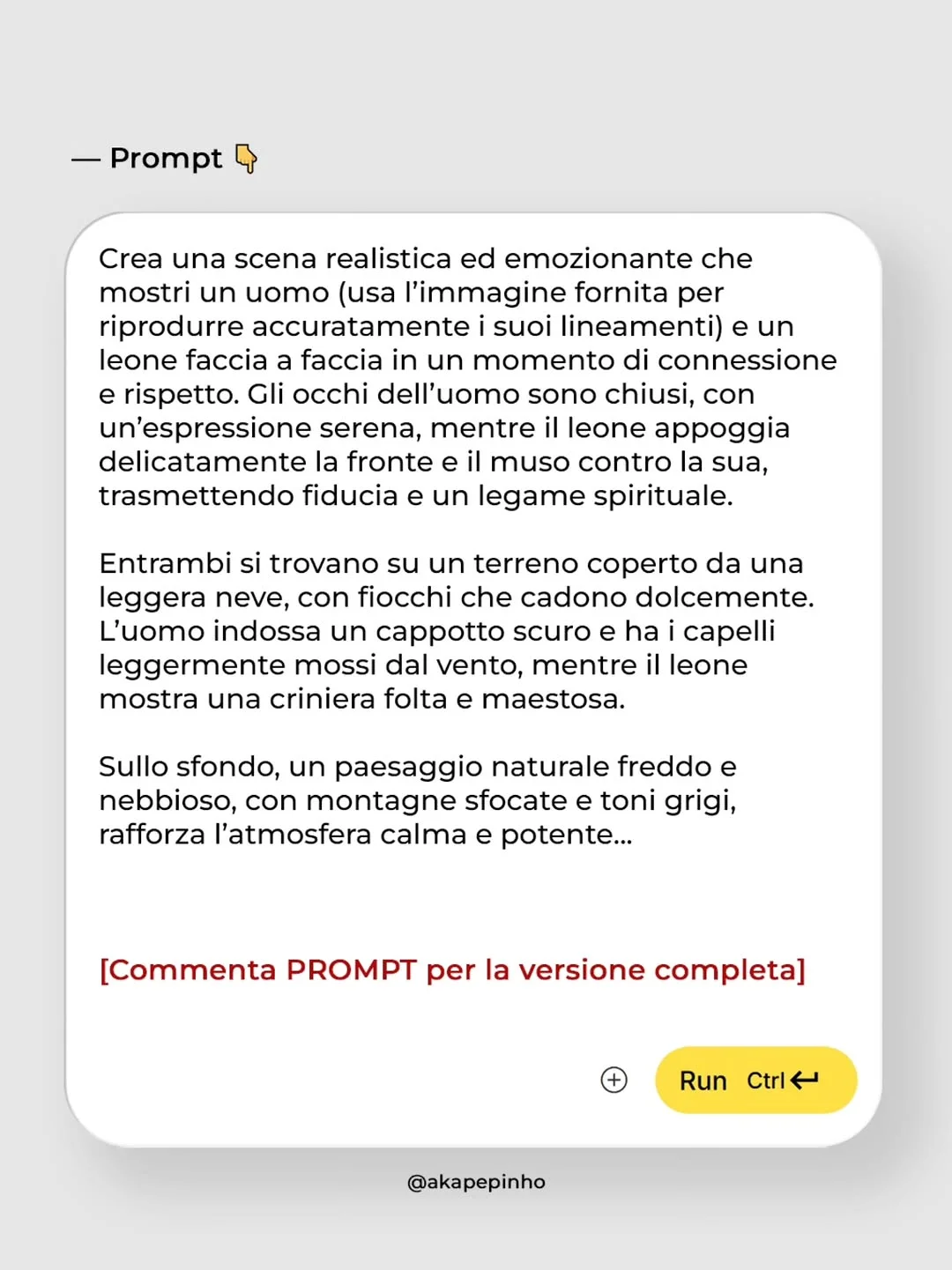
- Unlimited creative flexibility: Want to see your subject in a 1970s lounge or a snowy mountain range with a lion? In the physical world, that’s a logistical nightmare. In AI, it’s a simple text change.
- Ability to maintain high-quality consistency: With the right tools, you can keep a consistent “character” or brand style across every single post on your social media platforms.
Essential AI Tools for Photorealistic Images
To get these results, you need to know the trending AI tools 2024 has to offer. Here are the big players:
- Midjourney: Widely considered the industry standard for artistic realism. It excels at texture, lighting, and “vibe.” Most of the high-end editorial looks you see online come from Midjourney’s latest versions.
- Stable Diffusion: This is for the power users. It’s open-source, meaning you have total control, but it has a steeper learning curve. It’s great for “Inpainting” (changing small parts of an image).
- DALL-E 3: Built into ChatGPT, this is the best AI tool for content creators who want ease of use. It understands complex instructions better than almost any other tool, even if the “realism” is sometimes slightly behind Midjourney.
- Veo/Video tools: We are now moving beyond static images. New models like Veo are allowing creators to turn these photorealistic prompts into high-quality video clips, creating a full cinematic experience.
How to Write Effective AI Prompts
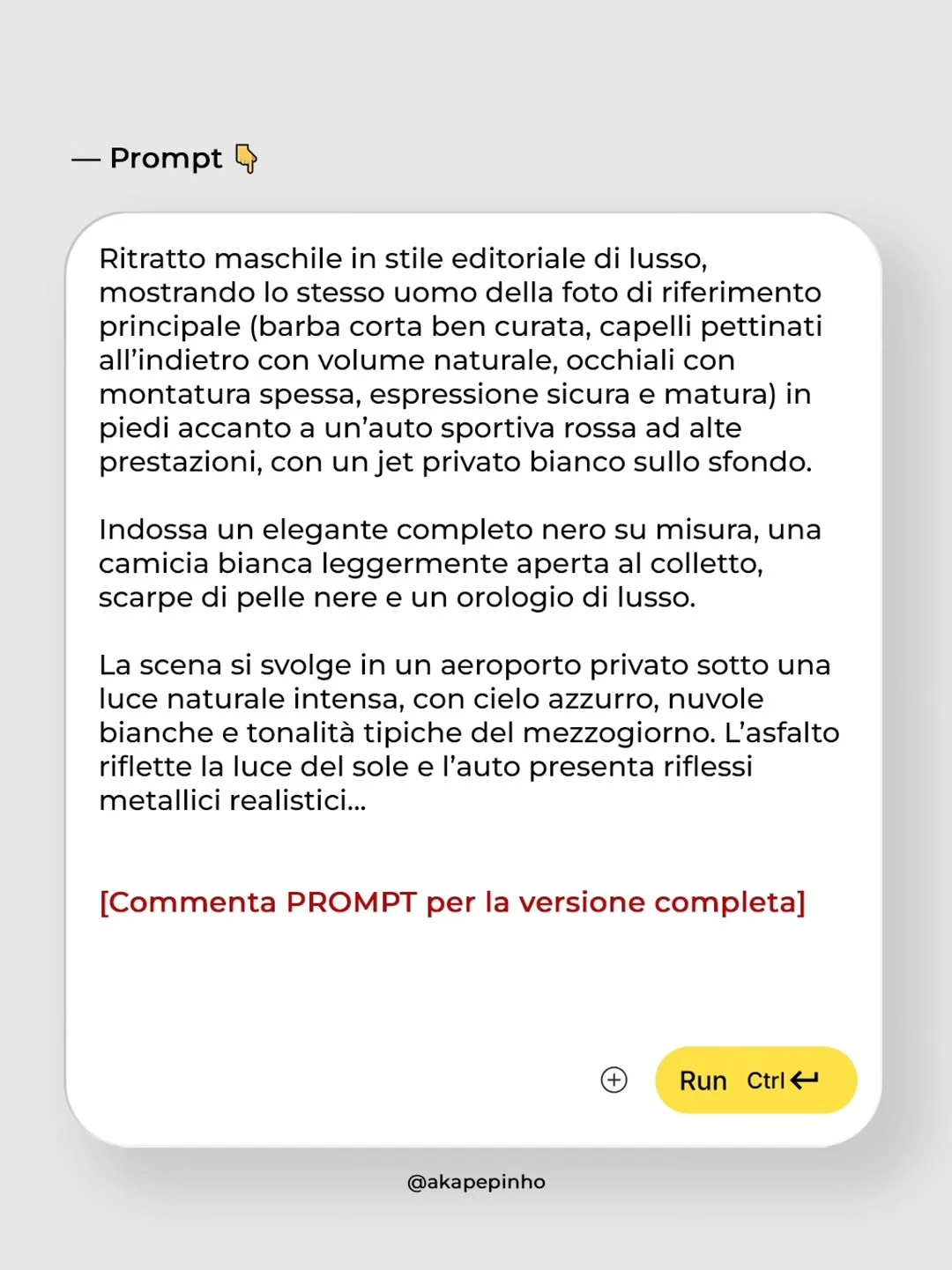
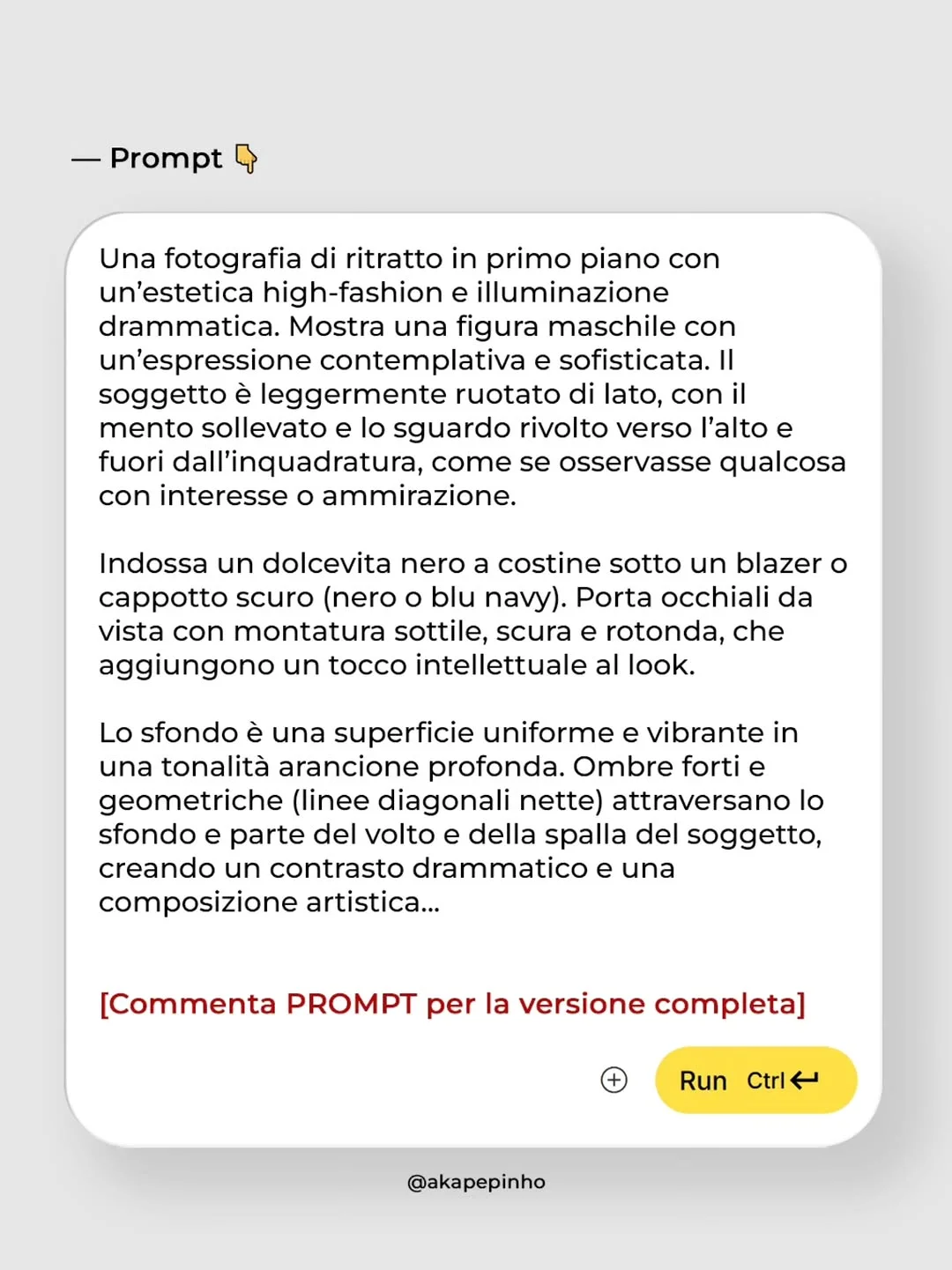
The secret sauce to high-quality AI images is the prompt. Think of a prompt as a briefing for a world-class photographer. If you are vague, the results will be mediocre. Here is a prompt engineering for beginners framework:
- Subject & Action: Be specific. Instead of “a man,” try “a middle-aged man with a confident expression.”
- Camera Settings: Use “photography talk.” Mentioning “85mm lens,” “f/1.8 aperture,” or “golden hour lighting” tells the AI exactly how to render the depth of field and shadows.
- Textures: Use descriptors like “knitted wool,” “polished chrome,” or “weathered skin” to break the “plastic” look often found in AI art.
- Negative Prompts: Tell the AI what you don’t want (e.g., “extra fingers,” “blurry background,” or “distorted face”).
- Frameworks: Many pros use the “Context + Subject + Detail + Style + Technicals” formula to ensure nothing is left to chance.
Integrating AI Into Your Marketing Workflow
How do you actually use this for AI marketing automation?
- Ideation: Use AI to create mood boards in minutes to show clients a visual direction.
- Asset Replacement: Swap boring stock photos for professional AI photography tailored specifically to your brand’s color palette.
- A/B Testing: Generate five different versions of an ad—one in a city, one in a forest, one in a studio—and see which one performs better without spending a dime on reshoots.
- Social Media: Use AI social media content tools to maintain a daily posting schedule with high-end visuals that stop the scroll.
The Ethics of Photorealism in Digital Media
As we get better at creating realistic AI art, we have a responsibility. Authenticity is the currency of the internet. It is important to be transparent with your audience when images are AI-generated, especially in contexts where “truth” is expected (like news). For marketing and creative storytelling, AI is a tool, much like Photoshop was 20 years ago. Use it to enhance creativity, not to deceive.
Future Trends: What to Expect Next
We are moving toward “Consistent Character” perfection, where you can take one person and put them in 100 different scenarios effortlessly. We are also seeing a massive leap in visual storytelling tools that combine text, image, and voice into complete AI-generated presentations and commercials. The “one-person agency” is becoming a reality.
Conclusion
Mastering artificial intelligence in marketing is no longer optional for those who want to stay relevant. By using the best AI tools for content creators and refining your text to image prompts, you can produce visuals that were once reserved for Hollywood budgets. Start experimenting today, use the free AI prompts available, and begin transforming your creative workflow. The future of content isn’t just coming—it’s here.
Frequently Asked Questions
1. Do I need a high-end computer to generate AI images? Not necessarily. Tools like Midjourney and DALL-E 3 run on the cloud. You only need a stable internet connection and a browser or Discord.
2. Is AI-generated content legally copyrightable? Current laws vary by country, but in the US, for example, purely AI-generated images generally cannot be copyrighted. However, images with significant human modification or those used within a larger work may have different protections.
3. How can I tell if an image was made by AI? Look for “artifacts” like unnatural patterns in the pupils of the eyes, hands with too many fingers, or text that looks like gibberish. However, as models improve, this is becoming harder to spot.
4. What are the best free AI image generators for beginners? Bing Image Creator (which uses DALL-E 3) and Leonardo.ai are excellent starting points that offer free daily credits.
5. How do I avoid “uncanny valley” results in photorealism? The “uncanny valley” happens when something looks almost human but not quite. To avoid this, use prompts that specify skin texture, natural imperfections, and specific lighting conditions like “soft side-lighting.”
6. Can AI replace professional photographers entirely? AI is a tool for creation, but it can’t replace the human eye for real-world events, weddings, or capturing genuine spontaneous human emotion in a physical space. It replaces the need for stock photography and high-budget studio sets.
7. How long does it take to learn prompt engineering? You can learn the basics in an afternoon. However, mastering the nuances of different models and learning how to control lighting and composition through text can take a few weeks of consistent practice.