Master the Nano Banana AI trend! Learn how to use Google Gemini for high-fashion, hyper-realistic image generation and viral prompt engineering.
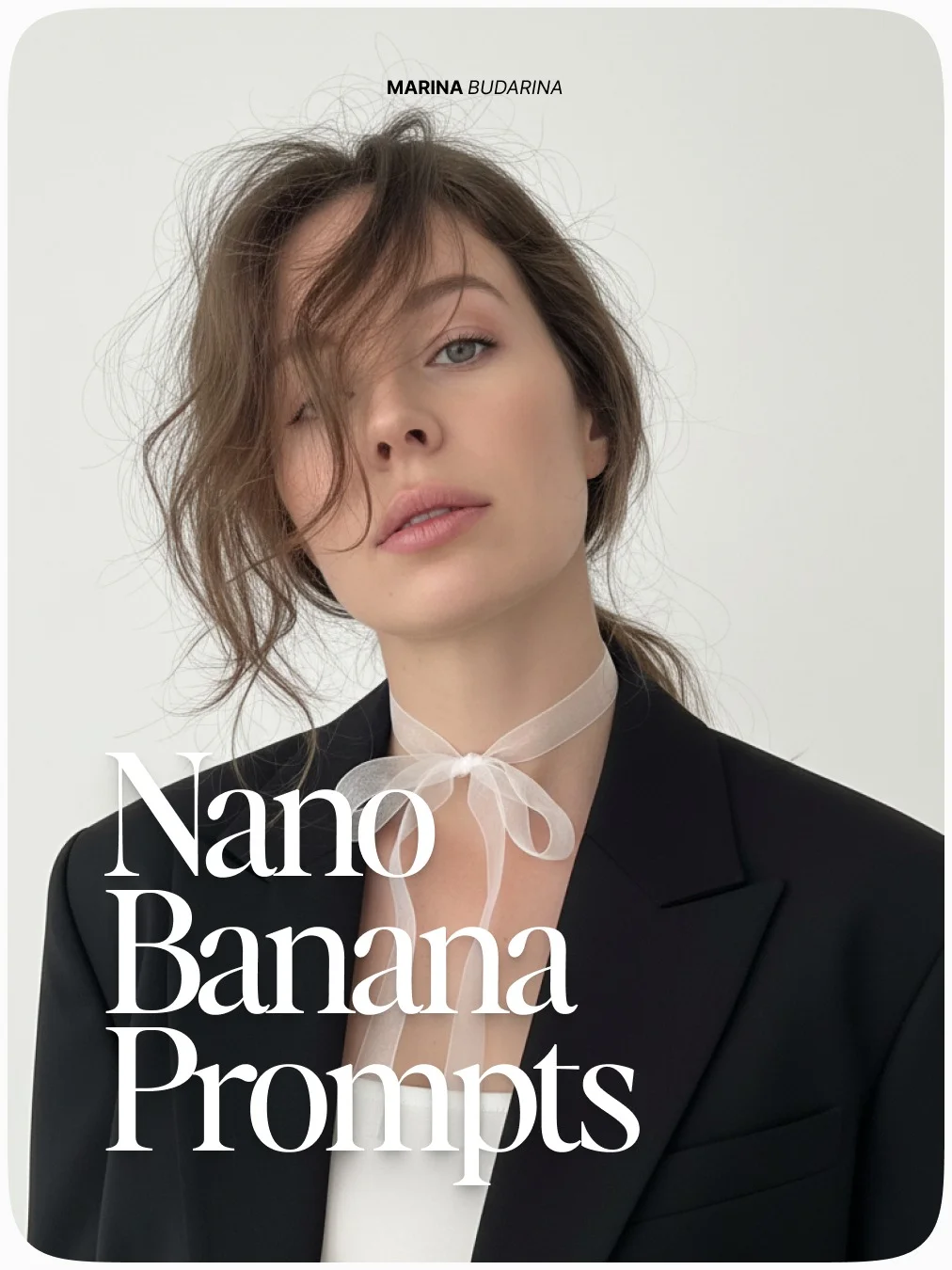
Mastering Nano Banana Prompts for Gemini: The Ultimate Creator Guide
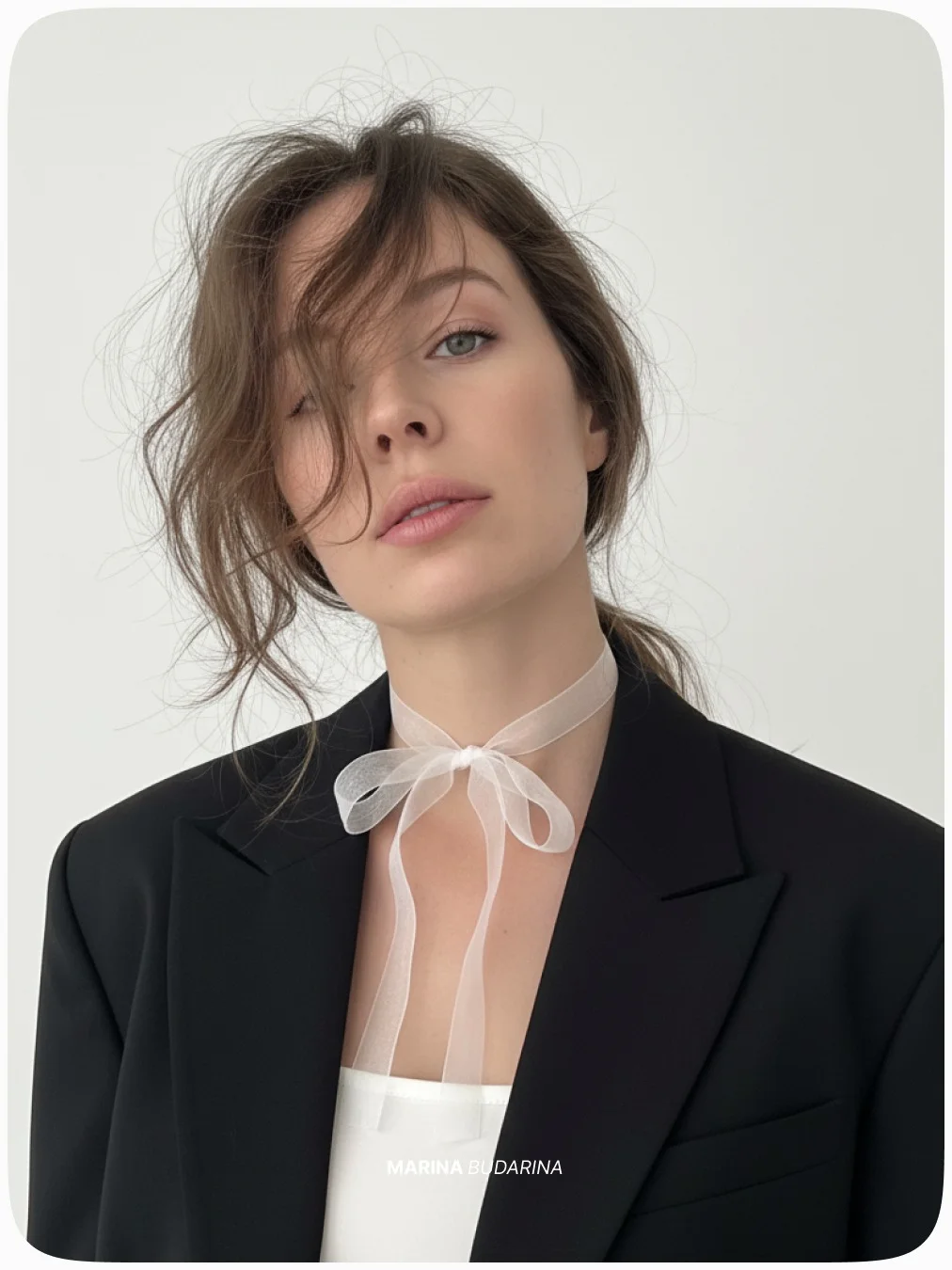
If you’ve been scrolling through Instagram or TikTok lately, you might have seen some breathtaking, hyper-realistic AI-generated portraits that look like they belong in a high-end fashion magazine. Behind many of these viral images is a secret sauce known as the “Nano Banana” prompt style.
What is the Nano Banana AI Trend?
The “Nano Banana” trend isn’t actually about fruit. Instead, it’s a specific framework of Google Gemini AI prompts designed to create ultra-high-quality, aesthetically pleasing digital art and photography. Think of it as a “preset” for your imagination.
Originally popularized by creators like Marina_UIUX, this trend focuses on achieving a professional, “quiet luxury” aesthetic. It combines soft lighting, high-fashion styling, and incredibly realistic textures. By using these specific frameworks, creators can move away from the “plastic” look often associated with AI and move toward images that look like they were shot on 35mm film or high-end digital cameras.
Why Use Gemini for Prompt Engineering?
Google Gemini (formerly Bard) has quickly become a favorite for generative AI image prompts. Unlike some other platforms that require complex coding-style language, Gemini understands natural, conversational human speech incredibly well.
When you use Gemini Nano features, you’re tapping into a massive neural network that understands context. If you tell Gemini you want a “cinematic look,” it doesn’t just add a filter; it understands how light should hit a subject’s face to create depth. Plus, with the Google Gemini trial hacks—like getting a free month of Gemini Advanced—it’s never been easier or more affordable to start streamlining AI design for your personal brand.
Benefits of Nano Banana Style Prompts
Why are tech-savvy creators obsessed with these prompts? It comes down to four main factors:
- Instant Visual Consistency: One of the hardest parts of content creation is making sure all your photos look like they belong to the same brand. Nano Banana prompts provide a consistent “DNA” for your visuals.
- Significant Reduction in Manual Design Time: Instead of spending hours in Photoshop, you can generate a professional-grade asset in seconds.
- Low Barrier to Entry: You don’t need a degree in graphic design. If you can describe a scene, you can create it.
- Highly Viral Aesthetic: These images are tailor-made for social media. They are clean, bright, and aspirational, which is exactly what current algorithms love to reward.
How to Generate Nano Banana Prompts
Ready to dive in? Here is a step-by-step creative workflow to help you master Google AI image generation.
1. Accessing the Gemini Interface
Start by logging into Gemini. If you want the highest quality, try to use the Advanced version (Gemini 1.5 Pro). This version is better at following complex instructions without losing the details.
2. Setting the Creative Persona
Don’t just ask for a “picture of a girl.” Tell Gemini who it is. For example, “Acting as a professional fashion photographer, generate an image of…” This sets the stage for a more professional output.
3. Inputting Core Parameters
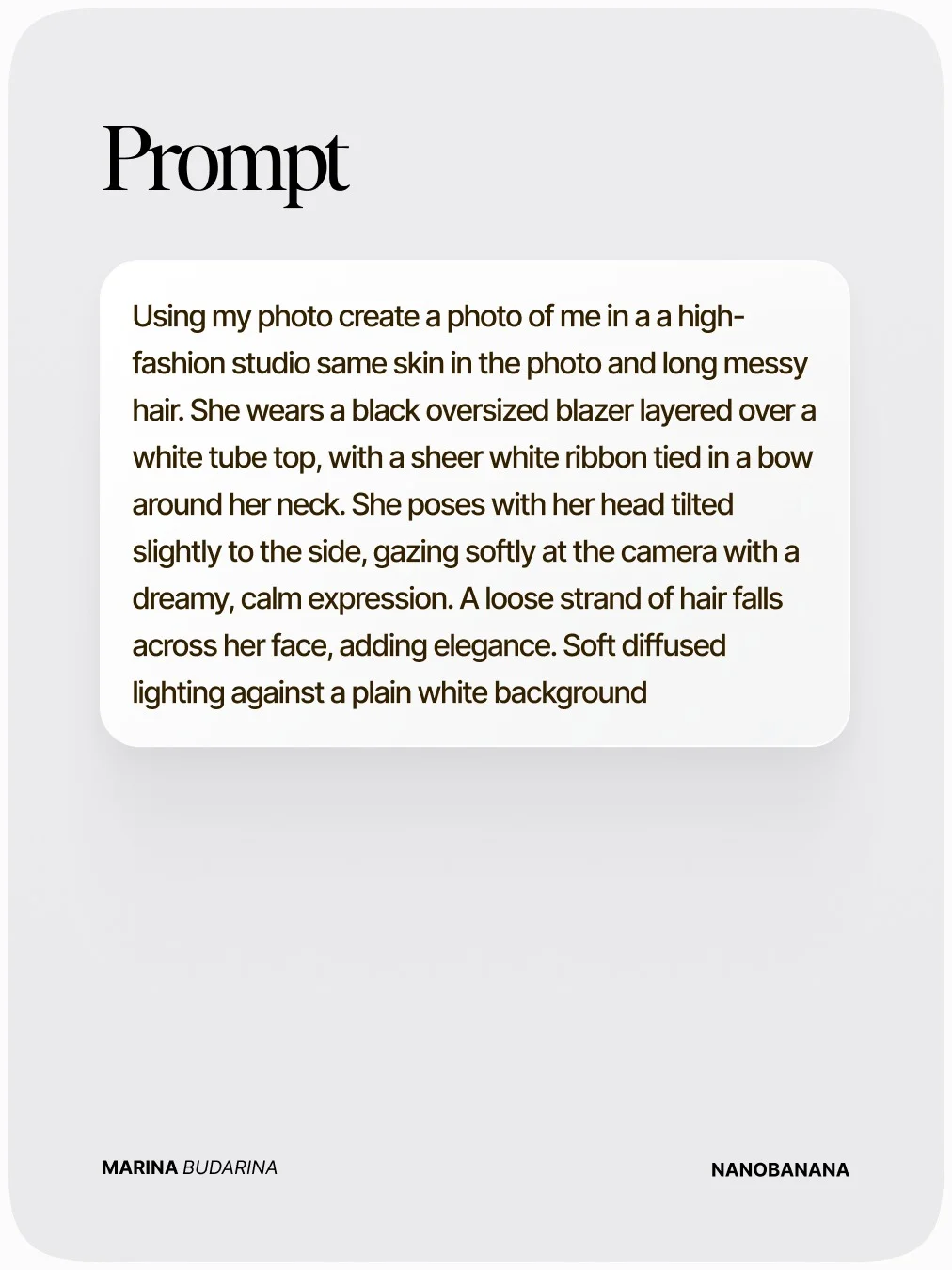
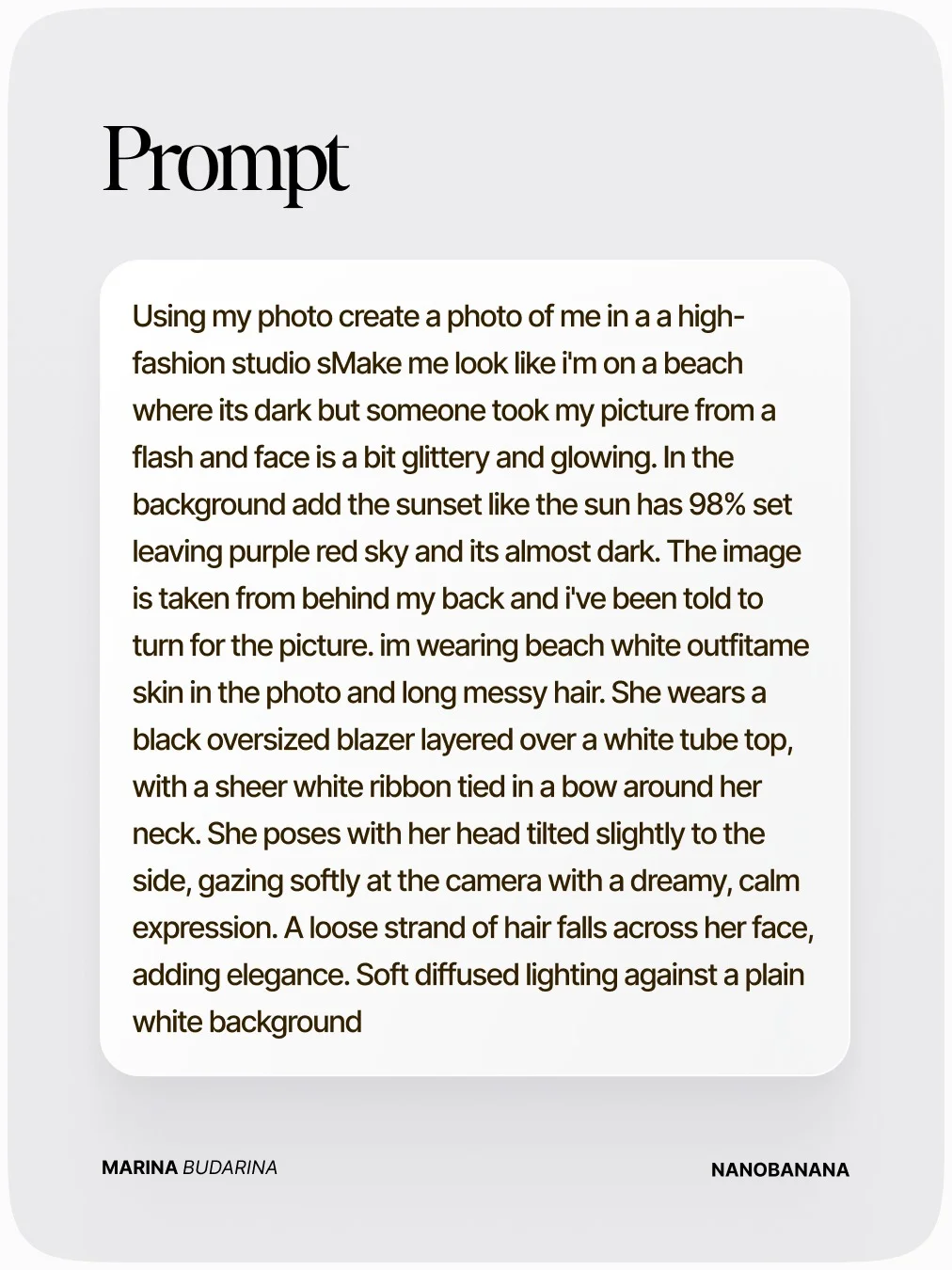
Be specific about the subject. Instead of “a woman,” try “a woman with a slim figure and fair skin.” Use the following prompt as an example of how to structure your request.
4. Refining with “Banana” Modifiers
To get the specific nanobanana prompts look, add keywords like “dreamy,” “cinematic,” “soft diffused lighting,” and “minimalist.” These modifiers act like a lens filter, smoothing out the harshness and adding that signature glow.
5. Testing and Iterating
AI art is an iterative process. If the first result isn’t perfect, don’t give up! Tell the AI what to change. “Make the lighting warmer” or “Change the outfit to white.”
Key Elements of a High-Converting AI Prompt
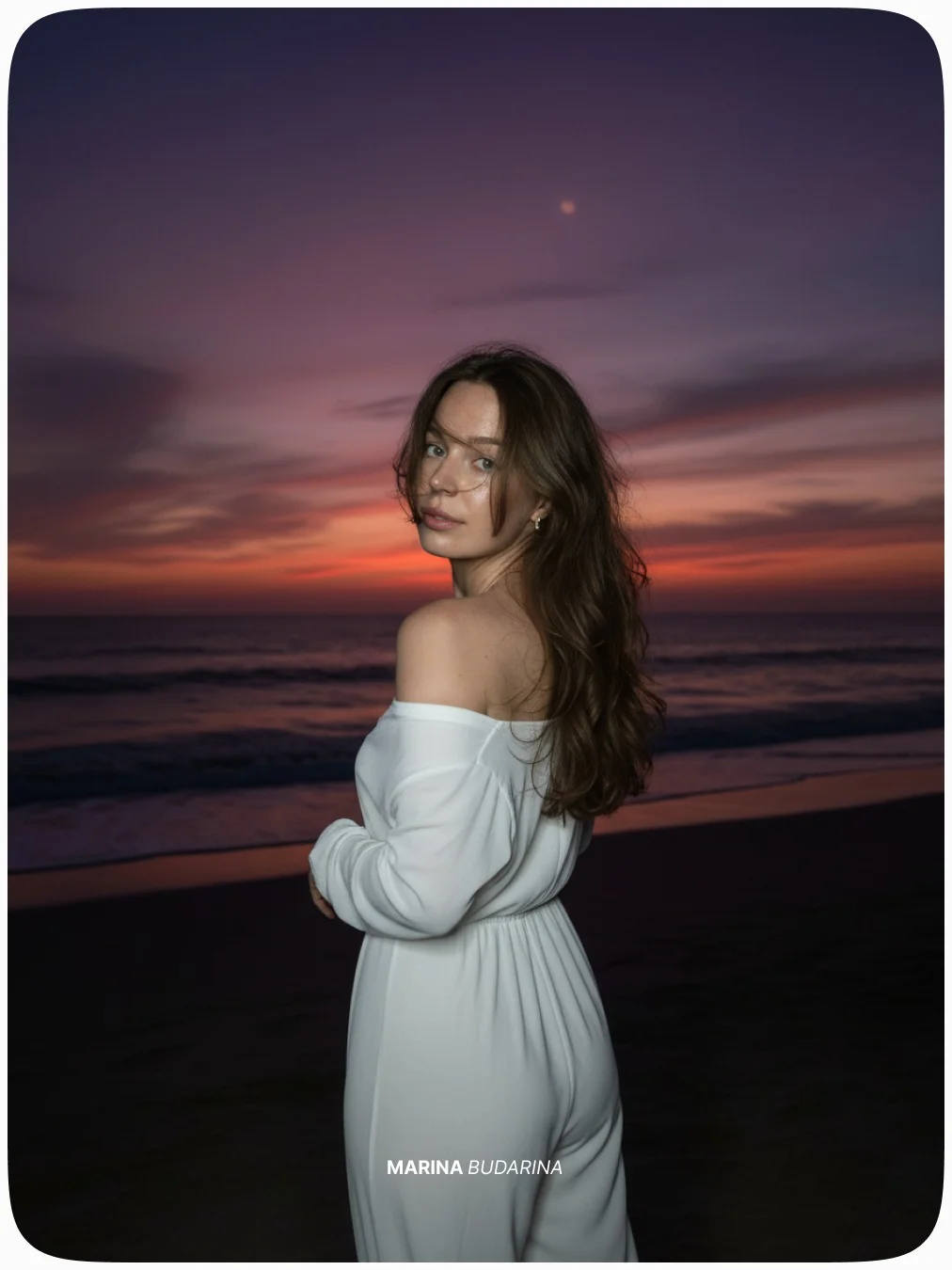
Creating high-resolution AI art prompts is a bit like cooking; you need the right ingredients in the right order.
- Subject Clarity: Describe exactly what the person is doing. Are they sitting at a cafe? Walking? Looking at the camera?
- Atmospheric Cues: This is where the magic happens. Use words like “filtered sunlight,” “bokeh,” or “golden hour” to create a mood.
- Technical Specs: AI understands “camera talk.” Mentioning an “85mm lens” or “f/1.4 aperture” tells the AI to create a shallow depth of field, which makes the background blurry and the subject pop.
- Aesthetic References: Use terms like “haute couture” or “minimalist chic” to guide the AI’s fashion sense.
The Best Gemini Features for Content Creators
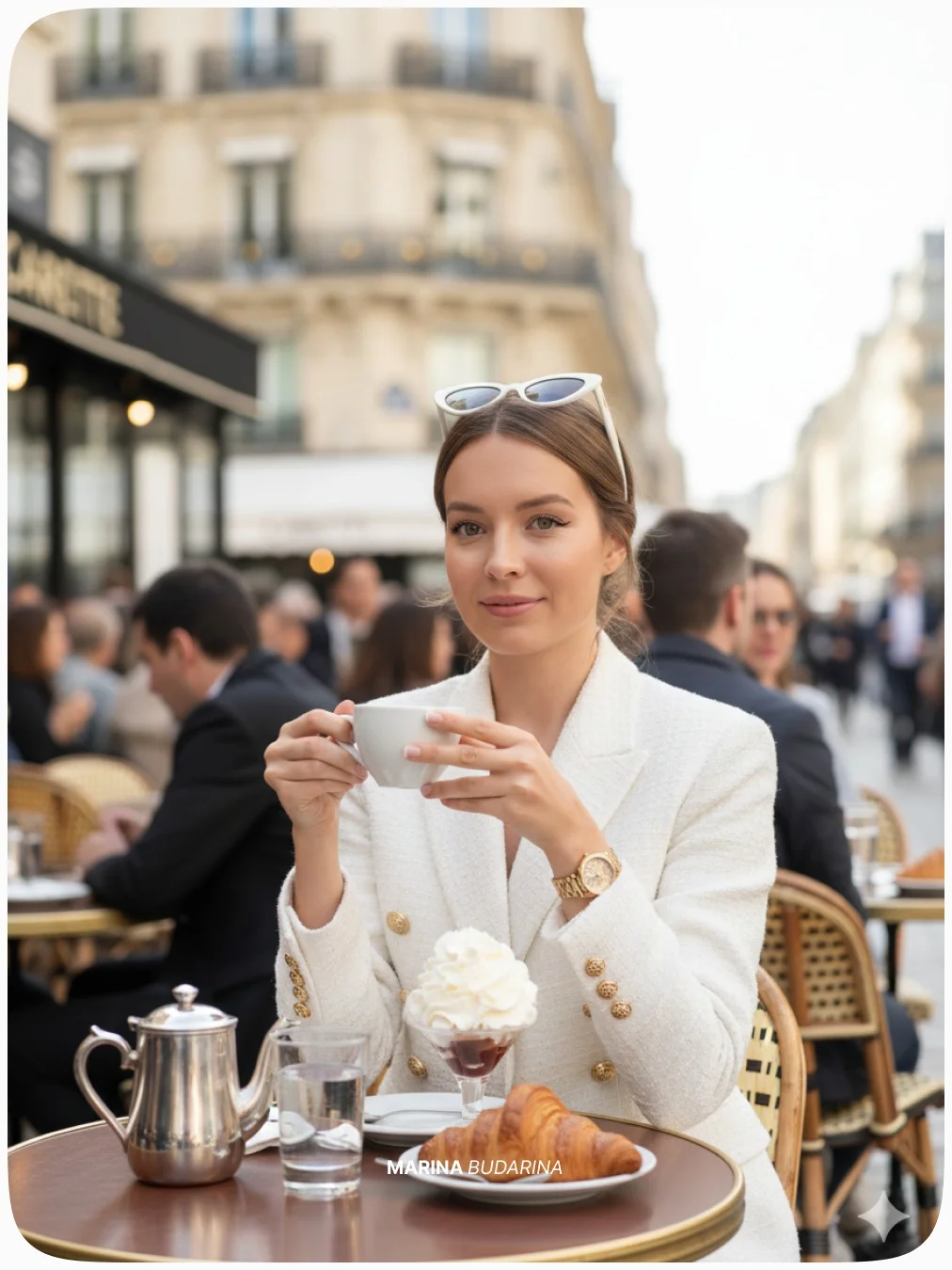
Gemini AI for creators is a game-changer because of its multimodal capabilities. This means it can “read” your existing photos and use them as a reference. If you upload a selfie and ask it to “apply the Nano Banana style while keeping my face 100% original,” it can do a remarkably good job of placing you in new, high-fashion settings.
Tips for Customizing Your AI Visuals
Once you have the base prompt down, you can start automating creative assets for your specific brand.
- Color Alignment: If your brand uses specific colors, mention them. “Include accents of emerald green and soft gold.”
- Platform Ratios: Always specify the aspect ratio. Use “9:16” for Instagram Stories and TikTok, or “4:5” for standard Instagram posts.
- Negative Prompting: While Gemini is getting better at this automatically, you can explicitly tell it: “no distortions, no extra fingers, no blurry face.”
- Text Overlays: Use tools like Canva or Figma afterward to add your logo or a catchy headline to your AI-generated masterpiece.
Top Tools to Enhance Your AI Workflow
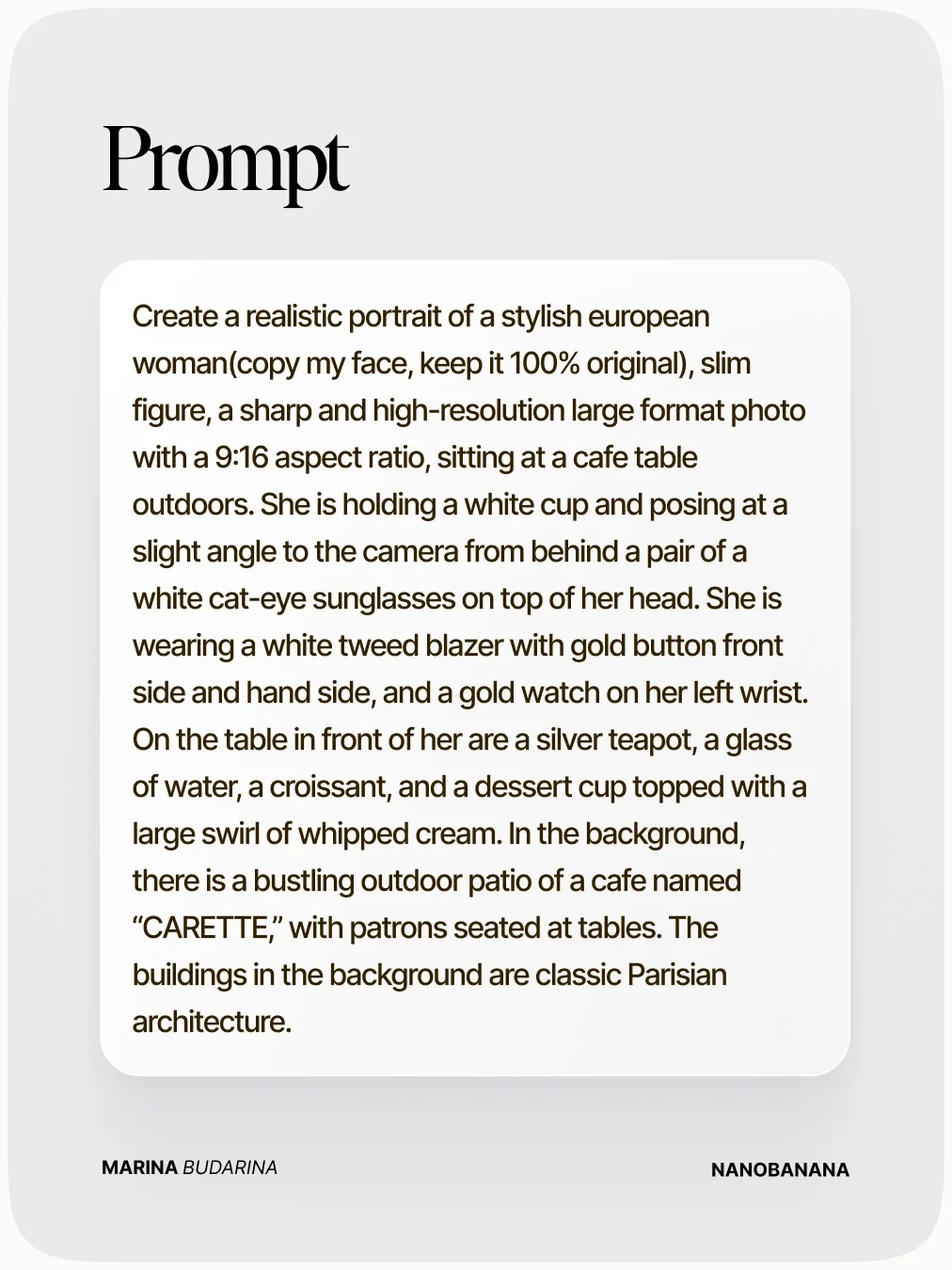
To truly master the AI creative workflow, you need a small stack of tools:
- Google Gemini: This is your core engine for text-to-image prompt engineering.
- Canva or Figma: Essential for post-processing. Use these to crop, add text, or adjust the lighting of your AI images.
- CapCut: Perfect for viral AI video integration. You can take your static AI photos and use 3D zoom effects to make them move.
- Magnific.ai or Gigapixel AI: These are upscaling software tools. If you want to print your AI art or use it for high-res website banners, these tools will keep the image sharp.
Frequently Asked Questions
What exactly is a “Nano Banana” prompt?
It is a viral AI art framework used primarily with Google Gemini to create high-fashion, dreamy, and realistic photography. It emphasizes clean aesthetics and high-end lighting.
Is Google Gemini free to use for image prompting?
Yes, there is a free version of Gemini. However, for the most advanced features and better prompt adherence, many users opt for the Gemini Advanced subscription (which often comes with a free trial).
Can I use these AI-generated images for commercial work?
Generally, yes, but you should always check the latest terms of service for Google Gemini. Most AI platforms allow commercial use, but you cannot “copyright” the images in the traditional sense yet.
How do I get the specific Nano Banana prompt shared by Marina_UIUX?
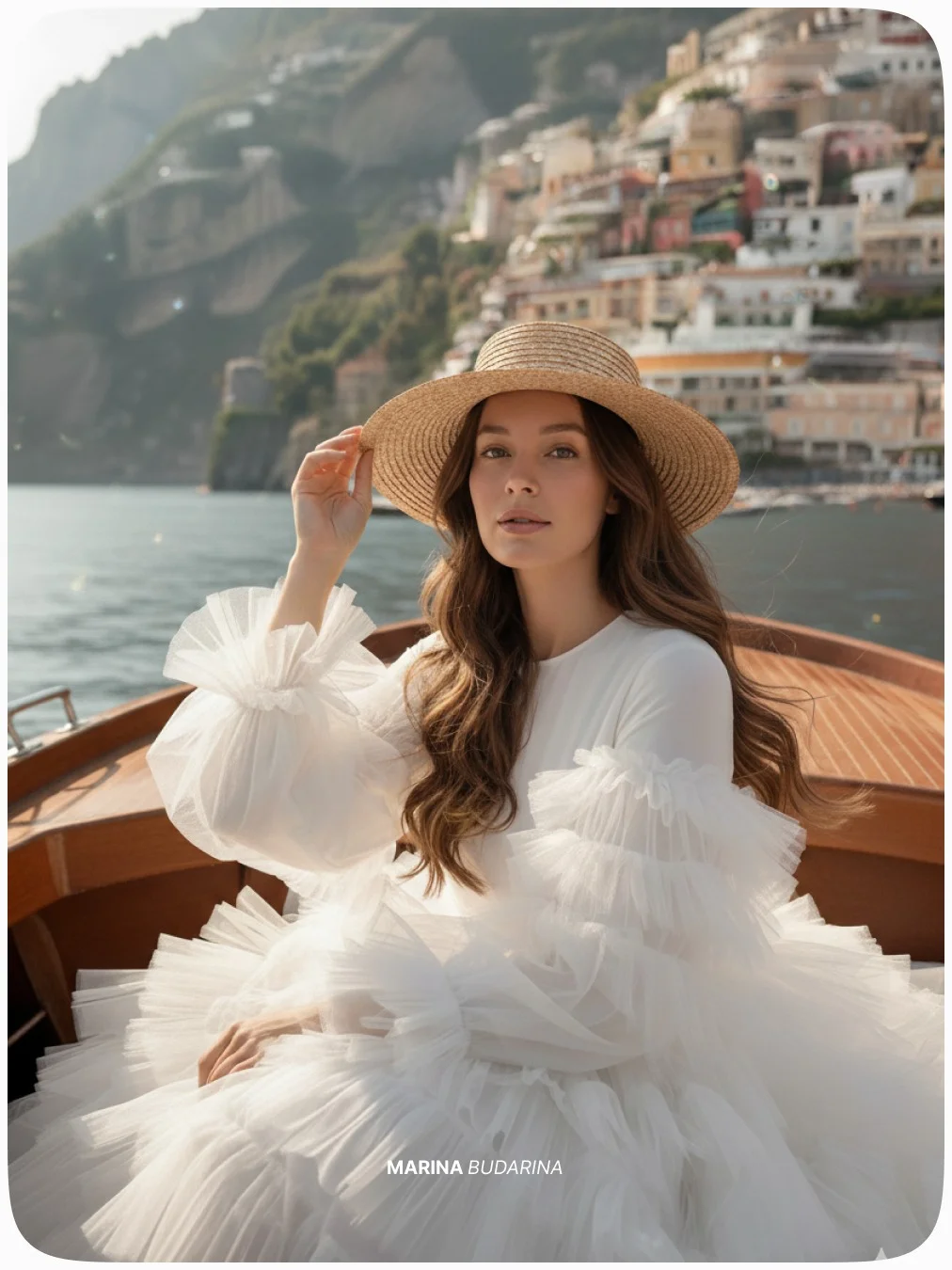
You can follow the stylistic structure shown in the examples above! Creators often share these specific “hooks” on social media. For example, using this framework:
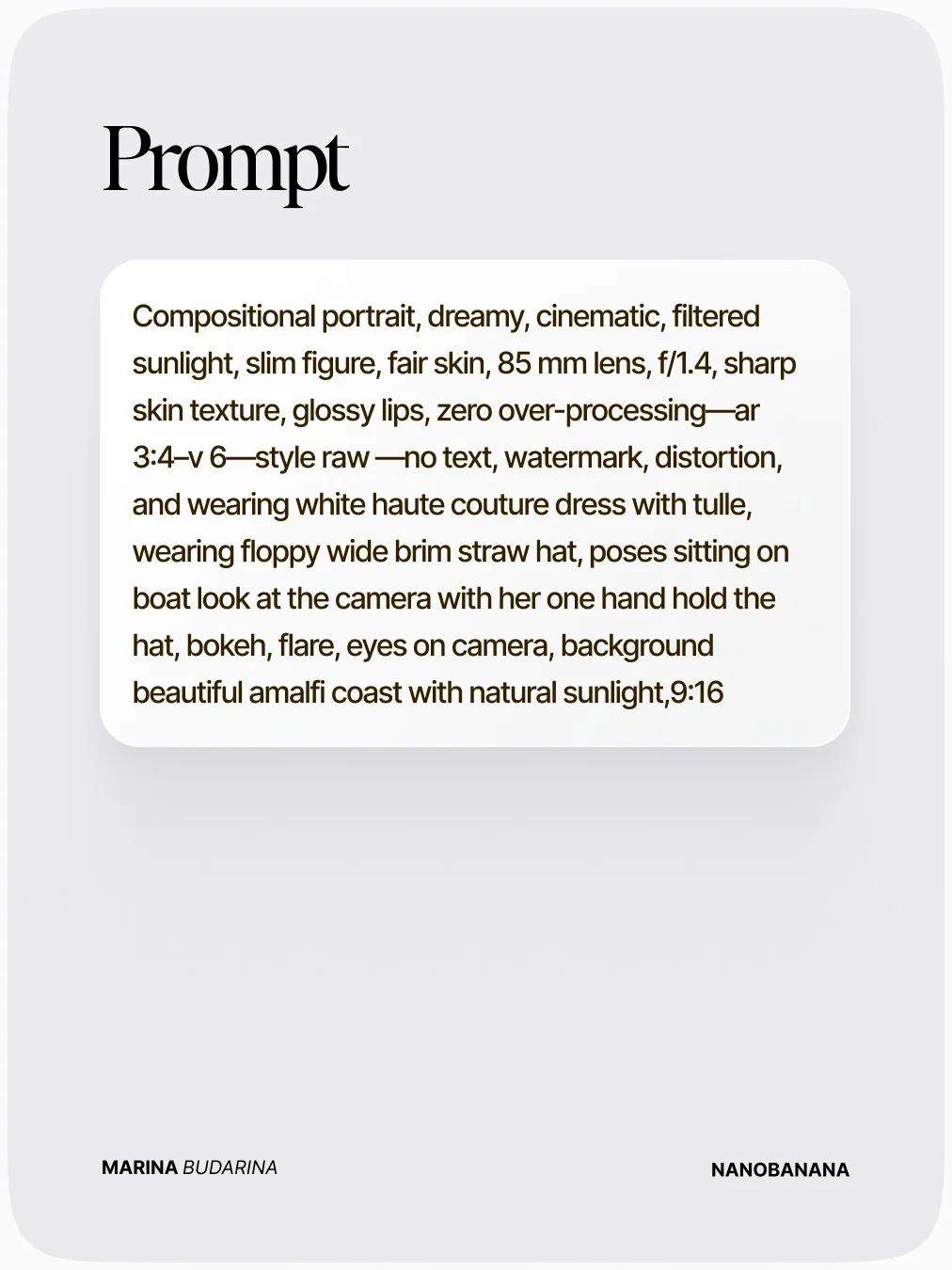
Do these prompts work on Midjourney or DALL-E as well?
Yes! While the “Nano Banana” trend started with Gemini, the core prompt engineering—describing lighting, camera lenses, and fashion—works across almost all major generative AI image prompts.
Why is my AI output not looking like the viral examples?
It often comes down to density. If your prompt is too short, the AI “hallucinates” the details. Try adding more descriptive words about the environment and the technical camera settings.
How often does the Gemini trial period reset?
Typically, trial versions are a one-time offer per Google account. Keep an eye out for special promotions where Google extends trials to three months.
What are the best hashtags to use when sharing Nano Banana art?
To get noticed, use: #nanobanana #googlenanobanana #nanobananaprompts #aicommunity #aitools #aiphoto #viralai.
In today’s fast-paced digital world, manual creation can be a bottleneck. By leveraging building blocks like these Gemini Nano Banana prompts, you aren’t just taking a shortcut—you’re working smarter to build a more professional, visually stunning brand. Happy prompting