Learn how to use Gemini AI prompts to create hyperrealistic images. Boost your creative workflow and go viral with our ready-to-use prompt library tips.
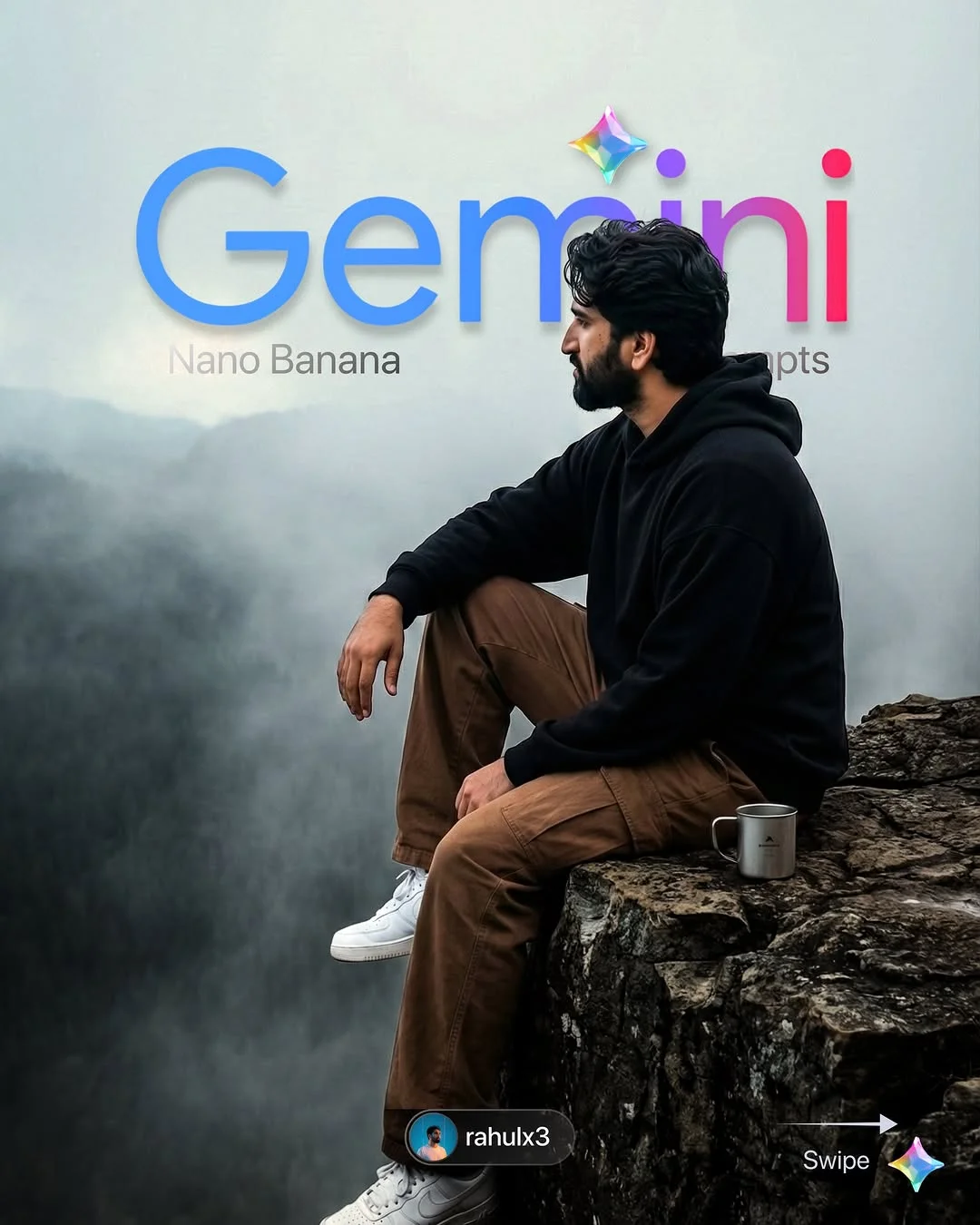
How to Use Gemini Prompts to Create Viral Social Media Content
In the fast-paced world of digital creation, staying ahead of the curve means embracing the power of AI. If you have been scrolling through Instagram or TikTok lately, you have likely seen stunning, hyperrealistic images that seem too perfect to be real. The secret? High-quality Gemini AI prompts.
What are Gemini AI Prompts?
At its core, a Gemini AI prompt is a specific set of instructions given to Google’s advanced artificial intelligence model. Think of it as a recipe. If you give a chef vague instructions like “make food,” you might get anything. But if you say, “make a three-layer chocolate cake with sea salt caramel,” you get exactly what you want.
In the realm of generative AI art prompts, Gemini uses these instructions to process millions of data points, creating everything from realistic portraits to complex holiday-themed landscapes. It is a bridge between your imagination and a digital masterpiece, allowing you to generate high-quality AI visuals without needing a degree in graphic design.
The Benefits of Using Ready-to-Use AI Prompts
Why should you use pre-made prompts instead of starting from scratch?
- Saving Time in the Creative Workflow: Instead of spending hours experimenting with different words, ready-to-use AI prompts give you an instant head start. This allows you to focus on the big picture—your brand and strategy.
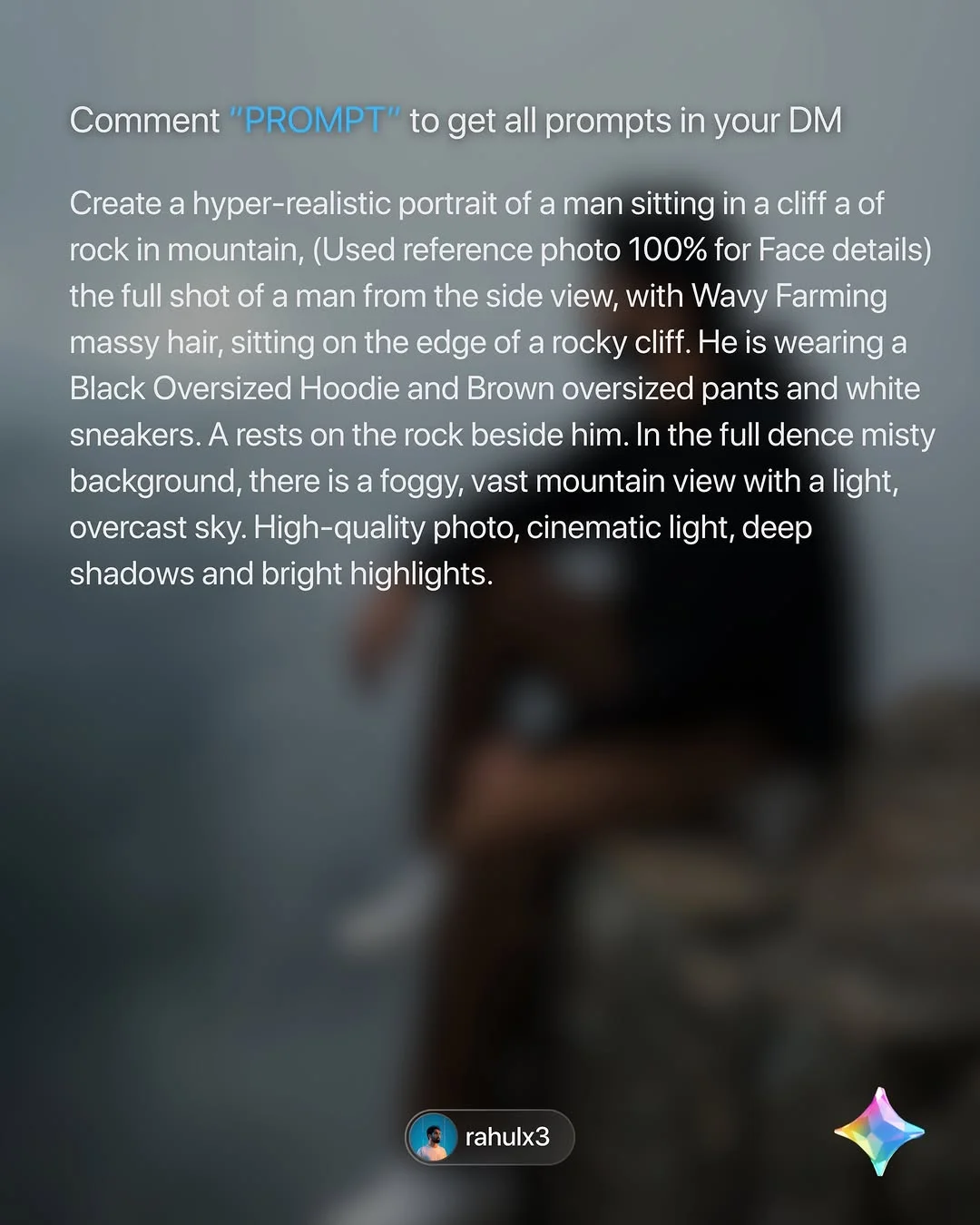
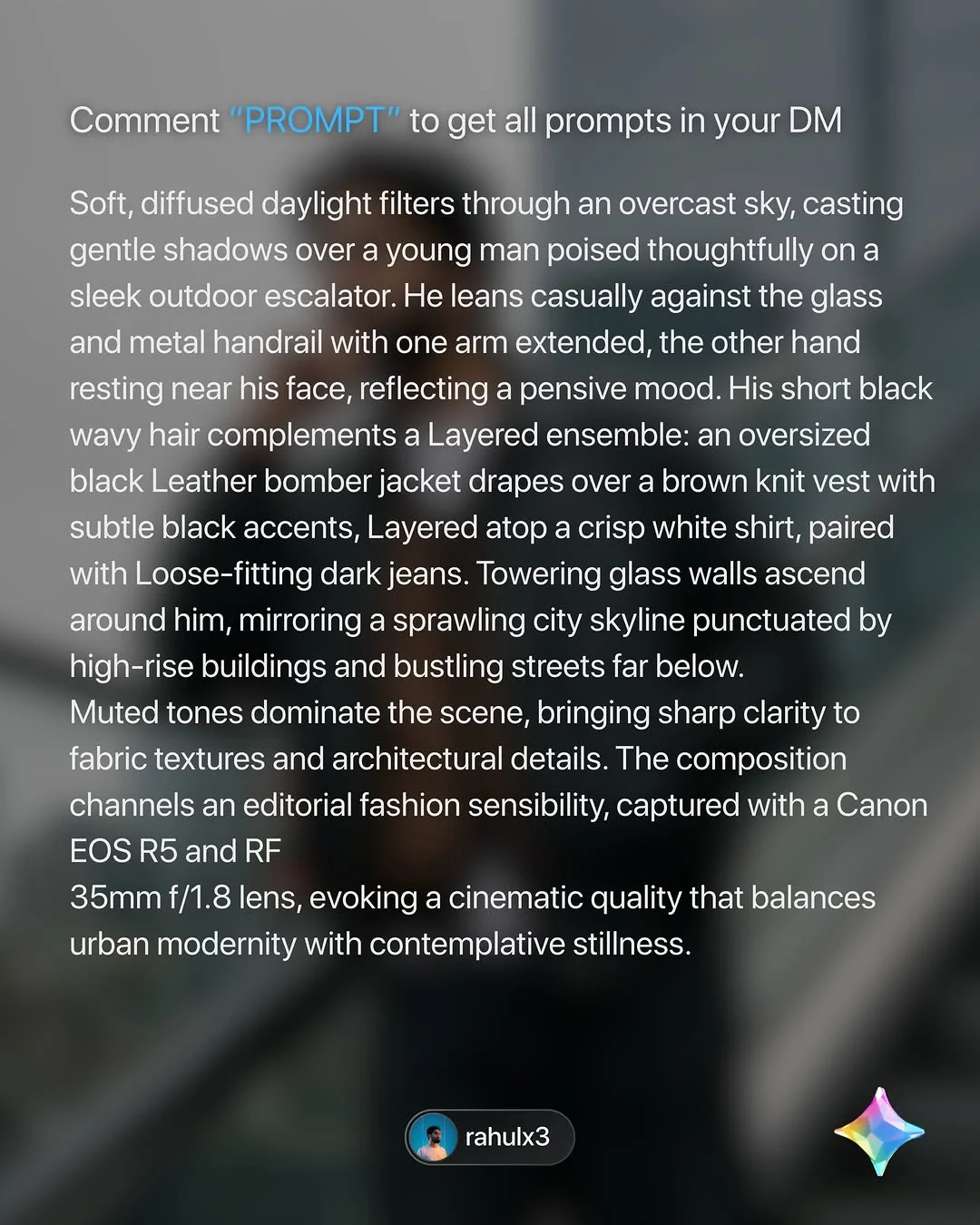
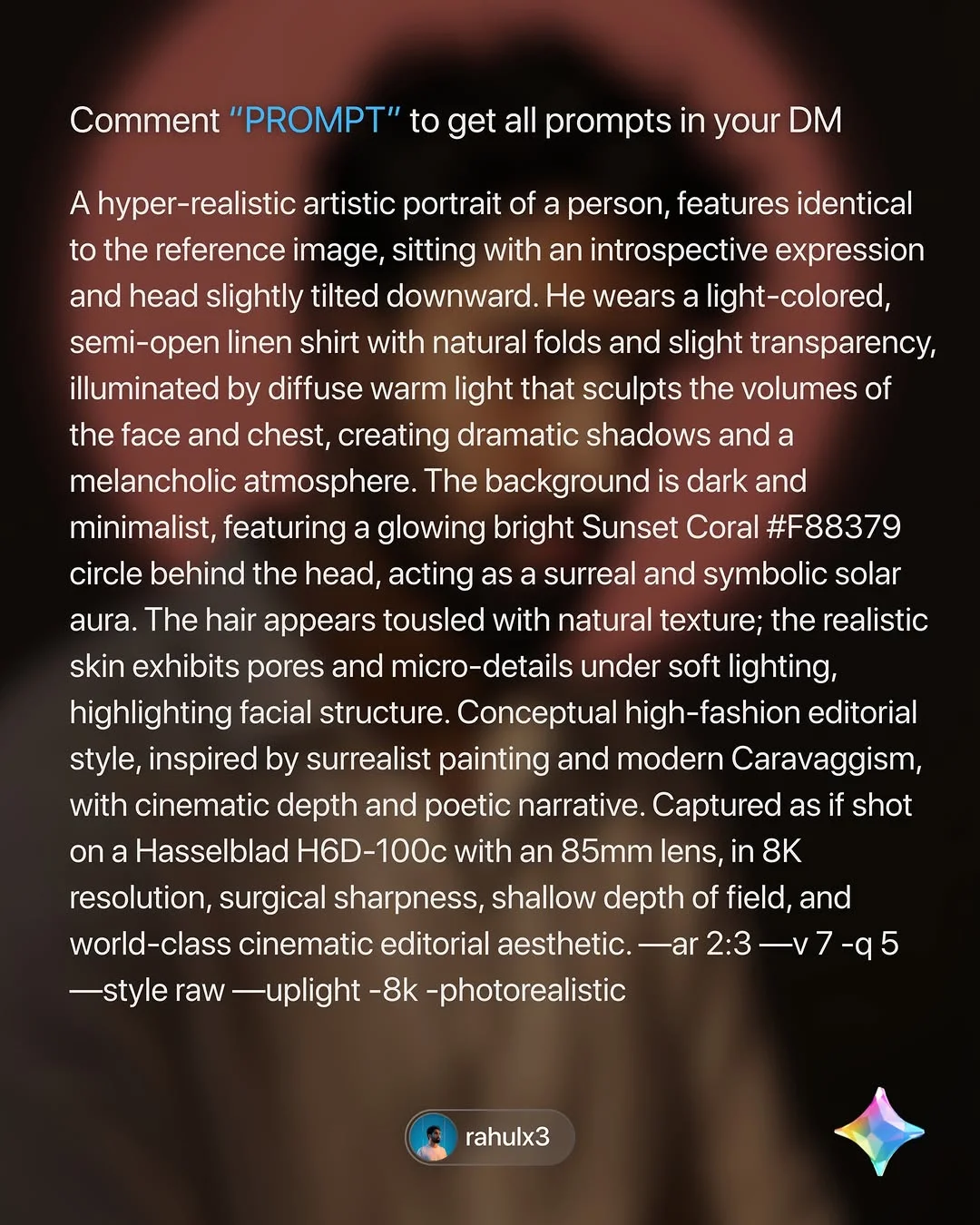
- Achieving High-Quality, Professional Results: Expertly crafted prompts include details about lighting, camera lenses (like a Hasselblad or Canon EOS R5), and textures that a beginner might miss.
- Overcoming “Blank Page” Syndrome: Every creator knows the fear of the blinking cursor. Having a library of hyperrealistic AI prompts means you never have to start with nothing.
- Consistency in Style: If you want your social media feed to have a specific “vibe,” using a consistent prompt structure ensures all your images look like they belong to the same collection.
How to Access and Use the “Rahulx3” Prompt Library
Getting your hands on these viral-ready prompts is surprisingly simple. Rahulx3 (also known under the #nanobanana brand) has streamlined the process for the community.
- Follow for Updates: The first step is following the right channels. Creators like rahulx3 post daily inspiration that shows what the AI is capable of.
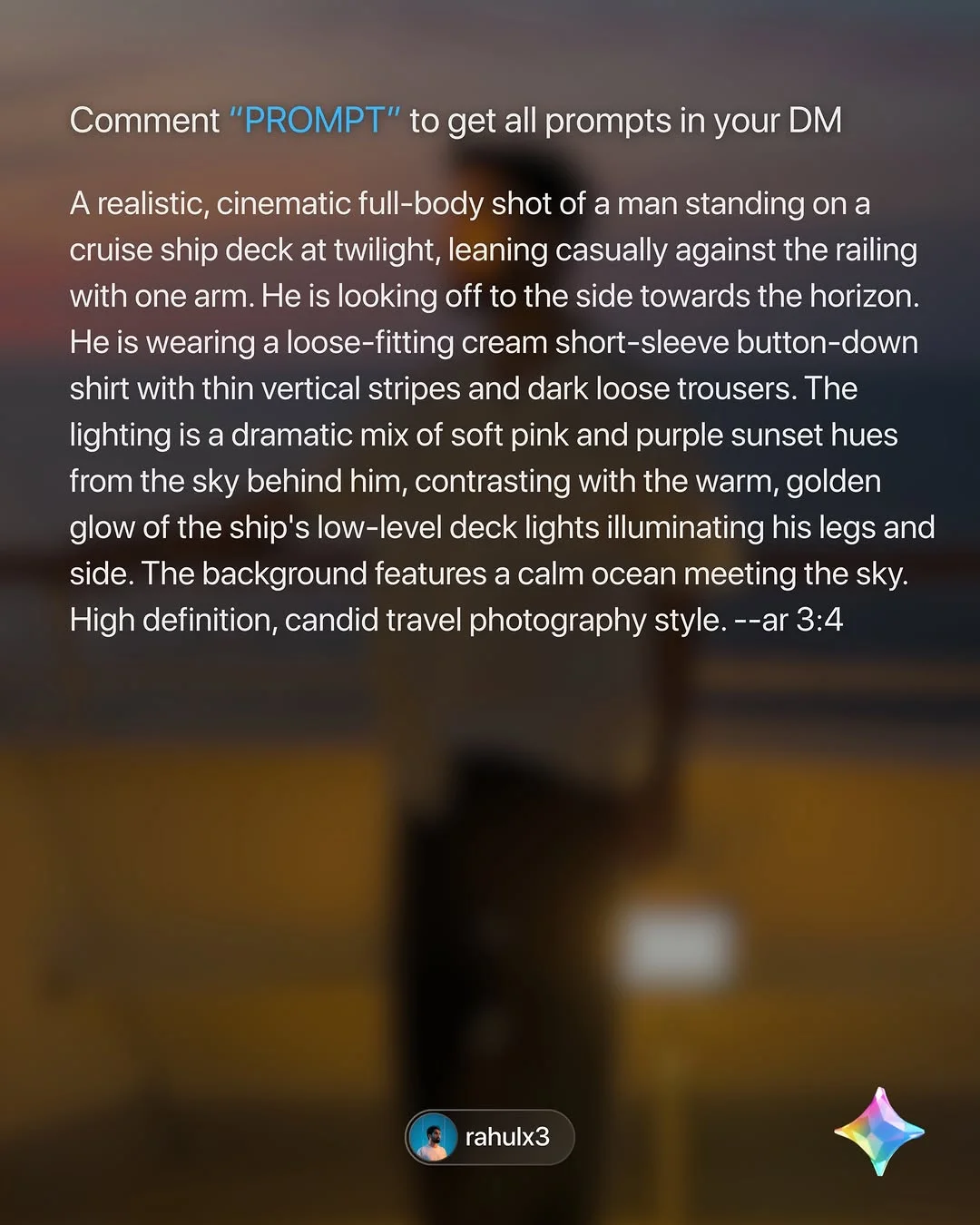
- Engage with “Comment to DM” Posts: Many posts use social media automation prompts. If you see a caption saying “Comment ‘Prompt’,” do exactly that! An automated system will often send the full text directly to your inbox.
- Join the Community: For the full archive, join the dedicated Telegram or Discord channels. These act as an AI creative workflow tool where you can find previous Christmas image prompts or advanced Gemini prompts.
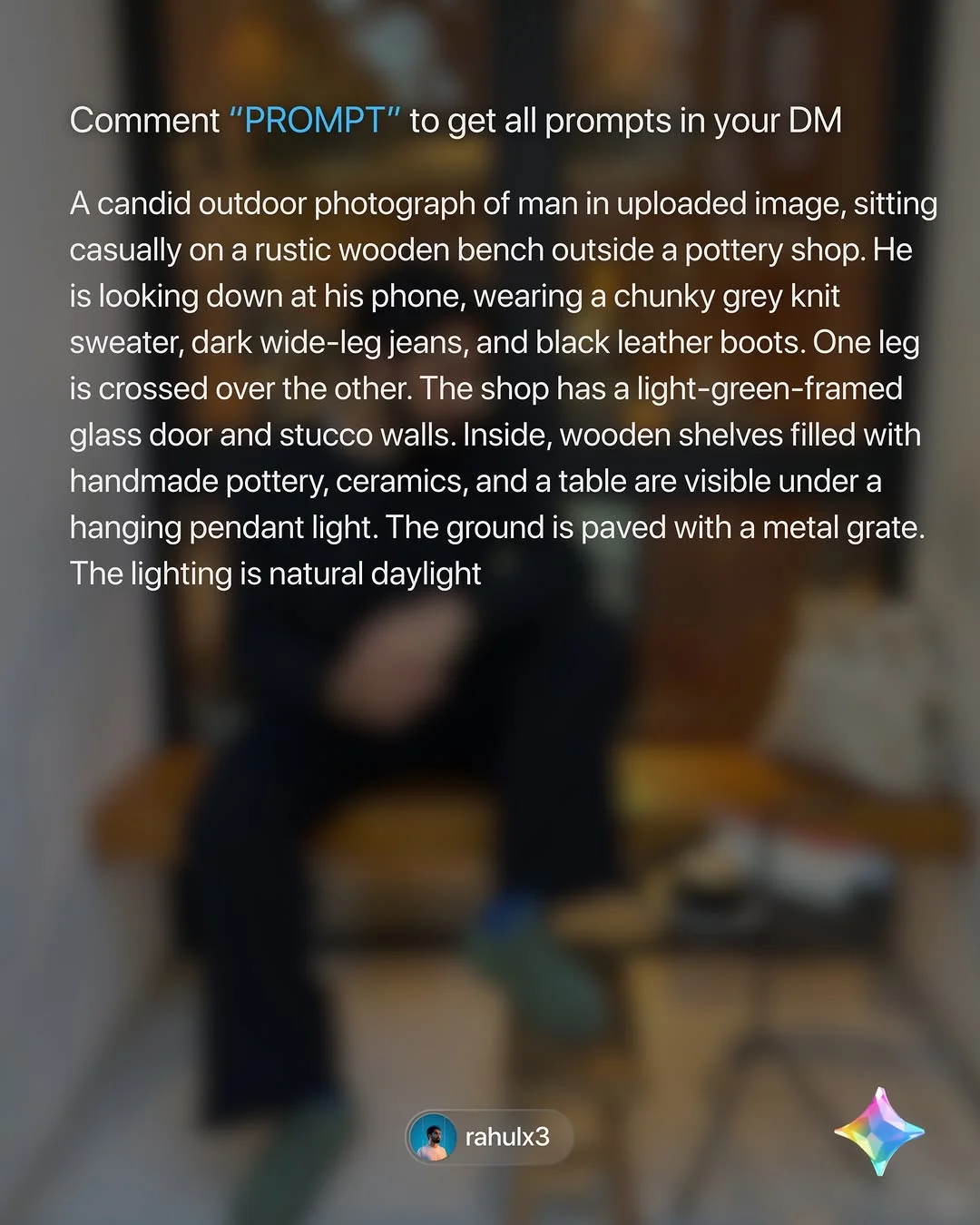
- Copy and Paste: Once you have the text, simply paste it into the Gemini interface. Note how the prompts are structured—they often include technical details to ensure the best output.
Types of Gemini Prompts for Digital Creators
There is a prompt for every occasion. Here are the categories currently trending:
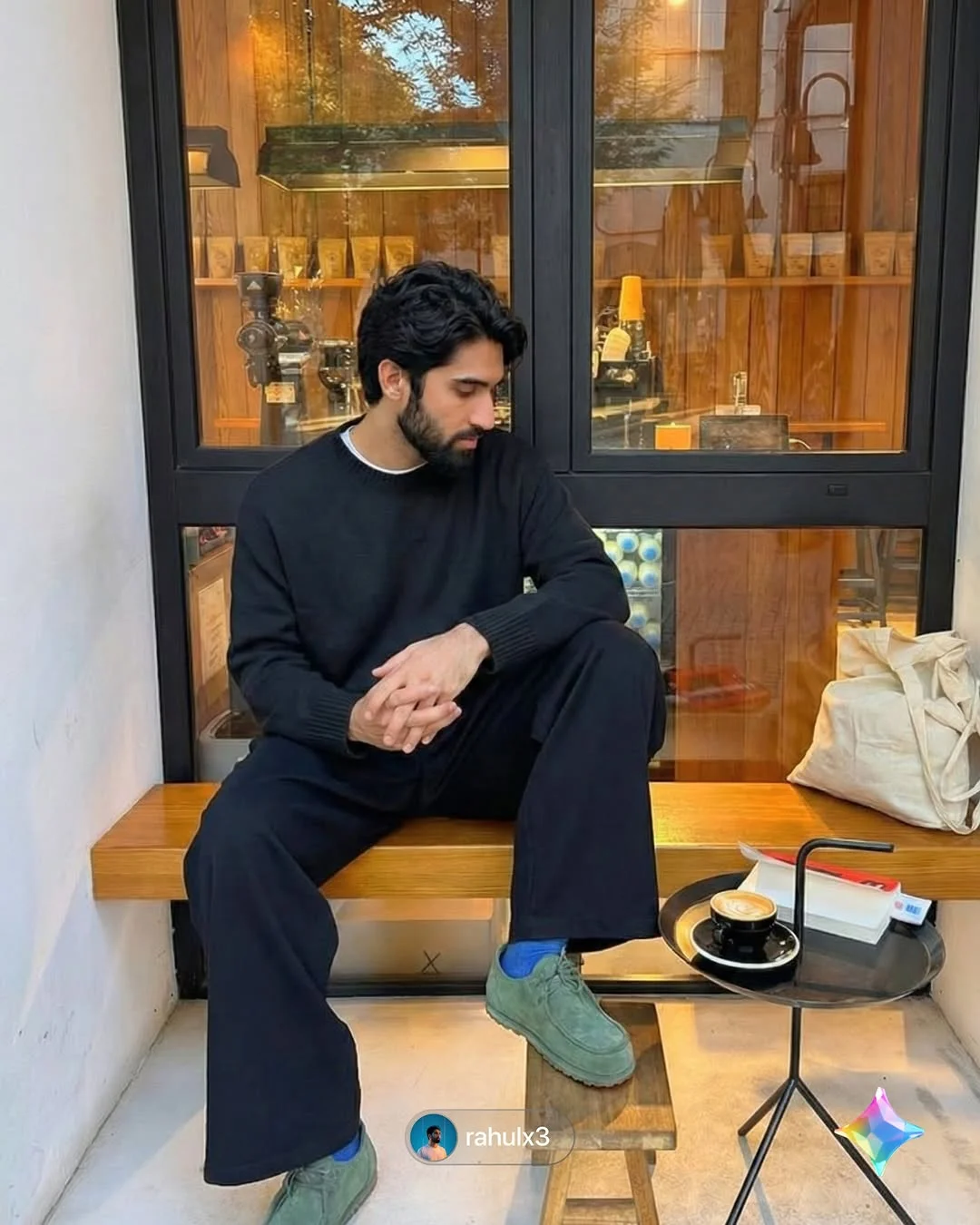
Hyperrealistic Image Generation Prompts These are designed to mimic high-end photography. They focus on “skin pores,” “natural lighting,” and “depth of field.”

Holiday-Themed Content (Christmas and Seasonal Triggers) As the holidays approach, holiday AI art prompts become gold. You can generate cozy interior scenes, snowy landscapes, or festive character portraits using keywords like “warm bokeh” and “festive glow.”
Marketing and Mockup Prompts If you are selling products, you can use Gemini to create realistic mockups. Instead of a blank background, imagine your product in a sun-drenched studio or on a rustic wooden table.
Tips for Customizing Prompts for Better Results
To truly stand out, you shouldn’t just copy-paste; you should iterate.
- Add Specific Lighting Keywords: Words like “golden hour,” “cinematic lighting,” or “soft diffused daylight” change the entire mood of the image.
- Adjust Aspect Ratios: For Instagram Stories, use
--ar 9:16. For standard posts, try--ar 4:5. - Incorporate Brand Colors: If your brand color is Coral, add “soft coral accents” to the prompt to keep things on-brand.
- The Power of Iteration: Never settle for the first result. Change one or two words and see how the AI reacts.

Why Hyperrealistic AI Art is Trending on Social Media
We live in an “attention economy.” Users stop scrolling when they see something that looks “unbelievably real.” This viral AI content strategy works because it blurs the line between reality and digital art. It creates a sense of wonder. When you share images that look like they were shot on a $10,000 camera, you instantly elevate your professional image.

How to Grow Your Following Using AI Content
Using AI is not just about making pretty pictures; it is about growth.
- Use CTA Triggers: Don’t just post the image. Use a Call to Action (CTA) like “Comment ‘Prompt’ for the full settings.” This boosts your engagement rate, telling the algorithm your content is valuable.
- Leverage Trending Hashtags: Use tags like #nanobanana, #nanobananapro, and #geminiprompt. These connect you with a specific community of AI enthusiasts.
- Seasonal Trends: During December, focus heavily on Christmas image prompts. Seasonal content is shared more frequently, increasing your viral potential.
- Community Engagement: When people comment, reply! Building a community around prompt-sharing turns followers into fans.
Frequently Asked Questions
1. What is the difference between Gemini and ChatGPT for image prompts? Gemini is Google’s multimodal AI, which is highly integrated with Google’s ecosystem. While ChatGPT uses DALL-E, Gemini has its own unique generation style that many find more photorealistic for human subjects.
2. Are these Gemini prompts free to use for commercial projects? Generally, prompts shared by creators like rahulx3 are free for personal and commercial inspiration. However, always check the specific licensing of the AI tool you are using (like Gemini or Midjourney).
3. How do I get the prompts sent to my DMs automatically? Creators use tools like ManyChat. When you comment a specific keyword (like “Prompt”), the software recognizes it and sends a pre-written message to your inbox.
4. What is “Nanobanana” and how does it relate to AI? Nanobanana and Nanobananapro are brand names/usernames associated with the rahulx3 community. They represent a specific style of high-quality, curated AI prompts and tutorials.
5. Do I need a paid Gemini subscription to use these prompts? You can use many prompts with the free version of Gemini, but premium versions (like Gemini Advanced) often provide higher resolution and more complex processing power.
6. How can I make AI-generated images look more realistic? Avoid generic words. Use technical terms like “8k resolution,” “shallow depth of field,” and “subsurface scattering” to describe how light hits the skin.
7. Where can I find the archive of previous “Rahulx3” prompts? The best place is the linked Telegram channel or the “Highlights” section on the rahulx3 Instagram profile.
8. Can I use these prompts on mobile devices? Yes! Both Gemini and ChatGPT have mobile apps. You can copy prompts from social media and paste them directly into the apps on your phone.
By following these strategies and utilizing ready-made prompts, you can transform your social media presence from ordinary to extraordinary. Start experimenting today and watch your creative workflow reach new heights!