Learn how to use Higgsfield AI and precision prompts to create high-end visual masterpieces. Elevate your content with our expert AI video workflow.
How to Master AI Video: Using Higgsfield and High-Quality Prompts
The world of content creation is changing faster than ever. If you have been scrolling through Instagram or TikTok lately, you have probably seen mind-blowing, cinematic videos that look like they cost thousands of dollars to produce. The secret? It is not a massive film crew; it is inteligência artificial generativa. Today, we are diving deep into how you can use tools like Higgsfield AI to turn simple text into high-end visual masterpieces.
What is Higgsfield AI?
Higgsfield AI is a powerful new player in the world of tecnologia generative video. Unlike some AI tools that feel clunky or difficult to control, Higgsfield is designed specifically for creators who want mobile-friendly, high-quality social media content. It functions as a gerador de vídeo IA that excels at realistic human movement and complex physics.
Whether you want to create a fashion “ensaio” (photoshoot) or a surreal sci-fi scene, the Higgsfield app allows you to input text or images and receive a polished video in return. It is essentially a pocket-sized production studio that levels the playing field for independent creators.
Why Creators are Moving to Higgsfield for AI Video
Many creators are shifting their focus to Higgsfield because of its “social-first” approach. While other platforms focus on horizontal cinematic clips, Higgsfield understands the vertical world of Reels and TikTok.
This tool has become a favorite among melhores IAs para criadores de conteúdo because it handles human anatomy and clothing textures much better than its predecessors. If you have ever tried to create a video where the clothes look “glitchy,” Higgsfield might be the solution you are looking for. It provides a level of stability that makes vídeo realista com inteligência artificial accessible to anyone with a smartphone.
The Role of Precision Prompts in AI Animation
In the world of AI, your results are only as good as your instructions. This is what we call prompt engineering para vídeo.
1. Defining the “Ensaio” (Photoshoot) style
The “Ensaio” style refers to a specific aesthetic that mimics high-fashion editorial photography. It focuses on the subject’s pose, the texture of their clothing, and a high-end studio atmosphere.
2. How specific keywords affect visual consistency
Using words like “8K,” “highly detailed,” and “cinematic portrait” tells the AI to prioritize sharpness. If you are vague, the AI might give you a blurry or “cartoonish” result.
3. The importance of lighting and movement descriptors
Lighting is the difference between an amateur video and a professional one. In your prompts para inteligência artificial, always specify the light source—such as “softbox studio lighting” or “golden hour.”
4. Why specific prompt templates save hours
Starting from scratch is hard. Using prompts prontos para IA allows you to see what works and simply swap out the details. This is the ultimate workflow criação de conteúdo IA.
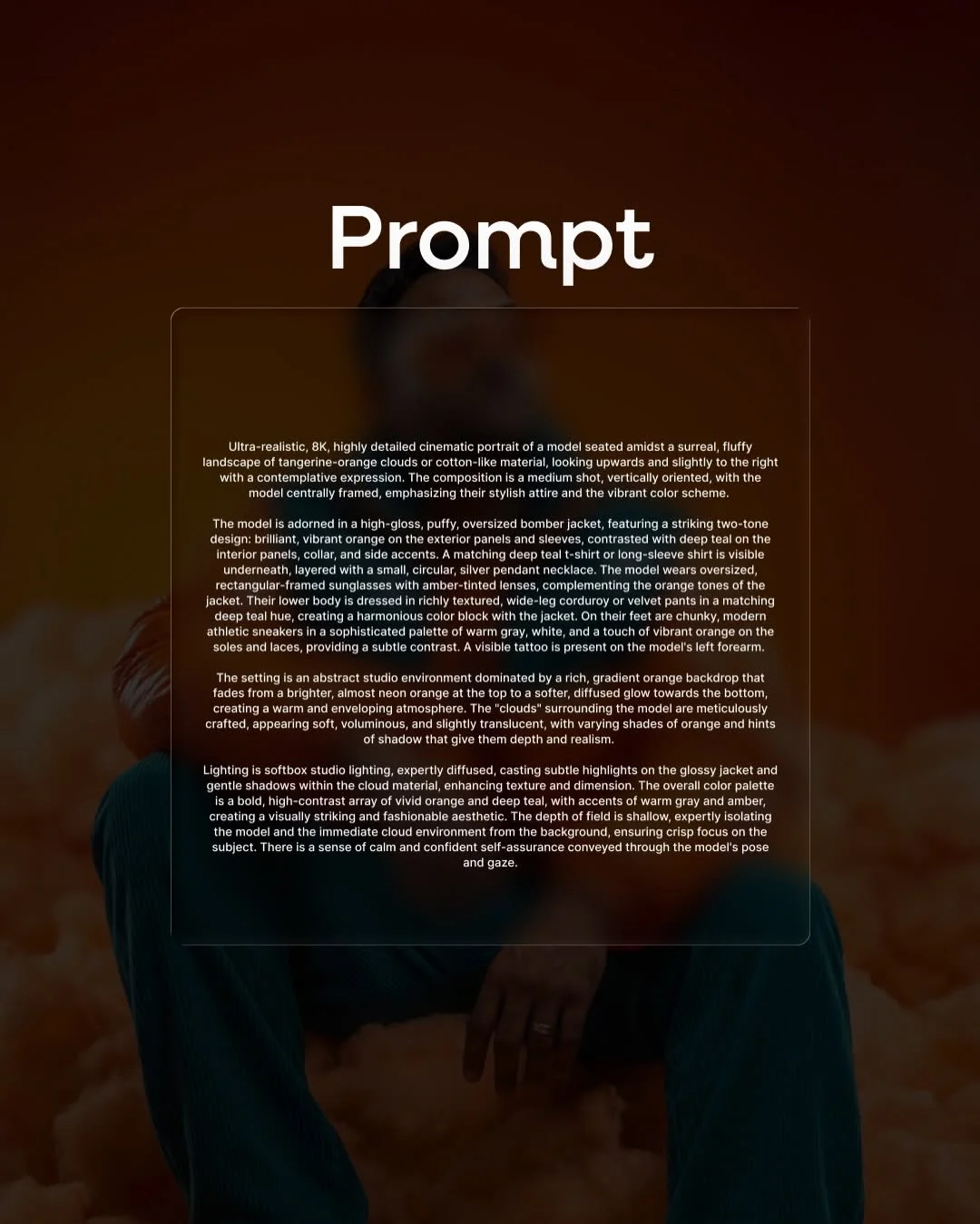
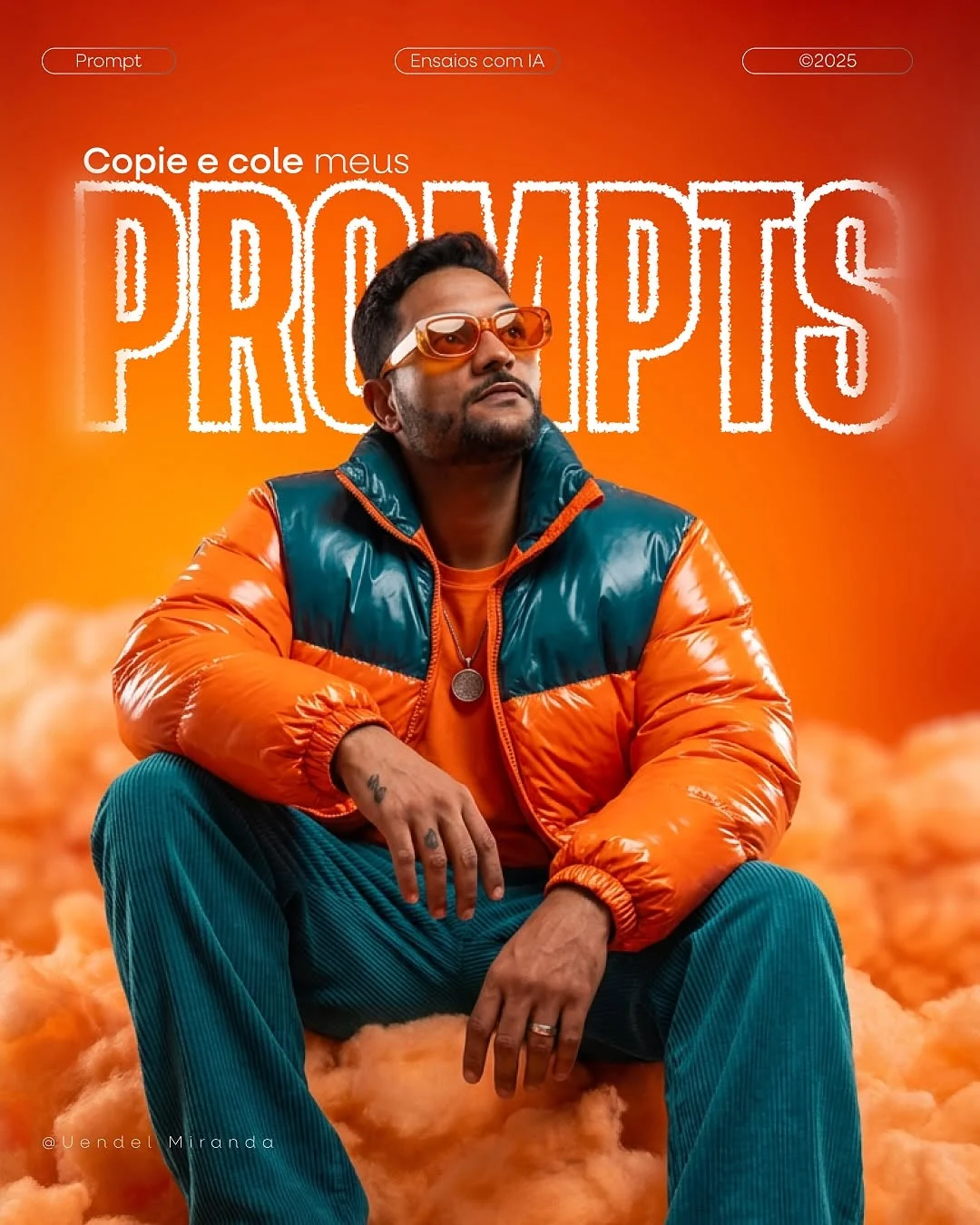
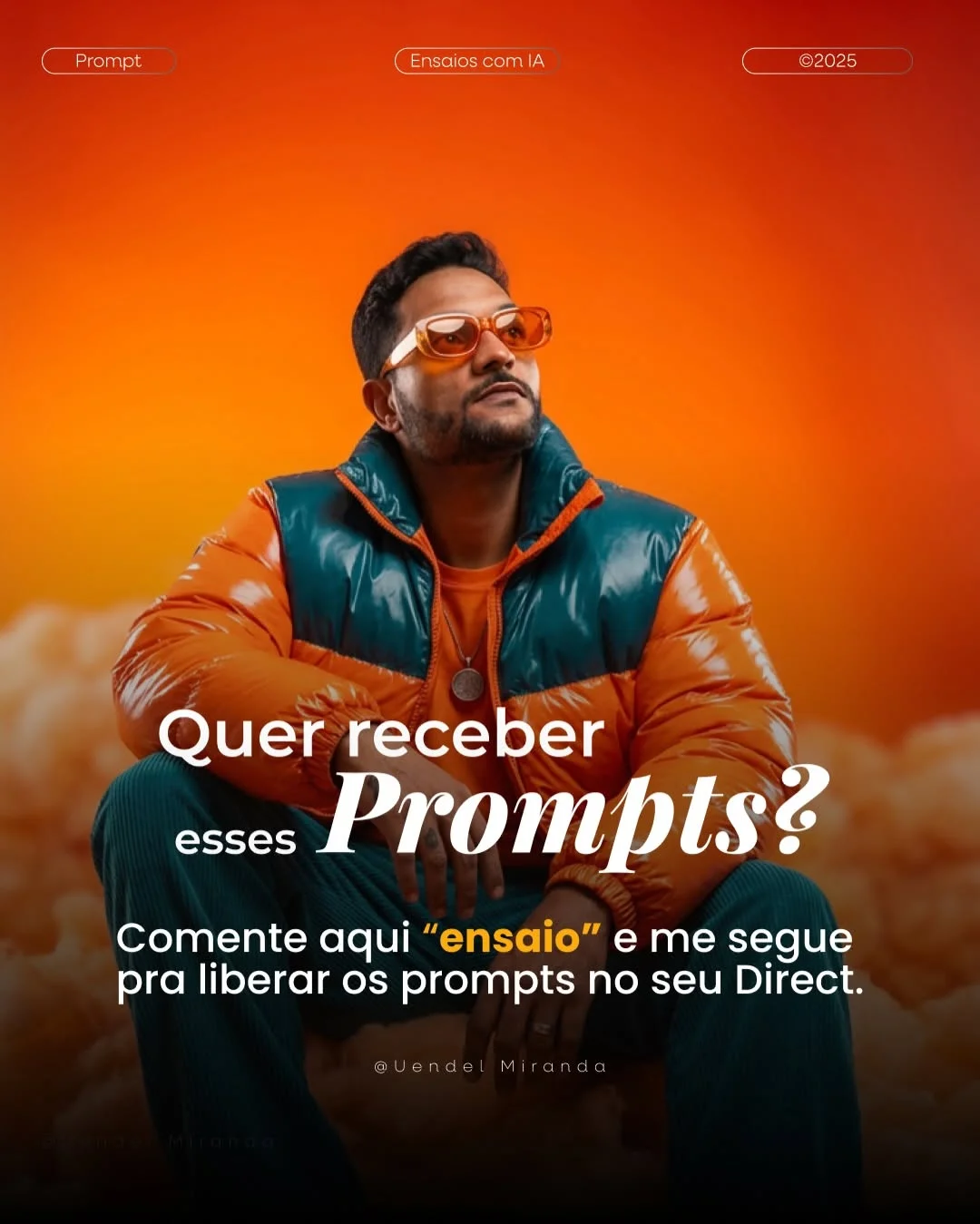
The model is adorned in a high-gloss, puffy, oversized bomber jacket, featuring a striking two-tone design: brilliant, vibrant orange on the exterior panels and sleeves, contrasted with deep teal on the interior panels, collar, and side accents. A matching deep teal t-shirt or long-sleeve shirt is visible underneath, layered with a small, circular, silver pendant necklace. The model wears oversized, rectangular-framed sunglasses with amber-tinted lenses, complementing the orange tones of the jacket. Their lower body is dressed in richly textured, wide-leg corduroy or velvet pants in a matching deep teal hue, creating a harmonious color block with the jacket. On their feet are chunky, modern athletic sneakers in a sophisticated palette of warm gray, white, and a touch of vibrant orange on the soles and laces, providing a subtle contrast. A visible tattoo is present on the model’s left forearm.
The setting is an abstract studio environment dominated by a rich, gradient orange backdrop that fades from a brighter, almost neon orange at the top to a softer, diffused glow towards the bottom, creating a warm and enveloping atmosphere. The “clouds” surrounding the model are meticulously crafted, appearing soft, voluminous, and slightly translucent, with varying shades of orange and hints of shadow that give them depth and realism.
Lighting is softbox studio lighting, expertly diffused, casting subtle highlights on the glossy jacket and gentle shadows within the cloud material, enhancing texture and dimension. The overall color palette is a bold, high-contrast array of vivid orange and deep teal, with accents of warm gray and amber, creating a visually striking and fashionable aesthetic. The depth of field is shallow, expertly isolating the model and the immediate cloud environment from the background, ensuring crisp focus on the subject. There is a sense of calm and confident self-assurance conveyed through the model’s pose and gaze.
How to Use the “Ensaio” Prompt for Cinematic Results
To get started, follow this simple Higgsfield AI tutorial workflow:
- Accessing the Interface: Open the Higgsfield app or web dashboard.
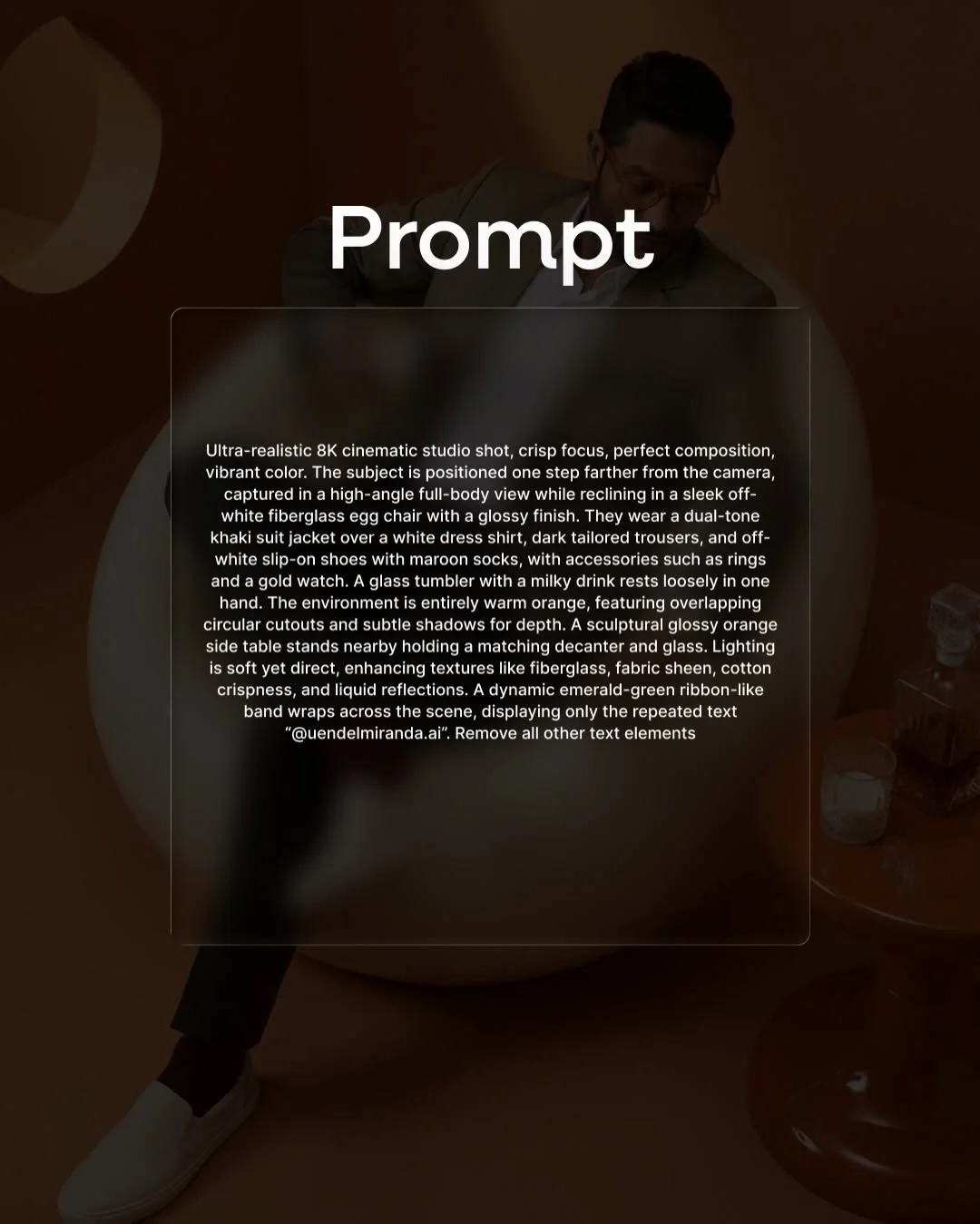
- Inputting the Base Prompt: Copy and paste a high-quality prompt (like the one above). This acts as your foundation.
- Adjusting Motion Sensitivity: Higgsfield allows you to control how much the subject moves. For an “Ensaio” style, keep the motion low (around 3-5) to maintain the “pose” look.
- Selecting the Aspect Ratio: Since we are focusing on inteligência artificial para redes sociais, choose the 9:16 aspect ratio.
- Reviewing and Regenerating: Don’t settle for the first result. AI is an iterative process. If the eyes look strange or the movement is too fast, hit regenerate or tweak one keyword.
Benefits of Leveraging Pre-Made Prompt Workflows
Using a proven workflow criação de conteúdo IA is like using a recipe from a professional chef.
- Reduced Learning Curve: You don’t need to spend months learning the “language” of AI. You can start creating immediately.
- Professional Aesthetic: Pre-made prompts already include the technical jargon (like “shallow depth of field”) that creates that expensive cinematic look.
- Consistency: If you are building a digital brand, using similar prompt structures ensures your videos all feel like they belong to the same universe.
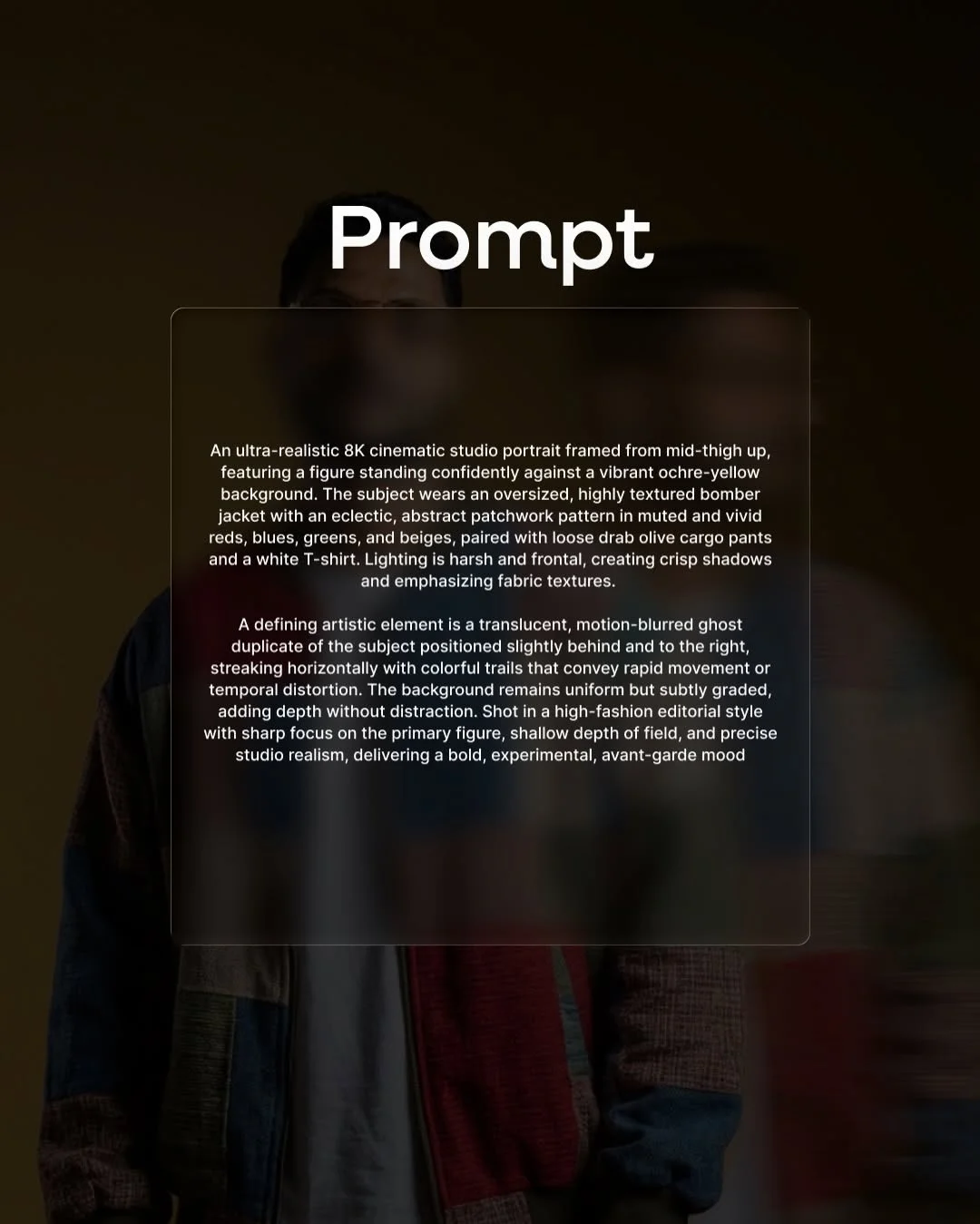
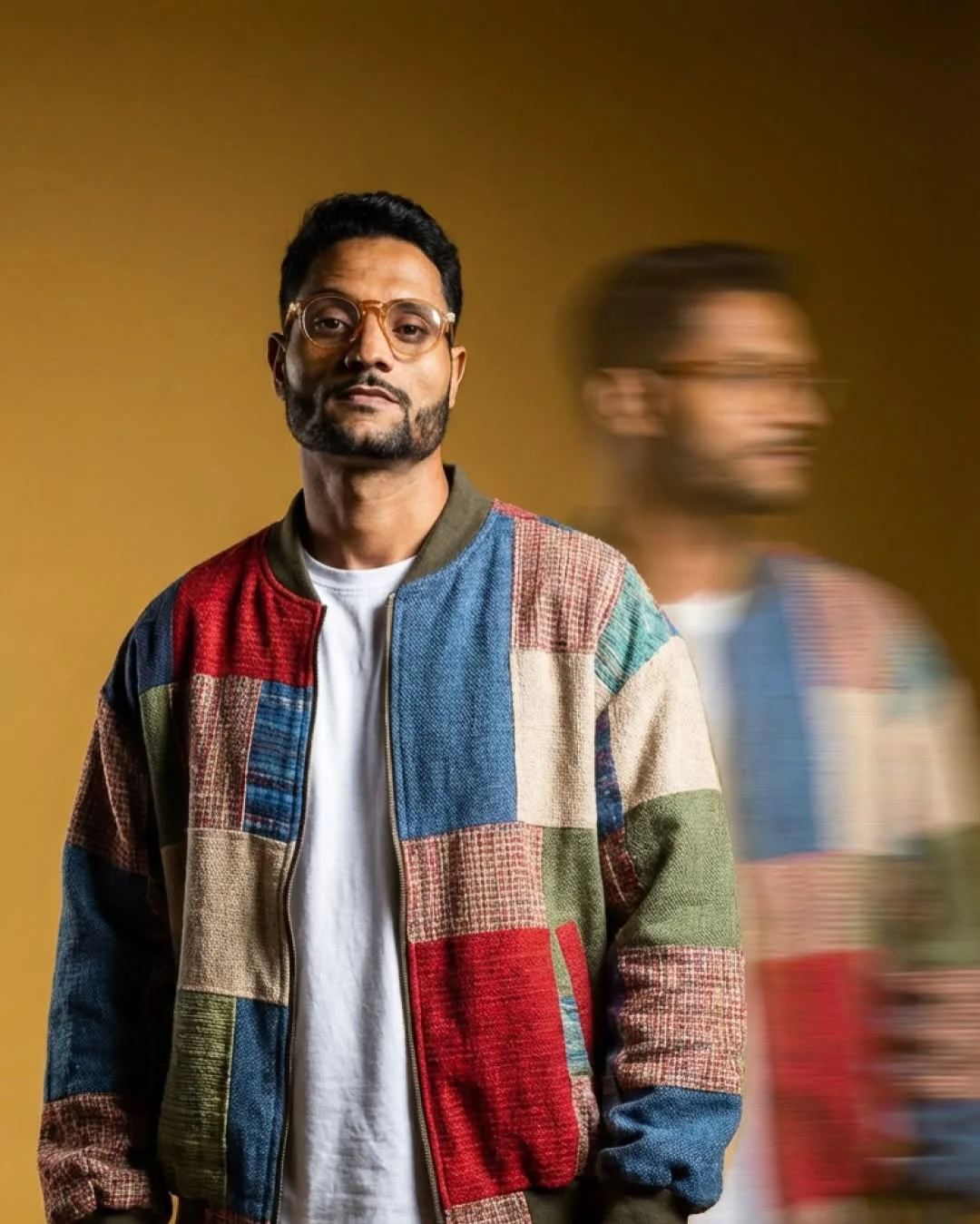
A defining artistic element is a translucent, motion-blurred ghost duplicate of the subject positioned slightly behind and to the right, streaking horizontally with colorful trails that convey rapid movement or temporal distortion. The background remains uniform but subtly graded, adding depth without distraction. Shot in a high-fashion editorial style with sharp focus on the primary figure, shallow depth of field, and precise studio realism, delivering a bold, experimental, avant-garde mood
Top Tips for Enhancing Your AI Video Output
Want to stand out from the crowd? Here is como criar vídeos com IA like a pro:
- Use High-Resolution Image Seeds: If the tool allows, upload a high-quality photo as a starting point. This gives the AI a clear reference for the face and structure.
- Sound is 50% of Video: An AI video without sound feels empty. Add trending music or high-quality SFX (sound effects) in post-production.
- Negative Prompts: Use terms like “extra fingers,” “blurry,” or “low resolution” in the negative prompt box to tell the AI what to avoid.
- Post-Processing: Use ferramentas de IA para edição de vídeo like CapCut to add color grading and filters. This blends the AI elements together for a more natural look.

Advanced Customization: Making the Prompt Your Own
Once you understand the roteiro para vídeo IA, you can start experimenting. Think of the prompt as a modular building block.
- Swap Characters: Change “a male model” to “an elderly woman” or “a futuristic robot.”
- Change Environments: Take the subject from a studio and put them in a “cyberpunk neon city” or a “tranquil Japanese garden.”
- Camera Angles: Move from a “medium shot” to a “close-up” to capture the micro-expressions of the character.
The Future of AI Video for Creative Professionals
We are entering an era of automação visual com inteligência artificial. In tendências de IA 2024, we see that creators who embrace these tools aren’t being replaced—they are becoming faster and more creative. Being able to visualize an idea in seconds rather than days is a superpower. Whether you are a social media manager or a hobbyist, mastering como usar Higgsfield AI puts you ahead of the curve.
Frequently Asked Questions (FAQ)
1. Is Higgsfield AI free to use for beginners?
Most AI video tools offer a “freemium” model. You usually get a few free credits to start, with paid plans for higher resolution and more generations.
2. How do I get the “Ensaio” prompt mentioned in the video?
You can use the prompts provided in the placeholders of this article! They are designed to give you that exact editorial look.
3. Can I use Higgsfield videos for commercial purposes?
This depends on your subscription tier. Always check the terms of service of the Higgsfield app before using content for paid advertisements.
4. What is the difference between Higgsfield and other tools like Luma or Runway?
Higgsfield is highly optimized for character consistency and vertical video, making it a top choice for social media creators compared to the more “cinematic/film” focus of Runway.
5. How long does it take to generate a video in Higgsfield?
Depending on the server load, it usually takes between 30 seconds to 3 minutes to generate a high-quality clip.
6. Do I need a powerful computer to run these AI tools?
No! Most of the heavy lifting happens in the cloud. You can run these tools on a standard smartphone or laptop.
7. What makes a prompt “high-quality” versus “low-quality”?
A high-quality prompt is specific. Instead of “man in a suit,” a high-quality prompt says “Man in a charcoal wool blend suit, standing in a brightly lit minimalist art gallery, 8K resolution.”
8. How can I keep the face of a character consistent in AI video?
The best way is to use a “Character Reference” or an image seed. By providing the AI with a consistent photo, it can map that face onto the generated video.