Learn to create cinematic vintage AI art with Google Gemini. Master prompt engineering, moody lighting, and film aesthetics for professional portraits.
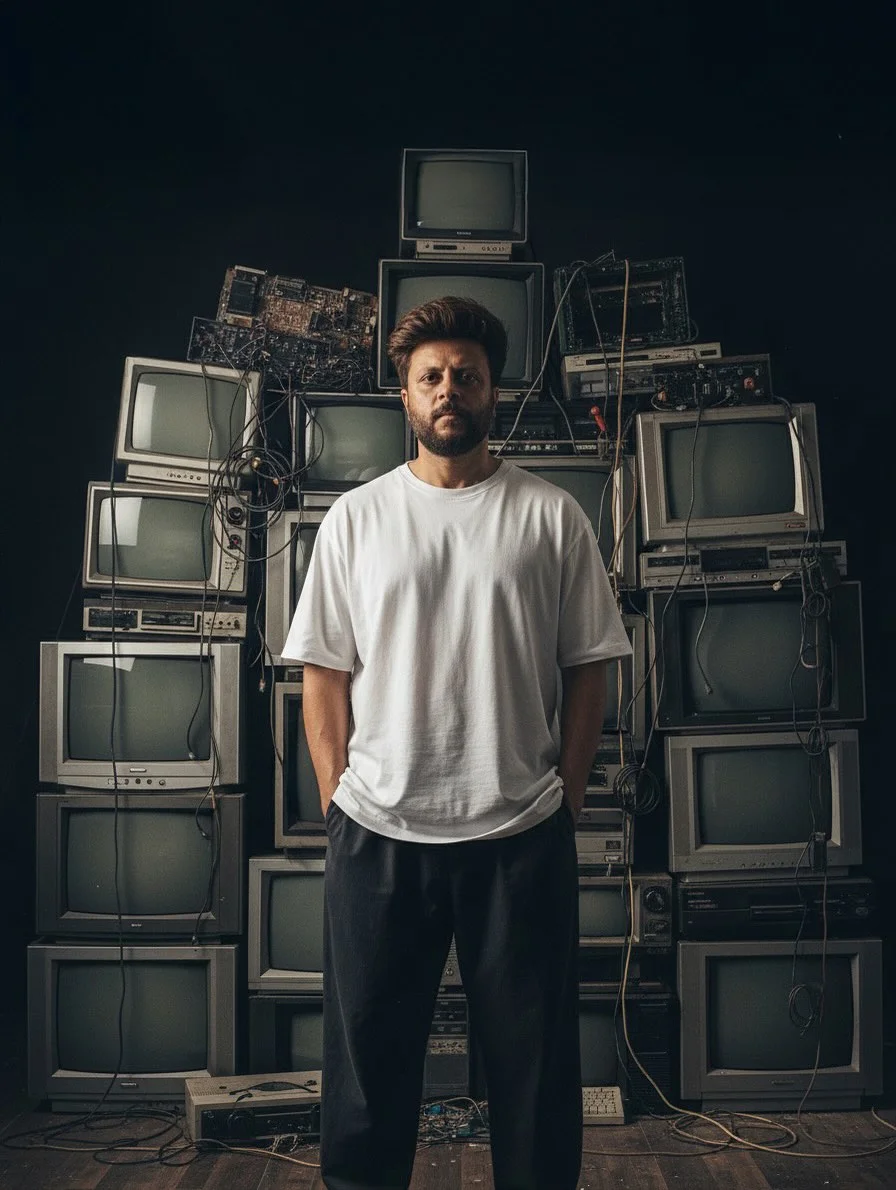
Master the Vintage Aesthetic: A Professional Guide to Moody AI Portraits with Google Gemini
The world of digital art is changing fast. Today, a single sentence can create a masterpiece. If you want to capture that perfect “vintage vibe” using Google Gemini, you are in the right place. Let’s dive into the secrets of cinematic AI portraits.
What is the Google Gemini Image Trend?
The Google Gemini image trend is a movement among creators focusing on realism, atmosphere, and “mood.” Unlike earlier AI models that often looked too bright or plastic, Gemini excels at understanding complex lighting and textures. The trend involves using specific photographers’ styles, vintage film stocks, and “street-style” aesthetics to create images that look like they were taken on a high-end film camera rather than generated by a computer. Creators are moving away from superhero-style art and toward a raw, dusty, and authentic photography look.
Why Use Google Gemini for Vintage AI Art?
Google Gemini has become a favorite for vintage AI art because of its deep understanding of natural language. While some platforms require you to speak in “code,” Gemini responds beautifully to conversational descriptions.
It is particularly good at “Image-to-Image” consistency and following technical photography instructions. If you ask for a specific film stock like “Fuji Classic Chrome,” Gemini understands the color science behind it—the muted greens, the warm highlights, and the deep shadows. This makes it an ideal tool for digital art creation where you want the final result to feel nostalgic and timeless.
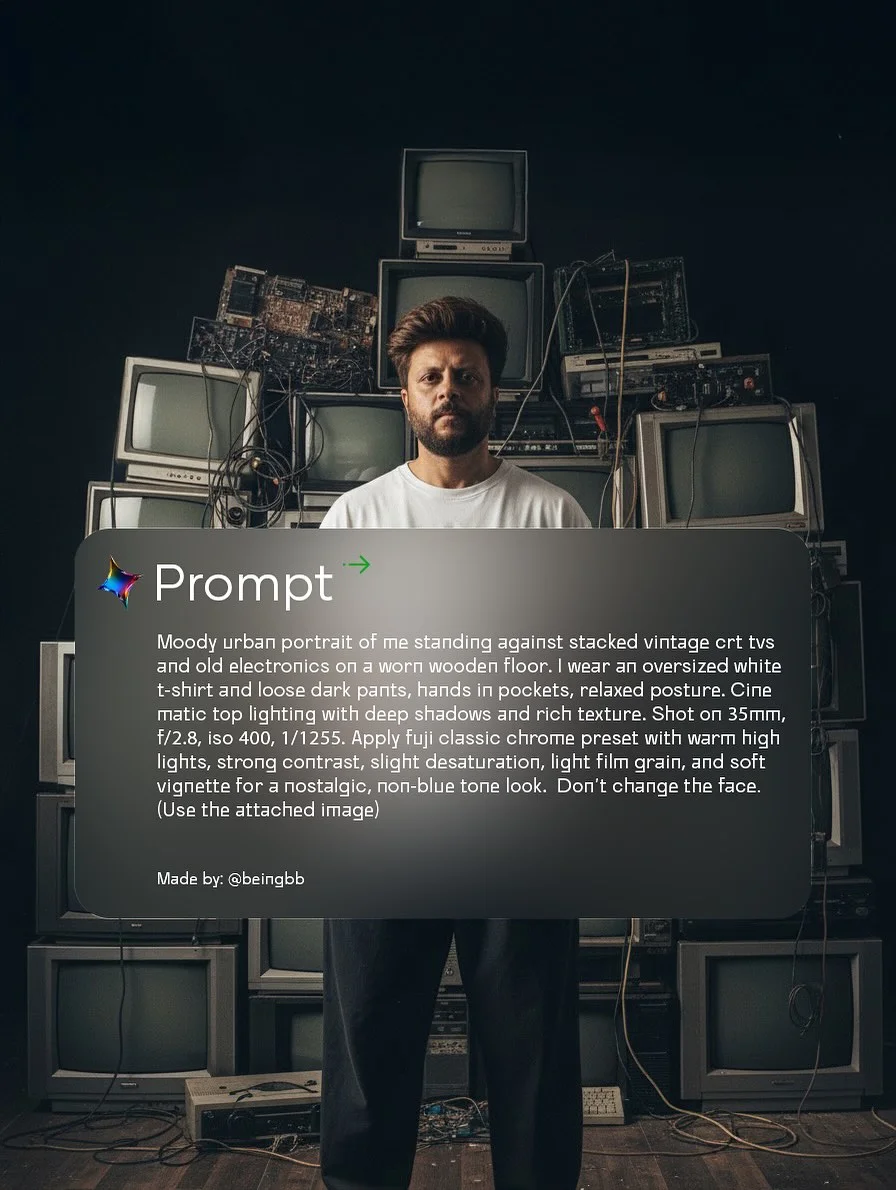
Benefits of Moody and Backlit Photography Styles
Why do “moody” photos perform so well? It’s all about emotion. Moody lighting prompts create a sense of mystery and depth.
- Visual Impact: Heavy shadows (chiaroscuro) draw the eye to the subject.
- Professionalism: High-contrast images look more expensive and curated.
- Hiding Imperfections: AI sometimes struggles with tiny background details. Using a “moody” style with heavy shadows helps mask AI hallucinations.
- Storytelling: Backlit photography prompts create a “halo” effect (rim lighting) around the subject, making the portrait feel like a still from a high-budget movie.
How to Engineer High-Quality Vintage Prompts
Prompt engineering for artists is the most important skill in the AI era. To get that vintage look, your prompt needs four key layers:
1. Defining the Core Subject and Era
Start with who and when. Instead of “a man,” say “a man in 90s streetwear.” This gives the AI a reference point for clothing styles and physical proportions.
2. Incorporating Lighting and Texture Keywords
Avoid “bright light.” Use terms like “dimly lit,” “golden hour,” “diffused light,” or “harsh overhead shadows.” For texture, use words like “film grain,” “dust motes,” or “worn concrete” to break that “too clean” AI look.
3. Specifying Camera Settings for Cinematic Depth
This is a pro-level trick. Mentioning “35mm,” “f/2.8,” or “85mm lens” tells the AI how much blur (bokeh) you want in the background. It mimics the behavior of real glass lenses.
4. Balancing Descriptive Language with AI Constraints
Don’t overload the prompt. Give the AI room to breathe. Use 3-4 descriptive adjectives and 2-3 technical camera terms.
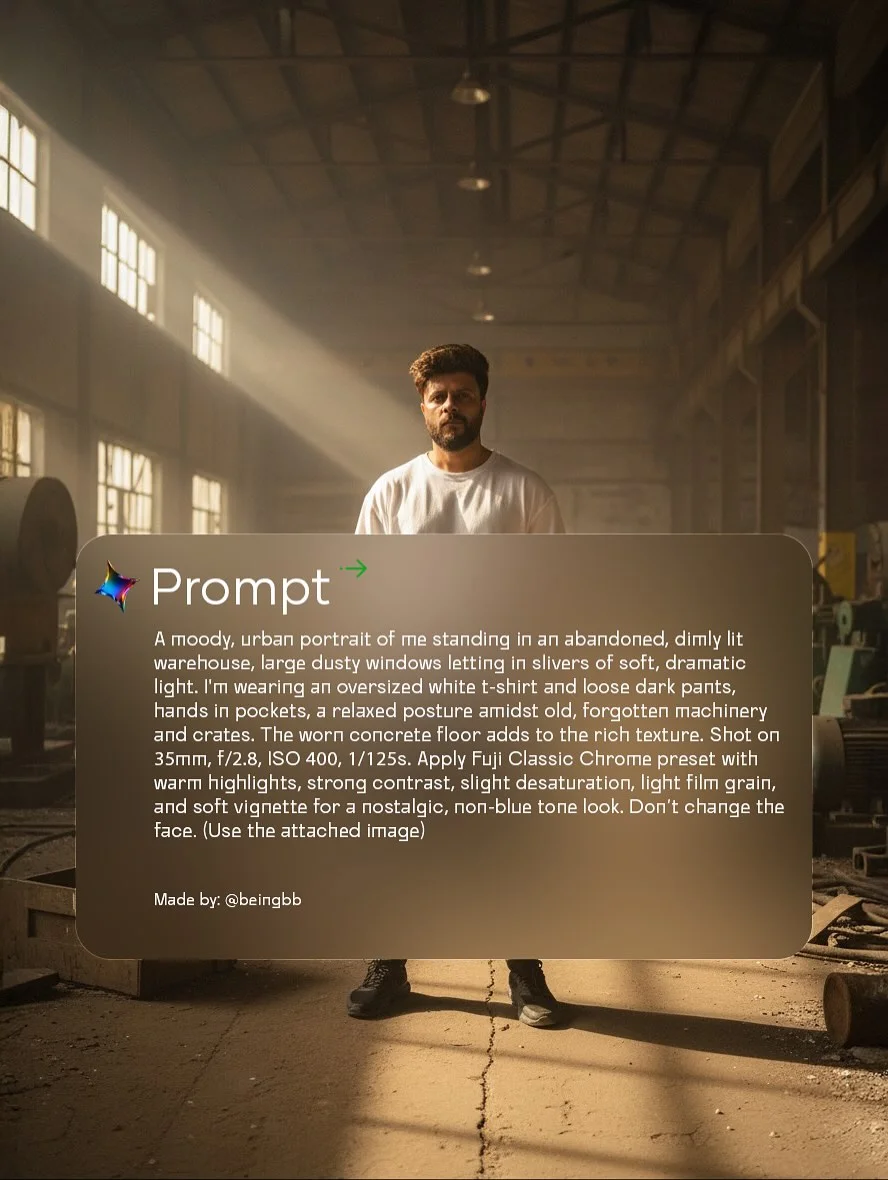
Key Elements of the Permanent ‘Vintage Vibe’
Creating a consistent vintage AI aesthetic requires mastering four specific elements:
- Color Grading: Avoid vibrant, saturated colors. Ask for “desaturated tones,” “sepia undertones,” or “warm highlights.”
- The Rim Light: Backlighting is the secret sauce. It separates the subject from the background, creating a 3D effect.
- Atmosphere: Use keywords like “hazy,” “smoky,” or “misty.” This adds a layer of “air” to the photo, making it feel less digital.
- Aspect Ratios: For portraits, use —ar 3:4 or —ar 9:16. This mimics the vertical frame of modern smartphones or traditional portrait film.
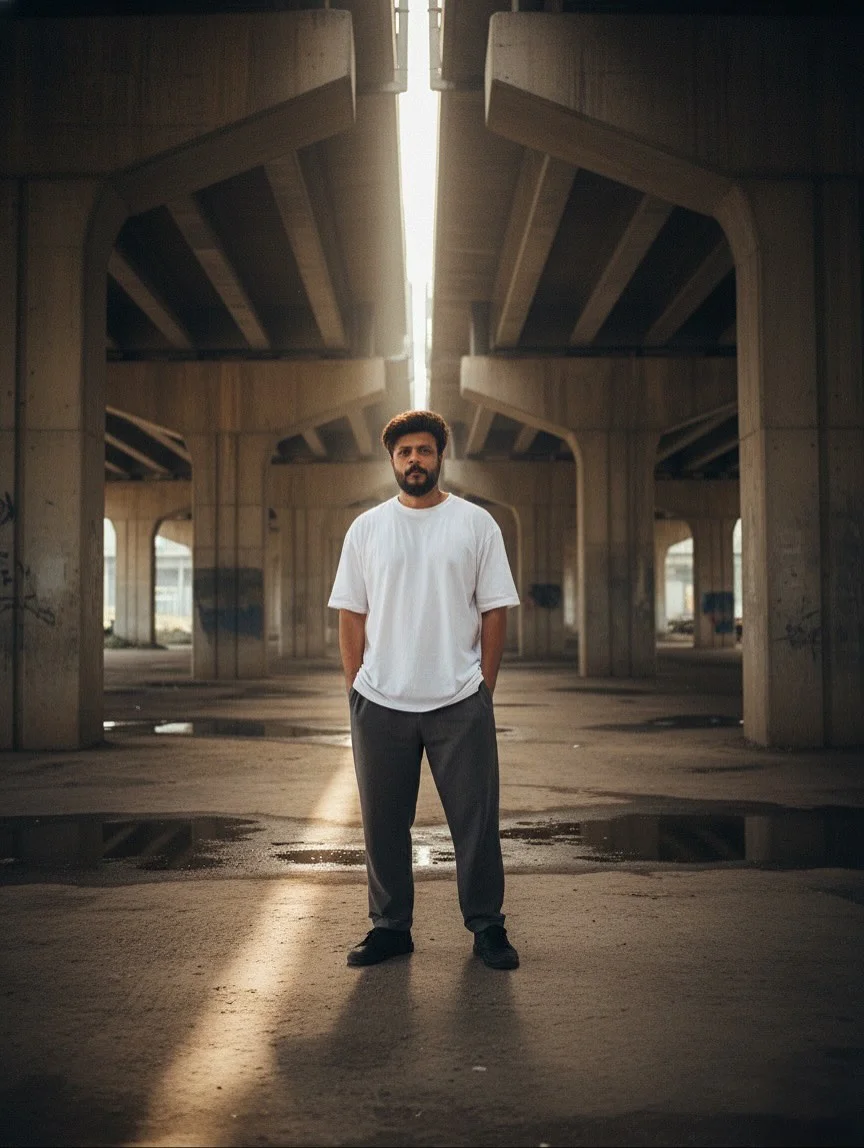
Advanced Prompting Techniques for Professional Results
To move from hobbyist to pro, you need to use Google Gemini image prompts like a developer.
- Iterative Prompting: If the first image isn’t perfect, don’t start over. Add one keyword, like “add more grain” or “make the lighting warmer,” to refine the result.
- Style Referencing: While Gemini doesn’t use “—sref” exactly like Midjourney, you can describe a famous photographer’s style (e.g., “In the style of Peter Lindbergh”) to get high-end results.
- Language Triggers: Words like “tactile,” “authentic,” and “unposed” often trigger the AI to move away from stiff, mannequin-like poses.
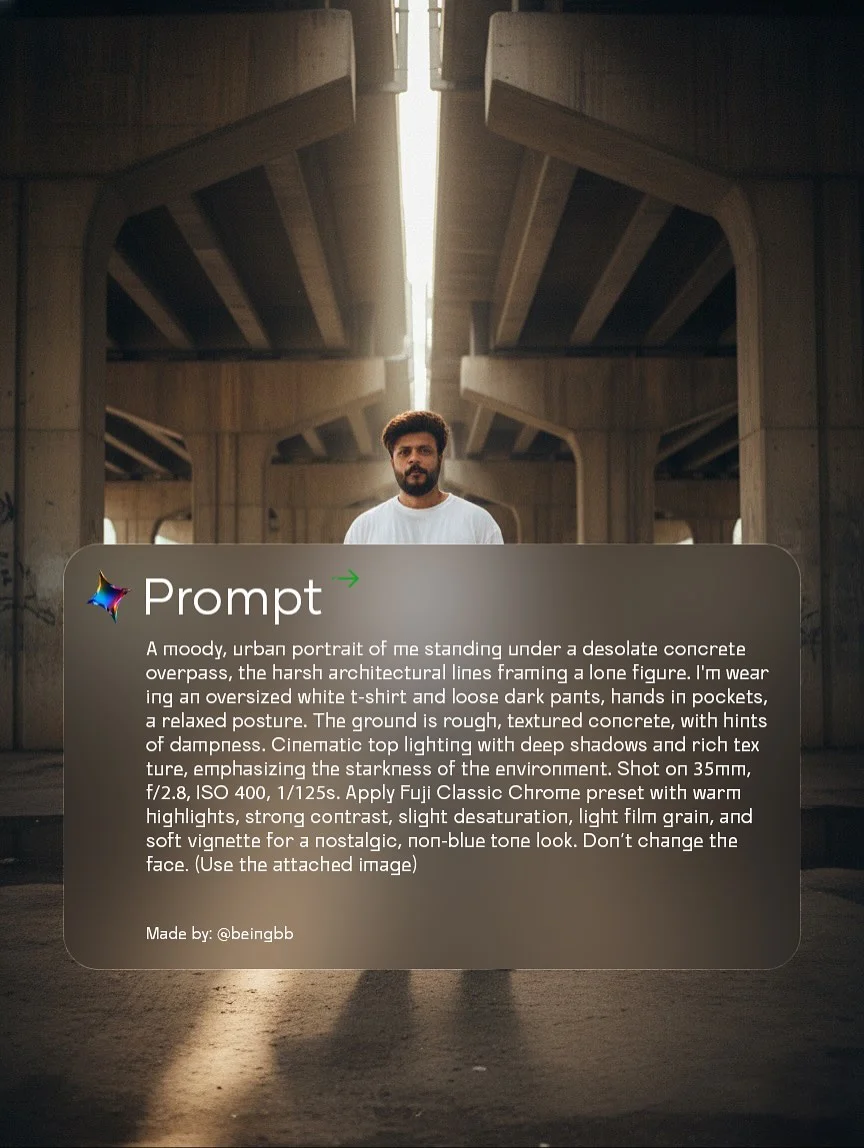
Essential Tools for AI Portrait Artists
- Google Gemini Interface: The primary engine for your AI image synthesis. Stay updated on the latest model releases.
- Post-Processing: Use apps like Lightroom or VSCO. Even the best high-quality AI prompts can benefit from a touch more real film grain or a slight color tweak.
- Prompt Libraries: Keep a Notion or Google Doc of your successful prompts. Aesthetic AI generation is about finding a “formula” that works for you.
- Community Platforms: Follow creators on Instagram (like @beingbb) to see what prompts are currently trending.
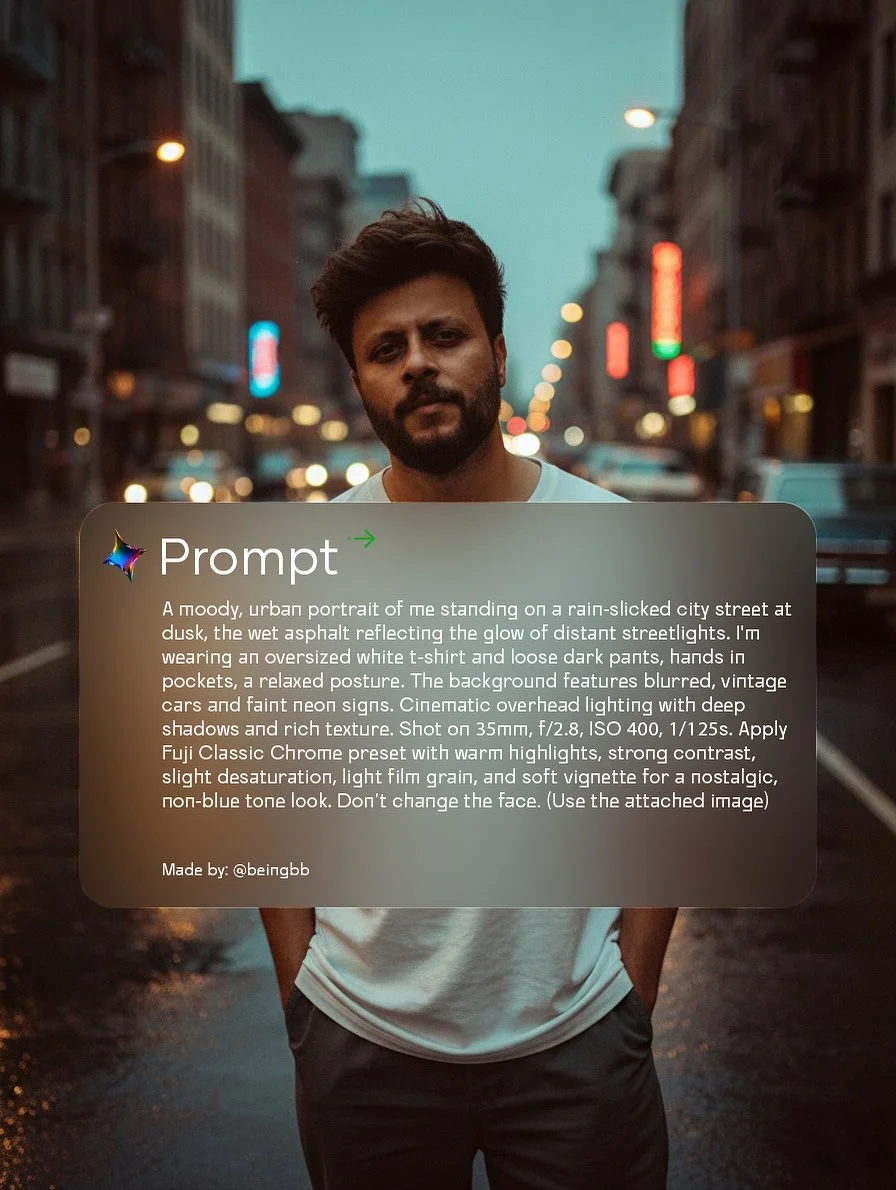
Tips for Growing Your AI Art Presence on Social Media
The AI art community is huge. To stand out:
- Use the Right Hashtags: Use gems like #generativeai, #googlegemini, and #moodyphotos.
- Be Transparent: Share your prompts! The community loves to learn, and showing your creative AI artistry build’s trust.
- Branding: Keep a consistent color palette across your profile. If you love the “Vintage Vibe,” make sure all your posts share that same desaturated, cinematic look.
- Engage: Don’t just post and leave. Comment on other AI portrait photography and join the conversation.
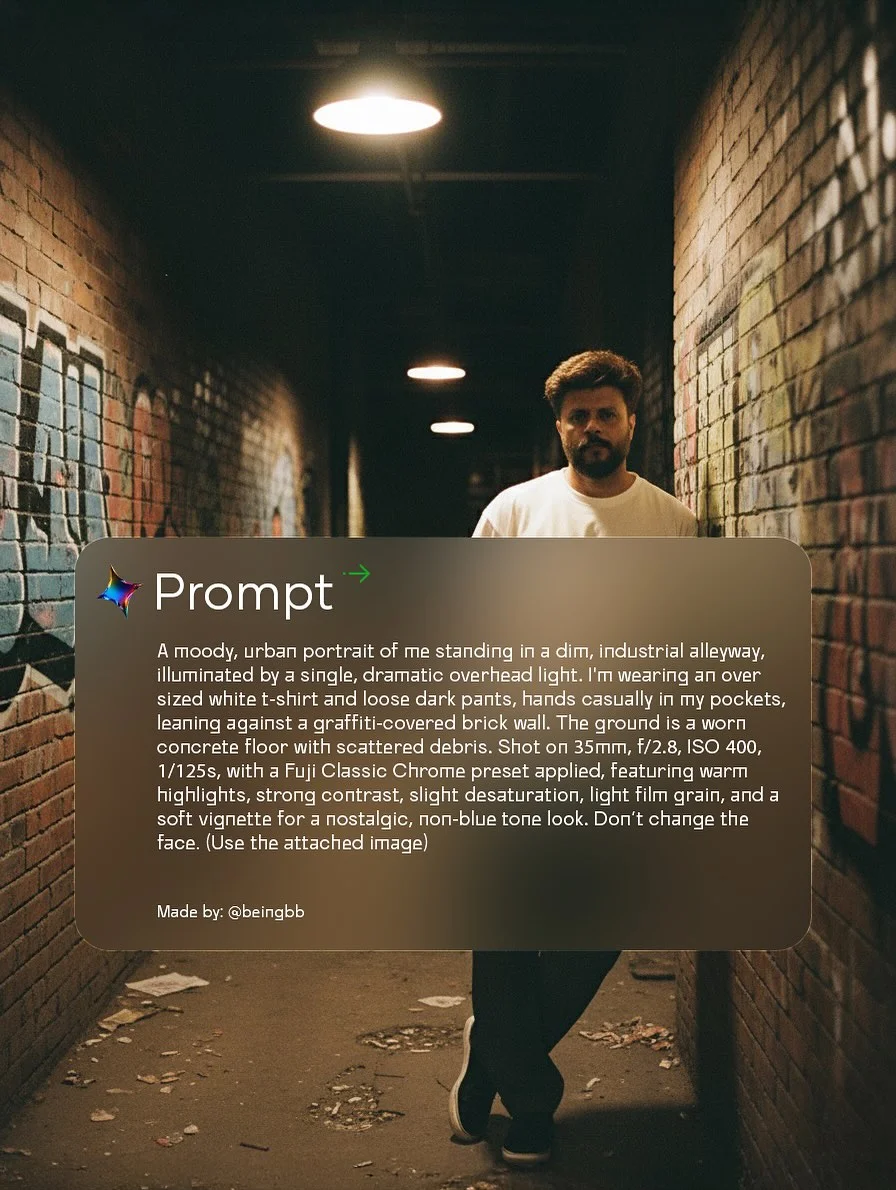
Conclusion
Mastering cinematic AI portraits is a journey of trial and error. By combining the power of Google Gemini AI with professional photography techniques like backlighting and film grain, you can create art that feels human, emotional, and timeless. Remember, the best prompts are a mix of technical detail and artistic vision. Start experimenting today, and watch your digital gallery transform into a vintage masterpiece.
Frequently Asked Questions
1. Is Google Gemini free for image generation? Yes, Google Gemini offers free image generation through its basic tier, though some advanced features or higher usage limits might be part of Gemini Advanced (a paid subscription).
2. What are the best keywords for a “moody” look? Focus on: “Chiaroscuro,” “low-key lighting,” “deep shadows,” “cinematic,” “atmospheric haze,” and “dramatic highlights.”
3. How does Gemini compare to Midjourney for portraits? Midjourney is often more “artistic,” but Gemini is becoming a leader in photographic realism and following complex, long-form instructions without getting confused.
4. Can I use these AI images for commercial projects? Generally, yes, but it depends on your specific Google Workspace or Gemini Terms of Service. Always check the latest licensing agreements.
5. What is “backlit photography” in an AI prompt? It tells the AI to place the light source behind the subject. This creates a glowing edge (rim light) and prevents the image from looking flat and boring.
6. How do I fix distorted faces in AI-generated art? Use the “Don’t change the face” command if using image-to-image, or add specific details like “symmetrical facial features” and “highly detailed eyes” to your prompt.
7. What are the most popular vintage eras for AI art? The 1970s (warm, grainy, boho) and the 1990s (flash photography, street style, grunge) are currently very popular in the Gemini trend.
8. How often does Google update the Gemini image model? Google updates its models frequently. It is best to follow Google’s official AI blog to keep up with the latest versions of their image generation engine.