Master hyper-realistic AI image generation in 2025. Learn professional prompt engineering for Gemini and Meta AI to create lifelike, high-fidelity art.
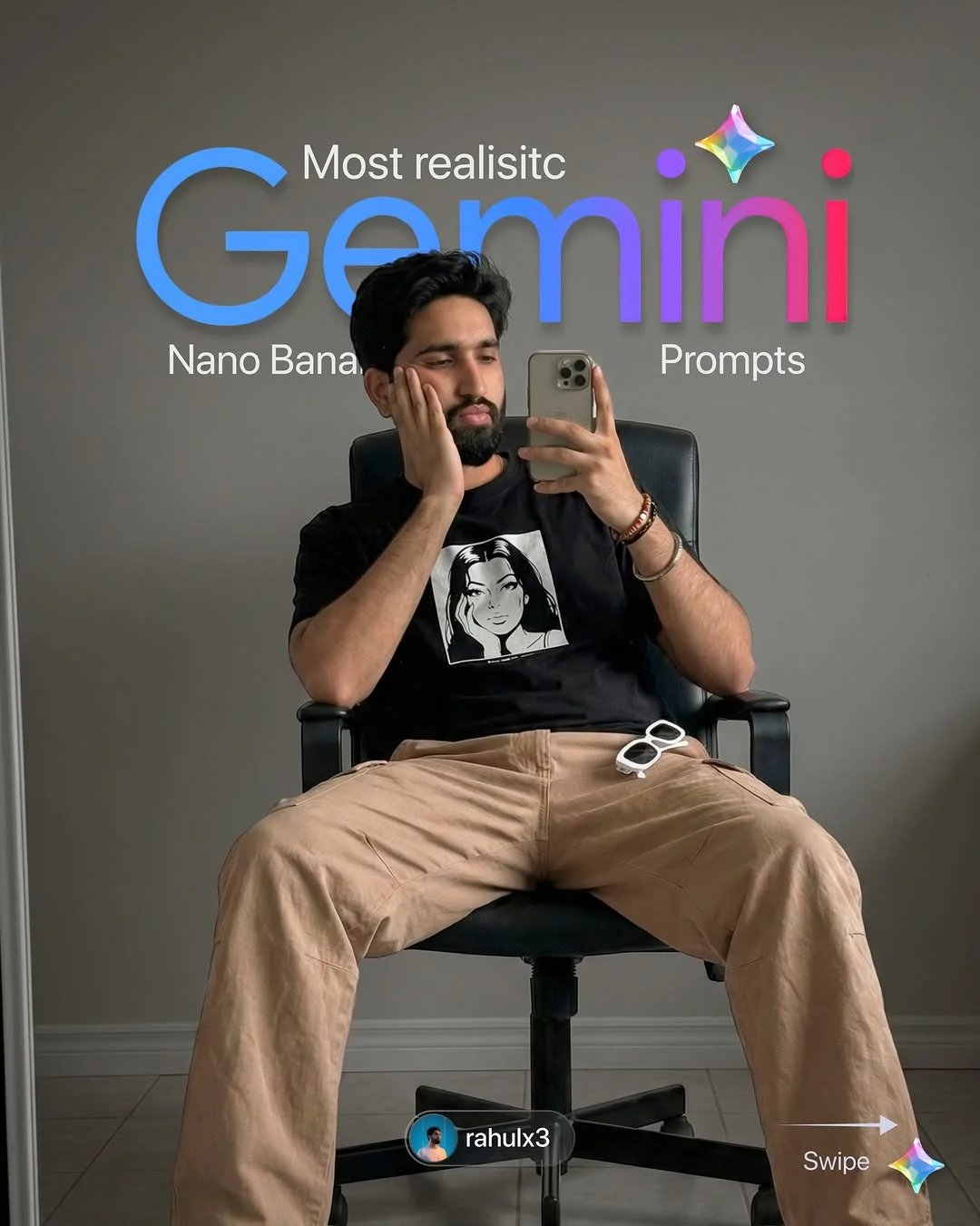
Mastering High-Fidelity AI Visuals with 2025’s Most Realistic Prompts
Digital creation is changing fast. In 2025, we are no longer just asking computers to “draw a cat.” We are directing digital actors and setting up virtual lighting rigs. If you want to stay ahead, you need the best realistic AI image prompts of 2025.
The Evolution of Hyper-Realistic AI in 2025
Only a few years ago, AI images looked like oil paintings or strange fever dreams. Fast forward to today, and tools like Gemini and Meta AI have reached a point where the human eye can barely tell the difference between a render and a photograph.
In 2025, hyper-realistic AI generation has moved beyond simple patterns. These models now understand the physics of the world. They know how light filters through a glass of water and how skin should look under different temperatures of light. This evolution means that “good enough” is no longer the standard—“indistinguishable from reality” is.
Why Visual Fidelity Matters for Modern Creators
In a world filled with content, quality is your only filter. For creators, high-fidelity AI imagery is a superpower. Whether you are building a brand, designing a website, or growing a social media following, the “uncanny valley” of bad AI can hurt your credibility.
When your visuals have high fidelity, they build trust. They look professional, intentional, and high-budget. Using professional AI art frameworks allows you to create high-end editorial content without a $10,000 camera or a full production crew. It’s about democratizing high-end aesthetics for everyone.
Key Features of Gemini and Meta AI in 2025
The latest updates to Gemini and Meta AI have introduced four game-changing features:
- Advanced Lighting and Shadow Physics: Shadows are no longer just black blobs. They carry color data and interact logically with surfaces.
- Natural Skin Textures: We’ve moved past “plastic” skin. 2025 models include micro-pores, slight imperfections, and realistic peach fuzz.
- Improved Spatial Awareness: Hands and limbs now sit naturally in 3D space, significantly reducing the “six-finger” errors of the past.
- Cinematic Terminology: These engines now respond to professional photography terms like “f-stop,” “bokeh,” and “ISO.”

How to Structure a High-Fidelity Prompt
Think of a prompt like a recipe. If you forget an ingredient, the dish fails. To get lifelike AI image generation, follow this four-part structure:
- The Core Subject: Who or what is the focus? Be specific about the person’s identity and action.
- Technical Camera Settings: Use terms like “35mm lens” or “f/1.8” to tell the AI how much blur you want in the background.
- Environment & Lighting: Instead of “bright,” say “golden hour sunlight filtering through sheer curtains.”
- Stylistic Modifiers: Add words like “lifestyle editorial” or “raw film grain” for that final touch of realism.

Top 5 Realistic Prompt Frameworks for Gemini
Gemini excels at understanding context and natural language. Here are five frameworks to use for advanced Gemini prompt engineering:
- The Street Photography Setup: Focus on “candid motion” and “urban grit.”
- The Interior Design Render: Use “soft bounce lighting” and “material textures.”
- The Macro Nature Shot: Specify “extreme close-up” and “micro-details.”
- The Editorial Fashion Profile: Focus on “high-contrast lighting” and “clothing fabric weave.”
- The Cinematic Wide: Use “anamorphic lens” and “atmospheric haze.”

Mastering Meta AI for Social Media Visuals
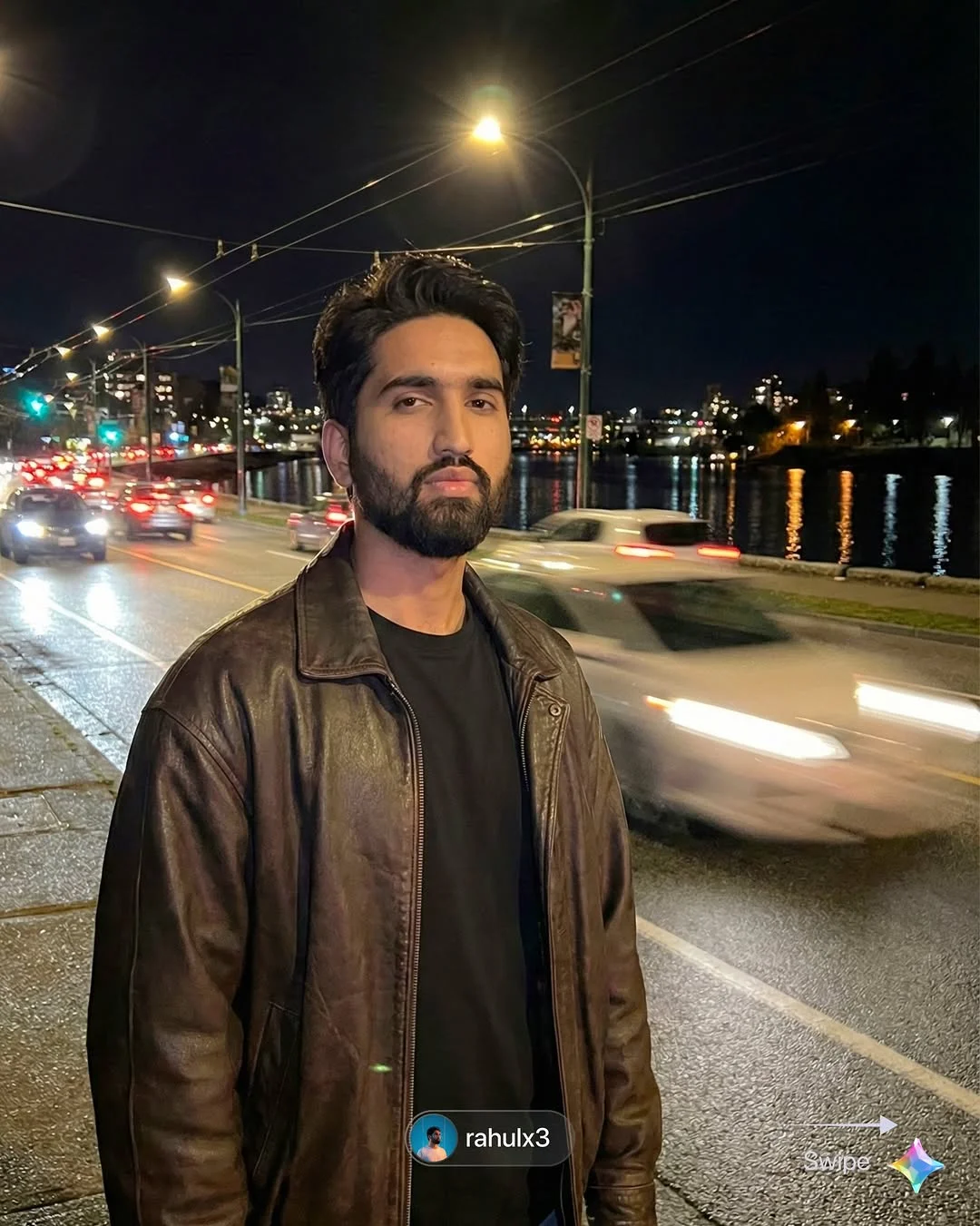
Meta AI creative prompts are unique because they are optimized for engagement. Since Meta AI is integrated into platforms like Instagram and WhatsApp, the model leans toward vibrant, punchy visuals. To master Meta AI, focus on “relatability.” Instead of grand landscapes, prompt for scenes that look like they were taken by a friend on an iPhone. This “unfiltered” look is currently one of the biggest trending AI art prompts.

Tips for Refining and Iterating Your Results
Rarely is the first image perfect. Use these three “pro” moves:
- Negative Prompting: Explicitly tell the AI what not to include, like “oversaturated colors” or “cartoonish features.”
- Aspect Ratios: Always define your ratio (9:16 for Reels, 4:5 for Instagram posts) to ensure the composition is correct.
- The “Seed” Method: If you find a face or style you love, use that image’s “seed number” to keep your characters consistent across different scenes.
How to Join the Nanobanana Creator Community
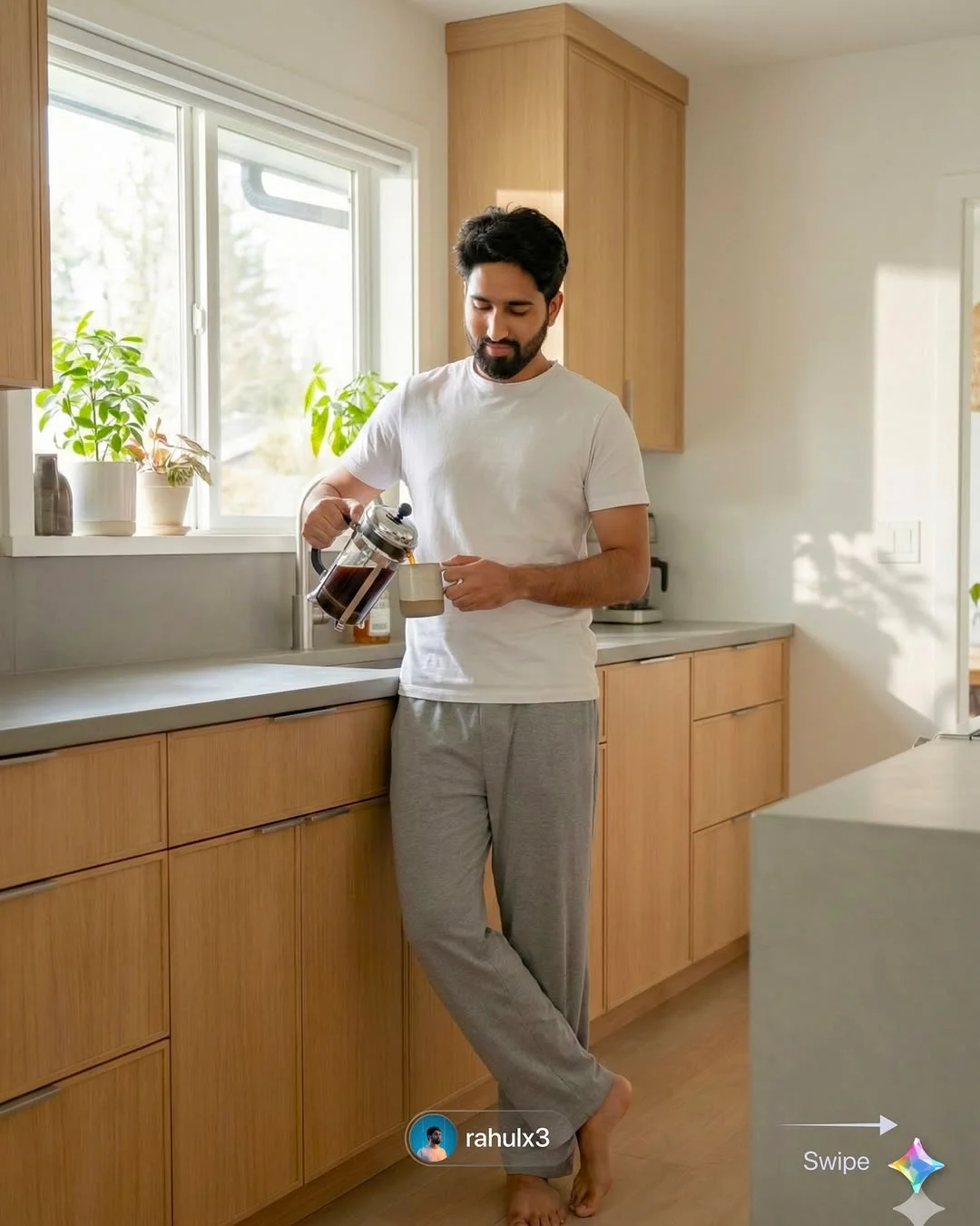
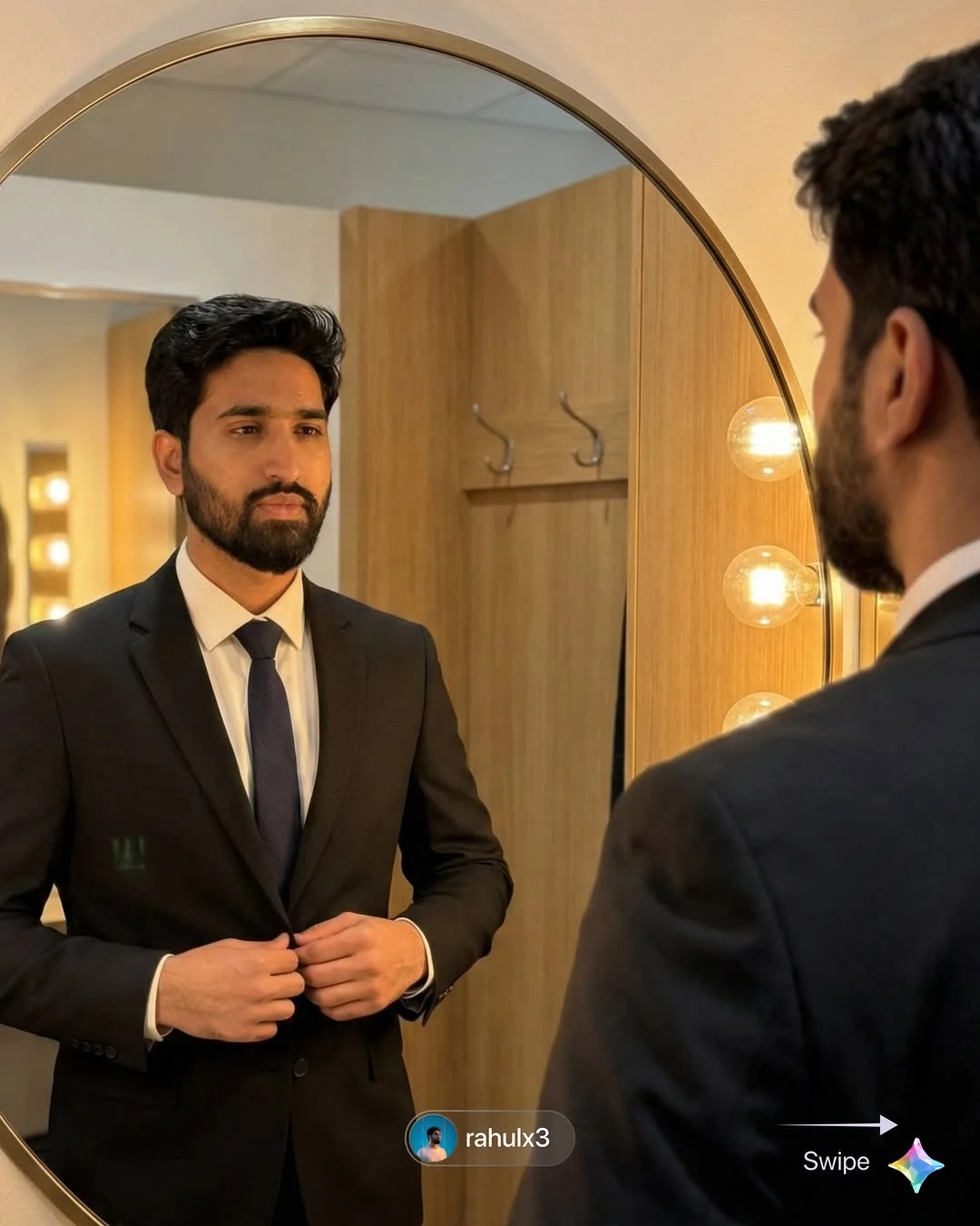
If you want to skip the trial and error, the Nanobanana system is the way to go. Curated by rahulx3, these are ready-to-use AI prompts designed for maximum realism.

To stay updated:
- Follow @rahulx3 on social media for daily visual inspiration.
- Join the private channel to get direct access to the latest “nanobanana” prompt drops.
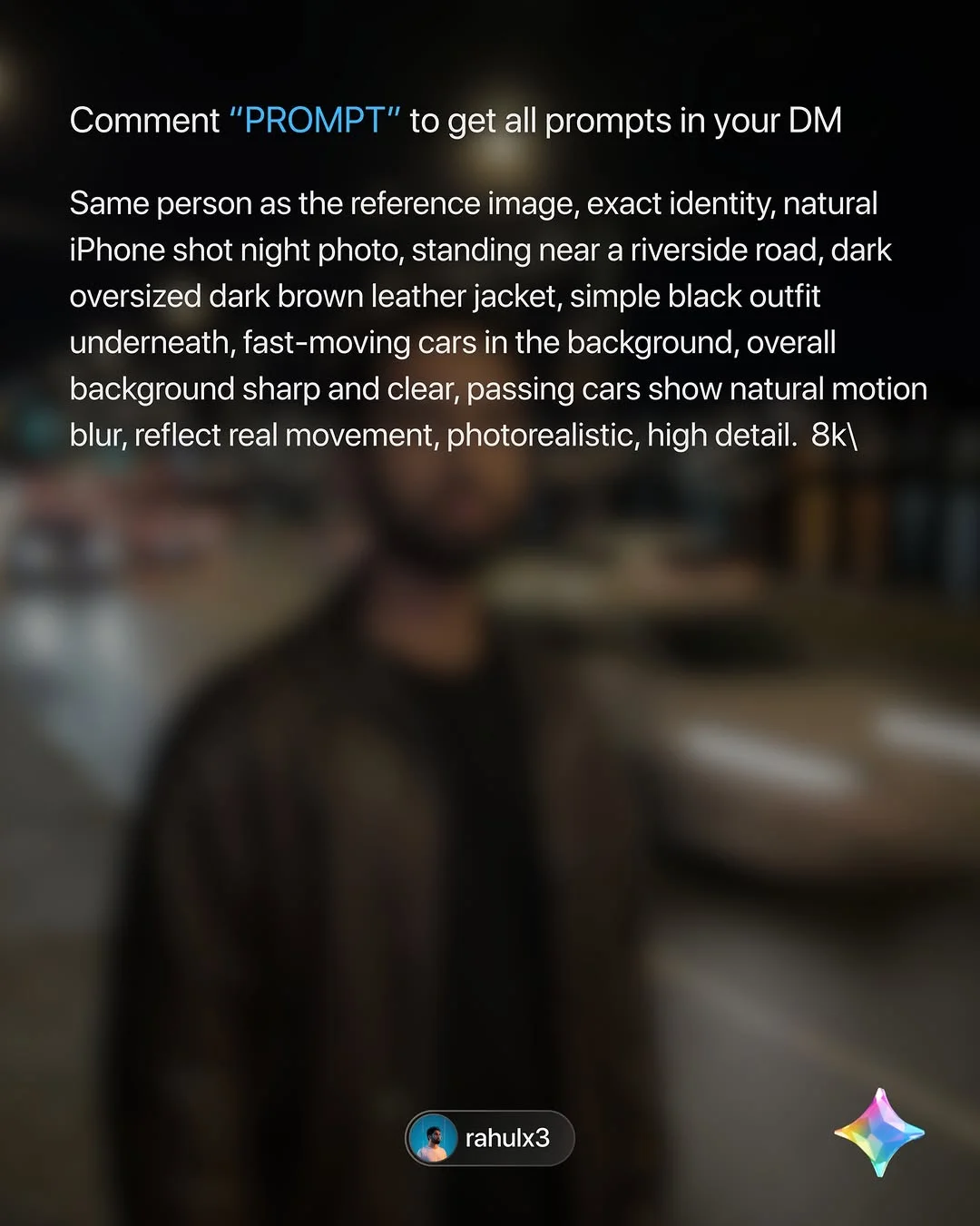
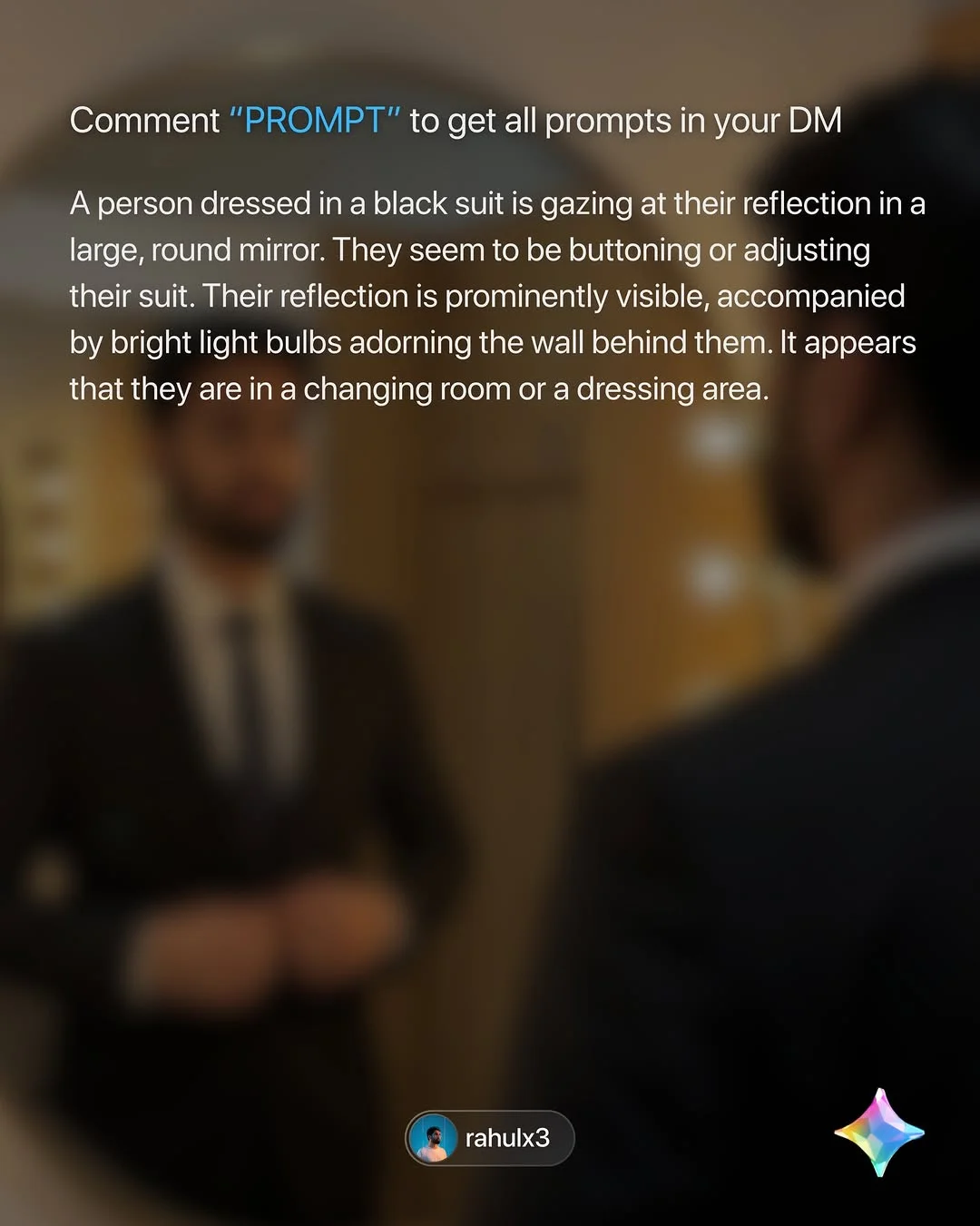
- Engage: Simply comment the word “Prompt” on his posts, and the technical breakdown will be sent straight to your inbox.
Future Trends: What’s Next for AI Imagery?
As we move through 2025, the line between video and still imagery will continue to blur. We expect to see “Live Prompts” where you can adjust lighting in real-time within the AI interface. Additionally, modern AI visual content tools will likely integrate even more deeply with personal data, allowing for “Digital Twin” prompting where the AI knows exactly how you look in any scenario.
Frequently Asked Questions
1. What makes a prompt “realistic” versus “artistic”?
A realistic prompt focuses on technical photography elements (lens type, lighting physics, skin texture), whereas an artistic prompt uses descriptive, emotive language (dreamy, ethereal, vibrant) that might ignore the laws of physics.
2. Do these prompts work on both mobile and desktop versions of Gemini?
Yes. Gemini’s core engine is the same across platforms, though the desktop version sometimes offers more advanced settings for image generation.
3. Are Meta AI images copyright-free for commercial use?
Currently, AI-generated images have complex copyright laws that vary by country. Generally, most platforms allow personal use, but for commercial use, you should check the latest Terms of Service as they update frequently in 2025.
4. How do I fix “AI hallucinations” in human faces?
Try to be more specific about the “gaze” and “expression.” If the eyes look wrong, add “focused eyes, natural eye reflection” to your prompt. Small details often correct the AI’s logic.
5. Why are my prompt results looking blurry or filtered?
This often happens if the AI thinks you want a “cinematic” look but overdoes the bokeh. Try adding “sharp focus, high resolution, 8k, detailed textures” to sharpen the image.
6. What is the “Nanobanana” prompting style?
The Nanobanana style (popularized by @rahulx3) focuses on “lifestyle realism.” It prioritizes images that look like candid, high-end iPhone or Leica photography rather than “over-designed” AI art.
7. How often does Meta AI update its rendering engine?
Meta typically pushes “silent” updates to its Llama-based image models every few months to improve anatomical accuracy and prompt adherence.
8. Can I use these prompts for short-form video generation?
Many of these descriptive prompts work excellently as “starting frames” for AI video tools like Sora or Runway Gen-3, providing a high-quality base for animation.