Scale your brand with Nano Banana Pro. Learn expert workflows for high-quality AI imagery, consistent content scaling, and professional marketing tools.
Mastering Nano Banana Pro for Commercial AI Content
The world of digital marketing shifted the moment AI image generation for business became a reality. But when Nano Banana entered the scene, everything changed overnight. With the release of Nano Banana Pro, the bar for high-quality AI imagery has been raised further, offering tools that turn simple prompts into powerhouse brand assets.
What is Nano Banana Pro?
Nano Banana Pro isn’t just another “filter” or a basic image generator. Think of it as a professional photography studio that lives inside your pocket. While the standard version allowed users to create stunning visuals, the Pro version is built specifically for AI content creation workflows that require precision, scale, and brand integrity.
For a creative professional or a business owner, Nano Banana Pro acts as a bridge. It bridges the gap between “cool AI art” and “commercial-grade assets.” It provides advanced controls over lighting, textures, and—most importantly—consistency. In the professional world, a one-off great image is lucky; a hundred consistent images is a strategy. Nano Banana Pro gives you the latter by allowing you to lock in specific styles, colors, and product shapes across your entire project.
Benefits of Using AI for Brand Content Scale
Why are smart brands switching to digital content scaling strategies? It’s not just about being “high-tech.” It’s about survival in a fast-paced market.
1. Reducing Traditional Production Costs
A traditional photoshoot involves photographers, models, lighting crews, and expensive gear. With cost-effective content production through Nano Banana Pro, you can generate that same “six-figure look” for a fraction of the price.
2. Increasing Speed to Market
Waiting weeks for post-production is a thing of the past. You can brainstorm an idea in the morning and have a full campaign ready by lunch. This speed allows brands to react to trends in real-time.
3. Maintaining Six-Figure Quality on a Boutique Budget
You no longer need a massive bank account to look like a global brand. High-quality AI imagery levels the playing field, giving small businesses the aesthetic authority usually reserved for luxury corporations.
4. Future-Proofing Creative Workflows
As AI continues to evolve, those who master these AI marketing tools in 2024 will be ahead of the curve. Learning to direct AI is the new essential skill for every modern marketer.
How to Use Nano Banana Pro for Consistent Imagery
The biggest challenge with AI is often “the lottery effect”—you get something different every time. Here is a Nano Banana Pro tutorial on how to maintain consistency.
Setting Up Your Brand-Specific Workspace
Start by uploading your brand’s color palette and existing photography style. The Pro version allows you to create a “Brand DNA” profile. This acts as a set of guardrails for the AI, ensuring it doesn’t wander off-brand.
Defining Core Product Styles
Consistency starts with the prompt. Instead of saying “a bottle,” you must describe the material (frosted glass), the lighting (soft morning sun), and the angle (eye-level).
Utilizing Pro Features for Style Replication
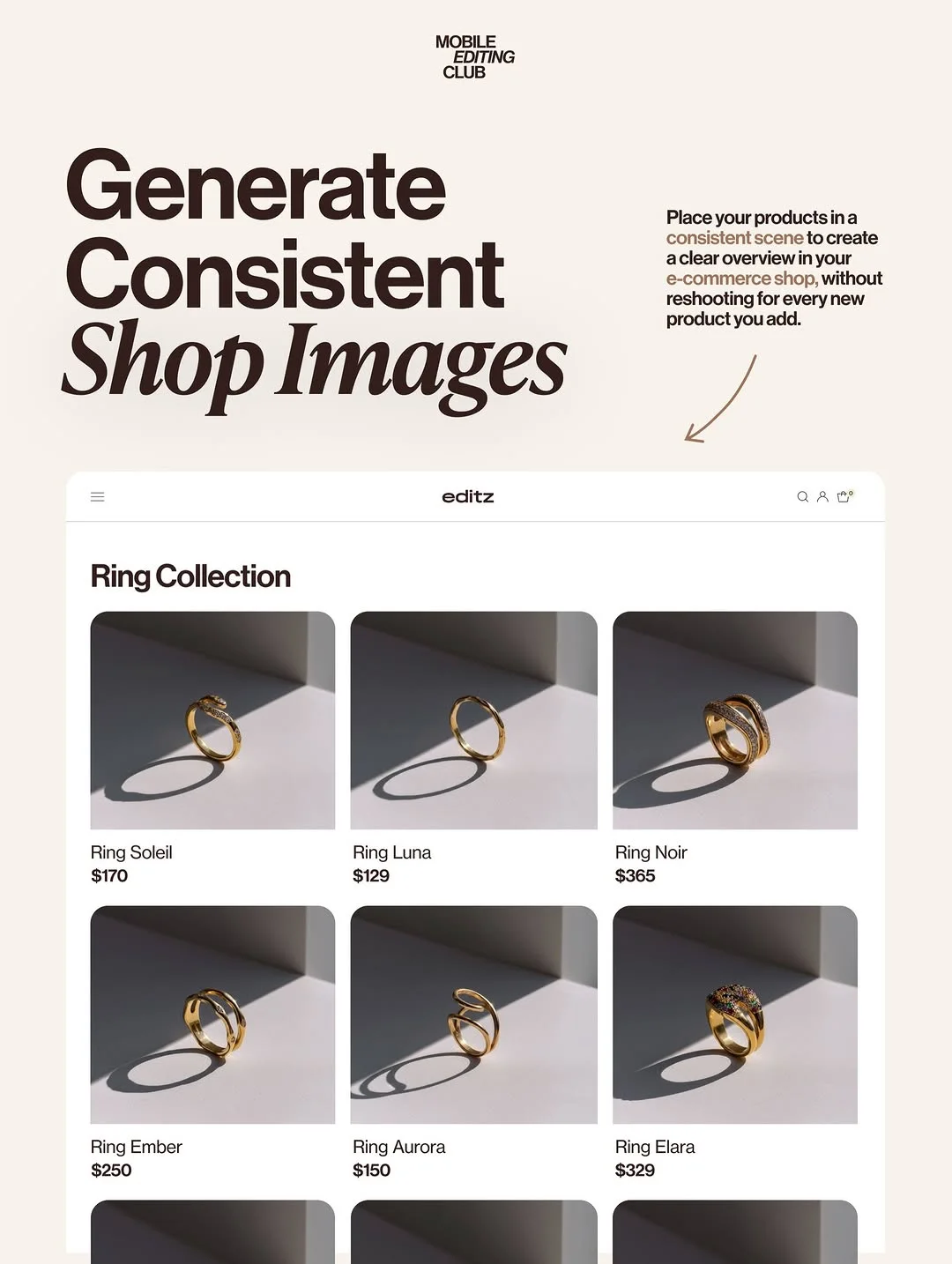
One of the best AI image consistency tips is using the “Style Reference” tool. By feeding the AI one “hero” image, you can instruct Nano Banana Pro to match the shadows, highlights, and grit of that specific photo in every subsequent generation.
Implementing Multi-Image Campaigns
When creating a series, use “seed” numbers. Keeping the same seed allows you to make minor adjustments to a scene without changing the entire composition. This is how you create a “family” of images that look like they were shot on the same day.
Smart AI Workflows for Creative Professionals
To truly scale content creation with AI, you need a repeatable workflow. You shouldn’t just be “playing” with the tool; you should be “operating” it.
Integrating AI into the Marketing Funnel
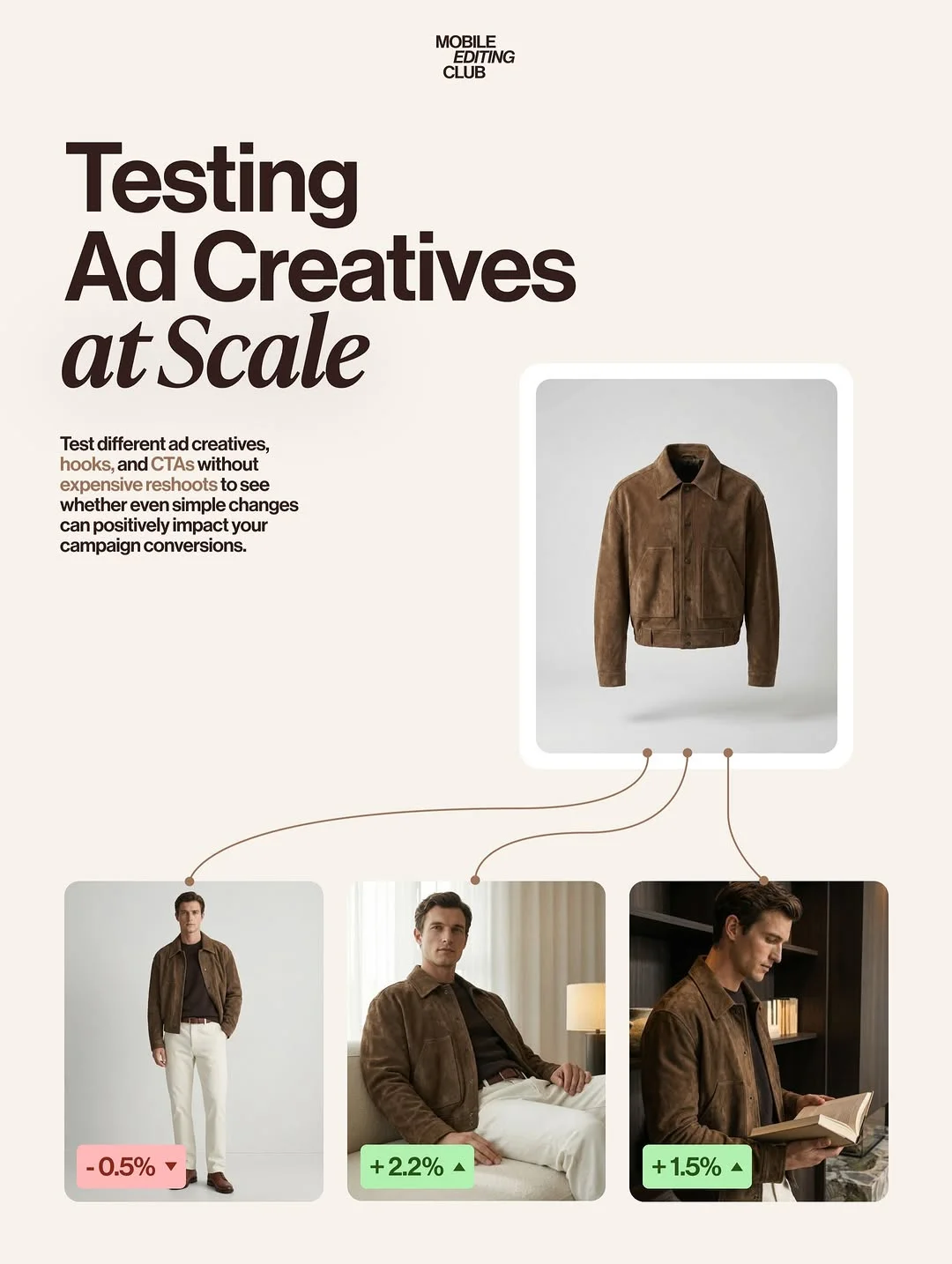
Use AI to create top-of-funnel awareness content (stunning, artistic visuals) and middle-of-funnel consideration content (lifestyle shots of your product). This keeps your feed fresh without exhausting your creative team.
Collaborative Workflows
Teams can share “prompt libraries.” This ensures that whether the social media manager or the lead designer is generating the image, the output remains identical in quality and vibe.
Moving Beyond Generic
Generic AI looks… well, like AI. To create authentic visuals, avoid overused buzzwords like “photorealistic.” Instead, use technical photography terms like “35mm lens,” “f/1.8 aperture,” or “natural rim lighting.”
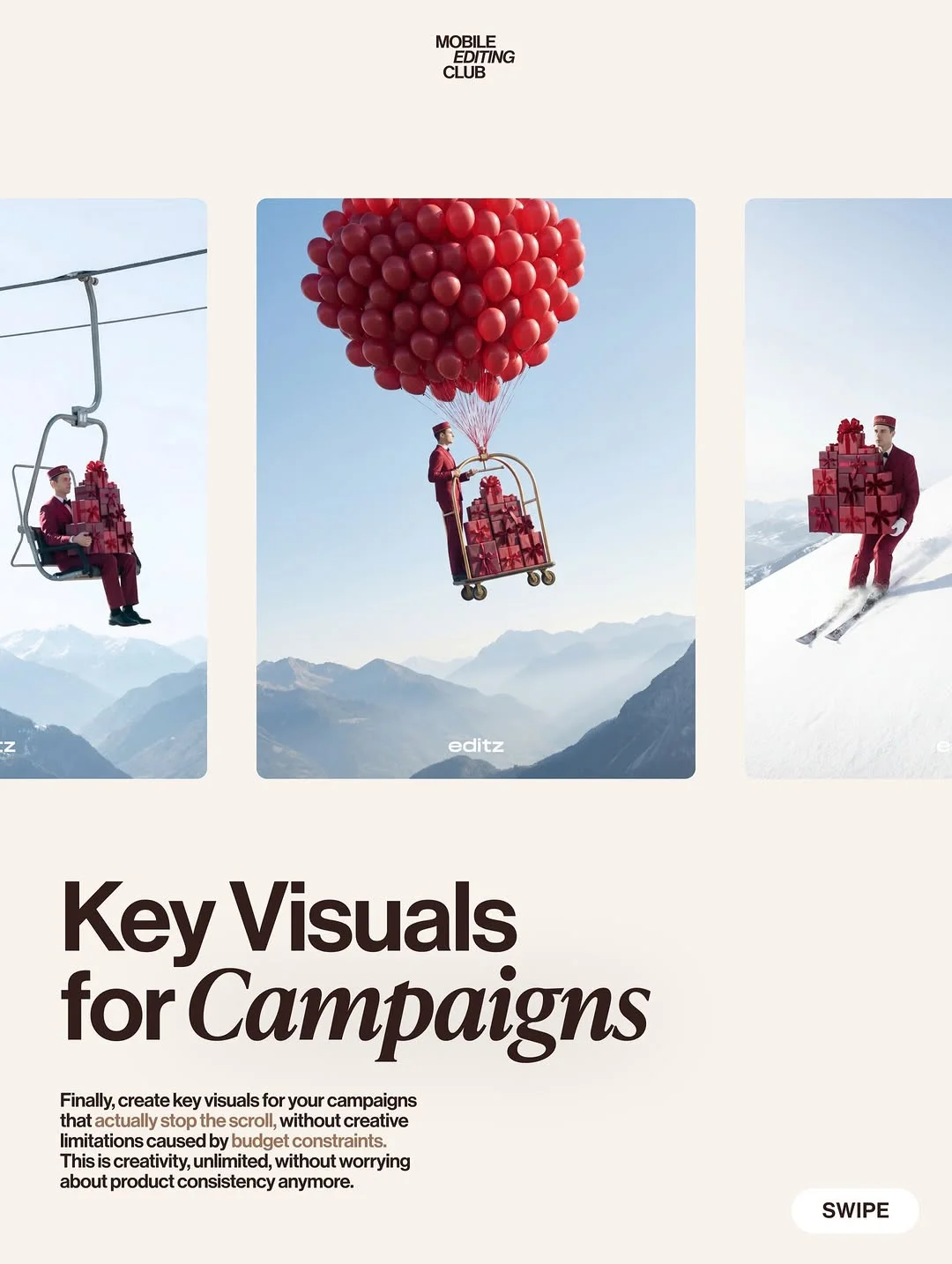
Transitioning from Images to Video Content
Images are the foundation, but video is the king of engagement. Nano Banana Pro is increasingly being used to create the base assets for mobile AI editing tips that lead to high-performing video.
High-Quality Video Generation Basics
The secret to good AI video is high-quality image starting points. By using Nano Banana Pro to generate a consistent “keyframe,” you can use “Image-to-Video” tools to bring that scene to life with realistic movement.
Syncing Aesthetics
Ensure your video backgrounds match your static ad backgrounds. This creates a “multi-sensory” brand experience where the user sees a photo on Instagram and a video on TikTok that feel like part of the same world.
Seamless AI Video Editing
Once the AI generates the clips, use mobile editing tools to add transitions, captions, and music. This human touch is what makes the content feel “real” rather than “calculated.”
Best Practices for Professional AI Editing
Even the best AI needs a little human help. Professional AI photo editing is the final 10% that makes the difference.
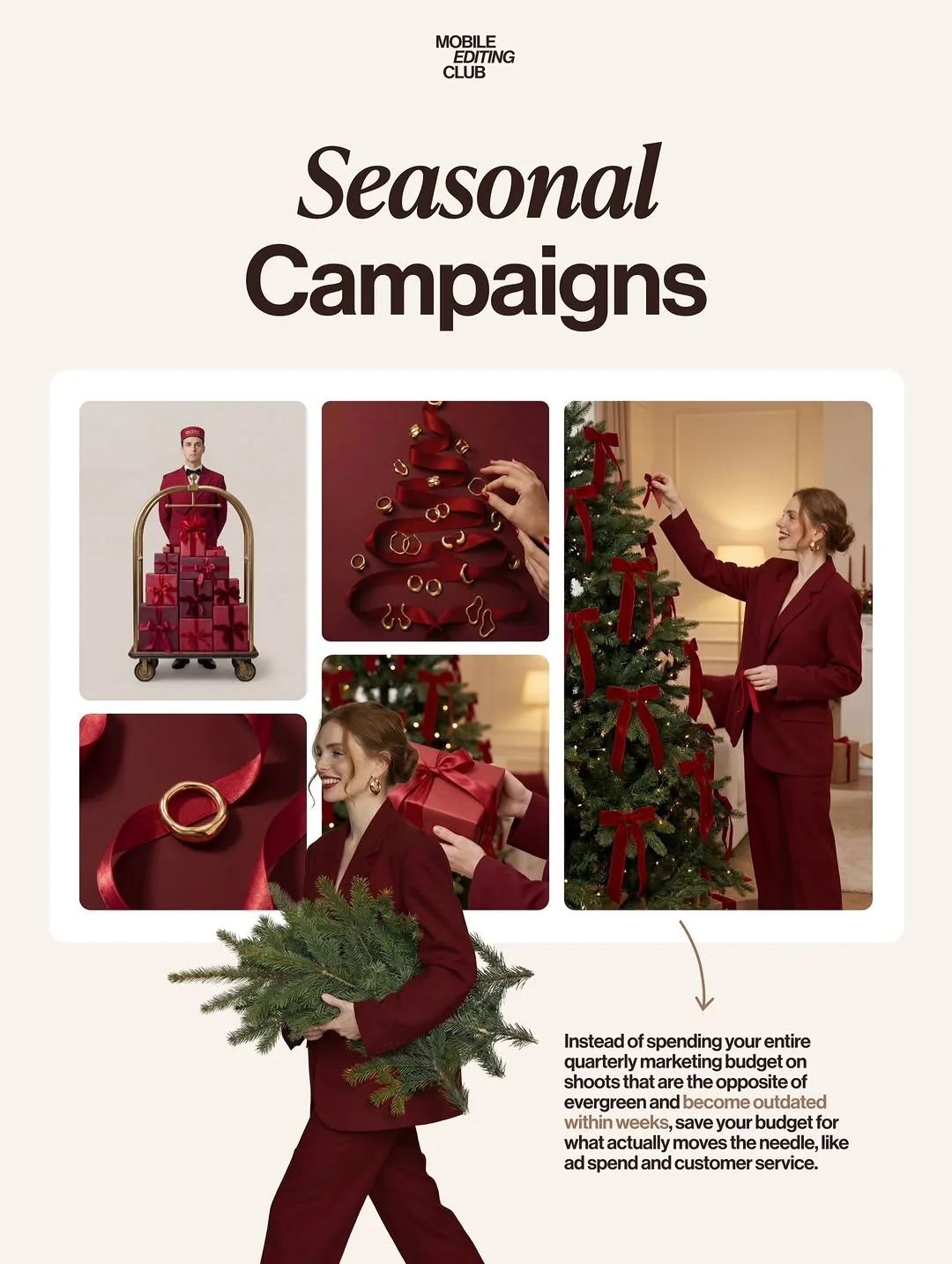
- Refine for Social Media: Crop your images appropriately for 9:16 (Stories) or 4:5 (Feeds). Don’t just post what the AI spits out.
- Avoid Artifacts: Look closely at hands, text, or reflections. If something looks “off,” use the “In-painting” tool in Nano Banana Pro to fix those specific areas.
- Balance Automation and Creativity: Use AI to do the heavy lifting (the background, the lighting), but keep the human in charge of the “soul” of the image—the story it tells.
Advanced Tips for Nano Banana Power Users
Ready to take it to the next level? These advanced AI image prompts will set you apart.
- Camera Angles: Don’t be afraid to use terms like “low angle for power” or “top-down flat lay for organization.”
- Batch Processing: Nano Banana Pro allows you to run multiple prompts at once. This is perfect for building an entire month’s content calendar in a single afternoon.
- Leverage Community News: Follow @mobileeditingclub to stay updated on new model releases. AI moves fast, and a new update can often solve a problem you struggled with yesterday.
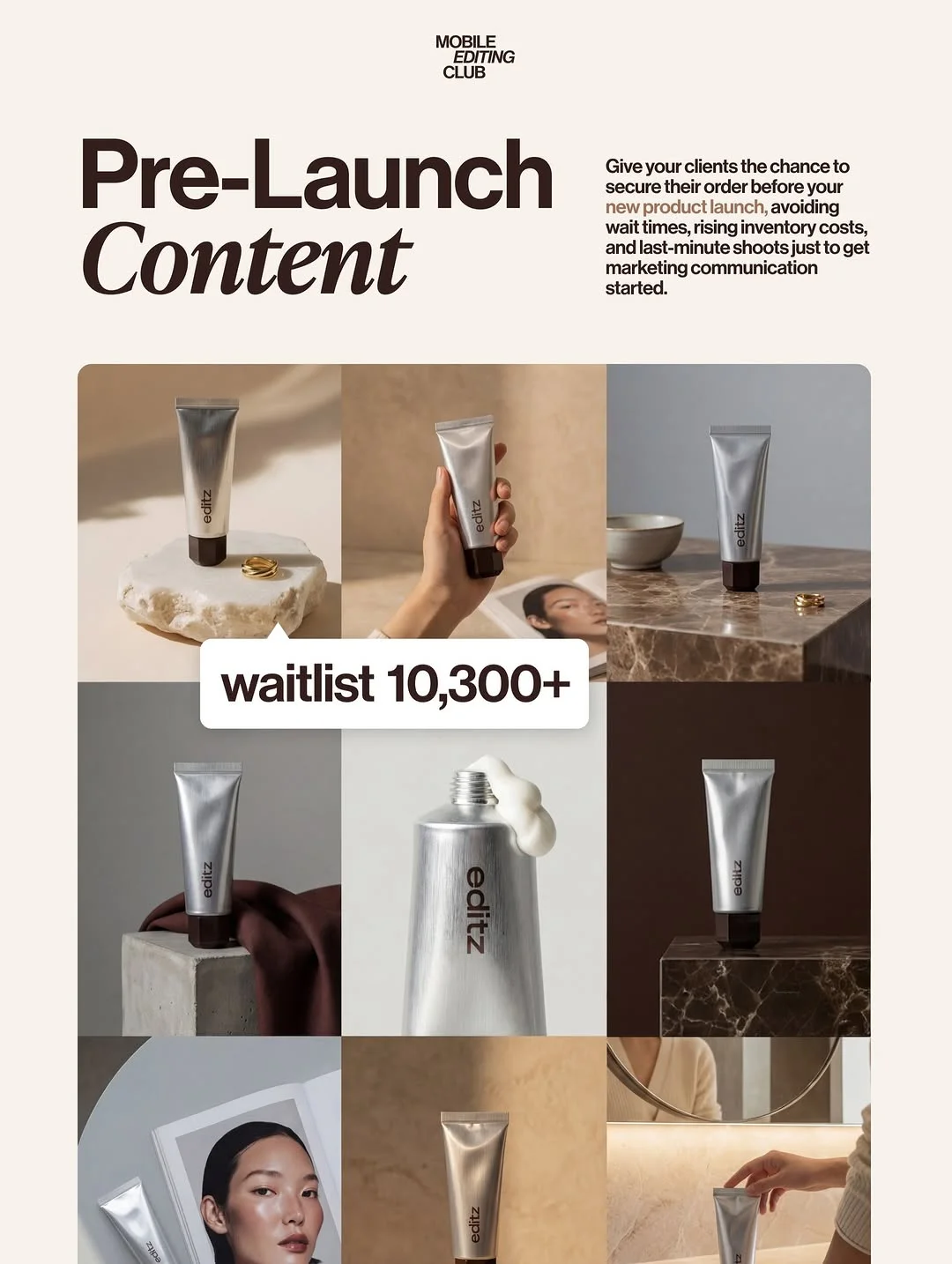
Conclusion: The Future of AI-Driven Content
The “Nano Banana revolution” taught us that AI isn’t here to replace creators—it’s here to give them superpowers. By mastering AI photography for brands, you aren’t just saving money; you are gaining the freedom to experiment, iterate, and grow your business faster than ever before. Whether you are creating professional AI headshots for business or a global ad campaign, the tools are now in your hands.
Frequently Asked Questions
1. What makes Nano Banana Pro different from the standard version?
The Pro version offers higher resolution, better “prompt adherence” (it listens better!), and advanced features like style references and batch processing that are essential for commercial workflows.
2. Can I use Nano Banana Pro for actual product photography?
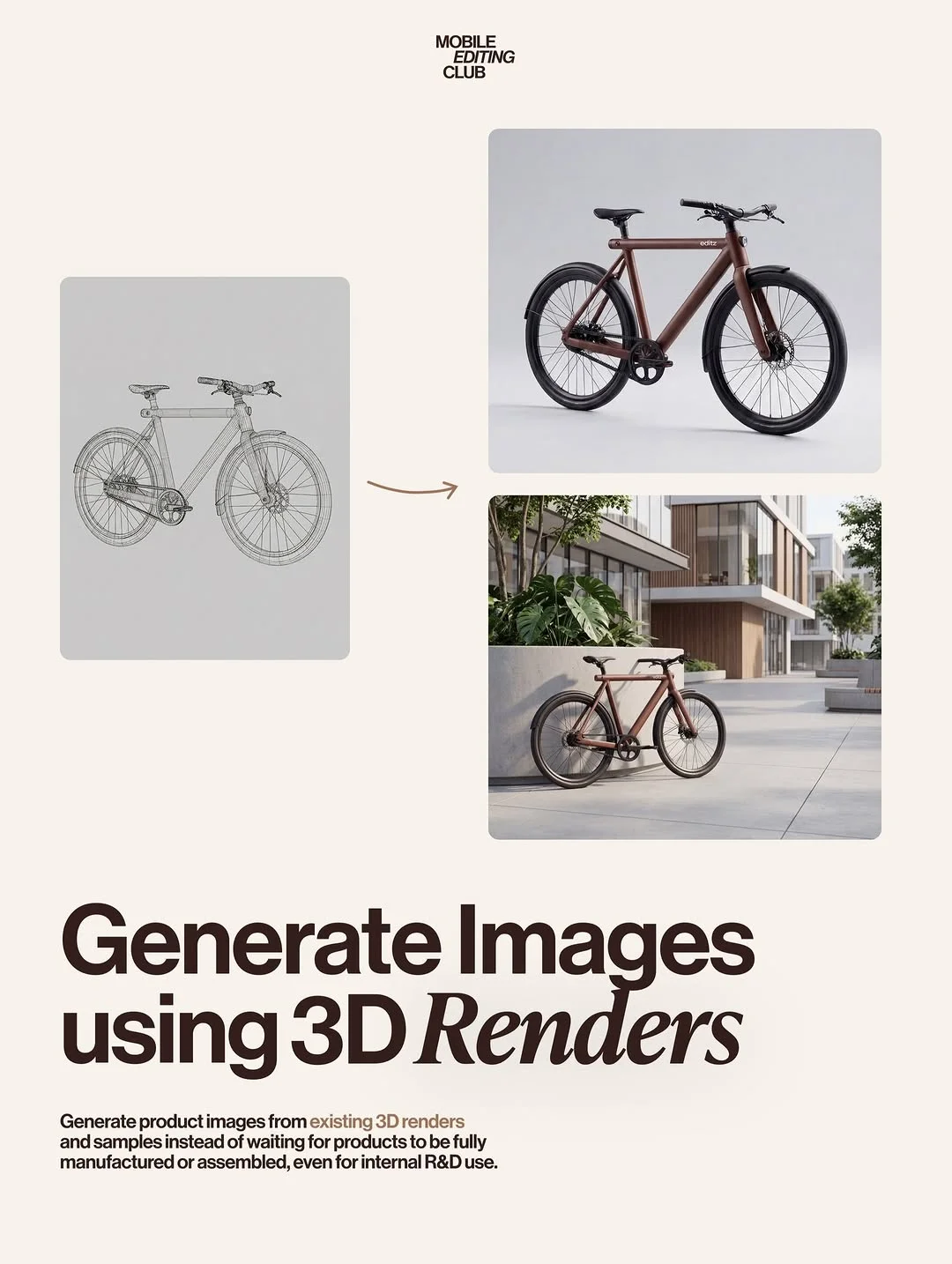
Yes! While it can generate products from scratch, many users use it to create “lifestyle backgrounds” for their existing product renders, making them look like they were shot in a premium location.
3. Do I need professional editing skills to use this tool?
No. Nano Banana Pro is designed to be intuitive. However, a basic understanding of photography (lighting, composition) will help you write much better prompts.
4. How do I ensure my AI images don’t look generic?
Avoid “junk” words in your prompts. Instead of “beautiful,” describe the specific textures, lighting types, and camera lenses you want to emulate.
5. Is Nano Banana Pro suitable for small business owners?
Absolutely. It is perhaps the most tool-efficient way for a small business to look like a massive brand without hiring a full creative agency.
6. What are the legal considerations for using AI-generated brand imagery?
Laws are evolving, but generally, AI images are used for marketing and social media. Always ensure you aren’t infringing on specific trademarks or copyrighted characters within your prompts.
7. How does the “editz” guide help with consistent branding?
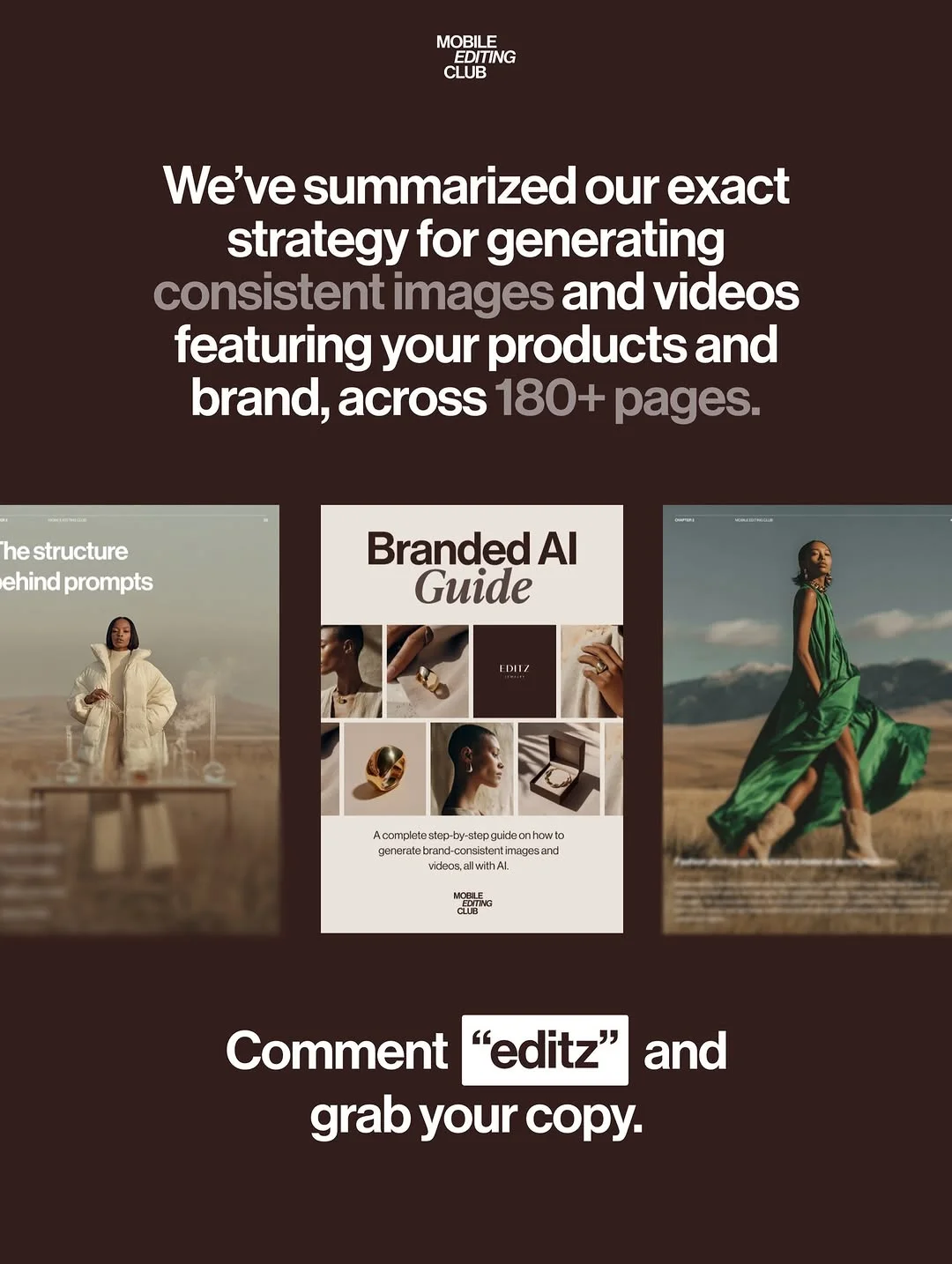
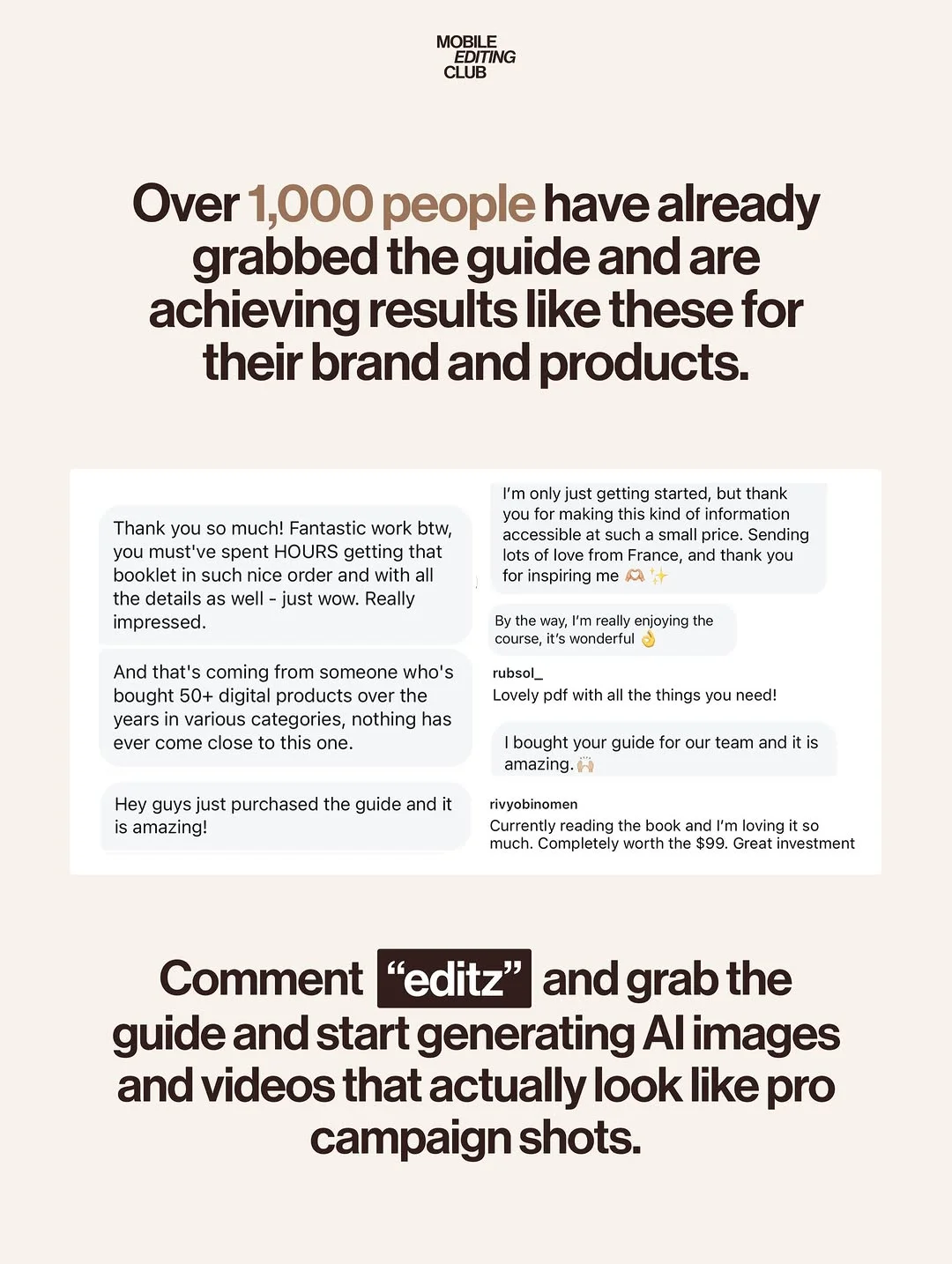
The guide (mentioned in our social posts) provides 180+ pages of specific frameworks to ensure your AI imagery stays 100% on-brand across every campaign.
8. Can Nano Banana Pro generate video content for Reels and TikTok?
While it primarily focuses on images, the high-quality assets it creates are the “gold standard” starting point for AI video generators used by top creators.