Revolutionize your workflow with photorealistic AI. Learn to use Flux, Midjourney, and Google Veo to create professional assets and AI twins.
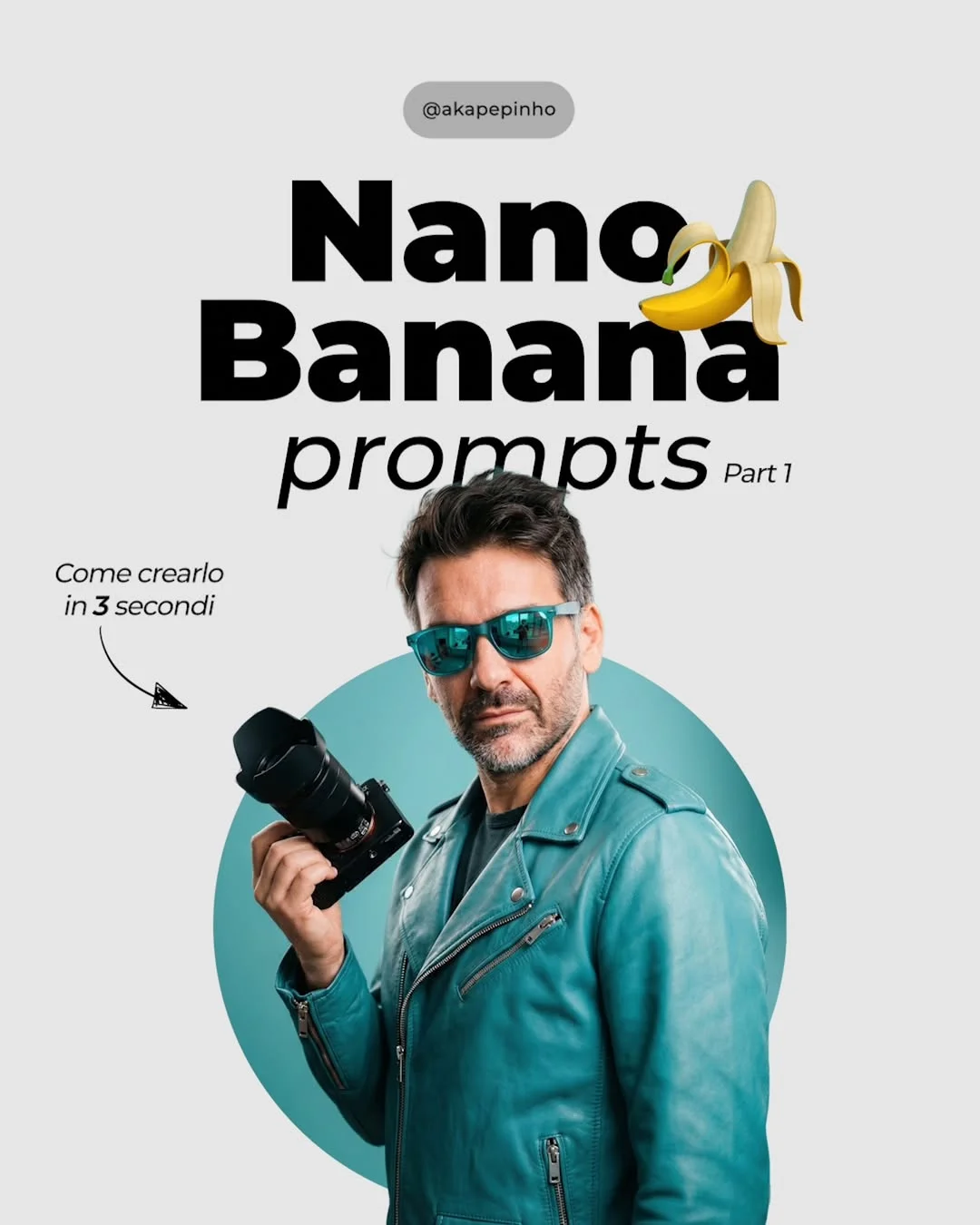
Mastering Photorealistic AI: How Creators Can Lead the Generative Revolution
The world of photography and digital art is changing faster than ever. We aren’t just talking about new camera lenses or editing software anymore; we are talking about a fundamental shift in how we create reality. Generative AI has reached a point of hyper-realism where it is becoming hard to distinguish between a captured photo and a generated one. The question for creators today is simple: Are you going to participate in this change, or let it pass you by?
2. The Shift to AI Photo-Realism
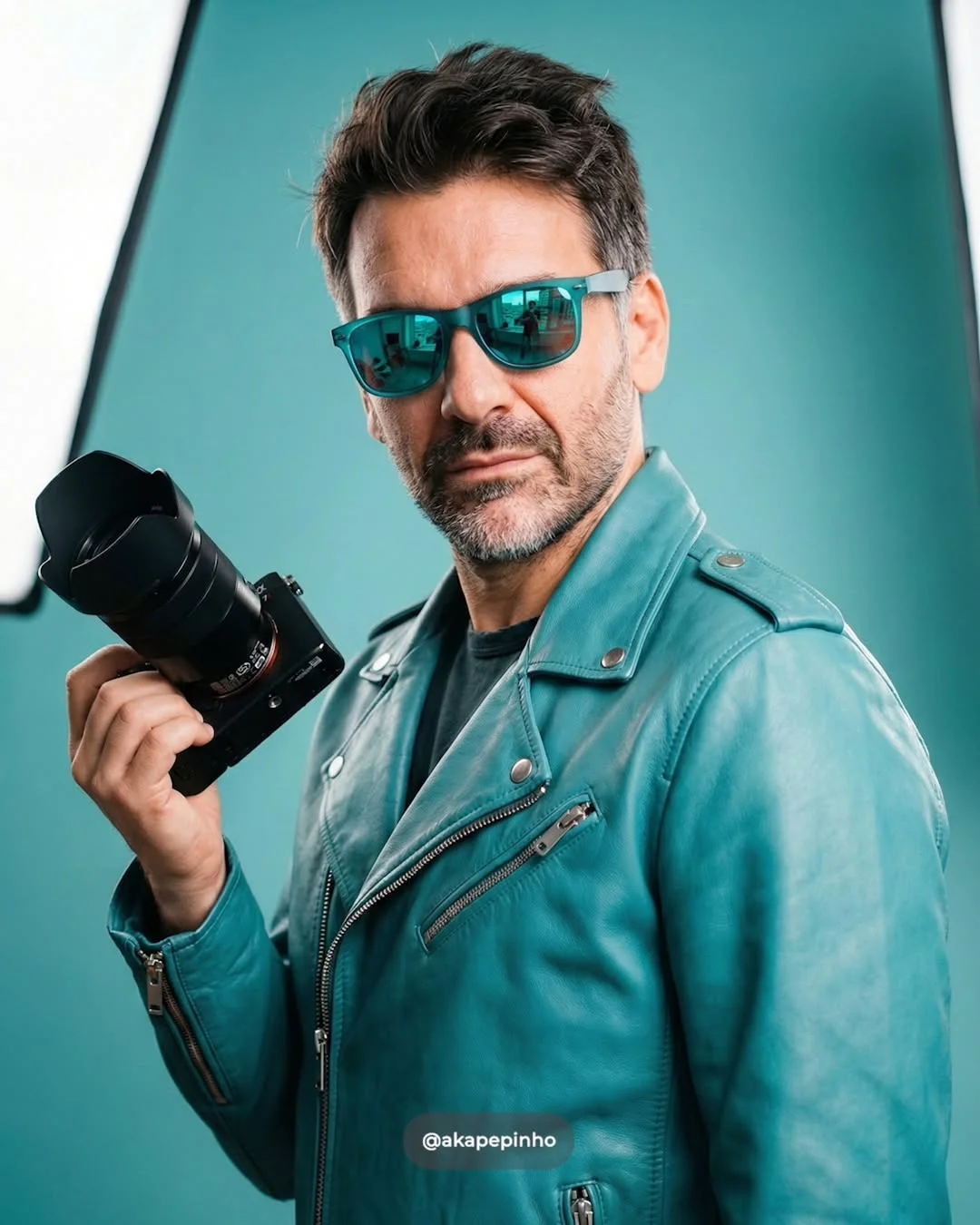
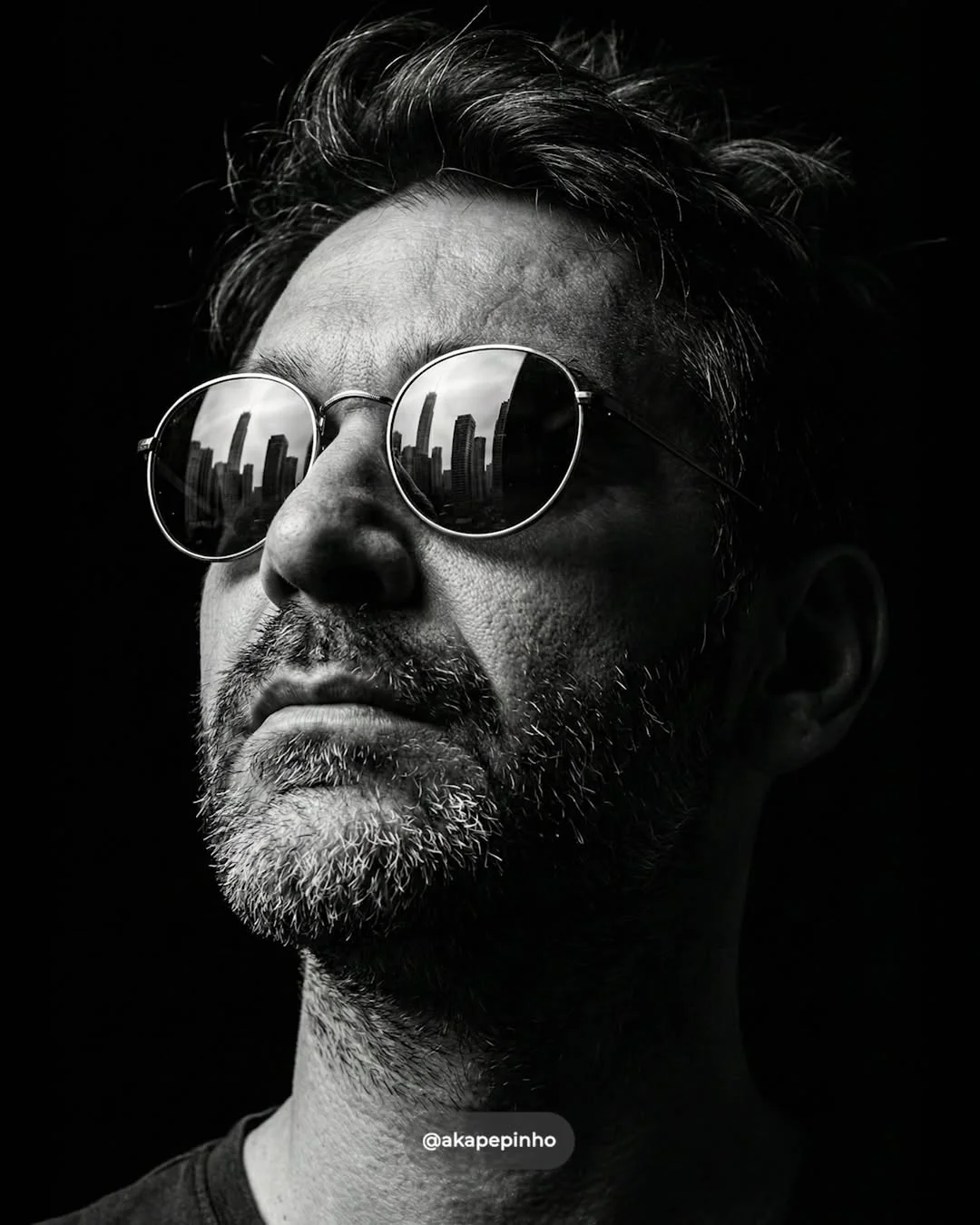
Not long ago, AI-generated images looked like strange, melted paintings. Today, the “uncanny valley”—that creepy feeling where something looks almost human but not quite—is disappearing. The latest models can now render the subtle textures of human skin, the way light refracts through a camera lens, and the complex reflections in a pair of sunglasses with startling accuracy.
For content creators, this evolution means that photorealistic AI images are no longer just a gimmick. They are professional assets. We are entering an era where a creator can sit at a desk and produce a high-end fashion editorial or a cinematic street scene without ever picking up a physical camera. This isn’t about replacing the soul of photography; it’s about expanding the toolkit of the modern digital artist.
3. Benefits of AI for Modern Content Creators
Adopting a generative AI workflow for creators offers several game-changing advantages that traditional methods simply can’t match.
- 1. Speeding up the production workflow: Instead of planning a week-long shoot, you can generate a base concept in seconds. This allows for rapid prototyping of ideas.
- 2. Reducing high costs of physical photoshoots: Studio rentals, models, lighting equipment, and travel add up. AI allows you to achieve a “big budget” look for the cost of a monthly subscription.
- 3. Unlimited creative flexibility and experimentation: Want to see what a subject looks like in a neon-lit Tokyo street at 3 AM? Or perhaps a minimalist studio in Paris? You can change the entire world around your subject with a few keystrokes.
- 4. Maintaining visual consistency for personal branding: With techniques like how to create AI twins, you can place yourself (or a specific character) in endless scenarios while keeping the face and features exactly the same.
4. Key AI Tools for Professional Results
To get professional-grade results, you need to know which tool fits your specific needs. Here are the leaders in the space for 2024:
- 1. Google Gemini and Veo: These represent the new frontier. Google Veo 3 AI is designed to understand cinematic language, making it easier to generate visuals that look like they came from a movie set. Knowing how to use Gemini for images is becoming a core skill for tech-savvy creators.
- 2. Midjourney: Still considered the gold standard for aesthetics. It has a “secret sauce” that makes images look naturally artistic and well-composed right out of the box.
- 3. Flux.1: This is the current leader in realistic AI photography. It excels at rendering human skin textures and, crucially, it can handle text within images better than almost any other model.
- 4. Stable Diffusion: For those who want total control. It runs locally on your machine and allows for “In-painting” and “ControlNet,” where you can guide the AI with specific poses or sketches.
5. How to Write High-Quality Prompts
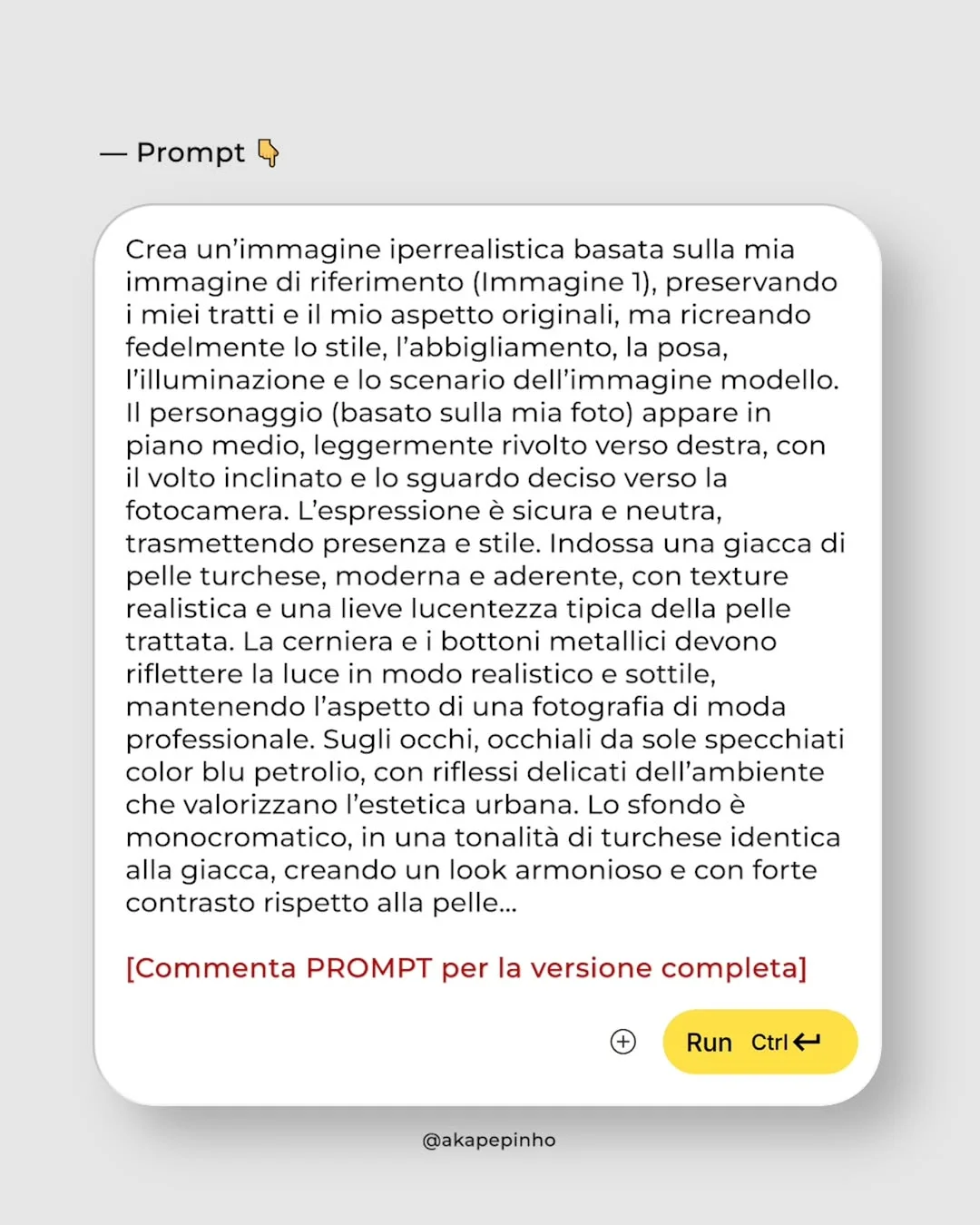
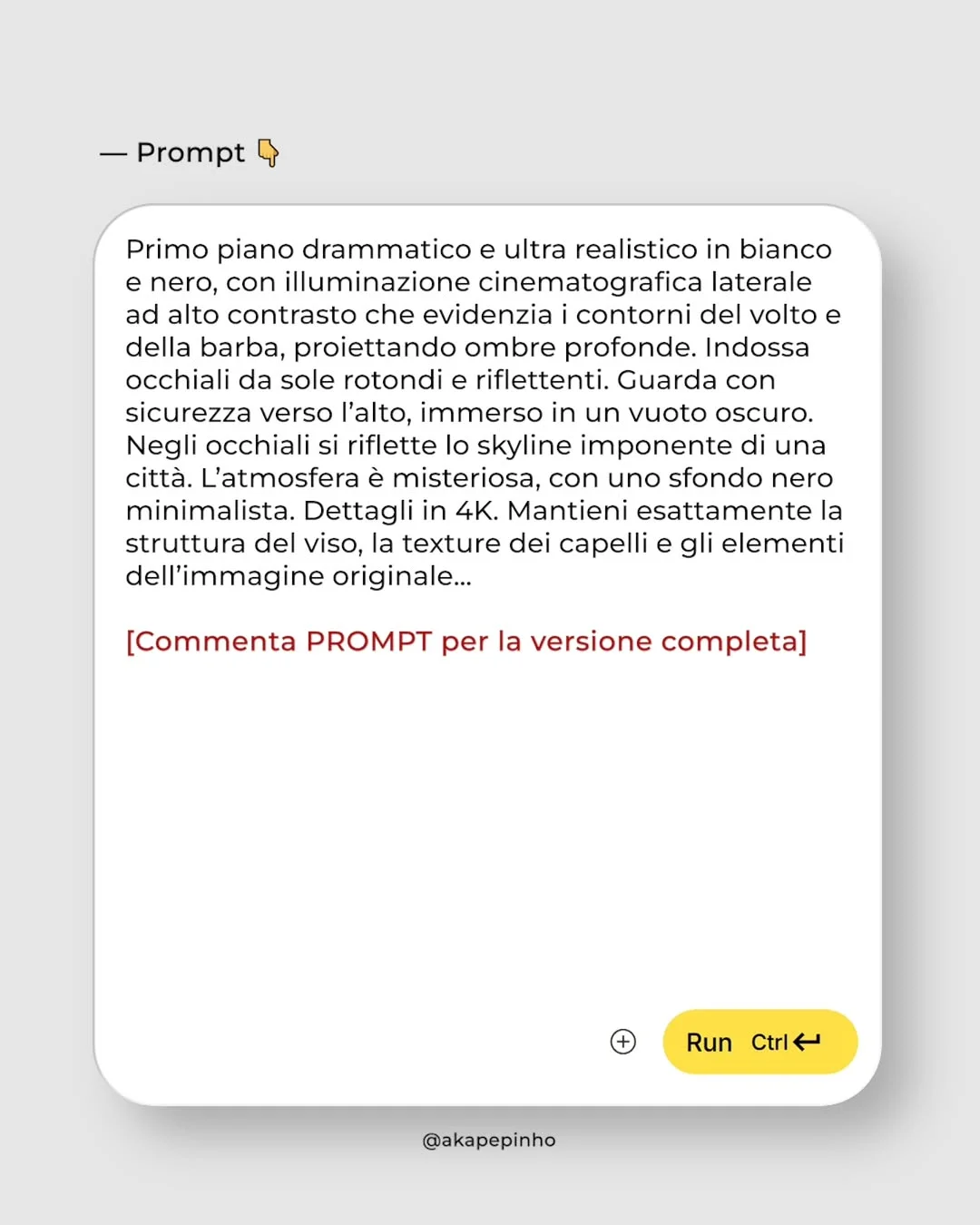
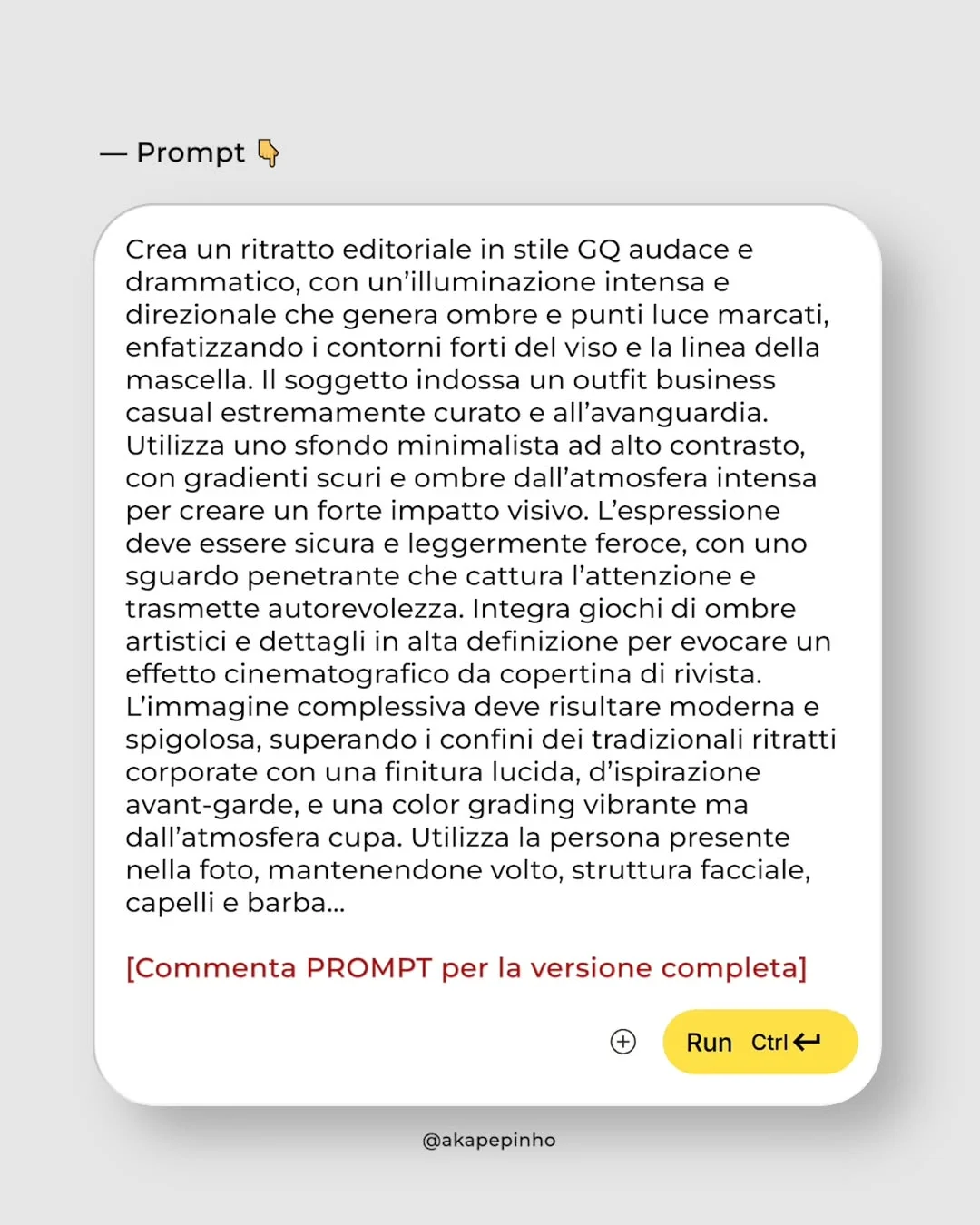
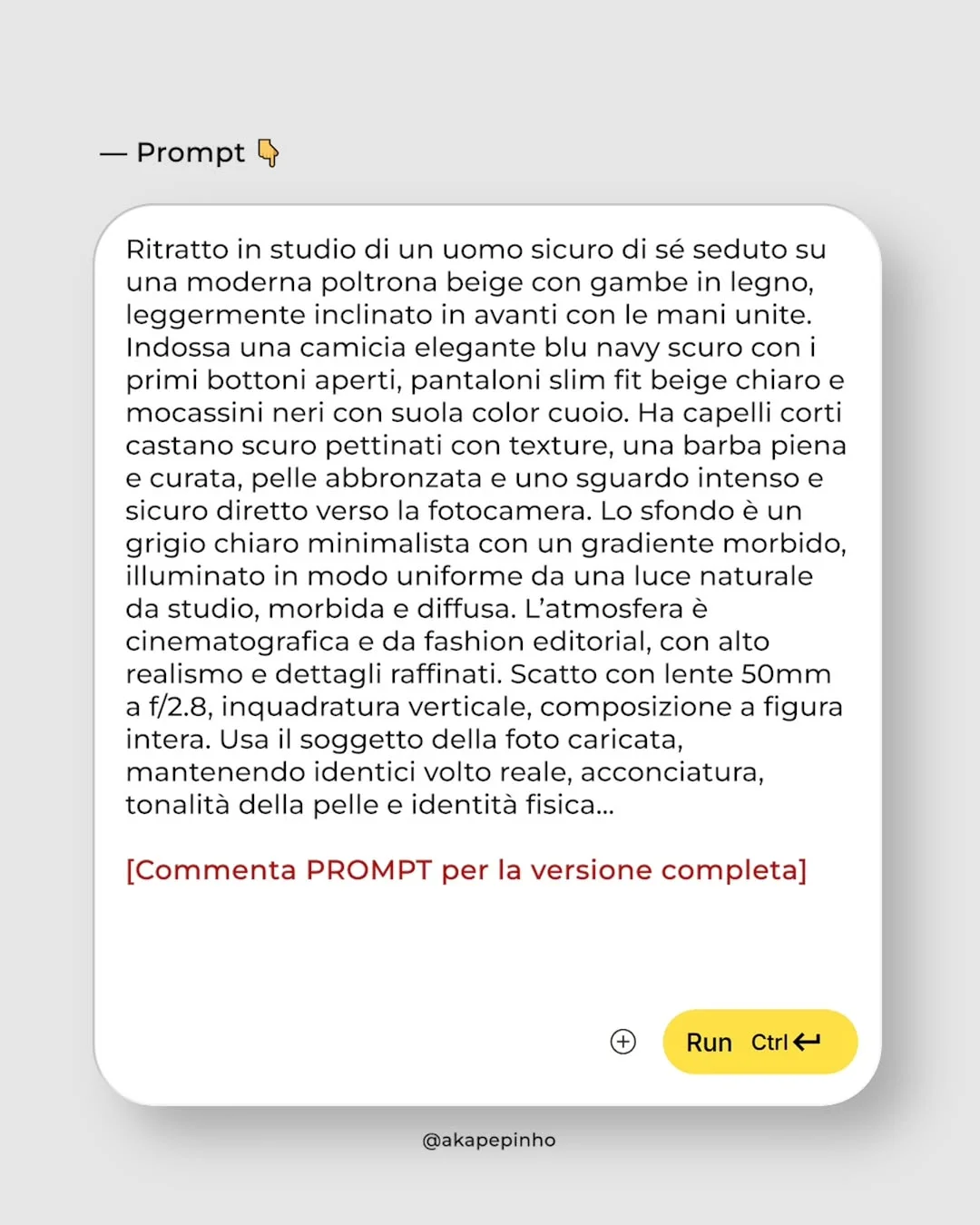
Writing AI prompts for image generation is like talking to a very talented but very literal photographer. You have to be specific about the technical details.
- Defining the Camera Setup: Don’t just say “a photo.” Say “Shot on 35mm lens, f/1.8, ISO 100.” This tells the AI to create a shallow depth of field with a sharp subject and a blurry background.
- Describing Lighting Conditions: Lighting is the difference between a flat image and a cinematic AI prompt. Use terms like “golden hour,” “rim lighting,” or “softbox studio light.”
- Adding “Human” Details: To avoid the plastic look, ask for “skin pores,” “micro-textures,” “imperfections,” or even “stray hairs.” These tiny flaws make the image believable.
- Using Negative Prompts: In tools like Stable Diffusion, you can tell the AI what not to include (e.g., “extra fingers,” “blurry,” “cartoonish”).
6. Integrating AI into Professional Photography
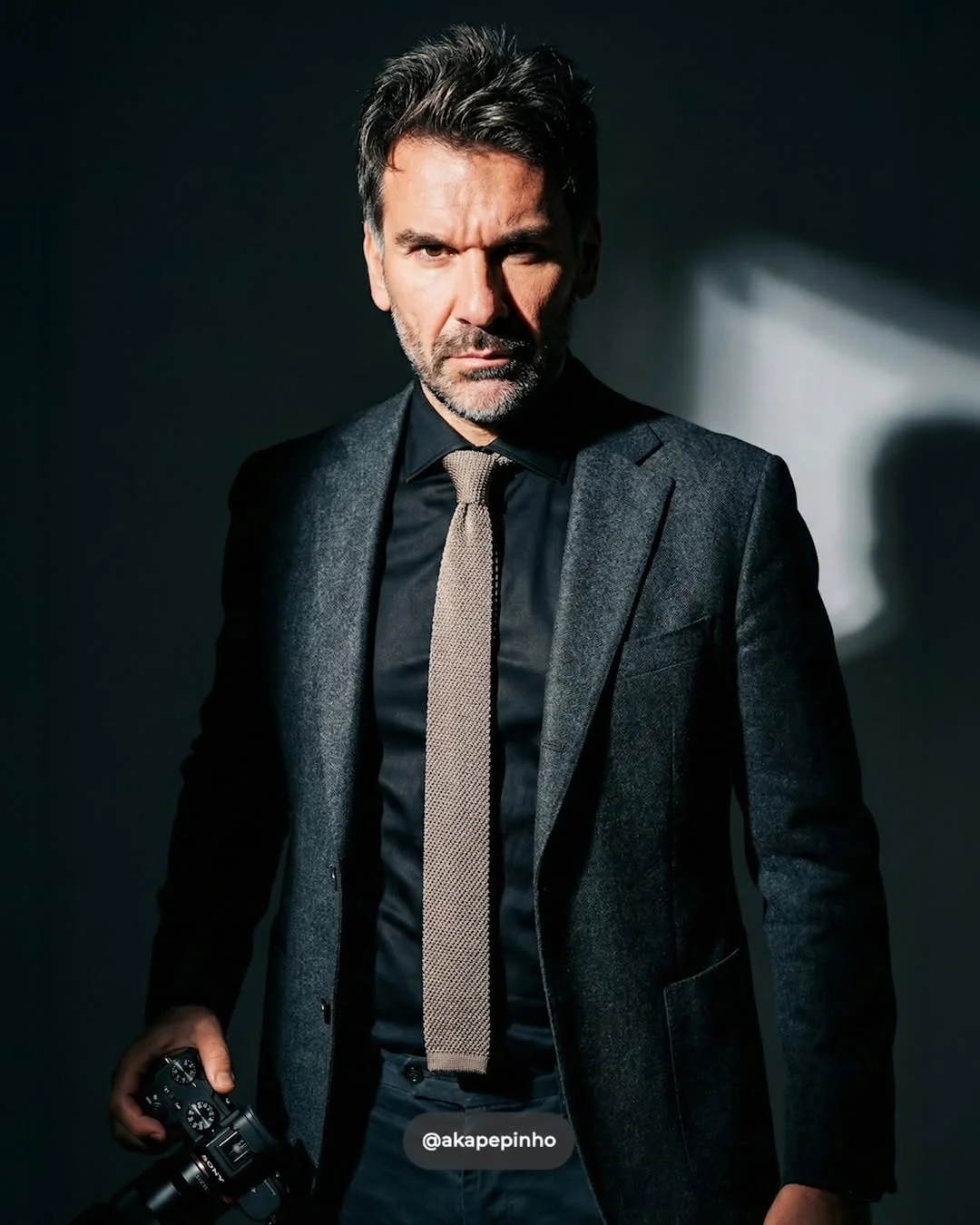
AI shouldn’t be seen as a replacement for photography, but as an evolution of it. Many professionals are now using artificial intelligence in photography to enhance their existing work. Think of it as “Photoshop on steroids.” You can take a real portrait you shot in a boring room and use generative AI to change the background to a lush forest or a high-end penthouse, saving hours of location scouting and set building.
Using AI tools for content creators allows you to focus on the vision rather than the technical hurdles. You become the director of the scene rather than just the person pressing the shutter.
7. What is an AI Twin?
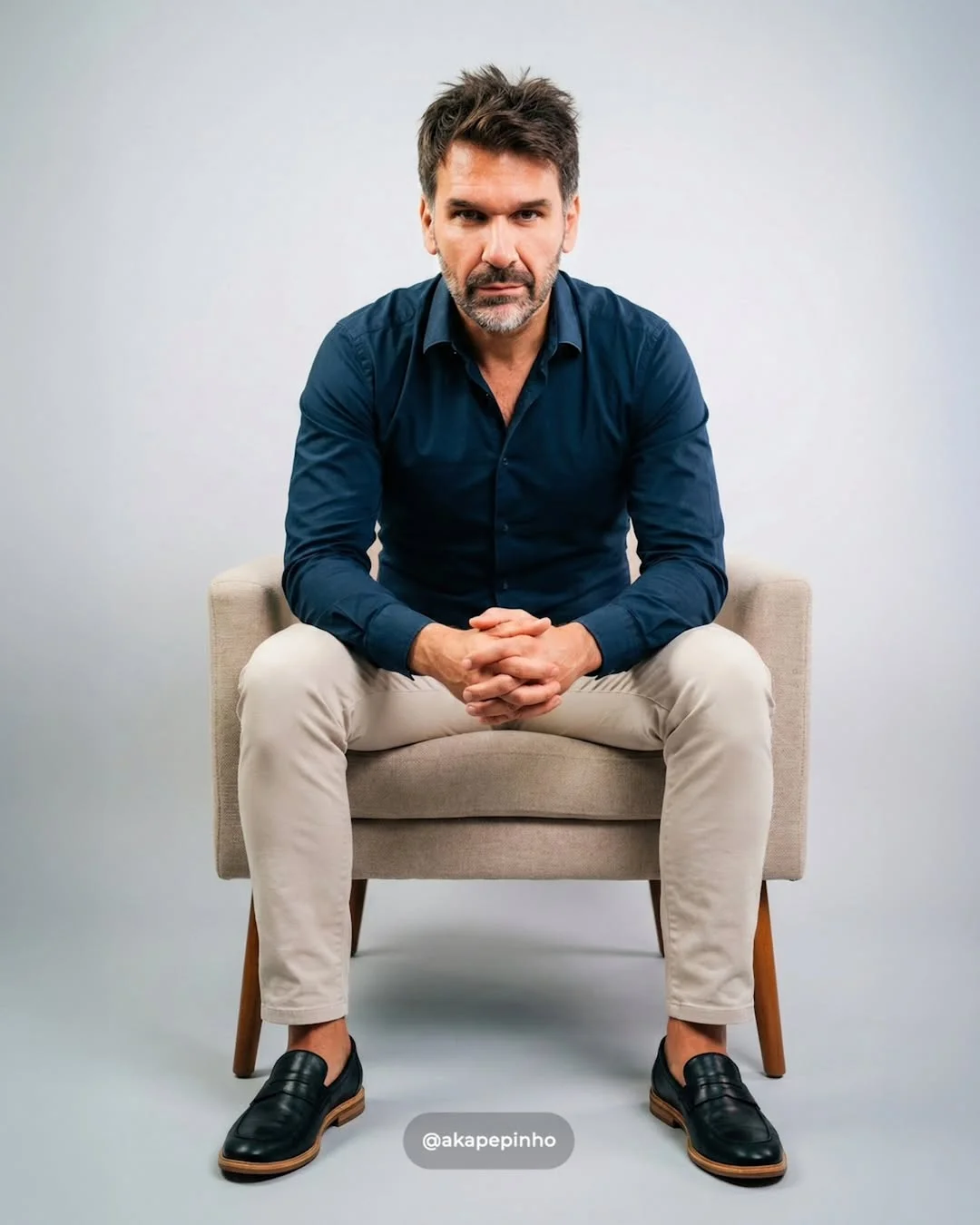
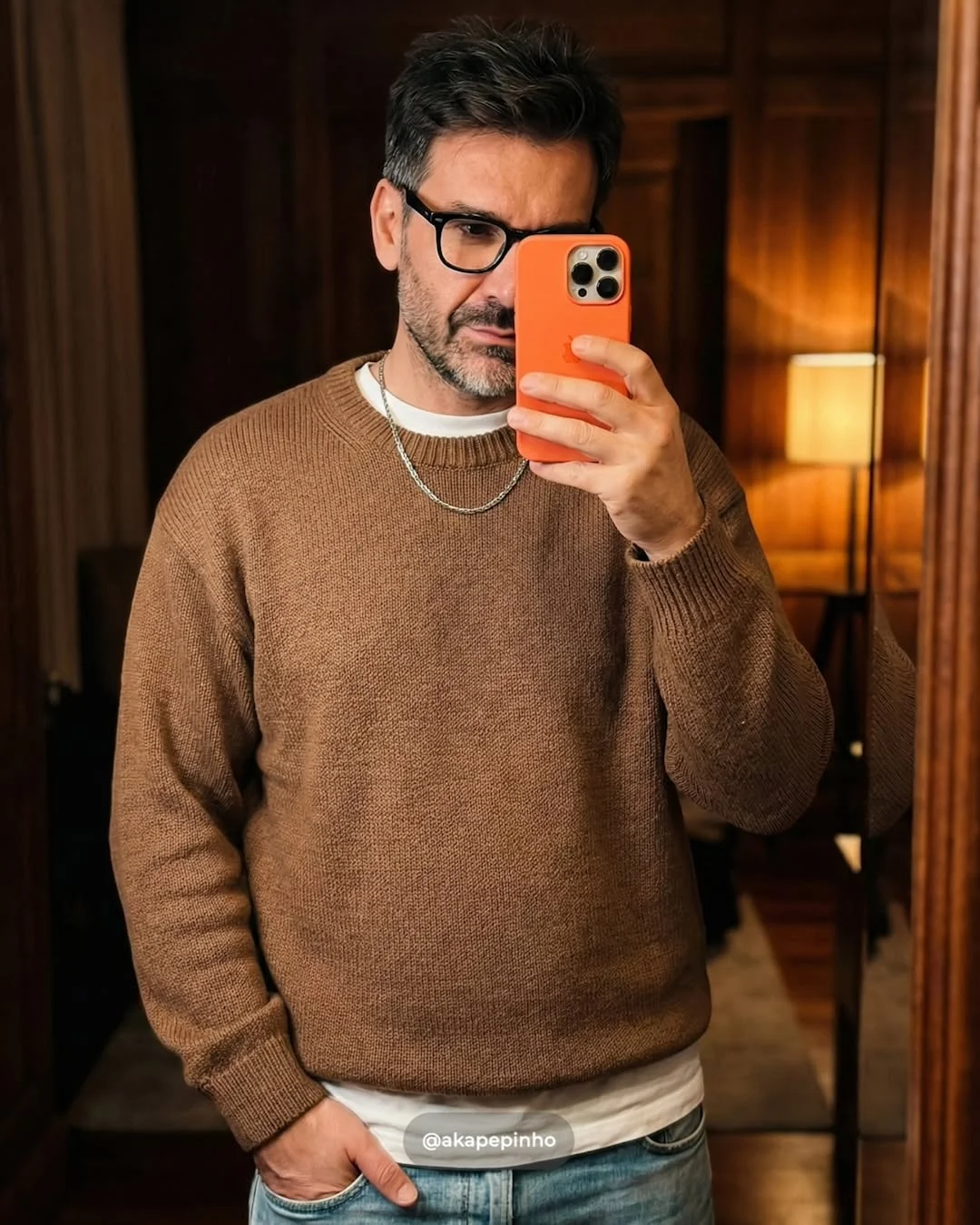
One of the hottest trends right now is the “AI Twin.” This involves training a model (often via LoRA or FaceSwap technologies) on your own face. Once the model knows what you look like, you can use professional AI image prompts to place yourself in any situation.
Imagine having a library of photos of yourself in professional suits, hiking gear, or futuristic outfits, all without ever changing clothes. For influencers and UGC creators, this is a massive time-saver. It allows for high-frequency posting while maintaining a premium aesthetic.
8. Strategies to Stay Ahead of the AI Curve
To survive and thrive as a creator in the age of AI, you need a strategy.
- Shift your mentality: Stop thinking like a “consumer” of tools and start thinking like a “creator” who masters them. The value is no longer in knowing how to press a button, but in knowing what prompts to give.
- Build a Prompt Library: Just as photographers have “presets,” AI creators have “prompt templates.” Save the prompts that work for you so you can reuse the lighting and camera settings later.
- Combine AI with Human Touch: The best hyper-realistic AI art is often finished in Photoshop. Use AI to generate the base, then use your human eye to color grade and polish the final piece.
- Be Transparent: As you use automated content creation techniques, honesty with your audience builds trust. Use hashtags like #AIArtist to let people know you are leveraging these new tools.
9. Conclusion
The generative revolution isn’t coming—it’s already here. Tools like Midjourney, Flux, and the upcoming Google Veo 3 AI are giving creators superpowers. By mastering text to image prompts and understanding the technical side of legendary photography, you can produce content that was once impossible for a single person to create. Don’t be afraid of the change; embrace it, learn the tools, and start building your future as an AI-powered creator today.


10. Frequently Asked Questions
1. Will AI replace professional photographers? AI won’t replace photographers, but photographers who use AI will likely replace those who don’t. AI excels at controlled environments, but it can’t (yet) capture the spontaneous emotion of a live event like a wedding or a breaking news story.
2. What is the best free tool for realistic AI images? Playground AI and Leonardo.ai offer generous free tiers. Additionally, Microsoft Designer (using DALL-E 3) is a great free entry point for beginners.
3. How can I get consistent faces in AI-generated photos? The most effective way is using AI model photography techniques like training a “LoRA” on a specific person or using the “—cref” (Character Reference) tag in Midjourney.
4. Are AI-generated images copyright-protected? Currently, in most jurisdictions (like the US), purely AI-generated images cannot be copyrighted. However, if there is significant human intervention (like custom editing and compositing), parts of the work may be protectable.
5. Do I need a powerful computer to run these AI tools? Not necessarily. Tools like Midjourney, Gemini, and Leonardo run on the cloud. You only need a powerful PC (specifically a strong NVIDIA GPU) if you want to run Stable Diffusion locally.
6. What is the difference between Veo and Midjourney? Midjourney is a specialized image generator known for its artistic flair. Google Veo is an emerging model focused on high-quality video and cinematic consistency, integrating deeply with the Google ecosystem.
7. How do I make AI skin look less “plastic”? Specify “high-frequency skin details,” “visible pores,” and “natural uneven skin tone” in your prompt. Lowering the “stylization” settings in your generator can also help keep the results grounded in reality.