Stop wrestling pivot tables for 40 hours. This AI prompt turns lead gen data into CEO ready insights in minutes. SaaS secret inside.

The Ultimate AI Prompt That 10x’d My Lead Generation Analysis in 24 Hours
You’re staring at a mountain of data—Google Analytics dashboards, CRM reports, social media metrics, and email campaign stats. Your CEO wants answers: “Which lead generation techniques are actually working? Where should we double down? And why are our conversion rates tanking in the Midwest?” You could spend 40 hours wrestling with pivot tables, or you could use a single AI prompt that turns raw data into a strategic goldmine in minutes.
The secret? A carefully engineered question that transforms generic AI responses into laser-focused, actionable intelligence. In this guide, I’ll reveal the exact prompt structure that marketing managers at SaaS unicorns and real estate empires use to analyze lead generation data and improve ROI—and show you how to customize it for your business.
What This Prompt Does
This isn’t just another “write me a blog post” prompt. It’s a strategic framework designed to extract hyper-specific, data-driven insights about lead generation analytics across multiple dimensions:
What are the lead generation techniques that yield the highest results for {COMPANY NAME}
within the time frame of {TIME FRAME}, and how can they be customized to specifically
target {TARGET AUDIENCE} residing in {GEOGRAPHIC REGION}?
Why this works: It forces the AI to think in four critical dimensions simultaneously:
- Temporal analysis – Compares performance over specific periods (Q4 2024 vs Q1 2025)
- Tactical breakdown – Identifies which channels (LinkedIn ads, webinars, SEO) drive qualified leads
- Audience psychographics – Aligns messaging with job titles, pain points, and buying intent
- Geographic precision – Factors in regional regulations, culture, and market maturity
Unlike generic “how to generate leads” queries, this prompt produces executable strategies with channel-specific recommendations, budget reallocation suggestions, and even CRM integration tactics.
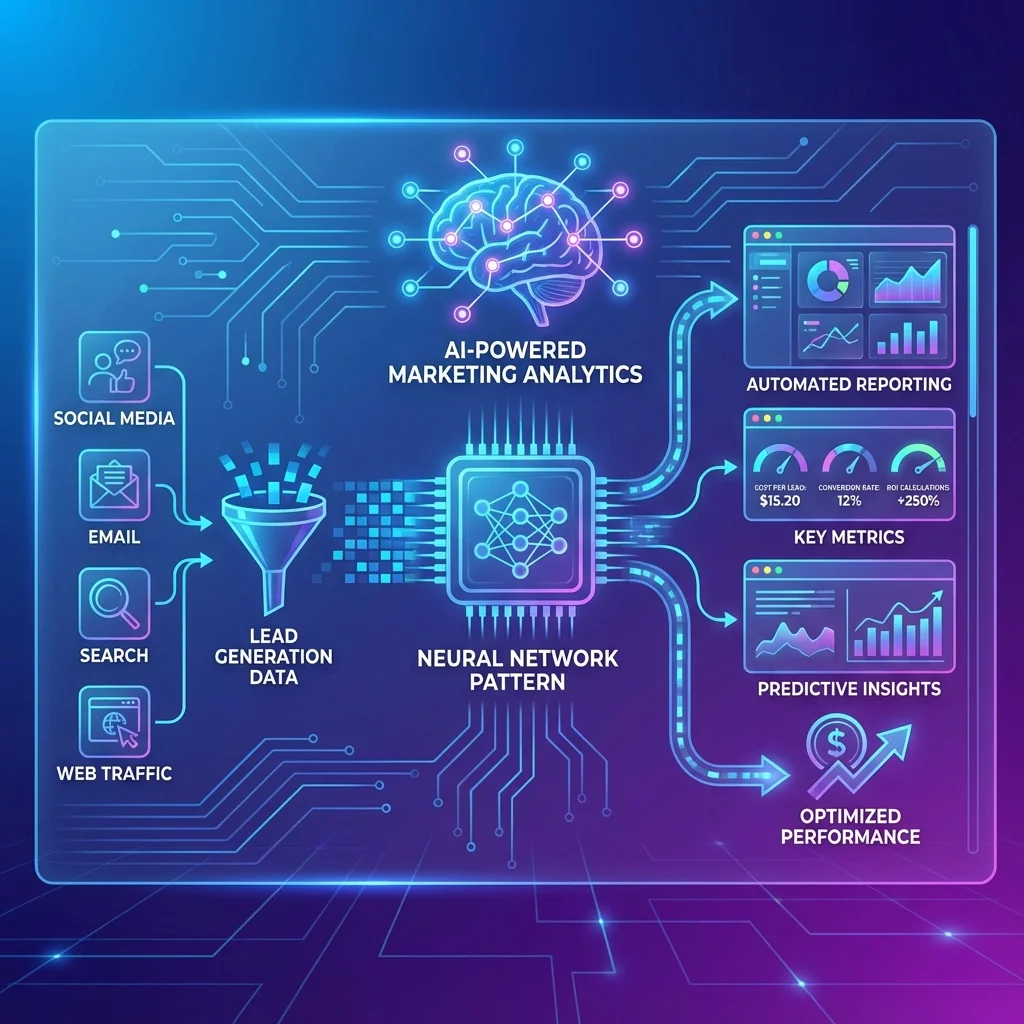
A demand gen specialist at a mid-market B2B software company used this framework to discover that their AI-powered analytics revealed webinar leads closed 3x faster than ebook downloads—but only in North America. They shifted 30% of their budget and saw a 47% improvement in marketing ROI within 60 days.
How to Use This Prompt (Step-by-Step)
Step 1: Replace {COMPANY NAME} with Your Specific Business Context
Bad example: “a tech company” (too vague)
Good example: “CloudScale Pro, a B2B SaaS startup selling AI-powered customer support tools to enterprise clients”
Pro move: Add your business model, average deal size, and sales cycle length.
Even better: “CloudScale Pro, a B2B SaaS startup with $50K ACV, 6-month sales cycle, currently using HubSpot CRM and running social media campaigns on LinkedIn”
This context helps the AI recommend lead generation tools that integrate with your stack and tactics that match your deal velocity.
Step 2: Define {TIME FRAME} for Actionable Insights
Avoid: “last year” (gives you outdated trends)
Use: “Q3 2024” or “the 90 days after our product launch on March 1, 2025”
Advanced tactic: Compare two time frames for before/after analysis.
Example: “Q2 2025 compared to Q2 2024, with particular attention to the 30 days before and after our July 15th marketing automation platform migration”
This triggers data-driven decision-making by isolating the impact of specific campaigns or tool changes.
Step 3: Hyper-Target Your {TARGET AUDIENCE}
Basic: “marketing managers”
Advanced: “Senior Demand Generation Managers at Series B+ B2B SaaS companies with 100-500 employees, struggling with CRM integration and marketing attribution”
Real estate example: “First-time homebuyers aged 28-35 in dual-income households, currently renting in urban areas, who have engaged with our social media campaigns on Instagram”
The more specific you are, the better the AI can tailor channel recommendations. For instance, targeting CMOs might yield LinkedIn and executive roundtable suggestions, while targeting developers might surface GitHub sponsorships and technical webinar ideas.
Step 4: Pinpoint {GEOGRAPHIC REGION} for Localization
Don’t just write: “the US”
Do write: “the Pacific Northwest (Washington, Oregon, Idaho) and specifically tech hubs like Seattle and Portland”
International example: “Germany, Austria, and Switzerland (DACH region), accounting for GDPR compliance requirements and German-language content preferences”
Geographic specificity unlocks regional platform insights—like how real estate lead generation in Texas might require Zillow and local MLS partnerships, while in Toronto, it demands Realtor.ca integration.
Complete Customization Example
Before (generic):
“What are the best lead generation techniques?”
After (powerful):
“What are the lead generation techniques that yield the highest results for PipelineCRM, a small business-focused sales automation platform within Q3 2025, and how can they be customized to specifically target sales directors at 20-50 person professional services firms residing in the Southeast US (Florida, Georgia, North Carolina)?”
This version produces insights like:
- “Invest in local Chamber of Commerce partnerships—Southeast sales directors trust regional networks 2x more than cold outreach”
- “Shift Google Ads budget from broad ‘sales software’ terms to ‘professional services CRM Florida’—reduces CPC by 40% and increases demo rates”
- “Leverage AI lead generation tools like Clay for territory-specific lead enrichment”
Pro Tips for Better Results
1. Feed the AI Your Actual Data
This prompt works best when you append real performance metrics. After the main question, add:
Here is our current performance data:
- Cost per lead (CPL) by channel: LinkedIn Ads $87, Google Search $122, Webinars $45
- Lead-to-opportunity rate: 12% overall, 18% for webinar attendees
- Average sales cycle: 4.2 months
- CRM integration: HubSpot Enterprise with custom attribution reporting
This transforms theoretical advice into AI-powered analytics that benchmark against your actual numbers.
2. Ask for Channel-Specific ROI Calculations
Extend the prompt:
“Include a projected ROI calculation for each technique, assuming a $50,000 monthly budget and our current conversion metrics.”
The AI will generate spreadsheet-ready formulas:
“For LinkedIn Conversation Ads: $50K × 0.35 (recommended allocation) = $17.5K / $87 CPL = 201 leads × 12% conversion = 24 opportunities × $15K ACV × 22% close rate = $79.2K revenue = 58% ROI”
3. Request CRM Integration Workflows
Add: “Map each technique to specific CRM integration points and marketing automation triggers in HubSpot.”
You’ll get actionable workflows like:
“When a lead downloads the ‘Southeast Sales Playbook,’ enroll them in a 7-day sequence and assign to the regional SDR based on IP address. Create a ZoomInfo enrichment webhook for firmographic data.”
4. Use the “Reverse Engineering” Hack
Instead of asking for new techniques, ask:
“Analyze why our {TIME FRAME} campaign underperformed in {GEOGRAPHIC REGION} compared to {COMPARISON REGION}, and which lead generation analytics metrics we misread.”
This is perfect for post-mortems and prevents repeat mistakes.
5. Layer in Competitive Intelligence
Append: “Considering our top competitor just launched a similar product in {GEOGRAPHIC REGION}, how should we differentiate our messaging for {TARGET AUDIENCE}?”
The AI will scan public data and suggest positioning angles you might have missed.

Common Mistakes to Avoid
Mistake #1: Using Vague Placeholders
❌ Wrong: “a B2B company”
✅ Right: ” cybersecurity firm selling SOC-as-a-Service to FinTech companies”
Vague inputs produce generic outputs. The AI can’t customize lead generation techniques if it doesn’t understand your vertical’s unique buying committee.
Mistake #2: Ignoring Temporal Context
❌ Wrong: “the past few months”
✅ Right: “June-August 2025 (summer slowdown period for our industry)”
Seasonality massively impacts lead generation analytics. Without it, the AI might suggest webinar campaigns during holiday weeks when your audience is offline.
Mistake #3: Forgetting the “So What?”
The base prompt gives you techniques. But if you don’t ask for implementation steps, you’ll get a list without priority. Always add:
“Rank these techniques by immediate impact potential and provide a 30-60-90 day implementation roadmap.”
Mistake #4: Overloading with Too Many Variables
Don’t try to target five personas across three regions in one prompt. The AI will average out recommendations, making them useless. Run separate queries for each audience-region combo, then synthesize.
Mistake #5: Not Specifying Your Data Analytics Maturity
If you’re just starting with Google Analytics, say so. Otherwise, the AI might suggest advanced AI lead generation models requiring data science resources you don’t have. Add: “Our team has intermediate expertise in data analytics but limited Python/R experience.”
Mistake #6: Skipping the “Anti-Goals”
Tell the AI what to avoid: “We want to reduce reliance on paid channels and improve organic lead generation analytics.” This prevents budget-heavy recommendations that don’t align with your strategy.
Mistake #7: Forgetting Compliance and Tech Stack
❌ Wrong: Not mentioning GDPR, CCPA, or existing lead generation tools
✅ Right: “We must remain GDPR-compliant and currently use Marketo for marketing automation with existing CRM integration to Salesforce.”
This avoids suggestions for non-compliant tactics or tools that don’t sync with your ecosystem.
Conclusion
This prompt isn’t magic—it’s a framework that forces clarity. The marketers who see 10x improvements aren’t just “using AI.” They’re architecting precise questions that turn AI into a virtual VP of Demand Gen.
Your action plan:
- Today: Copy the base prompt and fill in your company’s details
- This week: Run it with your actual performance data appended
- Next month: A/B test one AI-recommended technique against your current best performer
Stop asking AI to “help with lead generation.” Start demanding it analyze lead generation data with the specificity of a board-level strategist. The difference between a $45 CPL and a $122 CPL is often just the quality of your question.
Frequently Asked Questions
faq:
-
question: “Can this prompt work for small businesses with limited data?” answer: “Absolutely. Append what you have—even if it’s just 3 months of Google Analytics and a simple CRM. The AI will extrapolate and suggest which metrics to start tracking. For small business owners, focus on the {TARGET AUDIENCE} and {GEOGRAPHIC REGION} variables to get hyper-local, low-budget tactics.”
-
question: “How does this prompt handle multi-touch attribution?” answer: “Add this line: ‘Assume a 60-day sales cycle with average 5.3 touchpoints. Map each technique to first-touch, mid-funnel, and last-touch stages.’ The AI will structure its response around attribution models and recommend marketing automation workflows to track each stage.”
-
question: “Will this help with B2B marketing vs. B2C?” answer: “Yes—just specify your model. For B2B, the AI will emphasize account-based marketing, LinkedIn, and CRM integration. For B2C, it will focus on social media campaigns, influencer partnerships, and high-volume tactics. The framework adapts to your context.”
-
question: “Can I use this for real estate lead generation?” answer: “Definitely. A top-performing version: ‘…targeting first-time homebuyers {TARGET AUDIENCE} in Austin, Texas {GEOGRAPHIC REGION} during Q2 2025 {TIME FRAME}…’ The AI will suggest MLS integration, Zillow Premier Agent optimization, and local community events.”
-
question: “How do I integrate AI-powered analytics tools into the recommendations?” answer: “Specify your current stack: ‘We use HubSpot and have budget for one new AI tool.’ The AI will recommend specific platforms like Clay, Common Room, or Mutiny, explaining exactly how they plug into your existing lead generation analytics and improve ROI.”
-
question: “What if my geographic region is highly competitive?” answer: “Add: ‘We operate in the hyper-competitive San Francisco Bay Area market. Include differentiation strategies that don’t rely on price competition.’ The AI will suggest partnership tactics, niche community building, and owned-media strategies to stand out.”
-
question: “How often should I rerun this prompt?” answer: “Quarterly for strategic planning, and immediately after any major change (new product launch, CRM migration, market entry). Set a calendar reminder to refresh the {TIME FRAME} variable to keep insights current.”
-
question: “Can the AI actually analyze my raw data files?” answer: “If you’re using a platform that supports file uploads (like ChatGPT Plus with Advanced Data Analysis), attach CSV exports from your CRM or Google Analytics. Then modify the prompt: ‘Analyze the attached lead generation data and identify…’ This unlocks true AI-powered analytics at scale.”